Destinations
 Data sources
 AI insights
 About us
 Careers
 Security
 Customer reviews
 Contact us
 Affiliate program
 Solution partners
 Template gallery
 Looker Studio templates
 Power BI templates
 Excel templates
 Google Sheets templates
 Tableau templates
 Facebook Ads templates
 Google Ads templates
 Data fields & Metrics
 API documentation
 Product documentation
 Case studies
 Data models
 Blog
Blog Product updates
 Windsor vs Supermetrics
 Windsor vs Funnel.io
 Windsor vs Fivetran
 Windsor vs Rivery
 Windsor vs Portermetrics
 Windsor vs Coupler.io
Connect Insightly to Looker Studio
Streamline your Insightly integration with Looker Studio through Windsor.ai’s ETL connector.
Automatically sync Insightly CRM data with Looker Studio and create interactive dashboards to track sales performance and customer service, empowering smarter, data-driven decisions.
Forget CSVs. Stop copy/paste. Connect data in 2 minutes. No code required.
 Sign up with Google
 30-day free trial
No credit card needed
30-day free trial
No credit card needed









Maximize the value of your CRM data with Insightly to Looker Studio integration
Windsor.ai enables you to make the most out of Insightly’s rich CRM and project data by seamlessly connecting it to Looker Studio for advanced visualization and analysis. Here are the key benefits this integration brings to your business:

Enhance data visualization
Enhance data visualization
Turn raw CRM data into interactive dashboards that track leads, opportunities, and pipeline progression. With advanced visualization capabilities in Looker Studio, sales managers can spot bottlenecks, measure conversion rates, and forecast revenue more accurately.

Unify data for cross-channel insights
Unify data for cross-channel insights
Blend Insightly with data from 325+ other platforms like Google Ads, GA4, or social media. This helps you uncover patterns in engagement, connect campaigns to pipeline growth, and optimize strategies for better acquisition and retention.

Automate reporting
Automate reporting
Windsor.ai automates data sync between Insightly and Looker Studio, enabling you to build customized reports that surface the most relevant data points. Access to hundreds of metrics and dimensions and track KPIs that matter most in real-time, reducing manual effort and ensuring complete accuracy.
Using Windsor.ai connector to import data from Insightly into Looker Studio
Most available methods for integrating Insightly to Looker Studio require technical expertise, manual data handling, or expensive tools. Windsor.ai’s no-code ETL connector makes this process simple and efficient.
In just a few minutes, Windsor.ai seamlessly syncs your Insightly data with Looker Studio, delivering always up-to-date dashboards.
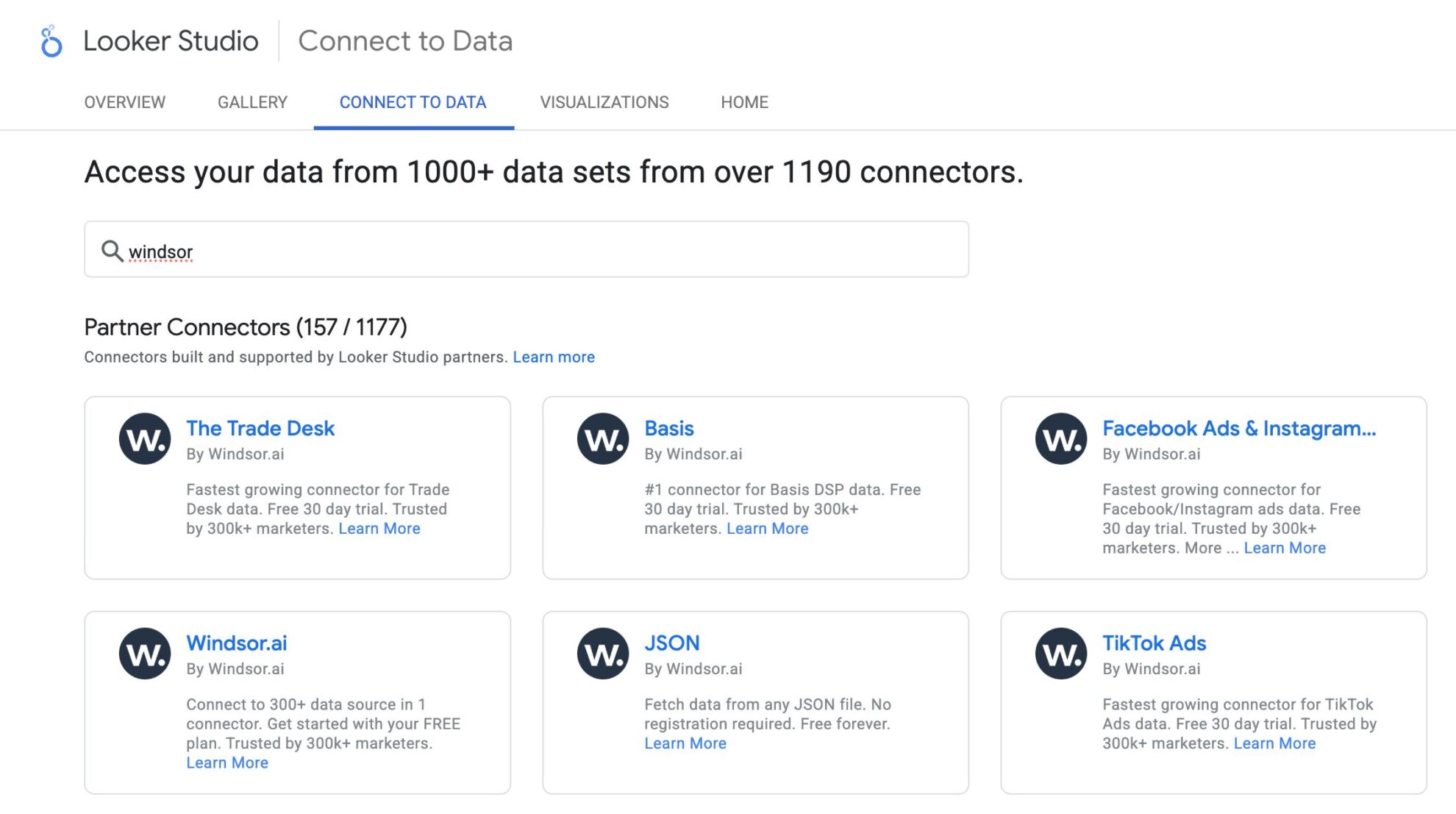














How to connect Insightly to Looker Studio in Windsor.ai
To set up the connector, make sure you have the following things in place:
- Insightly account (Visit our privacy policy and terms of use)
- Google account for Looker Studio integration
- Active Windsor.ai account
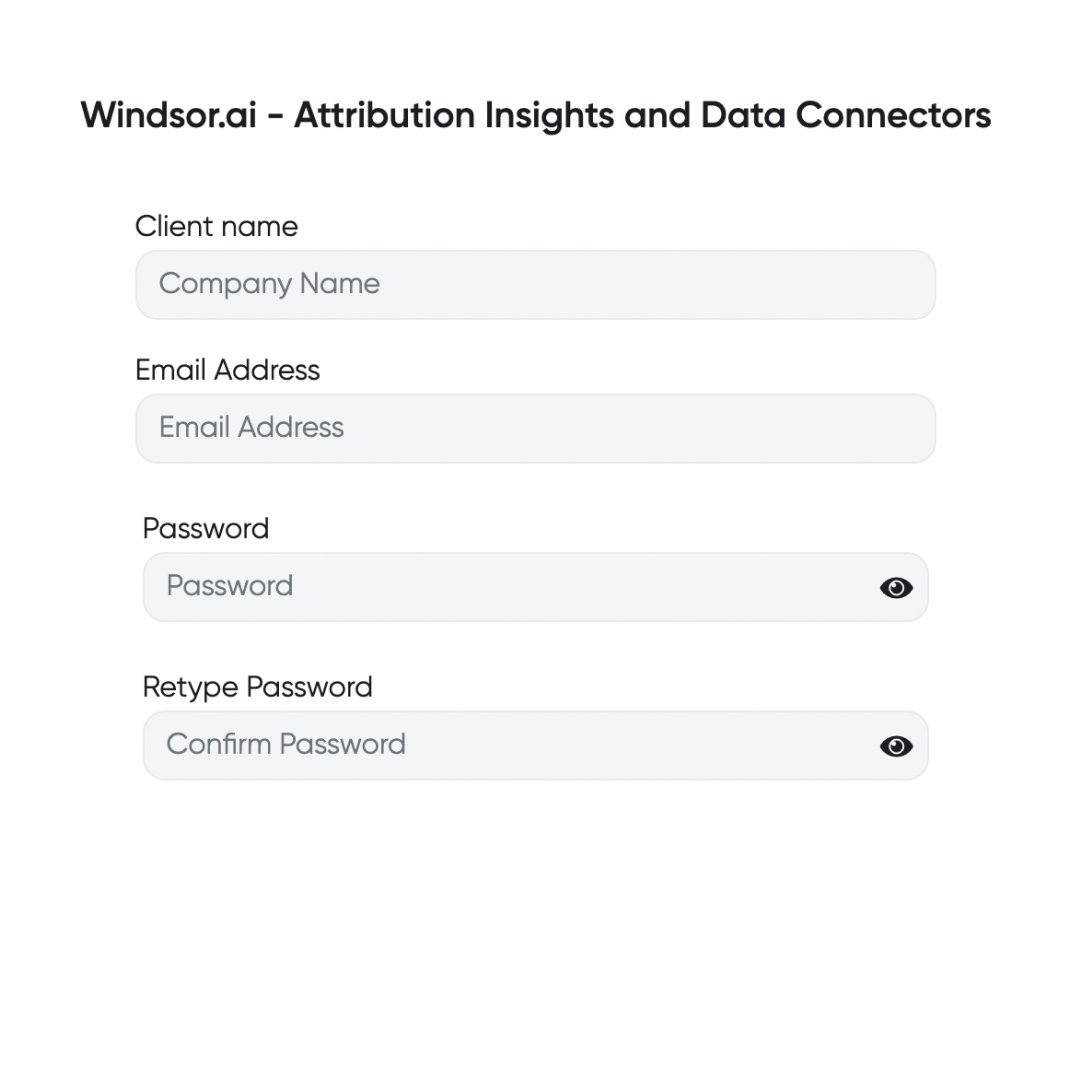
Register and log in to Windsor.ai
Create a new Windsor.ai account or log in if you already have one.
Select your data source
Choose Insightly as your data source and grant access to Windsor.ai.

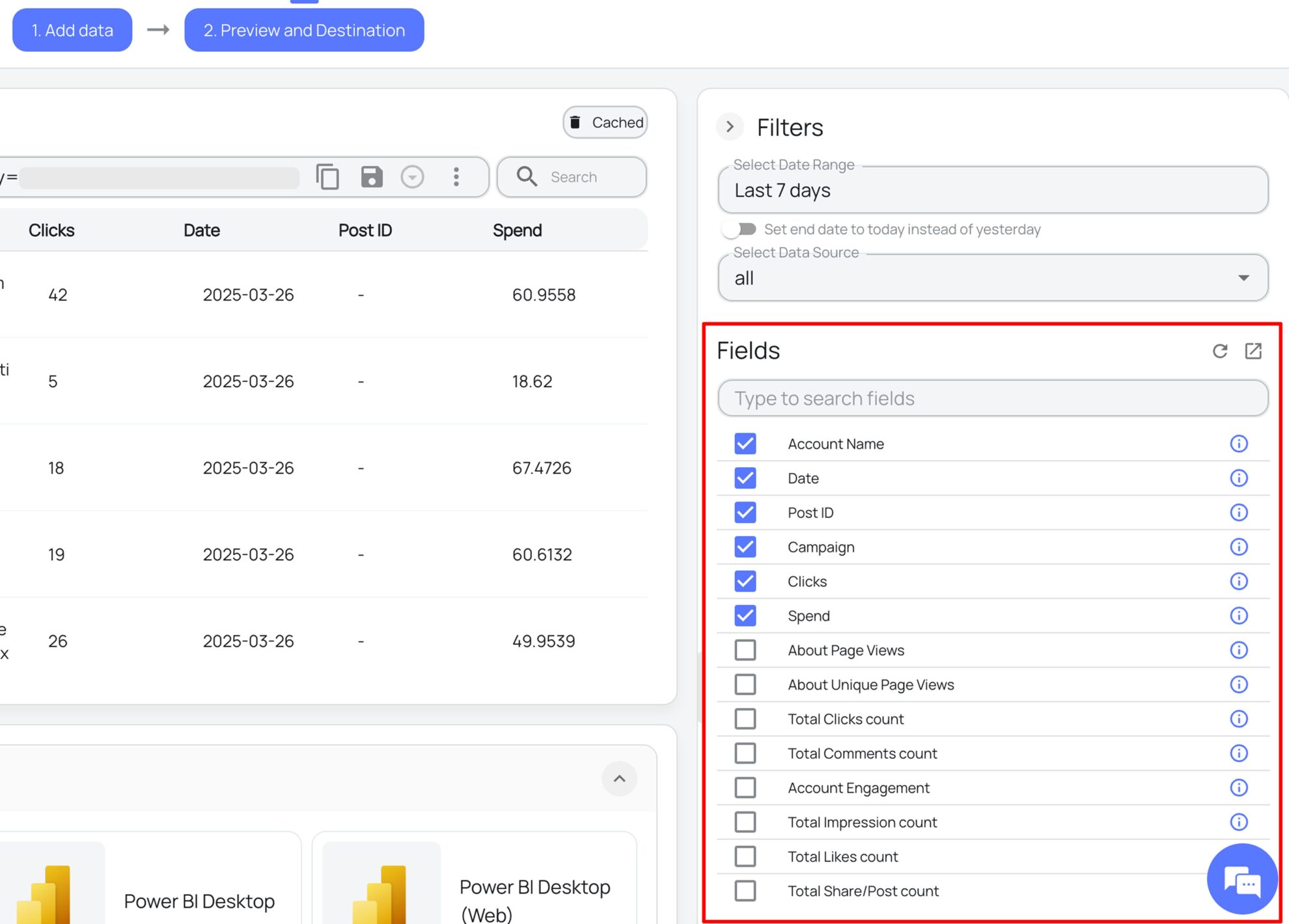
Select the reporting metrics and dimensions
Choose the Insightly fields you want to import into Looker Studio on the right side.
Authorize the Looker Studio connector and sync data
Select the Windsor.ai Insightly Looker Studio Connector. Click “Authorize” and log in with your Windsor.ai credentials. You will be redirected to the Insightly connector again. Choose your Insightly account and click “Connect.” Then, click “Create Report.”

FAQs
What is Looker Studio?
Looker Studio (formerly known as Google Data Studio) is a leading business intelligence tool that enables users to create personalized dashboards for visualizing data across specific variables. It offers robust reporting capabilities and integrates seamlessly with other Google Cloud tools, such as Workspace, Google Analytics, and machine learning, to enhance data analysis and foster collaboration.
Do you have helpful links to get started with integrating Insightly and Looker Studio using Windsor.ai?
Yes, we have helpful resources to help you get started. You can explore our official documentation and ready-to-use templates for seamless Insightly to Looker Studio integration with Windsor.ai:
How much time do I need to create the Insightly and Looker Studio integration?
Using Windsor.ai’s no-code ETL connector, you can integrate Insightly with Looker Studio in a few minutes, benefiting from a quick and stress-free setup process.
How much does it cost to integrate Insightly into Looker Studio with Windsor.ai?
Windsor.ai’s pricing for Insightly to Looker Studio data integration can vary depending on your use case and data volume. We offer transparent pricing plans tailored to diverse business needs and budgets.
Tired of manual Insightly data exports? Get started with Windsor.ai today to automate your reporting