 Destinations
 Data sources
 AI insights
 About us
 Careers
 Security
 Customer reviews
 Contact us
 Affiliate program
 Solution partners
 Template gallery
 Looker Studio templates
 Power BI templates
 Excel templates
 Google Sheets templates
 Tableau templates
 Facebook Ads templates
 Google Ads templates
 Data fields & Metrics
 AI prompt library & Guides
 Product documentation
 API documentation
 Case studies
 Blog
 Data models
 Windsor vs Supermetrics
 Windsor vs Funnel.io
 Windsor vs Fivetran
 Windsor vs Rivery
 Windsor vs Portermetrics
 Windsor vs Coupler.io
Facebook Page Insights Connector
Windsor.ai’s Facebook Page Insights connector pulls your Page’s organic data through Meta’s Graph API and sends it to your BI tool, spreadsheet, data warehouse or AI assistant, with no manual exports. You get Page, post, video and Reels metrics by day and by post.
Warehouses and reports refresh on a schedule. Claude and ChatGPT read the data when you ask, and can also publish a post to your Page after you approve it.
No code. Free forever plan for one data source, no credit card.
 Free forever plan
No credit card needed



Make the most out of your Facebook Page Insights data with Windsor.ai
Page, post, video and Reels metrics: impressions, Page views, follows and unfollows, post engagements, clicks and reactions by type, comments, shares, video watches at 15, 30 and 60 seconds and at 95%, Reels plays, and Page likes by country and city.

Start from a ready-made Facebook Page report in Data Studio, Power BI or Sheets and connect it to your own Page.
Send your Facebook Page Insights data to any destination
Import your Facebook Page Insights data into any destination using Windsor.ai.





















What the Facebook Page Insights connector gives you
Windsor.ai reads your Page through Meta’s Graph API and loads the rows into the destination you choose. What you get:
- Page and post data together. Page metrics come by day (impressions, Page views, follows, unfollows, post engagements, video views). Post metrics come per post (impressions, engagements, clicks by type, reactions by type, comments, shares), with the post text, type, link and publish time.
- Video and Reels. Views, watches at 15, 30 and 60 seconds, watches at 95% of the length, and Reels plays and replays.
- Meta’s June 2026 change applied. On 15 June 2026 Meta stopped returning paid, organic and viral splits and several unique-reach metrics for Pages, for every API user. The field reference marks the affected fields as deprecated, and our guide to the June 2026 deprecation lists the replacements.
- Posting from a chat. In Claude or ChatGPT, the connector can publish a text or link post, or a photo post with a caption, after you approve the draft. See the write actions list.
- Next to your other data. Facebook Ads, Instagram, GA4 and 350+ other sources go through the same Windsor.ai account and can be combined with Page data in one report.
Sample output. Our own Facebook Page, 18 September to 17 October 2026, as the connector returned it:
- Page: 8,665 impressions, 654 Page views, 113 post engagements, 69 video views, 19 new follows and no unfollows.
- Posts: 8 posts published; the most seen had 115 impressions, and all 8 together had 490.
Page impressions count any content from or about the Page, ads included. The posts’ own impressions are the better measure of how far each post travelled.
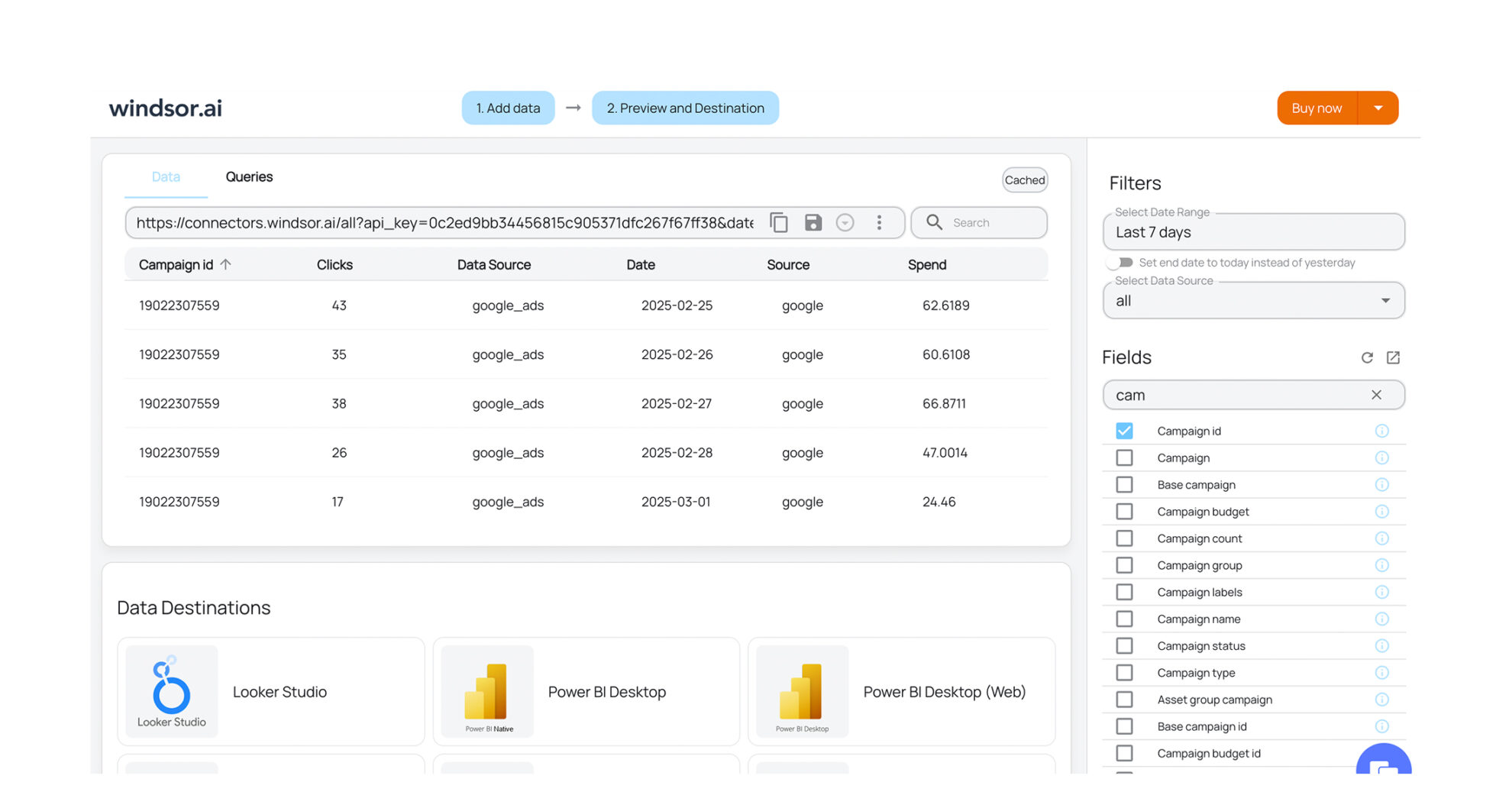


How to export Facebook Page Insights data with the Windsor.ai connector
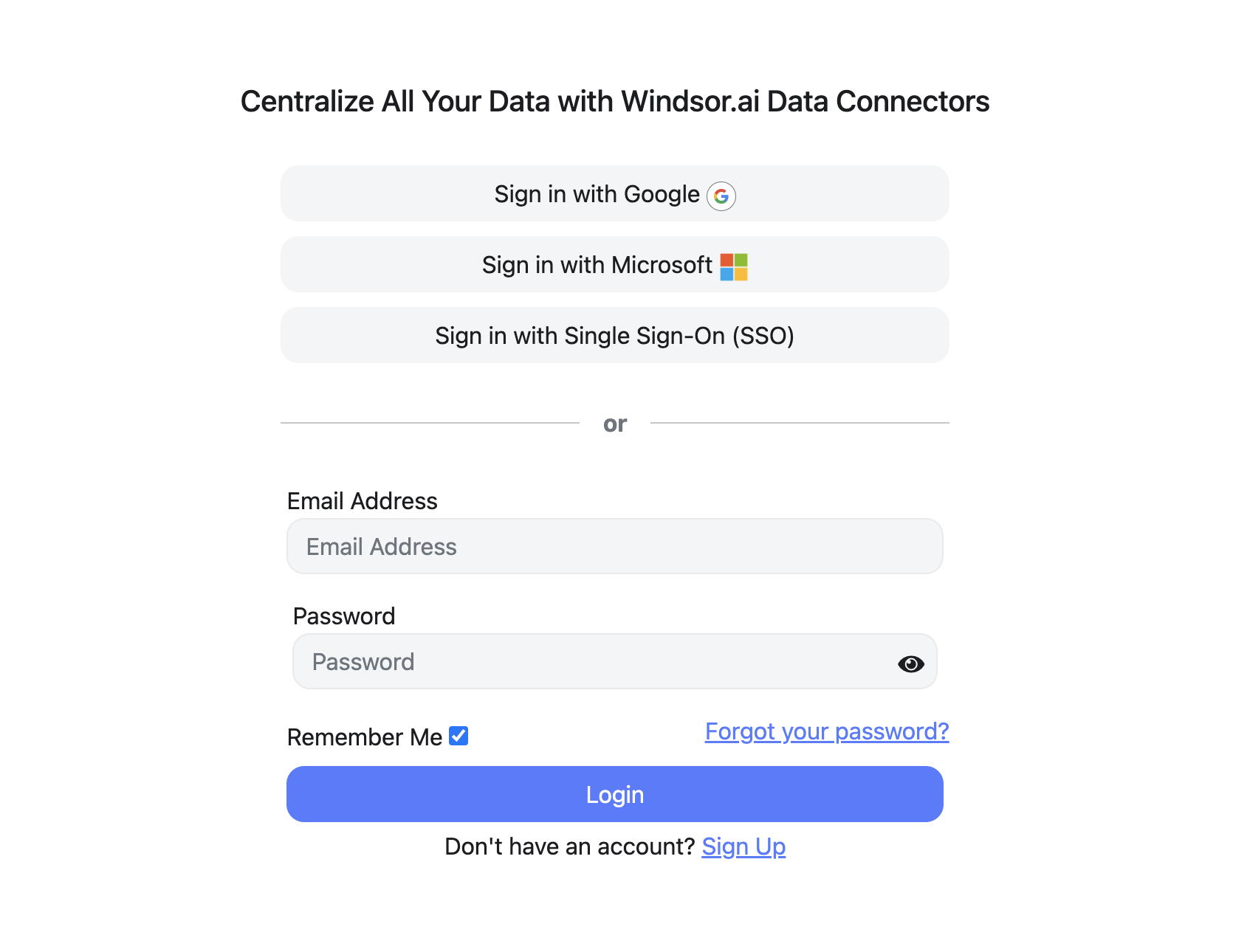
Sign up and start for free
Create your Windsor.ai account and log in.
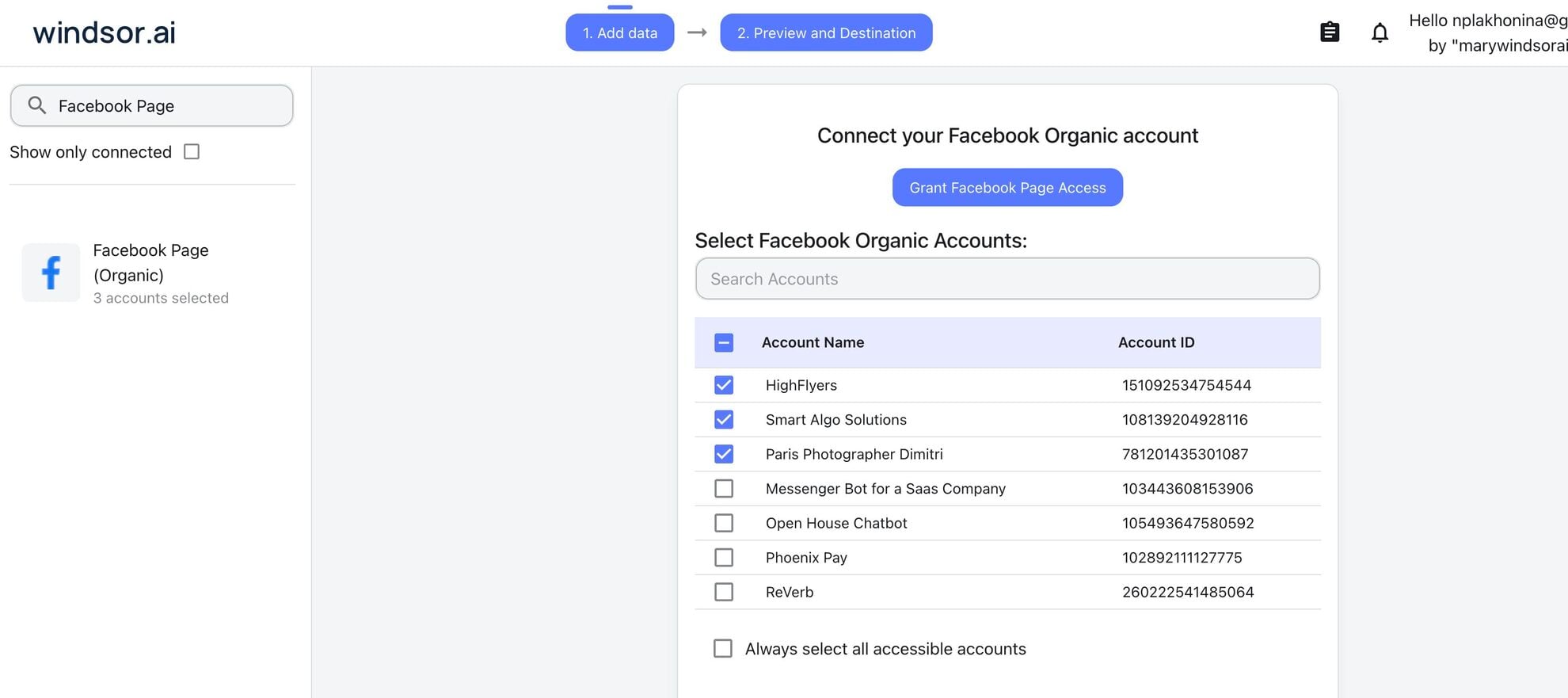
Select Facebook Page Insights as a data source
Choose Facebook Page Insights and sign in with the Facebook account that manages your Page, then select the Pages to report on.
Choose report fields
Pick the fields for your report, for example Page Impressions, Page Views, Daily Follows and Post Engagements, or start from a template.

Select a destination
Choose where the data goes: a warehouse, a BI tool, Google Sheets, or Claude and ChatGPT.

FAQs
Is the Windsor.ai Facebook Page Insights connector free?
Yes. The free forever plan includes one data source and one account, with no credit card, and reaches back 30 days. For more Pages, longer history or Page data next to other sources, paid plans start at $19 a month for 3 data sources and 75 accounts, billed annually. See pricing.
Which Facebook Page metrics can I export?
Page impressions and Page views, daily follows and unfollows, Page likes by country and city, post engagements, post impressions, clicks by type (link, photo, video, other), reactions by type, comments and shares, video views and watches at 15, 30 and 60 seconds and at 95%, and Reels plays and replays, plus post text, type, link and publish time. The Facebook Page Insights field reference lists every field and marks the deprecated ones.
Can I still split organic and paid reach for my Page?
No. On 15 June 2026 Meta removed the paid, organic and viral breakdowns of Page reach, post impressions and video views from its Graph API, for every tool that uses it. Total impressions and views are still available. Our deprecation guide lists what changed and what to use instead.
Can Windsor.ai publish posts to my Facebook Page?
Yes, from Claude or ChatGPT. The connector can publish a text or link post, publish a photo post from an image URL or an uploaded file with a caption, and upload a photo without publishing it. The assistant shows the draft and posts only after you approve it. See the write actions list.
Does the Facebook Page Insights connector include Facebook Ads data?
No. Ad campaigns, spend and results come through the Facebook Ads connector, and Instagram account and post data through the Instagram connector. All three can go to the same report or the same Claude chat.
Why can't I see follower age, gender or online times?
The field reference marks Page fans by age, gender, locale and online time as deprecated. Page likes by country and by city are still available.
Where can I find help with setup and connection errors?
The field reference lists every field with its description. If a Page does not appear or the connection fails, our troubleshooting guide for Facebook Page and Instagram connections covers the common causes, and the report templates give you a starting point in Data Studio, Power BI and Sheets.
Other popular Windsor.ai connectors

TikTok Ads
Google Search Console

TikTok Organic

Microsoft Ads (Bing Ads)
Google Ads
Get your Facebook Page data into reports and AI assistants. Start with Windsor.ai


