 Destinations
 Data sources
 AI insights
 About us
 Careers
 Security
 Customer reviews
 Contact us
 Affiliate program
 Solution partners
 Template gallery
 Looker Studio templates
 Power BI templates
 Excel templates
 Google Sheets templates
 Tableau templates
 Facebook Ads templates
 Google Ads templates
 Data fields & Metrics
 AI prompt library & Guides
 Product documentation
 API documentation
 Case studies
 Blog
Blog Data models
 Windsor vs Supermetrics
 Windsor vs Funnel.io
 Windsor vs Fivetran
 Windsor vs Rivery
 Windsor vs Portermetrics
 Windsor vs Coupler.io
Connect DV360 (Google Display & Video 360) to Azure MS SQL
Syncing DV360 (Google Display & Video 360) data with Azure SQL is now easy and fast, thanks to Windsor.ai no-code tools. Automate your marketing reporting to get insights faster and act ahead of the competition.
Forget CSVs. Stop copy/paste. Connect data in 2 minutes. No code required.
 Sign up with Google
 Free forever plan
No credit card needed
Free forever plan
No credit card needed










Why do I need DV360 and Azure SQL integration?
DV360 (Google Display & Video 360) and Azure SQL synchronization is essential for various reasons:

Get insights in real-time
Generate reports on DV360 campaigns in real-time using Azure SQL’s analytics capabilities. Monitor the metrics that matter most and note changes or shifts in purchase trends quickly. Make data-driven decisions on time and take advantage of opportunities as they arise to maximize your returns.

Perform predictive analytics
Leverage Azure SQL’s predictive analytics to forecast future campaign performance using DV360 historical data. Discover purchasing patterns, customer preferences, conversion pathways, ad fatigue, seasonal trends, etc. Use the information to modify strategies and enhance targeting for better campaign outcomes.

Promote collaboration
Use Azure SQL as a centralized data source for finance, sales, and marketing teams. Let other teams access DV360 data and share insights on how to improve campaigns. It also becomes possible to make coordinated decisions that drive the business forward.
Using Windsor.ai connector to import data from DV360 into Azure MS SQL
Syncing DV360 (Google Display & Video 360) data with Azure SQL is now easy and fast, thanks to Windsor.ai no-code tools.
Automate your marketing reporting to get insights faster and act ahead of the competition.















How to connect DV360 to Azure MS SQL with Windsor.ai
Syncing DV360 data with Azure SQL is easy and fast with Windsor.ai no-code tools, and no technical skills are required.
You can check which fields are available in the DV360 field reference.
Register
Register or login if you already have an account.

Select your source
You need to select DV360 as a Data Source and Grant Access to Windsor.ai.
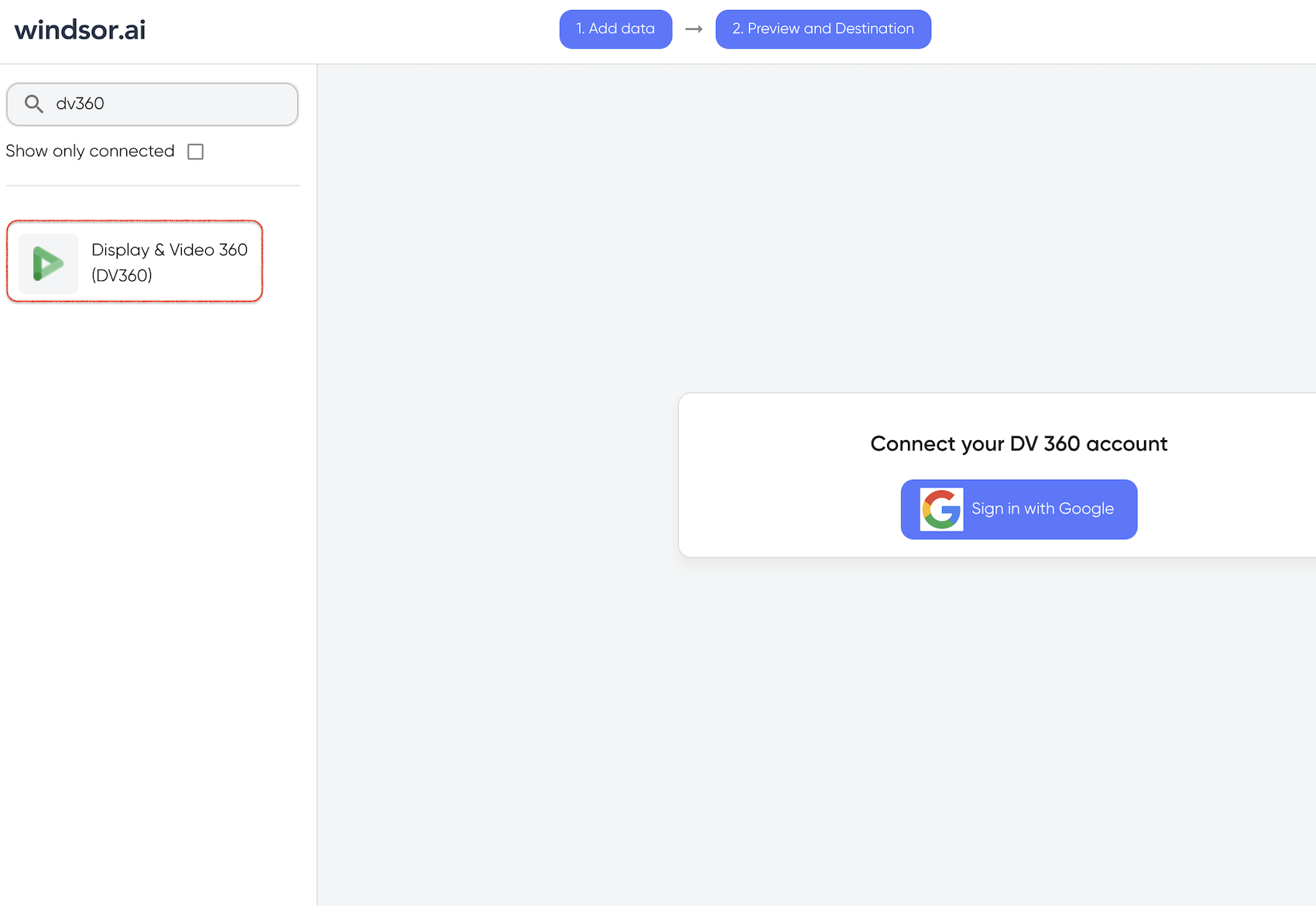
Select Destination
In Select Destination, select AzureSQL as destination.

Sync your Data
Enter all the credentials required and click Save.
Your DV360 data will now be streamed to Azure SQL. In case there is an error, you will be notified.

FAQs
What is Azure MS SQL?
Azure SQL is a database service provided by Microsoft. It is based on the cloud and designed to manage and process vast amounts of data quickly while ensuring security. Azure SQL is built on the SQL server engine, allowing users to integrate apps easily as well as continue to use tools and resources they are used to.
Tired of manual DV360 data exports? Get started with Windsor.ai today to automate your reporting


