 Destinations
 Data sources
 AI insights
 About us
 Careers
 Security
 Customer reviews
 Contact us
 Affiliate program
 Solution partners
 Template gallery
 Looker Studio templates
 Power BI templates
 Excel templates
 Google Sheets templates
 Tableau templates
 Facebook Ads templates
 Google Ads templates
 Data fields & Metrics
 AI prompt library & Guides
 Product documentation
 API documentation
 Case studies
 Blog
Blog Data models
 Windsor vs Supermetrics
 Windsor vs Funnel.io
 Windsor vs Fivetran
 Windsor vs Rivery
 Windsor vs Portermetrics
 Windsor vs Coupler.io
Connect QuickBooks to Python
Easily sync your QuickBooks with Python using Windsor.ai’s ETL connector.
Our integration platform automatically extracts QuickBooks data and loads it directly into Python, helping you monitor financial performance, identify issues, and forecast revenue.
Forget CSVs. Stop copy/paste. Connect your data in 2 minutes. No code required.
 Sign up with Google
 Free forever plan
No credit card needed
Free forever plan
No credit card needed









Unlock deeper financial insights with QuickBooks to Python integration
Bring QuickBooks data into Python with Windsor.ai to analyze your finances and improve business performance, unlocking these key benefits:

API-free data access
Automatically sync QuickBooks data into Python without writing custom API scripts or handling tokens. Save time and reduce errors while always working with clean, standardized datasets.

Cross-channel insights
Blend QuickBooks with 350+ sources, like Meta, Google Ads, Shopify, or Salesforce, for seamless cross-channel analysis. Gain a complete view of your business performance, break down data silos, and create custom reports tailored to your goals.

Advanced analytics
Leverage Python libraries and machine learning workflows, including pandas, NumPy, and scikit-learn, to analyze trends, cash flow, and customer behavior. Identify anomalies, forecast financial performance, and feed results into BI tools for fast, data-driven decisions.
Using Windsor.ai connector to import data from QuickBooks into Python
Most methods for syncing QuickBooks data into Python are complex, costly, or require ongoing engineering support. Windsor.ai streamlines this process with a fast, cost-effective, no-code ETL connector.
In just minutes, our platform automatically feeds clean, standardized QuickBooks data into Python, with no custom API scripts or manual data preparation required.
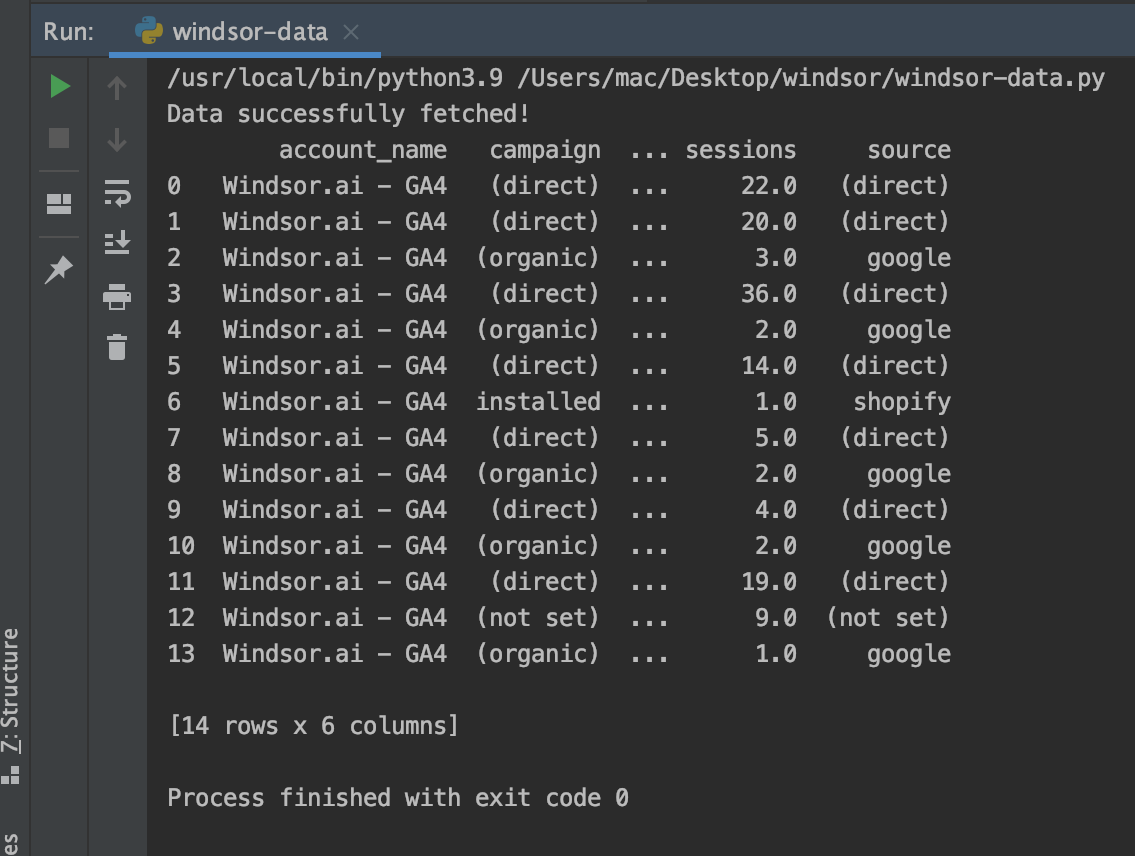














How to connect QuickBooks to Python in Windsor.ai
To set up the connector, make sure you have the following things in place:
- QuickBooks account
- Configured Python environment
- Active Windsor.ai account
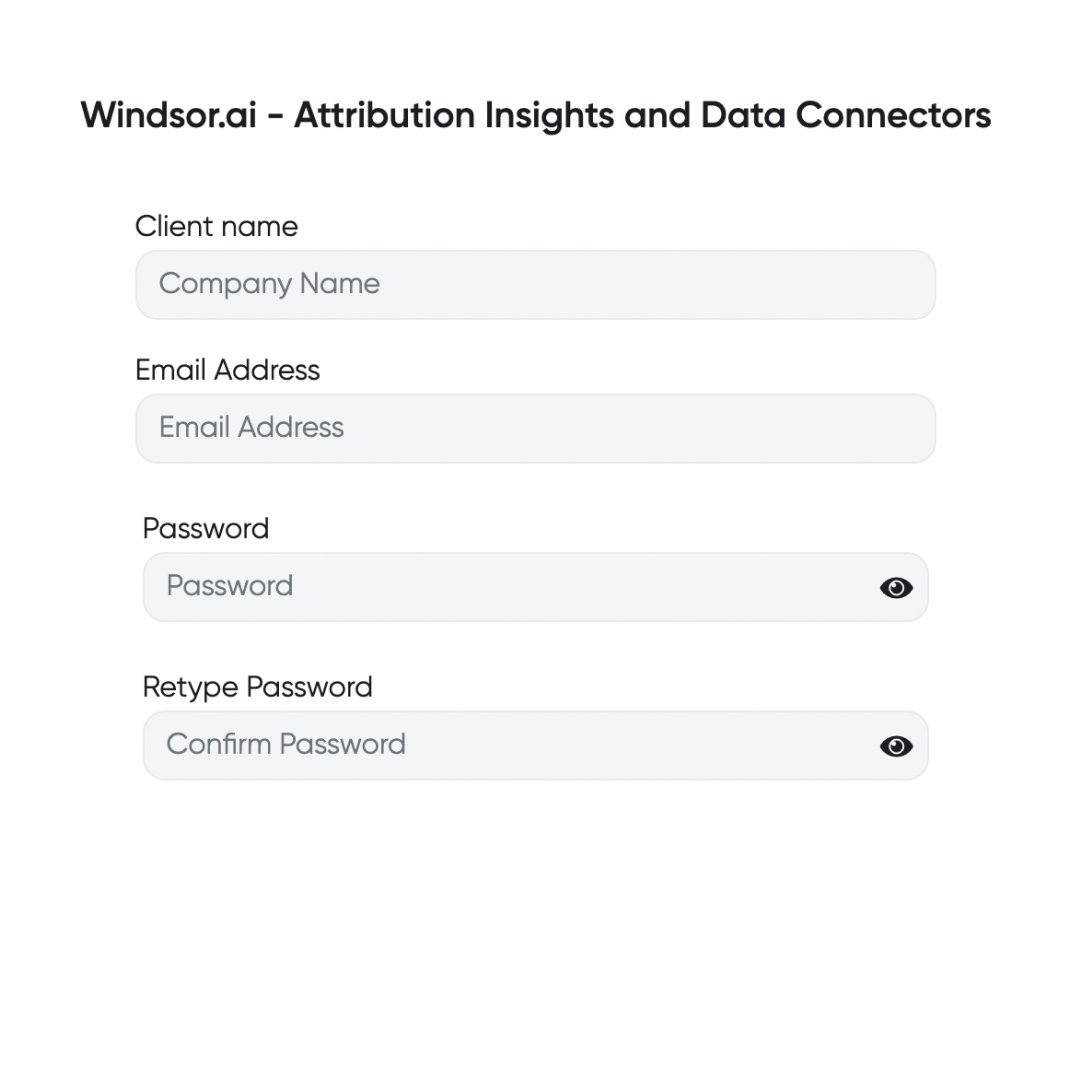
Register and log in to Windsor.ai
Create a new Windsor.ai account or log in if you already have one.
Connect a data source
In your Windsor.ai dashboard, connect QuickBooks to Windsor.ai. Select the necessary account(s) you want to pull data from and click “Next.”

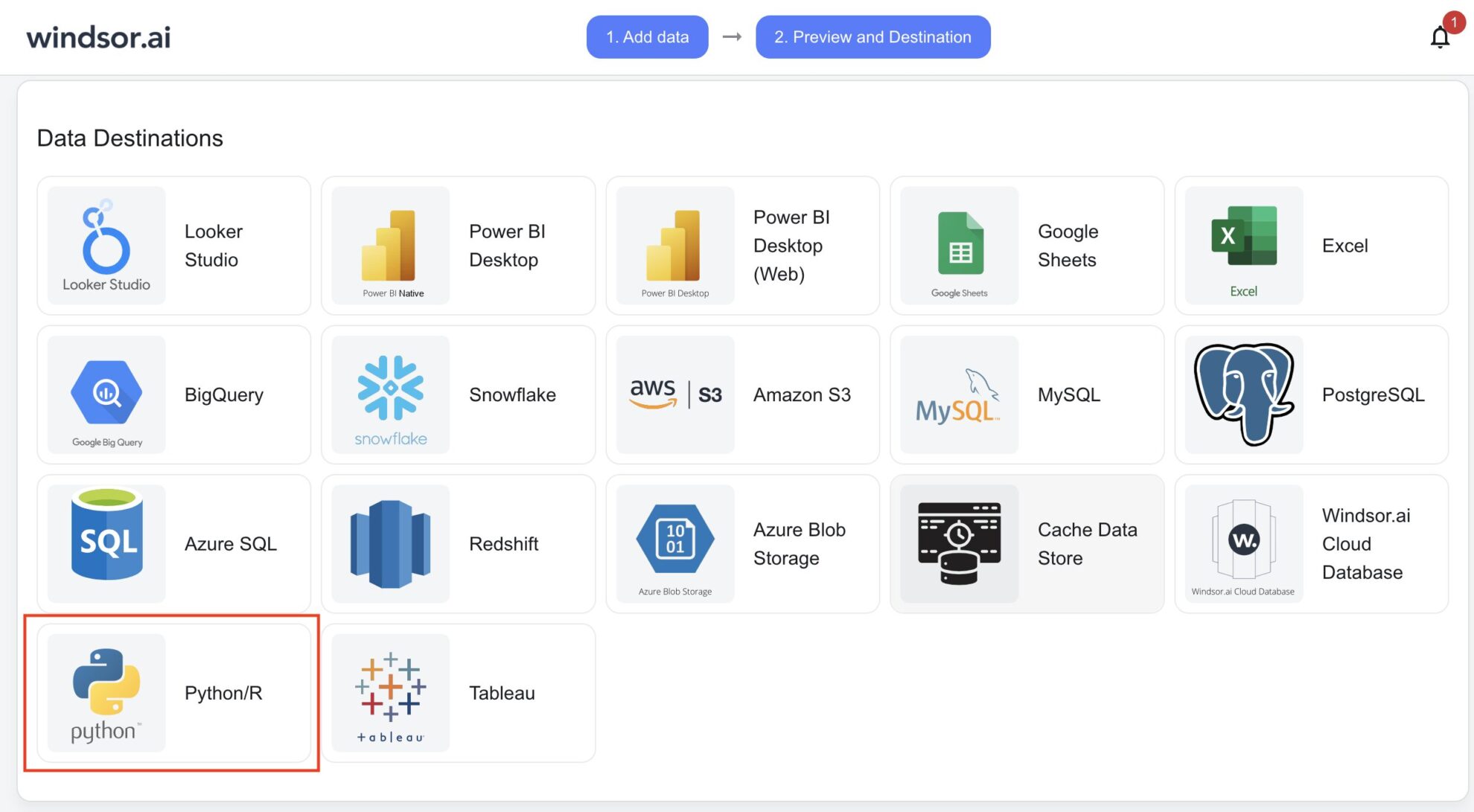
Set Python as a data destination
Scroll down and choose Python from the data destination list. Copy the API Key URL provided in the instructions below.
Integrate the API Key URL into your Python code to stream data
Use Python’s requests or a similar library to retrieve data from Windsor.ai by making an API call with your obtained API Key URL.
FAQs
What is Python?
Python is a high-level programming language known for its simplicity and versatility. With its easy-to-read syntax and extensive standard library, Python accelerates development and enhances productivity across various domains such as web development, data science, and automation.
Do you have helpful links to get started with integrating QuickBooks and Python using Windsor.ai?
Yes, we have helpful resources to help you get started. You can explore our official documentation and tutorials for seamless QuickBooks to Python integration with Windsor.ai:
How much time do I need to create the QuickBooks and Python integration?
Windsor.ai provides a user-friendly interface and a powerful data connector that enables you to integrate QuickBooks with Python in under 5 minutes, making the process quick and hassle-free.
How much does it cost to integrate QuickBooks into Python with Windsor.ai?
Windsor.ai’s pricing for QuickBooks into Python integration can vary depending on your use case. We offer absolutely transparent, fixed pricing plans for diversified business needs and budgets, starting at just $19/month, with a free forever plan available and no credit card required.
Tired of manual QuickBooks data exports? Get started with Windsor.ai today to automate your reporting


