 Destinations
 Data sources
 AI insights
 About us
 Careers
 Security
 Customer reviews
 Contact us
 Affiliate program
 Solution partners
 Template gallery
 Looker Studio templates
 Power BI templates
 Excel templates
 Google Sheets templates
 Tableau templates
 Facebook Ads templates
 Google Ads templates
 Data fields & Metrics
 AI prompt library & Guides
 Product documentation
 API documentation
 Case studies
 Blog
Blog Data models
 Windsor vs Supermetrics
 Windsor vs Funnel.io
 Windsor vs Fivetran
 Windsor vs Rivery
 Windsor vs Portermetrics
 Windsor vs Coupler.io
AppsFlyer Connector
Quickly integrate AppsFlyer data into your data warehouse, database, or visualization platform using Windsor.ai’s ELT connectors.
Automate AppsFlyer reporting and analyze your mobile attribution data to identify which campaigns drive installs, where users drop off, and channels delivering the highest ROI.
Forget CSVs. Stop copy/paste. Connect data in 2 minutes. No code required.
 Free forever plan
No credit card needed
Free forever plan
No credit card needed



Make the most out of your AppsFlyer data with Windsor.ai
Focus on the data that matters by choosing from our extensive documentation or easily creating custom fields.

Leverage our pre-built, customizable marketing dashboard templates for a comprehensive performance overview tailored to your data needs.
Send your AppsFlyer data to any destination
Import your AppsFlyer data into any destination using Windsor.ai.
























Extract and load AppsFlyer data effortlessly with Windsor.ai’s connector
Getting AppsFlyer data into your analytics tools is rarely straightforward; it requires manual CSV downloads, technical setup, or costly third-party tools.
Windsor.ai’s AppsFlyer connector removes that friction entirely by automatically streaming your attribution, install, event, and revenue data into your favorite destination within minutes.
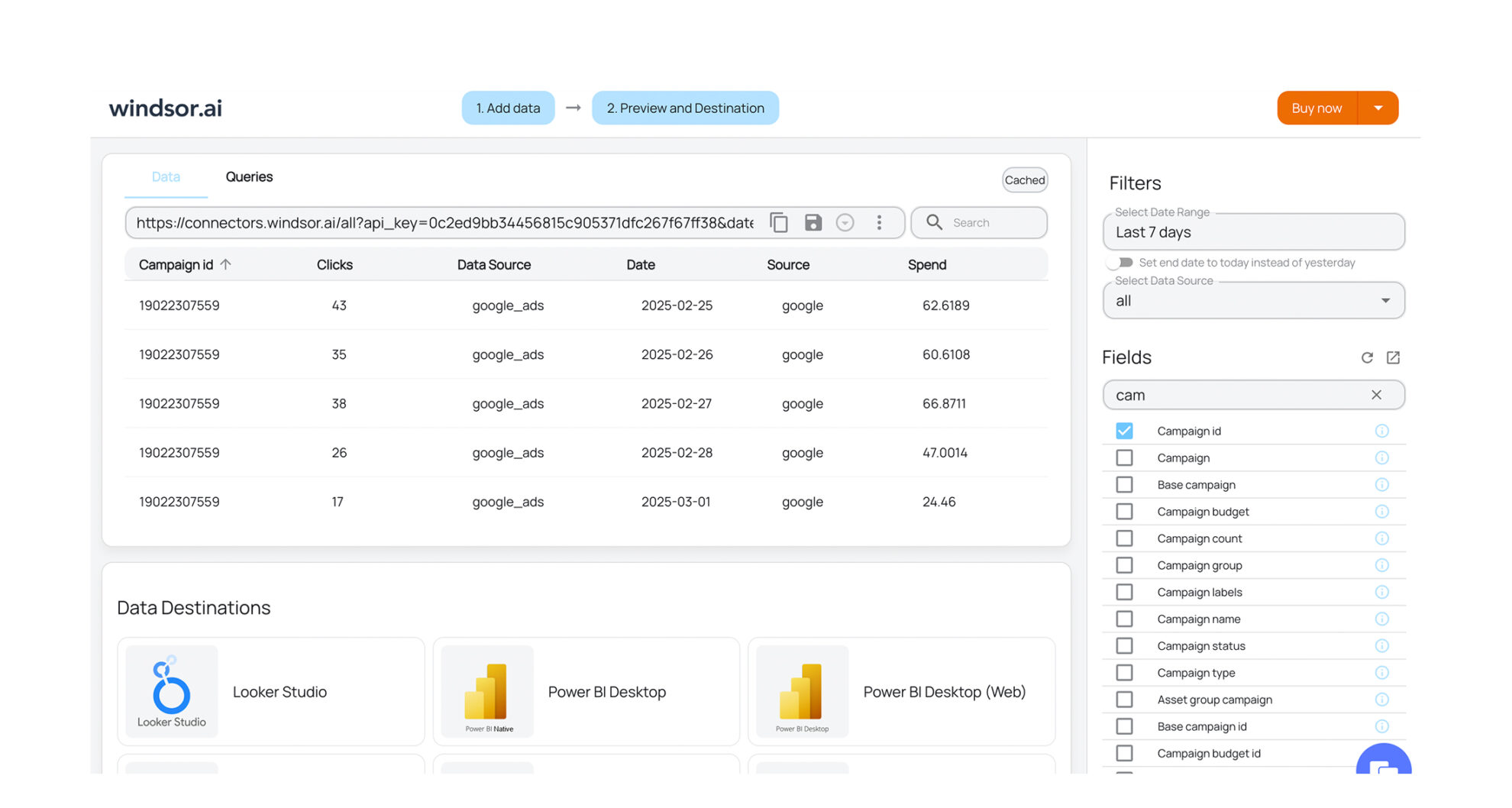














How to export AppsFlyer data with the Windsor.ai connector
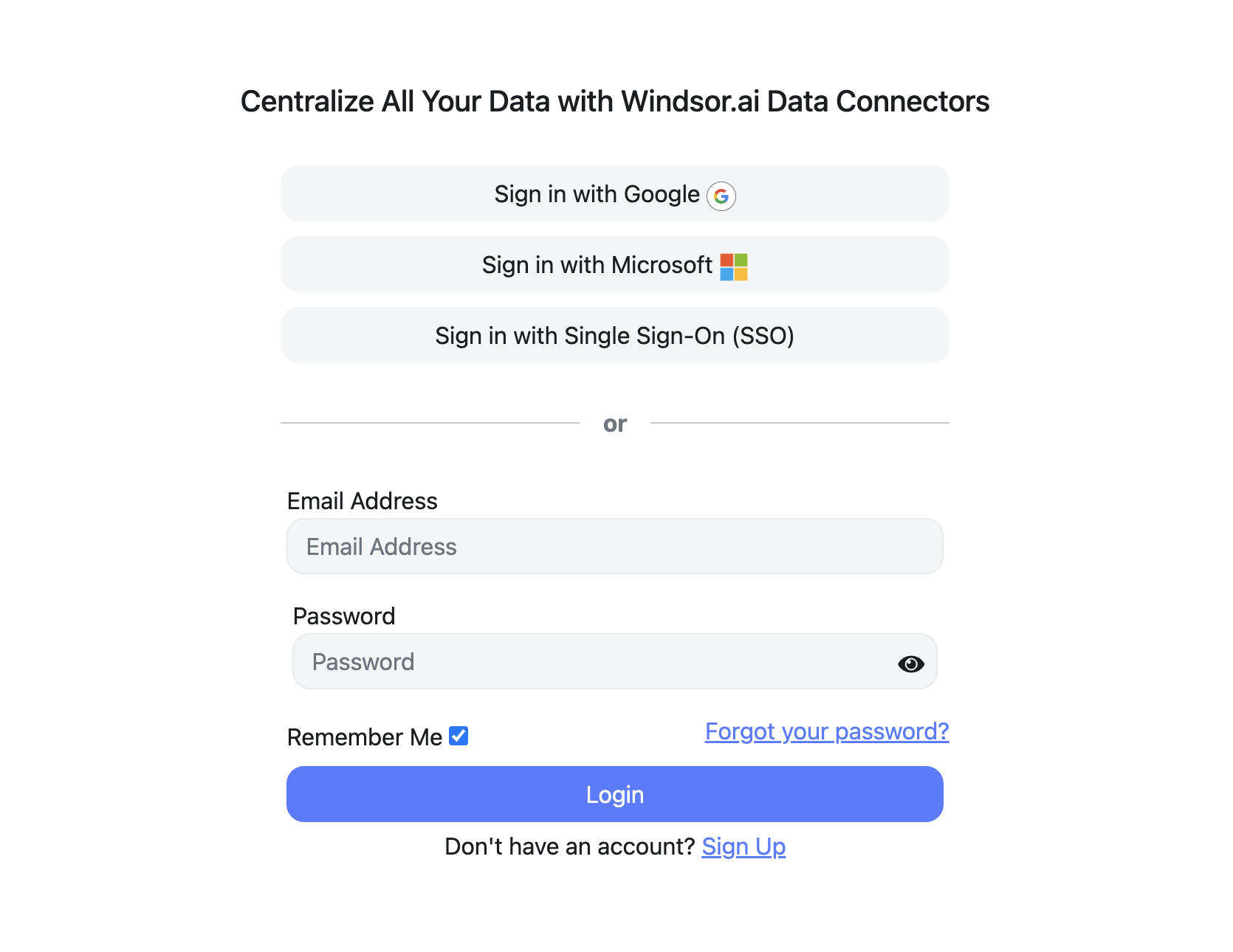
Sign up and start for free
Create your Windsor.ai account and log in.
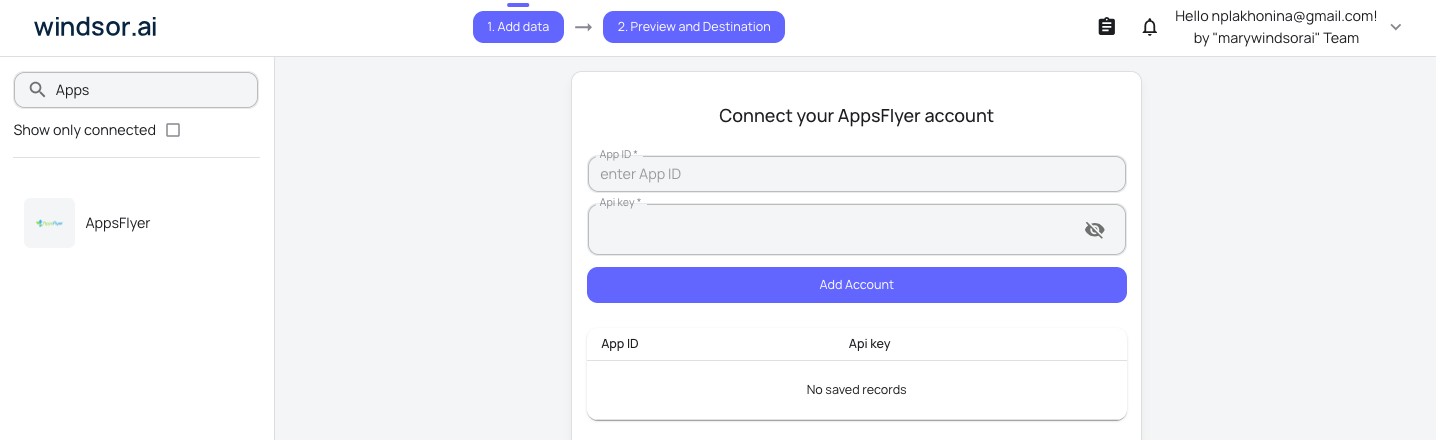
Select AppsFlyer as a data source
Connect AppsFlyer to your Windsor.ai dashboard. Select the necessary account(s) you want to pull data from and click “Next.”
Choose report fields and metrics
Select the fields that you’d like to add to your report. For example, you can include metrics such as Installs, Spend, Clicks, Loyal Users, Sessions, and many more.

Select a data destination
Choose a destination where you want to stream your AppsFlyer data.

FAQs
Why use Windsor.ai's AppsFlyer connector?
Windsor.ai’s ELT connectors automate and simplify the entire data integration process, ensuring fast, accurate synchronization between AppsFlyer and your preferred analytics tools.
Using Windsor.ai’s AppsFlyer connector, you can automatically sync campaign data, including installs, clicks, impressions, spend, in-app events, and lifetime revenue, cutting manual data preparation time by over 50%. This allows marketing and growth teams to focus on optimization and strategic decision-making instead of repetitive reporting tasks.
Our connector also supports combining AppsFlyer data with 350+ other sources, enabling you to perform cross-channel analysis, accurately measure ROAS, and optimize budgets across your entire marketing ecosystem.
What data can I extract from AppsFlyer with Windsor.ai?
Windsor.ai gives you access to a comprehensive set of AppsFlyer data, including:
- Attribution and campaign data: Campaign name and ID, media source, channel, adset, ad, partner, touch type, and attribution lookback window (for both organic and non-organic installs).
- Performance metrics: Installs, clicks, impressions, CTR, conversion rate, spend, total cost, and average eCPI across all campaigns and channels.
- In-app events: Event counters and unique user counts for key actions, including purchases, add-to-cart, initiated checkout, content views, registrations, and logins.
- Revenue and ROI: Total revenue, event revenue, sales in USD by event type, ARPU, ROI, and transaction counts for a full picture of campaign profitability.
- User and device data: Device model, OS version, platform, country, region, city, language, carrier, and app version for granular audience segmentation.
How long does it take to connect AppsFlyer to a destination with Windsor.ai?
Setup takes just a few minutes. Simply sign in to Windsor.ai, select AppsFlyer as your data source, authenticate your account, choose the fields and reports you need, and pick your destination. Your data starts syncing automatically from that point forward, keeping your dashboards fresh without any manual intervention.
How much does it cost to integrate AppsFlyer with Windsor.ai?
Windsor.ai’s pricing for AppsFlyer data integration varies based on your use case and data volume. We offer absolutely transparent, volume-based event pricing plans to meet diverse business needs and budgets.
Do you have helpful links to get started with integrating AppsFlyer and Windsor.ai?
Yes, we have helpful resources to help you get started. You can explore our official documentation for AppsFlyer data integration into a chosen destination, available AppsFlyer data fields, and ready-to-use templates:
Other popular Windsor.ai connectors

Instagram Public Data

LinkedIn Pages

Klaviyo

TikTok Ads

HubSpot
Tired of manual AppsFlyer data exports? Try Windsor.ai today to automate your reporting


