 Destinations
 Data sources
 AI insights
 About us
 Careers
 Security
 Customer reviews
 Contact us
 Affiliate program
 Solution partners
 Template gallery
 Looker Studio templates
 Power BI templates
 Excel templates
 Google Sheets templates
 Tableau templates
 Facebook Ads templates
 Google Ads templates
 Data fields & Metrics
 AI prompt library & Guides
 Product documentation
 API documentation
 Case studies
 Blog
Blog Data models
 Windsor vs Supermetrics
 Windsor vs Funnel.io
 Windsor vs Fivetran
 Windsor vs Rivery
 Windsor vs Portermetrics
 Windsor vs Coupler.io
Connect AppsFlyer to Data Studio
Easily sync AppsFlyer with Data Studio using the Windsor.ai ELT connector.
Our platform automates AppsFlyer reporting and delivers key metrics into Data Studio’s dynamic dashboards, enabling you to monitor app user behavior and campaign results in real time, uncover trends, and act on insights faster.
Forget CSVs. Stop copy/paste. Connect data in 2 minutes. No code required.
 Sign up with Google
 Free forever plan
No credit card needed
Free forever plan
No credit card needed









Boost app user engagement with AppsFlyer to Data Studio integration
Connecting AppsFlyer to Data Studio with Windsor.ai turns your install, in-app event, revenue, and attribution data into actionable insights. Track the full user journey, measure engagement, and unlock these key benefits:

Automate reporting
Windsor.ai automatically syncs AppsFlyer data into Data Studio, eliminating CSV exports and manual API work. Dashboards refresh on schedule, ensuring decision-makers always have the latest, accurate data without reporting delays.

Enhance team collaboration
Bring all AppsFlyer data into Data Studio so marketing, product, and analytics teams work from a single source of truth. Live dashboards keep acquisition, engagement, and revenue metrics visible to everyone, reducing miscommunication and enabling faster, coordinated actions that accelerate app growth.

Unify data across channels
Combine AppsFlyer data with metrics from 350+ other platforms directly in Data Studio. This unified view lets you analyze performance across ad networks, app stores, and analytics tools in one place. With all channels aligned, you can better understand the full user journey and optimize spend for maximum impact.

Track custom KPIs
Build Data Studio dashboards to track key KPIs, whether it’s ROAS by campaign, retention by cohort, or LTV by acquisition channel. With AppsFlyer data fully integrated, you can define and monitor custom metrics that align with your goals, ensuring every decision is backed by the right insights.
Using Windsor.ai connector to import data from AppsFlyer into Data Studio
Most ways of connecting AppsFlyer to Data Studio involve manual work, technical setup, or costly tools. Windsor.ai’s no-code connector automates the process, making reporting and analytics seamless.
In just a few clicks, your AppsFlyer attribution data flows into Data Studio, empowering you to optimize acquisition channels, boost user retention, and increase ROI with data-driven insights.
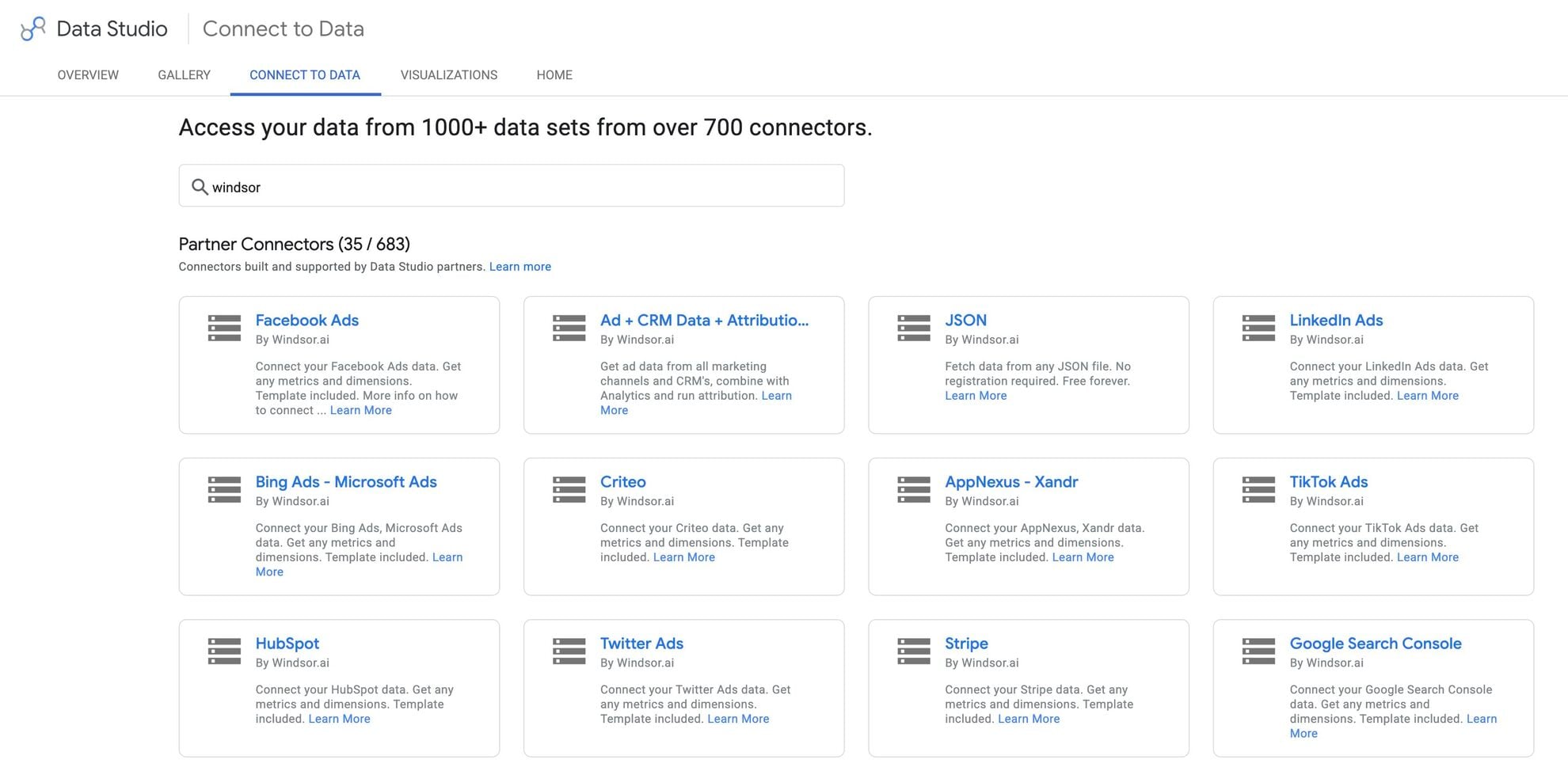














How to connect AppsFlyer to Data Studio in Windsor.ai
Make sure you have the following prerequisites before setting up the connector:
- AppsFlyer account (Visit our privacy policy and terms of use)
- Google account for Data Studio integration
- Active Windsor.ai account
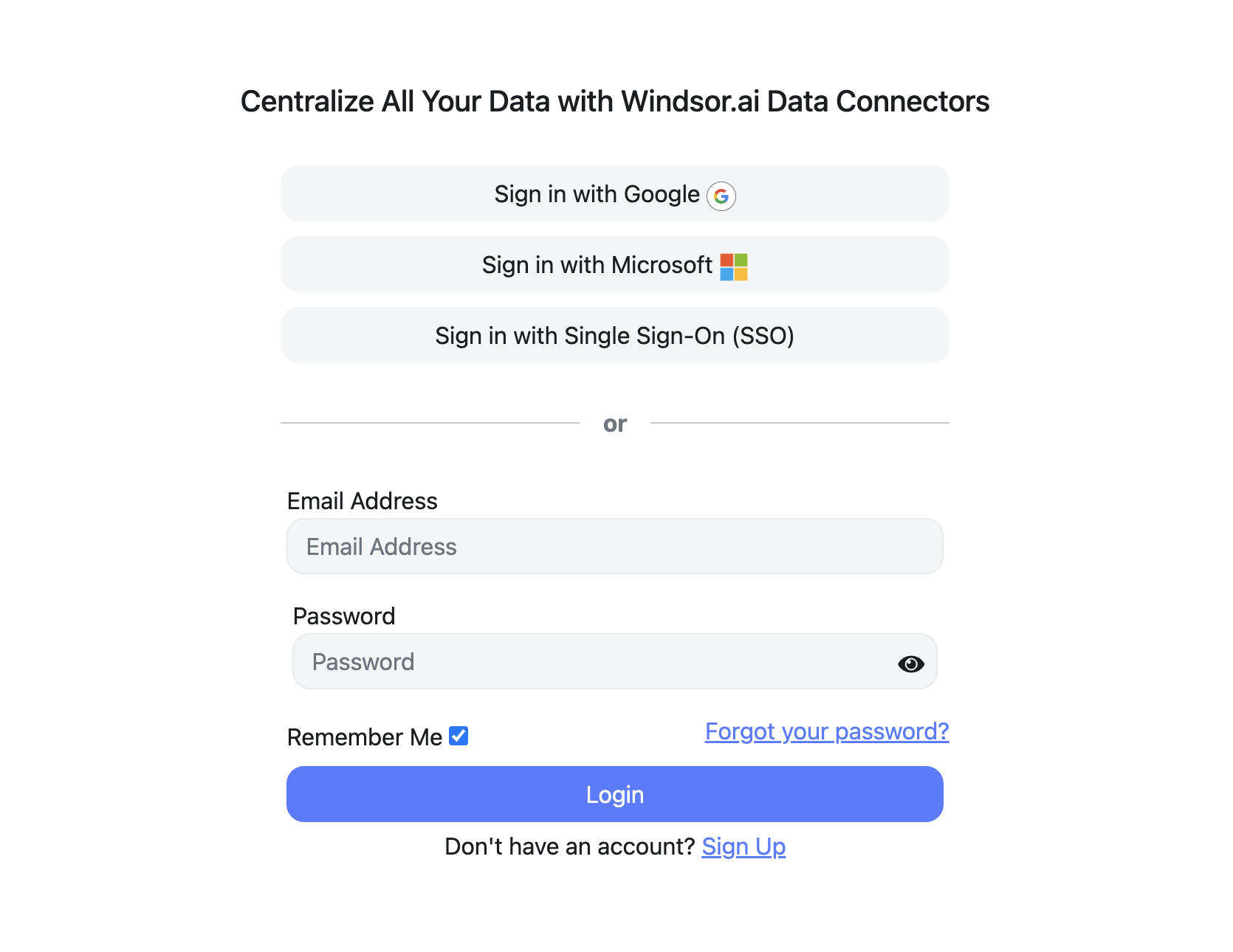
Register and log in to Windsor.ai
Create a new Windsor.ai account or log in if you already have one.
Select your data source
Choose AppsFlyer as your data source and grant access to Windsor.ai.

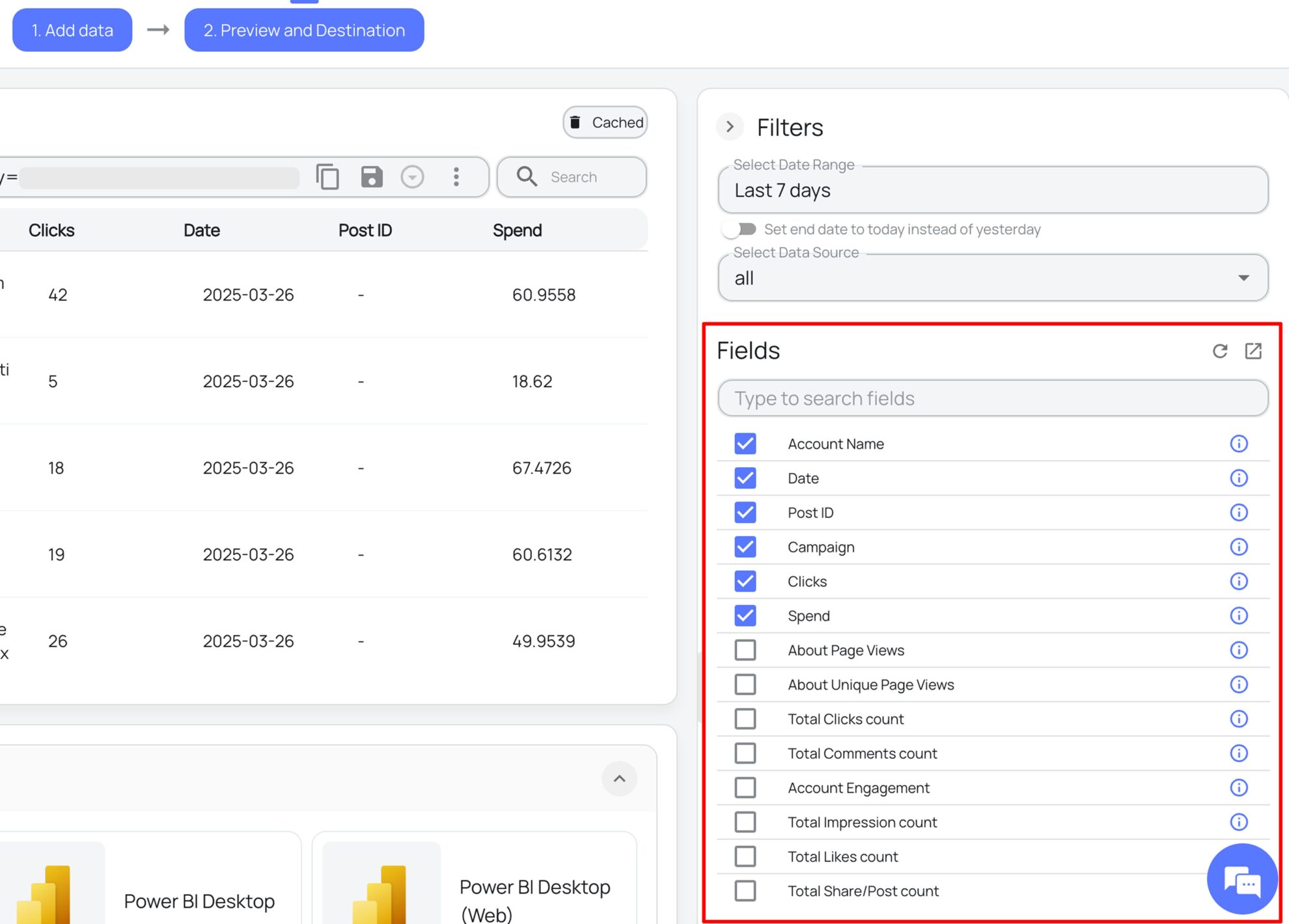
Select the reporting metrics and dimensions
Choose the AppsFlyer fields you want to import into Data Studio on the right side and preview your data before export.
Select Data Studio as your data destination
Scroll down to the list of data destinations and click Data Studio. Install the Windsor.ai connector by authorizing your account, selecting the required AppsFlyer account(s), and clicking Connect → Create Report.

FAQs
What is Data Studio?
Data Studio is a robust data visualization and reporting platform by Google designed to help businesses create customizable, interactive dashboards for analyzing data from various sources. Its user-friendly drag-and-drop interface facilitates exploring data and extracting the specific insights you need. When paired with Windsor.ai for automated reporting, Data Studio enables seamless sharing of real-time metrics with your team and stakeholders, empowering data-driven decision-making.
Do you have helpful links to get started with integrating AppsFlyer and Data Studio using Windsor.ai?
Yes, we have helpful resources to help you get started. You can explore our official documentation and ready-to-use templates for seamless AppsFlyer to Data Studio integration with Windsor.ai:
How much time do I need to create the AppsFlyer and Data Studio integration?
With Windsor.ai’s no-code ELT connector, you can integrate AppsFlyer with Data Studio in a few minutes, benefiting from a quick and stress-free process.
How much does it cost to integrate AppsFlyer into Data Studio with Windsor.ai?
Windsor.ai’s pricing for AppsFlyer to Data Studio data integration can vary depending on your use case and data volume. We offer absolutely transparent pricing plans for diversified business needs and budgets.
Tired of manual AppsFlyer data exports? Try Windsor.ai today to automate your reporting


