 Destinations
 Data sources
 AI insights
 About us
 Careers
 Security
 Customer reviews
 Contact us
 Affiliate program
 Solution partners
 Template gallery
 Looker Studio templates
 Power BI templates
 Excel templates
 Google Sheets templates
 Tableau templates
 Facebook Ads templates
 Google Ads templates
 Data fields & Metrics
 AI prompt library & Guides
 Product documentation
 API documentation
 Case studies
 Blog
 Data models
 Windsor vs Supermetrics
 Windsor vs Funnel.io
 Windsor vs Fivetran
 Windsor vs Rivery
 Windsor vs Portermetrics
 Windsor vs Coupler.io
Instagram Connector
Windsor.ai’s Instagram connector pulls the insights of your Instagram Business or Creator account through Meta’s API and sends them to your BI tool, spreadsheet, data warehouse or AI assistant. You get account metrics by day, every post and Reel with its own metrics, Stories, comments and follower demographics.
Warehouses and reports refresh on a schedule. Claude and ChatGPT read the data when you ask, and can also publish posts, Reels and Stories and reply to comments after you approve.
No code. Free forever plan for one data source, no credit card.
 Free forever plan
No credit card needed






Make the most out of your Instagram data with Windsor.ai
Account views and reach by day, split by followers and non-followers, new followers, interactions, saves and shares, then per post: views, reach, saves, shares, likes, comments, follows, and Reels watch time and skip rate, plus Story replies and exits.

Start from a ready-made Instagram report in Data Studio, Power BI or Sheets and connect it to your own account.
Send your Instagram data to any destination
Import your Instagram data into any destination using Windsor.ai.
























What the Instagram connector gives you
Windsor.ai reads your Instagram Business or Creator account through Meta’s API and loads the rows into the destination you choose. What you get:
- Account and post data together. Account metrics come by day: views, reach, new followers, accounts engaged, interactions, saves and shares, with views and reach split between followers and non-followers. Post metrics come per post, Reel and carousel, with the caption, type, link and publish time.
- Reels and Stories. Reels add average and total watch time and the skip rate, the share of views skipped in the first 3 seconds. Stories add views, reach, replies, exits and taps. Meta returns Story data only while the Story is live, for 24 hours. A Sheet or warehouse that loads daily can keep it.
- Follower history you can keep. Meta returns your follower total for today only, and new followers per day for the last 30 days (for accounts with 100 or more followers). A destination that loads every day can keep the history for as long as you need; see the Instagram follower tracking dashboard.
- Audience and comments. Followers by country, city, age and gender, and comments with their text, likes and replies.
- Posting from a chat. In Claude or ChatGPT, the connector can publish an image, carousel, Reel or Story and reply to, hide or delete comments, after you approve. See the write actions list.
Sample output. Our own Instagram account, @windsor.ai, from 19 September to 18 October 2026, as the connector returned it:
- Account: 228 followers on 18 October, 28 new followers in the 30 days, and 3,871 views across all content.
- Posts: 15 published, 8 Reels, 6 images and 1 carousel. The carousel had the most views (186); the most viewed Reel had 149 views from 122 accounts.
- Reels: skip rates between 67% and 97% of each Reel’s views.
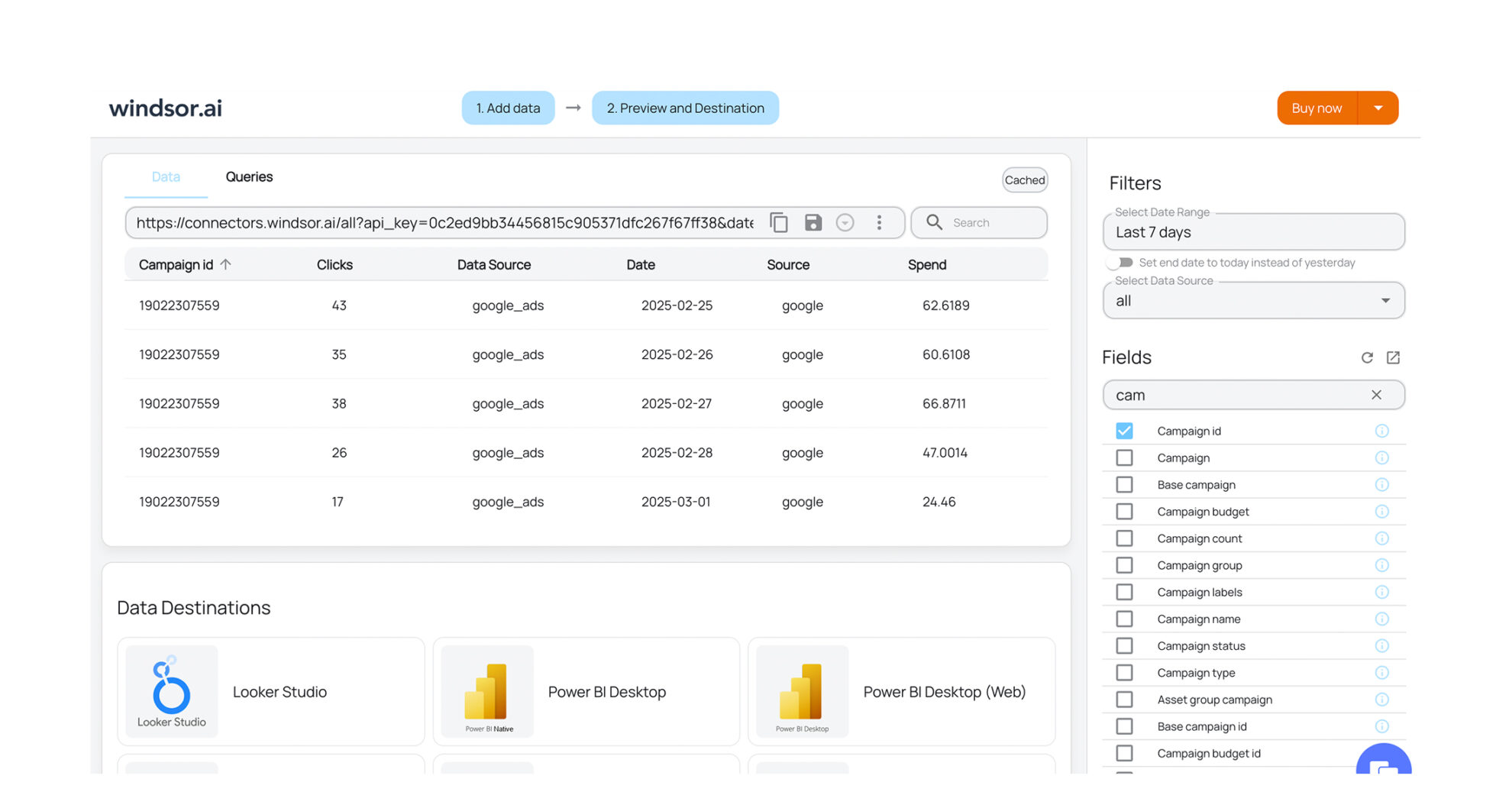


How to export Instagram data with the Windsor.ai connector
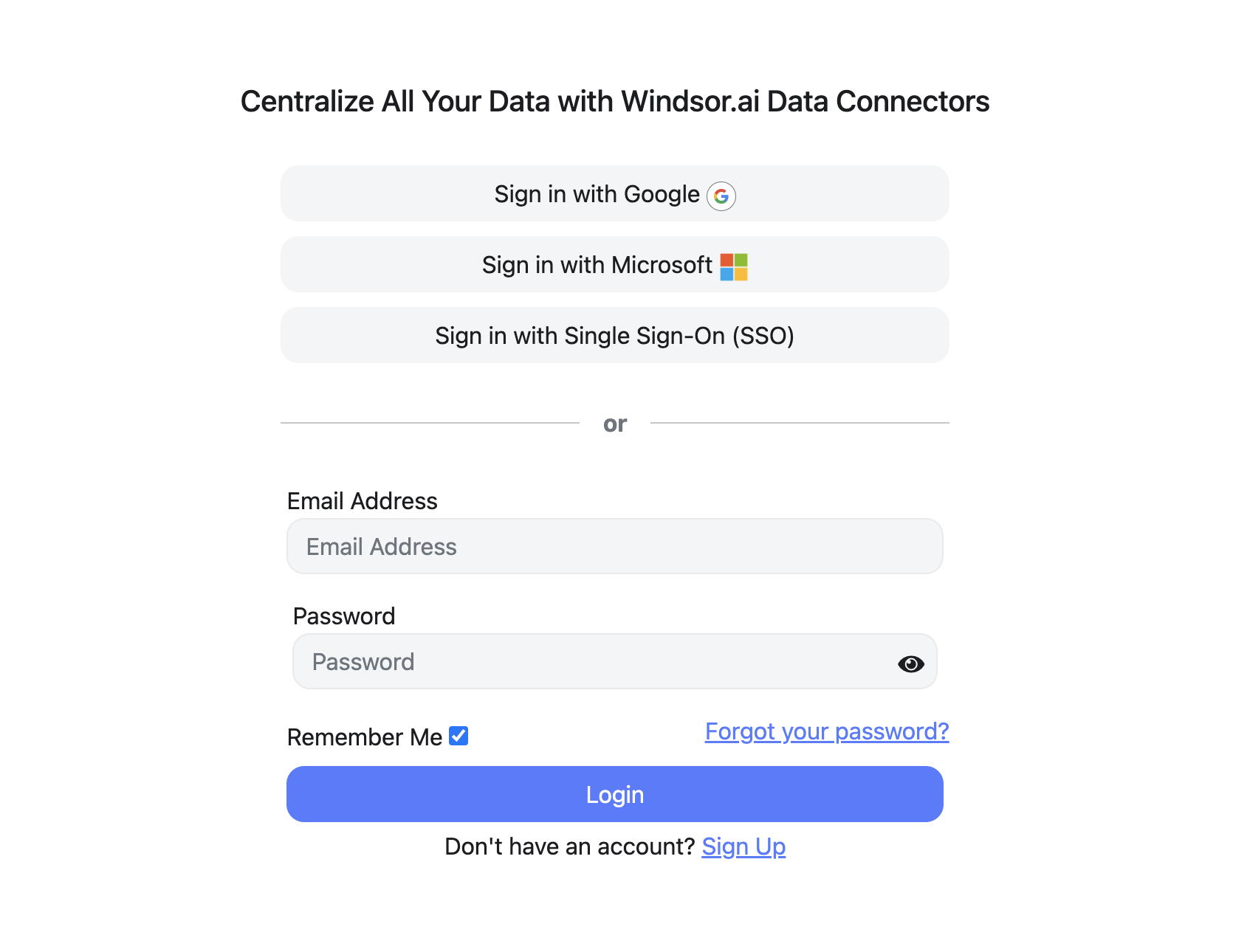
Sign up for free
Create your Windsor.ai account and log in.
Select Instagram as a data source
Choose Instagram and sign in with the Facebook account that manages your Instagram Business or Creator account, then select the accounts to report on.

Choose report fields and metrics
Pick the fields for your report, for example Views, Reach, Media Saved and New Followers, or start from a template.

Select a data destination
Choose where the data goes: a warehouse, a BI tool, Google Sheets, or Claude and ChatGPT.

FAQs
What's the difference between Instagram Insights and Instagram Public?
Instagram Insights, this connector, reads your own Business or Creator account. It needs your Meta login, returns private metrics such as reach, saves and follower demographics, and can publish posts for you. Instagram Public reads any public profile without a login, returns only what anyone can see (posts with their like and comment counts, and the follower count) and is read-only. Use Insights for your own account and Public for competitor analysis.
Does the Instagram connector include Instagram Ads data?
No. Spend and results for Instagram Ads come through the Facebook Ads connector, because Instagram Ads run in Meta Ads Manager. Add its Ad Platform field to split Instagram from Facebook, and Ad Placement for Feed, Stories or Reels. Both connectors can go into the same report.
Can I see my follower count for past months?
Only if you start storing it. Meta’s API returns your follower total for today, and new followers per day for the last 30 days, for accounts with 100 or more followers. Send the data to Google Sheets, BigQuery or another destination that loads daily and the history builds up from then on.
Is the Windsor.ai Instagram connector free?
Yes. The free forever plan includes one data source and one account, with no credit card, and reaches back 30 days. For more accounts, longer history or Instagram next to other sources, paid plans start at $19 a month for 3 data sources, billed annually. See pricing.
Can Windsor.ai post to Instagram?
Yes, from Claude or ChatGPT. The connector can publish an image post, a carousel of 2 to 10 images, a Reel or a Story, comment on your posts, and reply to, hide, unhide or delete comments. The assistant shows what it will do and acts only after you approve. See the write actions list.
Why are impressions and plays missing?
Meta now reports views in their place. The Instagram field reference marks impressions, plays, video views and profile views as deprecated, and lists views, reach and the other current fields.
Where can I find help with setup and connection errors?
If an Instagram account does not appear after you connect, our troubleshooting guide for Facebook Page and Instagram connections covers the common causes. The field reference describes every field, and the report templates give you a starting point.
Other popular Windsor.ai connectors

LinkedIn Pages

Google My Business

TikTok Ads

Salesforce

Snapchat Ads
Get your Instagram data into reports and AI assistants. Start with Windsor.ai


