 Destinations
 Data sources
 AI insights
 About us
 Careers
 Security
 Customer reviews
 Contact us
 Affiliate program
 Solution partners
 Template gallery
 Looker Studio templates
 Power BI templates
 Excel templates
 Google Sheets templates
 Tableau templates
 Facebook Ads templates
 Google Ads templates
 Data fields & Metrics
 AI prompt library & Guides
 Product documentation
 API documentation
 Case studies
 Blog
Blog Data models
 Windsor vs Supermetrics
 Windsor vs Funnel.io
 Windsor vs Fivetran
 Windsor vs Rivery
 Windsor vs Portermetrics
 Windsor vs Coupler.io


























































































































































































































































Tired of manual data exports? Get started with Windsor.ai today to automate your reporting and extract deeper AI insights
Access all your data from various sources in one place. Get started for free.


Connect your business data from 350+ platforms to Manus with Windsor.ai.
Ask Manus about live marketing and sales data in plain language, with no manual file uploads or custom scripts.
 Free forever plan
No credit card needed
Free forever plan
No credit card needed

















Follow our step-by-step guide to add Windsor MCP to Manus as a custom MCP server.
Log in at onboard.windsor.ai and connect the data sources you want to analyze in Manus.
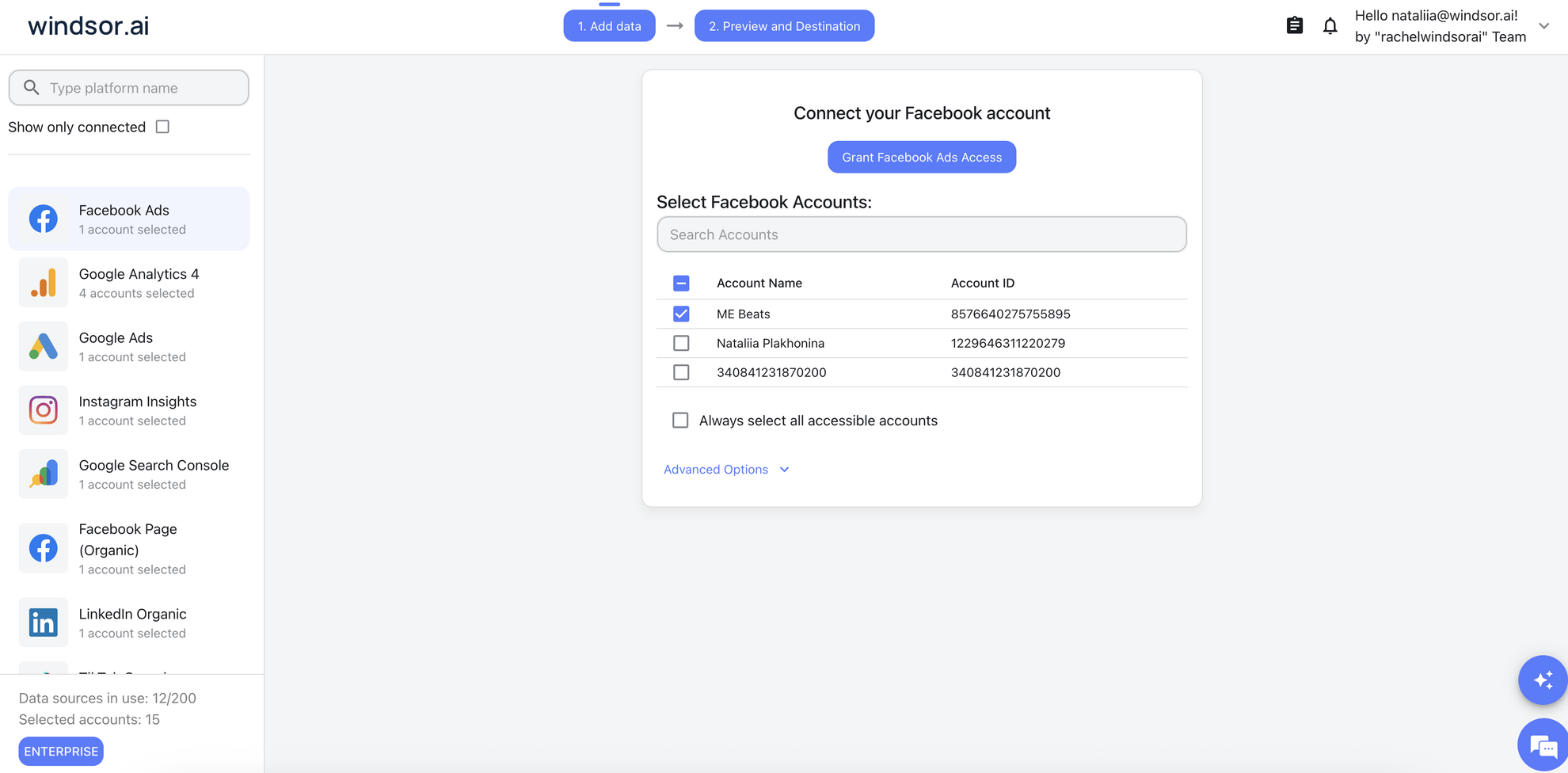
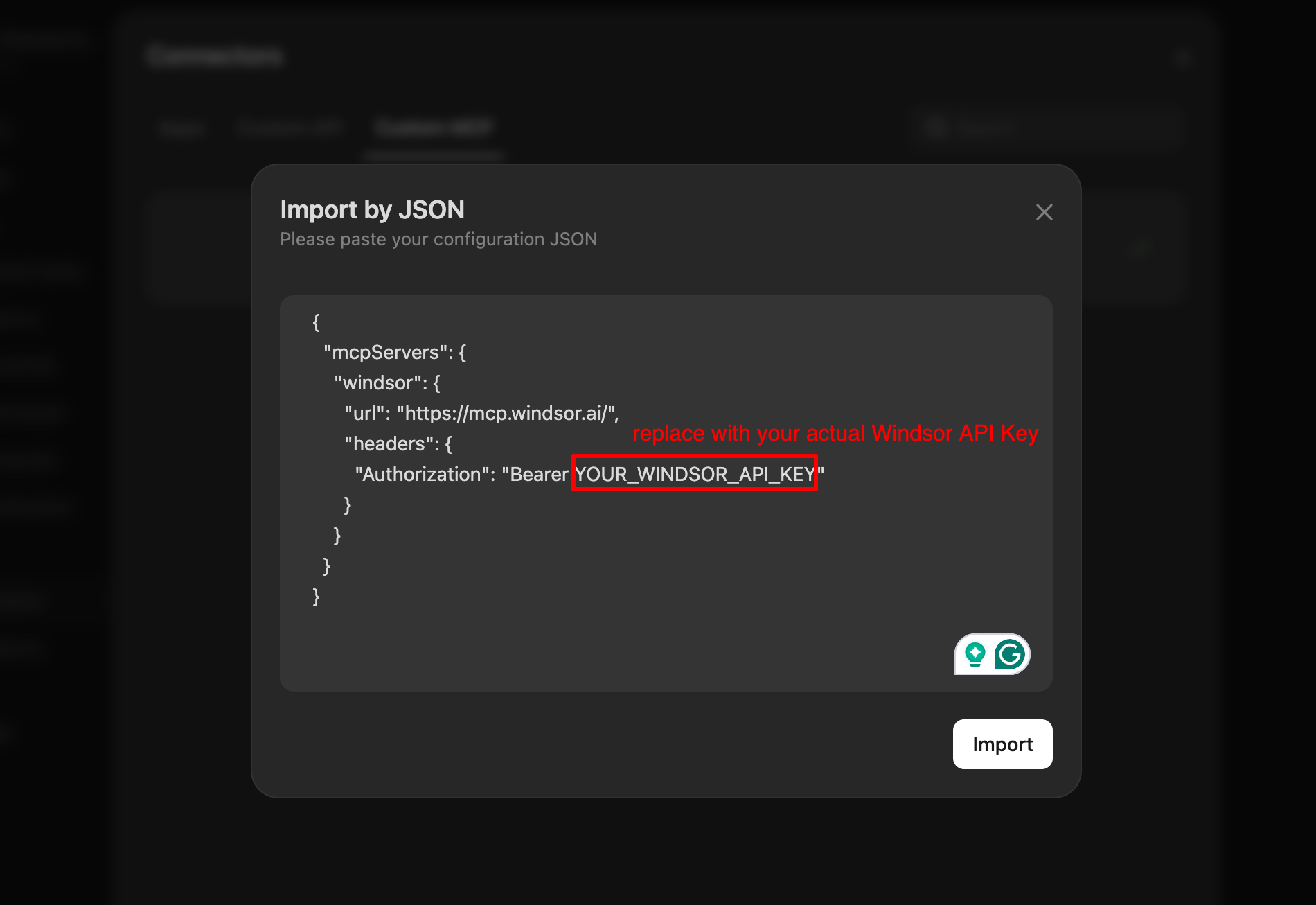
In Manus, open Settings and go to Connectors. Open the Custom MCP tab, click Add custom MCP server and choose Import by JSON.

Copy the configuration from your Windsor.ai account at onboard.windsor.ai/app/data-preview#MANUS, paste it into Manus and click Import. Windsor then appears in your list of connectors.
Start with a test prompt such as “What data sources are connected to my windsor.ai account?” Then ask about your campaigns, revenue or traffic.
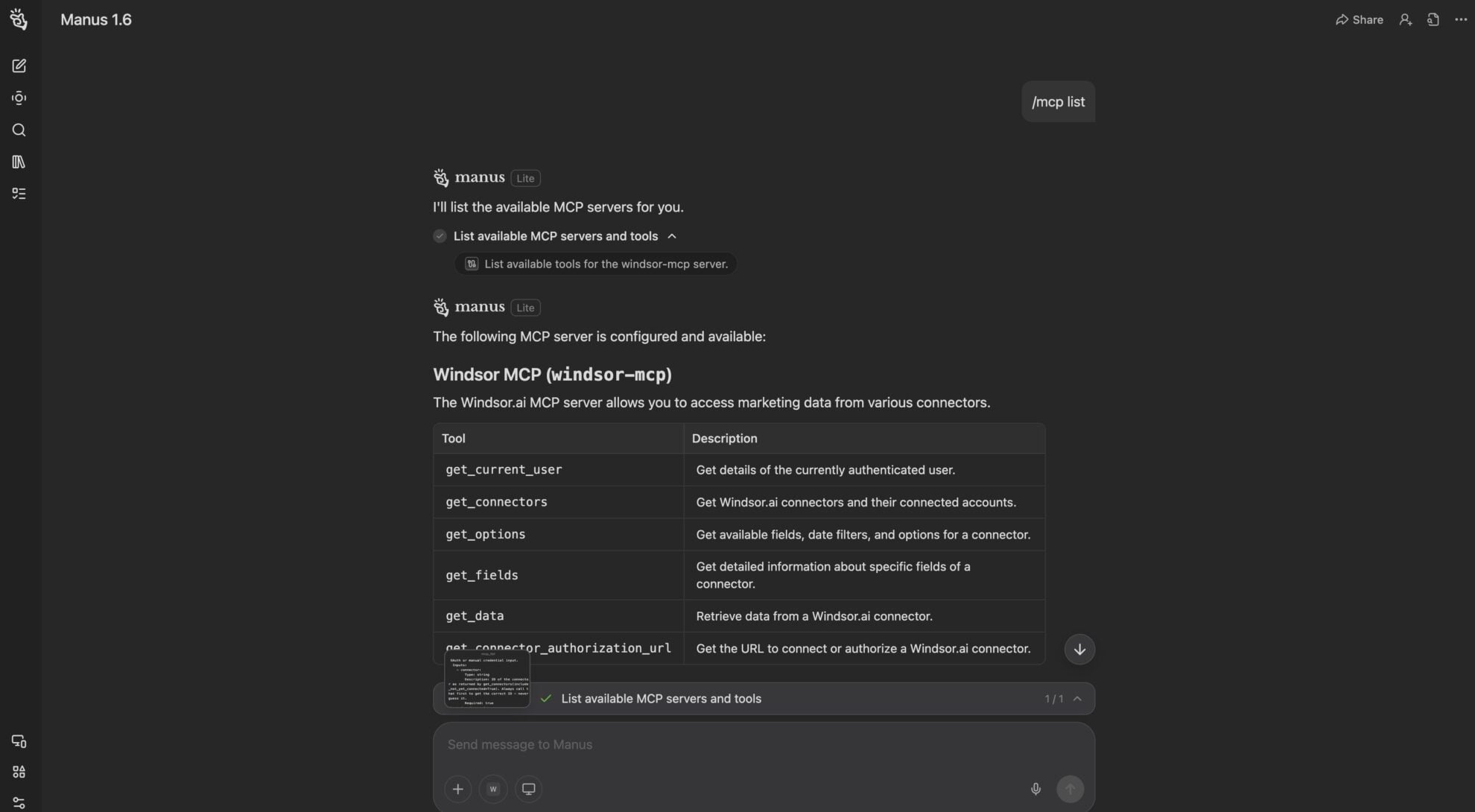
Manus can only analyze the data it can reach. With Windsor MCP it reaches 350+ sources live, so you can ask questions in plain language without uploading files or writing scripts. Here is what you can do with the Windsor.ai to Manus integration:
Ask about your business data in plain language, with no SQL, APIs, file uploads or custom scripts. Windsor.ai connects 350+ sources, and Manus answers from them live.
Describe the outcome you want, such as a weekly performance summary across your ad platforms, and let Manus pull the numbers it needs from Windsor.ai.
Windsor.ai unifies data from all your connected sources, so you can ask cross-channel questions like “Compare ROAS across Google Ads, Meta and TikTok last quarter” and get one answer.
Spot a CPA spike, then ask why, or drill down by campaign, device or date range, without starting over or switching tools.
Ask about your business data in plain language, with no SQL, APIs, file uploads or custom scripts. Windsor.ai connects 350+ sources, and Manus answers from them live.
Describe the outcome you want, such as a weekly performance summary across your ad platforms, and let Manus pull the numbers it needs from Windsor.ai.
Windsor.ai unifies data from all your connected sources, so you can ask cross-channel questions like “Compare ROAS across Google Ads, Meta and TikTok last quarter” and get one answer.
Spot a CPA spike, then ask why, or drill down by campaign, device or date range, without starting over or switching tools.
Windsor MCP is the Model Context Protocol server from Windsor.ai. It lets AI tools such as Manus, Claude or ChatGPT query your connected business data in plain language, without SQL or manual exports.
Any of the 350+ Windsor.ai connectors, including Google Ads, Meta Ads, GA4, TikTok Ads, Shopify, HubSpot, Salesforce, LinkedIn Ads, Amazon Ads and Stripe.
An active Windsor.ai account with at least one connected data source, and a Manus account. You copy the ready-made configuration from your Windsor.ai account and import it into Manus as a custom MCP server.
In your Windsor.ai account at onboard.windsor.ai/app/data-preview#MANUS. It is the JSON that points Manus to Windsor MCP and includes your Windsor.ai API key.
Yes. Windsor.ai is SOC2 certified. Your data is queried live through an authenticated connection and is not stored in Manus.
Start with “What data sources are connected to my windsor.ai account?”, then ask for KPI summaries, cross-channel comparisons, trends and anomalies. For ready-to-use prompts for each data source, see our AI Prompt Library.
Windsor.ai has a free forever plan with 1 data source, and paid plans start at $19/month for 3 sources. See our pricing. Manus is billed separately by Manus.