 Destinations
 Data sources
 AI insights
 About us
 Careers
 Security
 Customer reviews
 Contact us
 Affiliate program
 Solution partners
 Template gallery
 Looker Studio templates
 Power BI templates
 Excel templates
 Google Sheets templates
 Tableau templates
 Facebook Ads templates
 Google Ads templates
 Data fields & Metrics
 AI prompt library & Guides
 Product documentation
 API documentation
 Case studies
 Blog
Blog Data models
 Windsor vs Supermetrics
 Windsor vs Funnel.io
 Windsor vs Fivetran
 Windsor vs Rivery
 Windsor vs Portermetrics
 Windsor vs Coupler.io
Google Search Console Connector
Windsor.ai connects Google Search Console to your warehouse, BI tool, spreadsheet or AI assistant through the Search Console API. You get clicks, impressions, CTR and position by query, page, country, device and date, with no exports: synced on a schedule to warehouses and reports, or pulled when you ask in Claude or ChatGPT.
Because the data comes from the API, your reports are not limited to the 1,000 rows the Performance report shows, and a warehouse can keep the history after Search Console’s 16 months.
No code. Free forever plan for one data source.
 Free forever plan
No credit card needed
Free forever plan
No credit card needed



Make the most out of your Google Search Console data with Windsor.ai
Every Search Analytics dimension and metric from the API, plus fields Windsor adds: branded vs non-branded, words in the query, results page number and URL path levels.
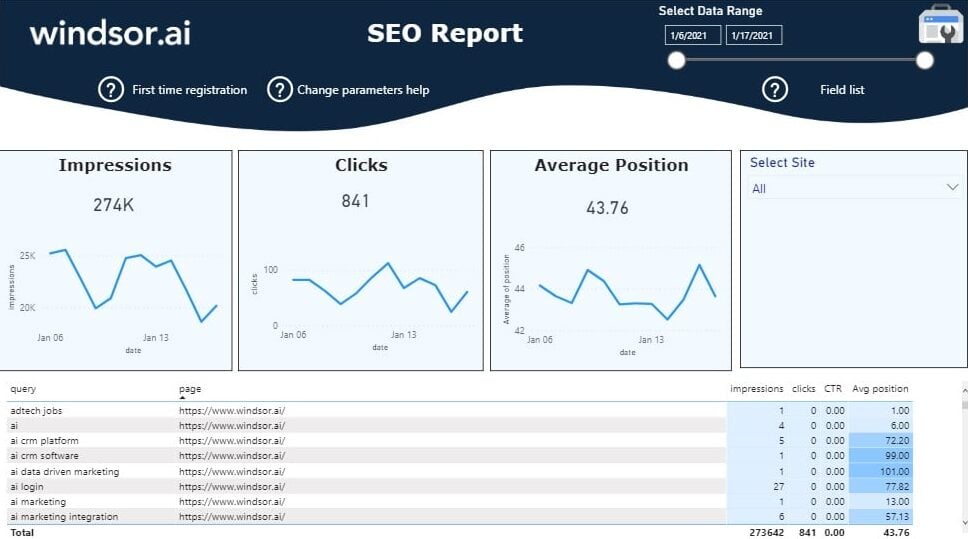
Start from a ready-made Search Console dashboard template for Data Studio, Power BI or Google Sheets, then change the fields and filters to match your site.
Send your Google Search Console data to any destination
Import your Google Search Console data into any destination using Windsor.ai.


























What the Google Search Console connector gives you
Windsor.ai reads Search Console through Google’s API and sends the rows to the destination you choose: on a schedule to a warehouse or report, or when you ask in an AI assistant. Three things change compared with exporting from the interface:
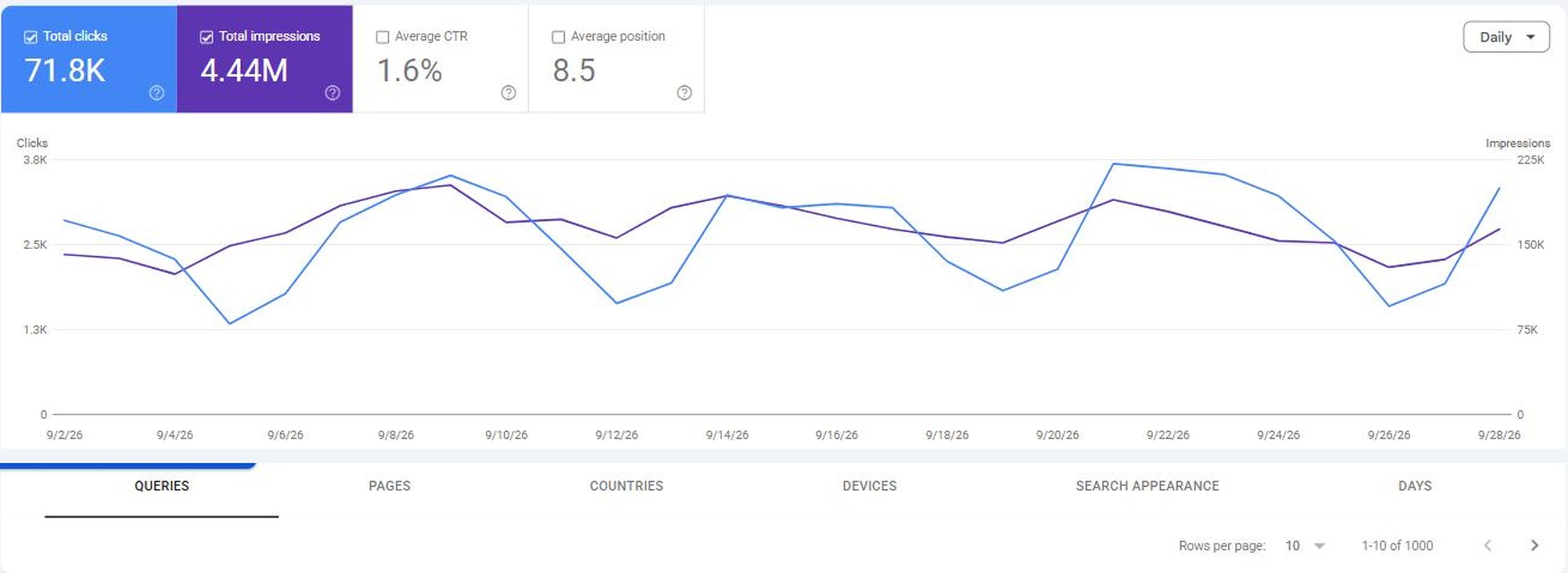
- More than 1,000 rows. The Performance report table and its export stop at 1,000 queries. On windsor.ai in September, those 1,000 queries brought most of the clicks but only 55% of the impressions; the other 45% came from more than 50,000 smaller queries. Google returns its top rows for each request, so to get that long tail, split the data, for example by device.
- Query and page together, by day. Cannibalization checks and before-and-after comparisons need query, page and date in one table, which the interface does not export.
- Next to your other data. GA4, Google Ads and 350+ other sources go through the same account, so you can join them with Search Console on date and URL in your destination.
Here is a query, page and date pull from the connector for windsor.ai, 22 to 28 September 2026. Two of our pages showed for “google search console mcp claude”: the Claude how-to and the MCP connect page.
| Date | Claude how-to | MCP connect page | ||
|---|---|---|---|---|
| Impressions | Position | Impressions | Position | |
| 22 Sep | 4 | 4.0 | 4 | 7.3 |
| 23 Sep | 9 | 7.9 | 5 | 7.8 |
| 24 Sep | 8 | 5.1 | 2 | 4.0 |
| 25 Sep | 3 | 6.7 | 7 | 7.7 |
| 26 Sep | 3 | 1.0 | 5 | 7.6 |
| 27 Sep | 7 | 6.6 | 2 | 9.0 |
| 28 Sep | 10 | 3.0 | 6 | 8.0 |
The how-to ranked higher on five of the seven days and got the week’s only click, 44 impressions against 31. Two of our pages sharing one query is what a cannibalization check looks for. We moved the MCP comparison to its own Search Console MCP article, and the connect page now redirects there.
Two limits come from Google, so they apply in the Search Console interface and in every connector that uses the API, Windsor.ai included: Google hides rare queries (on windsor.ai, rows with a query covered 68% of clicks), and the latest 2 to 3 days are incomplete.














How to export Google Search Console data with the Windsor.ai connector
Sign up and start for free
Create your Windsor.ai account and log in.
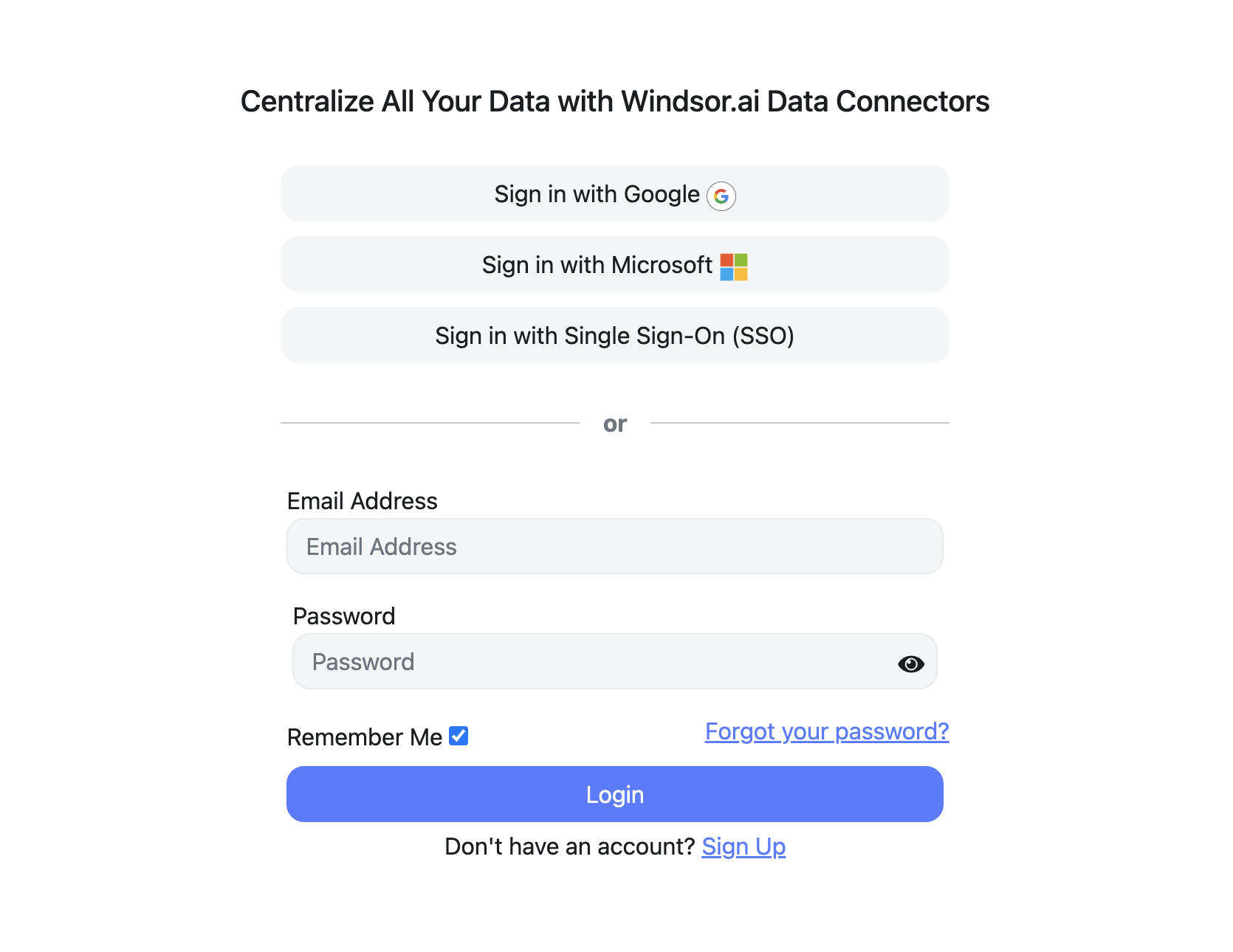
Select Google Search Console as a data source
Choose Google Search Console, sign in with a Google account that has access to the property, and select the properties. Use the domain property if you want every subdomain and protocol in one dataset.
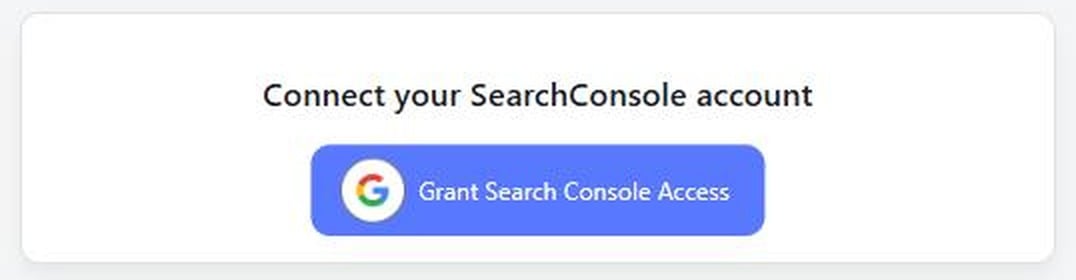
Choose report fields and metrics
Select the fields that you’d like to add to your report, for example clicks, impressions, position, query and page.

Select a data destination
Choose a destination where you want to stream your Google Search Console data.

FAQs
Which AI tools integrate with Google Search Console?
Google publishes no Search Console MCP server, so AI assistants reach Search Console through third-party connectors or open-source servers. Through Windsor.ai, Search Console works in Claude, ChatGPT, Gemini Enterprise, Copilot and Perplexity, next to GA4 and ad data. The options are compared in Google Search Console MCP.
Does the connector get more than 1,000 rows?
Yes. The interface table and export stop at 1,000 rows. The API returns up to 25,000 rows per request, and only its top rows, so for a large site the request has to be split, for example by device. For 2 to 28 September 2026, our own property had 54,577 queries split by device; one unsplit request returned 21,228.
Is the data complete?
No connector or export gets every query. Google hides rare queries for privacy, so rows with a query add up to less than the site total (68% of clicks on windsor.ai in September). The last 2 to 3 days are also incomplete.
Can I combine Search Console with GA4 or Google Ads?
Yes. Connect them in the same Windsor.ai account and join on date and URL in your destination. Check that both sources use the same form of the URL: Search Console reports full URLs, GA4 page paths and hostname.
Which property type should I connect?
The domain property (sc-domain:example.com) covers every subdomain and protocol; a URL-prefix property covers only the URLs under its prefix. For site-wide reporting and cannibalization checks, use the domain property.
Can Windsor.ai change my Search Console settings?
No. Windsor.ai can make changes on some ad and social platforms, such as pausing a Google Ads campaign, but not in Search Console: the Search Console connector only reads data. It does not submit sitemaps, request indexing or change settings.
How much does it cost?
The free forever plan covers one data source, with no credit card. Paid plans start at $19 a month for three sources and $99 a month for seven. See pricing.
Where are the setup guides for each destination?
Setup guides: Claude, ChatGPT, MCP servers and Data Studio. Reference: the field reference and the Search Console API guide. Each destination card above links its own setup page.
Other popular Windsor.ai connectors

Google My Business
Google Search Console

Amazon Ads

Microsoft Ads (Bing Ads)

Google Ads
Get Search Console data past the 1,000-row limit into your reports. Try Windsor.ai free


