 Destinations
 Data sources
 AI insights
 About us
 Careers
 Security
 Customer reviews
 Contact us
 Affiliate program
 Solution partners
 Template gallery
 Looker Studio templates
 Power BI templates
 Excel templates
 Google Sheets templates
 Tableau templates
 Facebook Ads templates
 Google Ads templates
 Data fields & Metrics
 AI prompt library & Guides
 Product documentation
 API documentation
 Case studies
 Blog
Blog Data models
 Windsor vs Supermetrics
 Windsor vs Funnel.io
 Windsor vs Fivetran
 Windsor vs Rivery
 Windsor vs Portermetrics
 Windsor vs Coupler.io
Stripe Connector
Easily integrate your Stripe data into your warehouse, spreadsheet, or visualization platform using Windsor.ai’s ELT connectors.
Automate Stripe reporting and centralize your financial data for advanced analysis. Gain actionable insights to optimize revenue, reduce churn, and improve payment performance.
Forget CSVs. Stop copy/paste. Connect data in 2 minutes. No code required.
 Free forever plan
No credit card needed
Free forever plan
No credit card needed



Make the most out of your Stripe data with Windsor.ai
Focus on the data that matters by choosing from our extensive documentation or easily creating custom fields.

Leverage our pre-built, customizable Stripe dashboard templates for a comprehensive performance overview tailored to your data needs.
Send your Stripe data to any destination
Import your Stripe data into any destination using Windsor.ai.
























Extract and load Stripe data effortlessly with Windsor.ai’s connector
Stripe stores everything you need to understand revenue health, but pulling it out to your external analytics stack usually requires manual data handling, cleanup, or technical expertise.
Windsor.ai removes these barriers with a no-code ELT connector that automatically delivers your Stripe data to a destination of your choice, enabling real-time analysis and reporting.
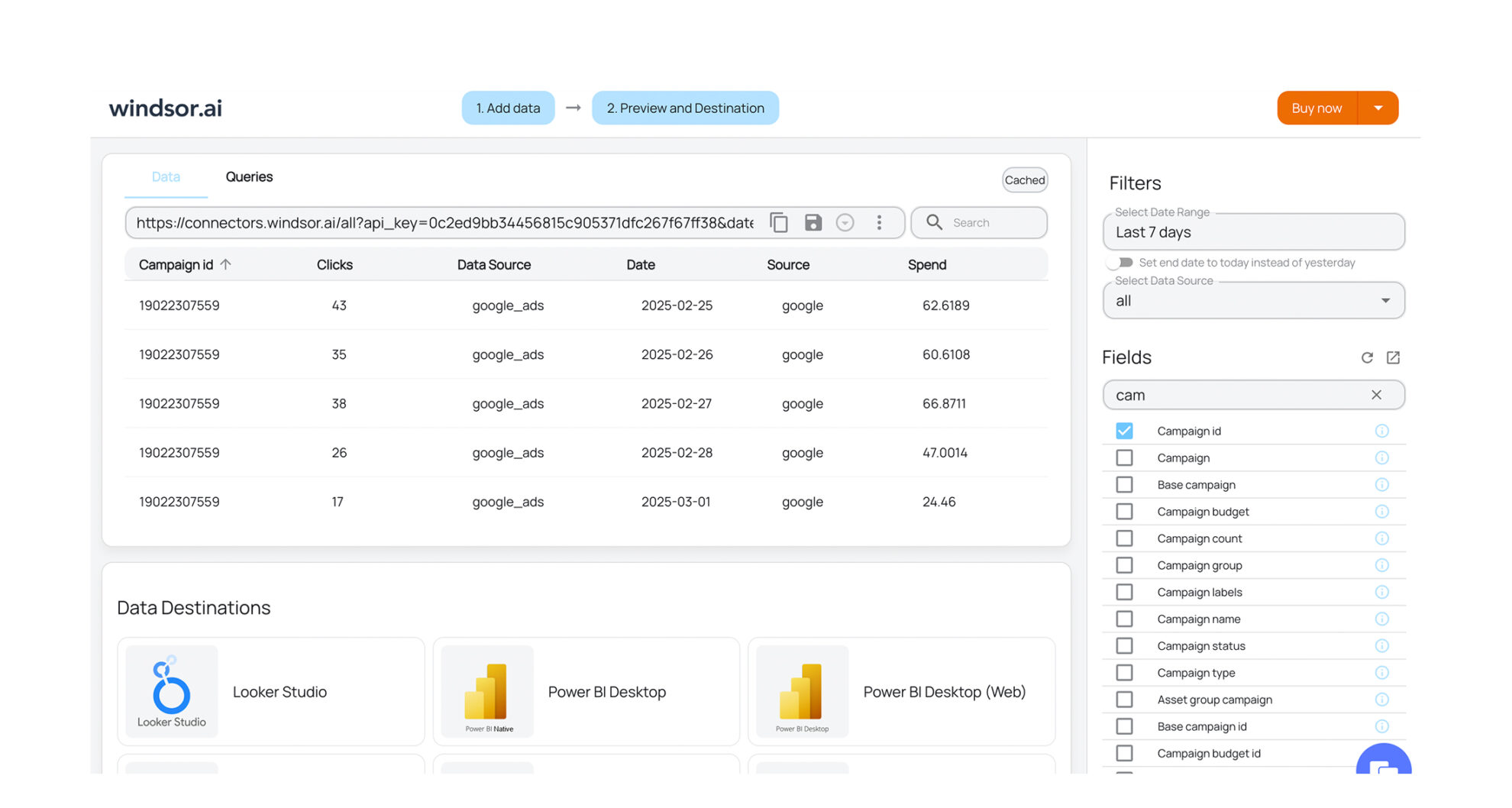














How to export Stripe data with the Windsor.ai connector
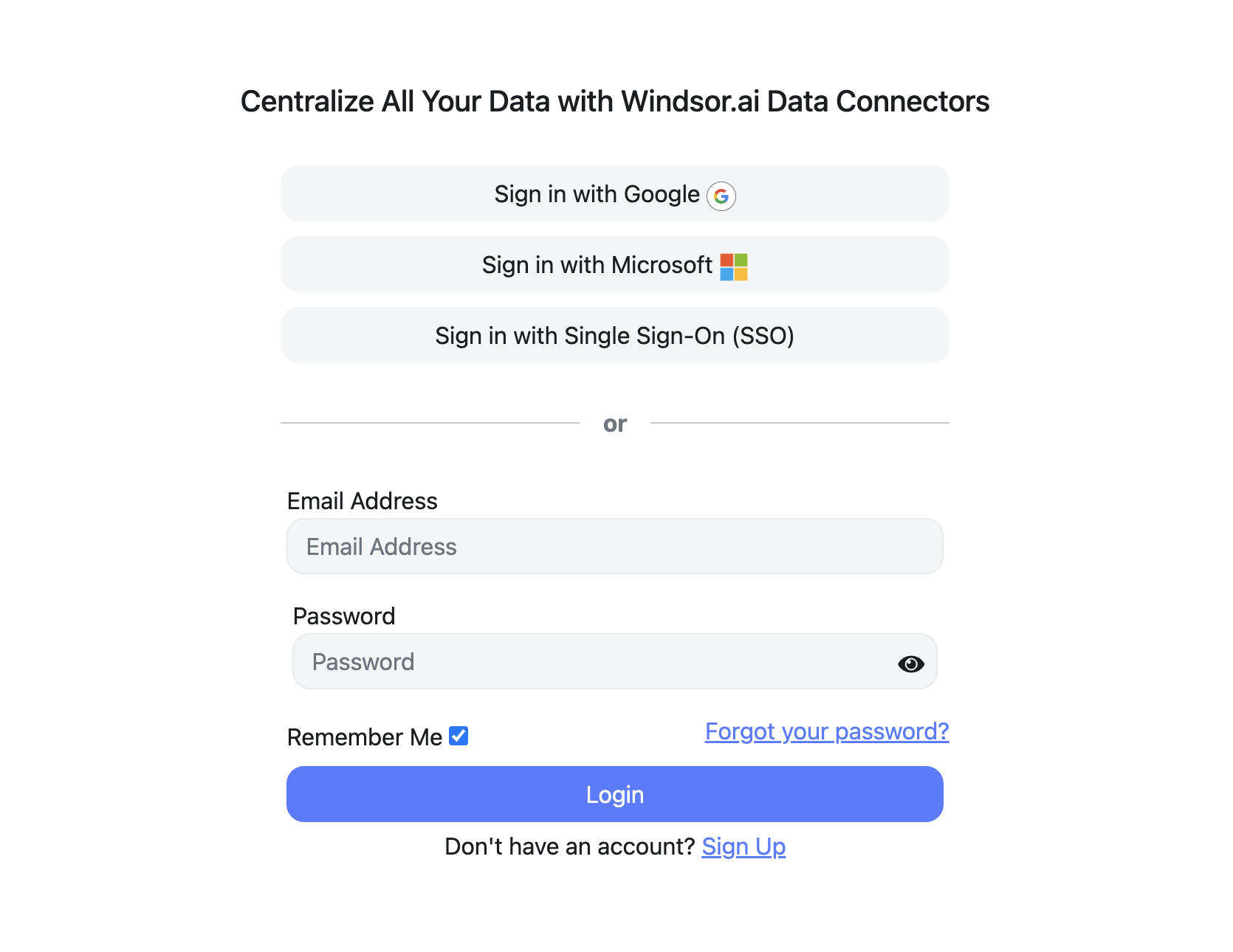
Sign up and start for free
Create your Windsor.ai account and log in.
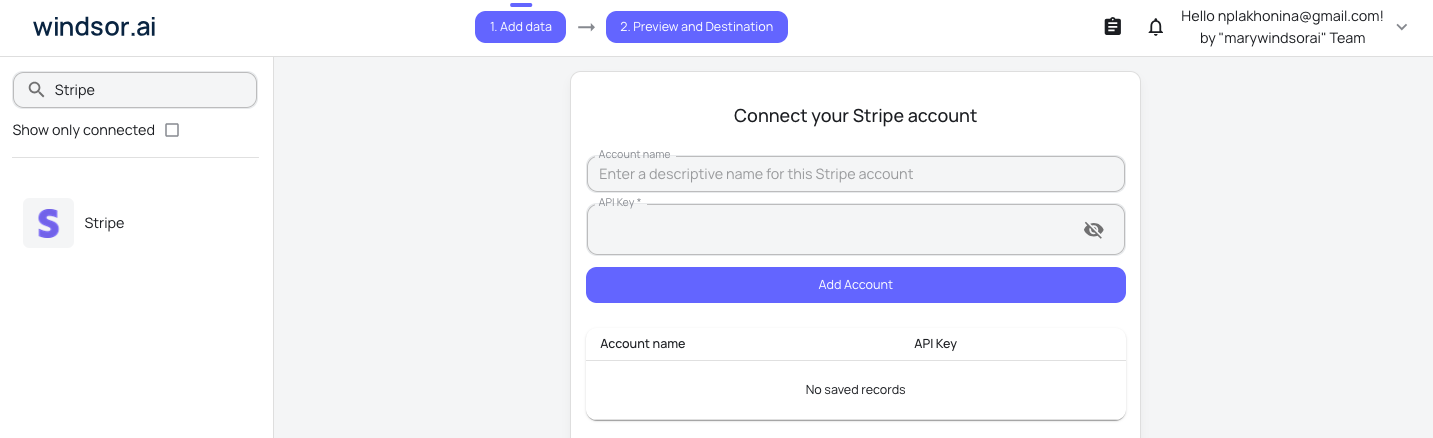
Select Stripe as a data source
In your dashboard, connect the Stripe data source, select the necessary account(s), and grant access to Windsor.ai.
Choose report fields and metrics
Select the fields that you’d like to add to your report. For example, you can include metrics such as Transaction Amount, MRR, Active Subscriptions, Refund Amount, and more.

Select a data destination
Choose a destination where you want to stream your Stripe data.

FAQs
Why use Windsor.ai's Stripe connector?
Windsor.ai’s connector streamlines Stripe data integration by automating the entire workflow: it extracts, transforms, and delivers financial data into your BI tool, warehouse, or spreadsheet. It cuts data preparation time by over 50% and removes the need for manual exports, custom scripts, or ongoing API maintenance.
On top of that, the connector allows you to combine Stripe with data from 350+ other sources. Use this integration to build accurate MRR and ARR dashboards, analyze churn and customer lifetime value, monitor failed payments and refunds, and connect revenue back to the marketing channels that drove it.
What data can I extract from Stripe with Windsor.ai?
Windsor.ai gives access to a wide range of Stripe metrics and dimensions, including:
- Transactions: Amount, net, fee, currency, status, type, reporting category, customer email, and timestamps.
- Subscriptions: Status (active, trialing, past_due, canceled, paused), billing cycle anchor, current period, trial start and end, cancellation date and reason, collection method, and customer ID.
- Subscription items: Quantity, unit price, currency, billing interval, recurring vs. one-time, usage type, and product ID.
- Products: Name, description, default price, active status, images, package dimensions, and metadata.
- Payouts: Amount, currency, status, created date, arrival date, and description, for reconciliation against your bank.
- Refunds: Amount, currency, status, reason, and created date.
- Balance: Current balance broken down by source type (bank account, card, FPX).
- Customers: ID and email linked to every transaction and subscription.
Can I sync data from multiple Stripe accounts?
Yes. Windsor.ai allows you to connect data from multiple Stripe accounts and stream it into the same destination; useful for agencies handling client billing, holding companies with a Stripe account per brand, or teams running test and live accounts in parallel.
How much does it cost to integrate Stripe with Windsor.ai?
Windsor.ai’s pricing for Stripe data integration varies depending on your use case and data volume. We offer absolutely transparent, volume-based event pricing plans for diversified business needs and budgets.
How long does it take to sync Stripe to a destination using Windsor.ai?
With Windsor.ai’s intuitive interface, the integration process takes a few minutes. No technical expertise is required. Connecting Stripe data is simple, straightforward, and completely code-free.
Do you have helpful links to get started with integrating Stripe and Windsor.ai?
Yes, we have helpful resources to help you get started. You can explore our official documentation for Stripe data integration into a chosen destination, available Stripe data fields, and ready-to-use templates:
Other popular Windsor.ai connectors

Instagram Public Data

Google Search Console

Snapchat Ads

WooCommerce

HubSpot
Tired of manual Stripe data exports? Get started with Windsor.ai today to automate your reporting


