 Destinations
 Data sources
 AI insights
 About us
 Careers
 Security
 Customer reviews
 Contact us
 Affiliate program
 Solution partners
 Template gallery
 Looker Studio templates
 Power BI templates
 Excel templates
 Google Sheets templates
 Tableau templates
 Facebook Ads templates
 Google Ads templates
 Data fields & Metrics
 AI prompt library & Guides
 Product documentation
 API documentation
 Case studies
 Blog
Blog Data models
 Windsor vs Supermetrics
 Windsor vs Funnel.io
 Windsor vs Fivetran
 Windsor vs Rivery
 Windsor vs Portermetrics
 Windsor vs Coupler.io































































































































































































































Tired of manually transferring data to Microsoft Fabric? Try Windsor.ai today to automate the process
Access all your data from various sources in one place. Get started for free.


Seamlessly sync data from 350+ sources to Microsoft Fabric with Windsor.ai’s powerful ELT connectors, no coding required.
Automate your data pipelines, unify analytics across multiple platforms, and maintain enterprise-grade security, all within Microsoft Fabric’s scalable, cloud-based environment.
 Free forever plan
No credit card needed
Free forever plan
No credit card needed

















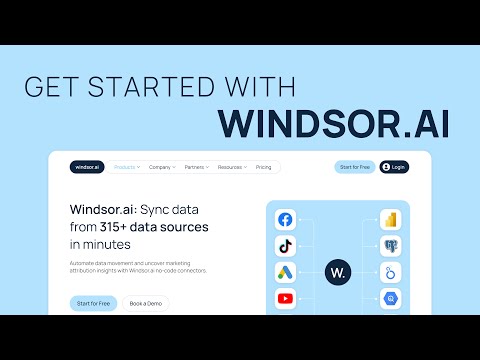
For a detailed walkthrough, refer to our Windsor.ai + Microsoft Fabric Integration Guide.
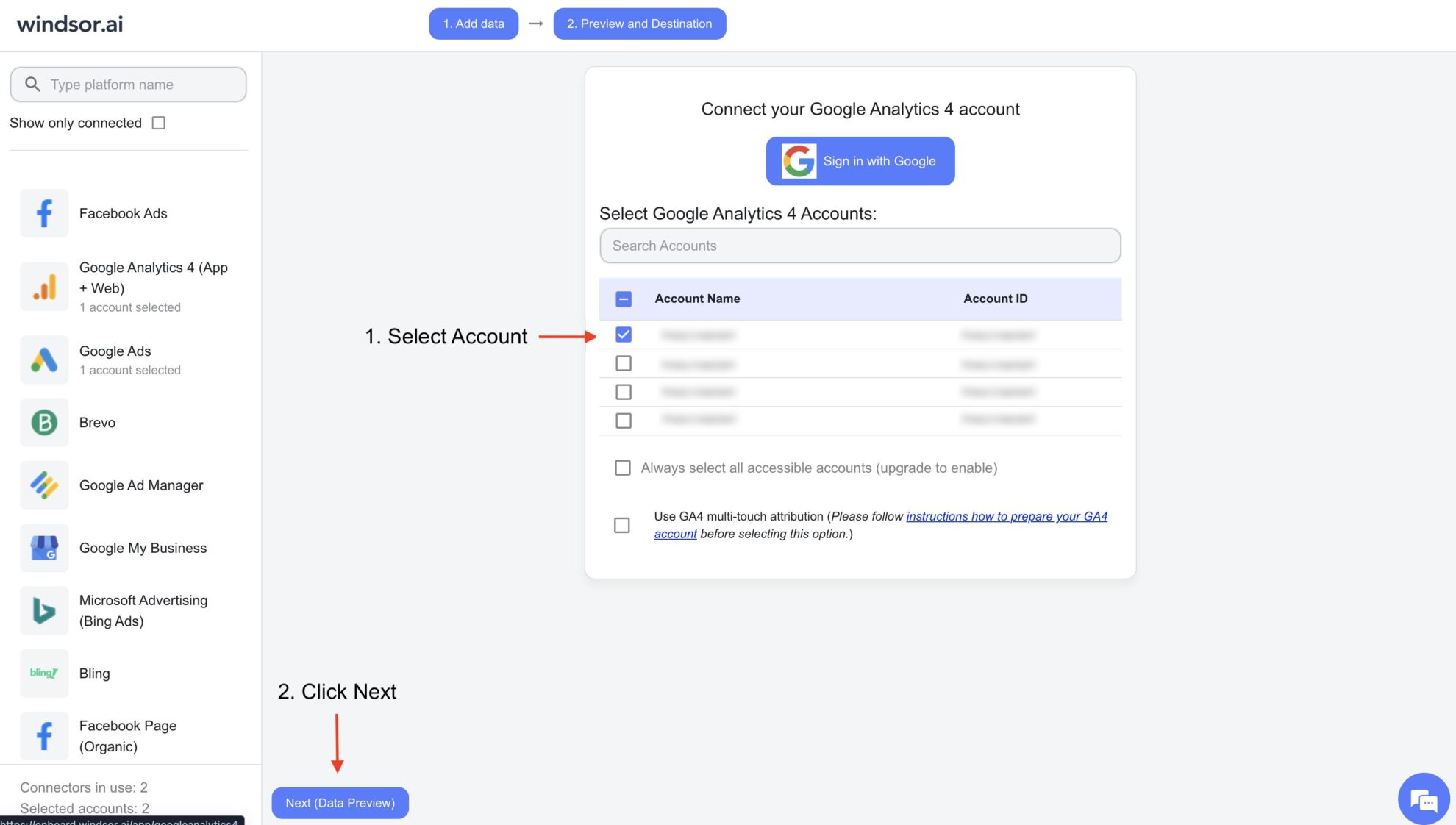
Choose from 350+ platforms, including CRMs, e-commerce systems, marketing tools, and business applications. Select the account(s), grant access to Windsor.ai, and choose the metrics and dimensions you need.
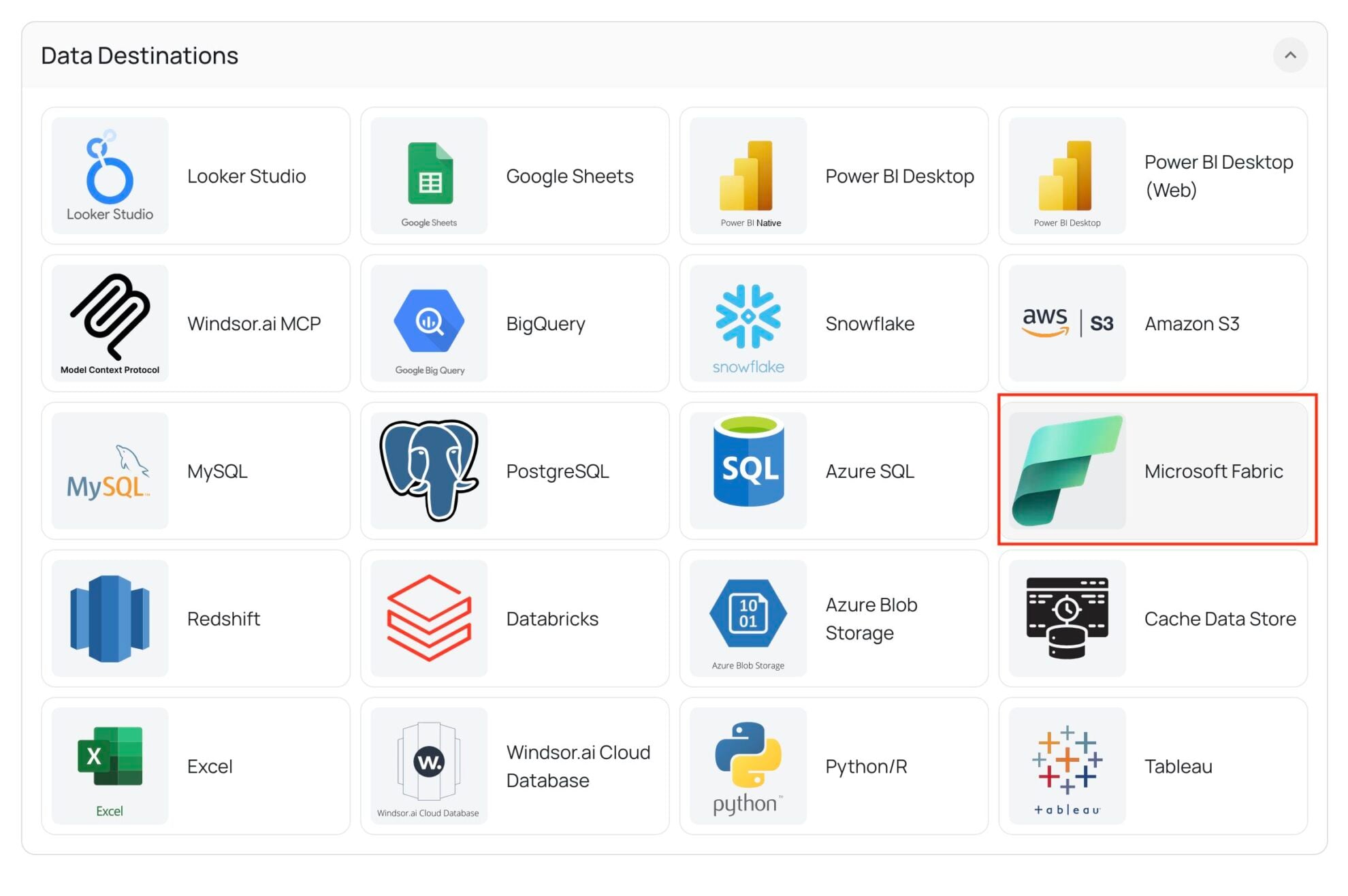
In your Windsor.ai dashboard data preview, scroll to the list of destinations and select Microsoft Fabric.
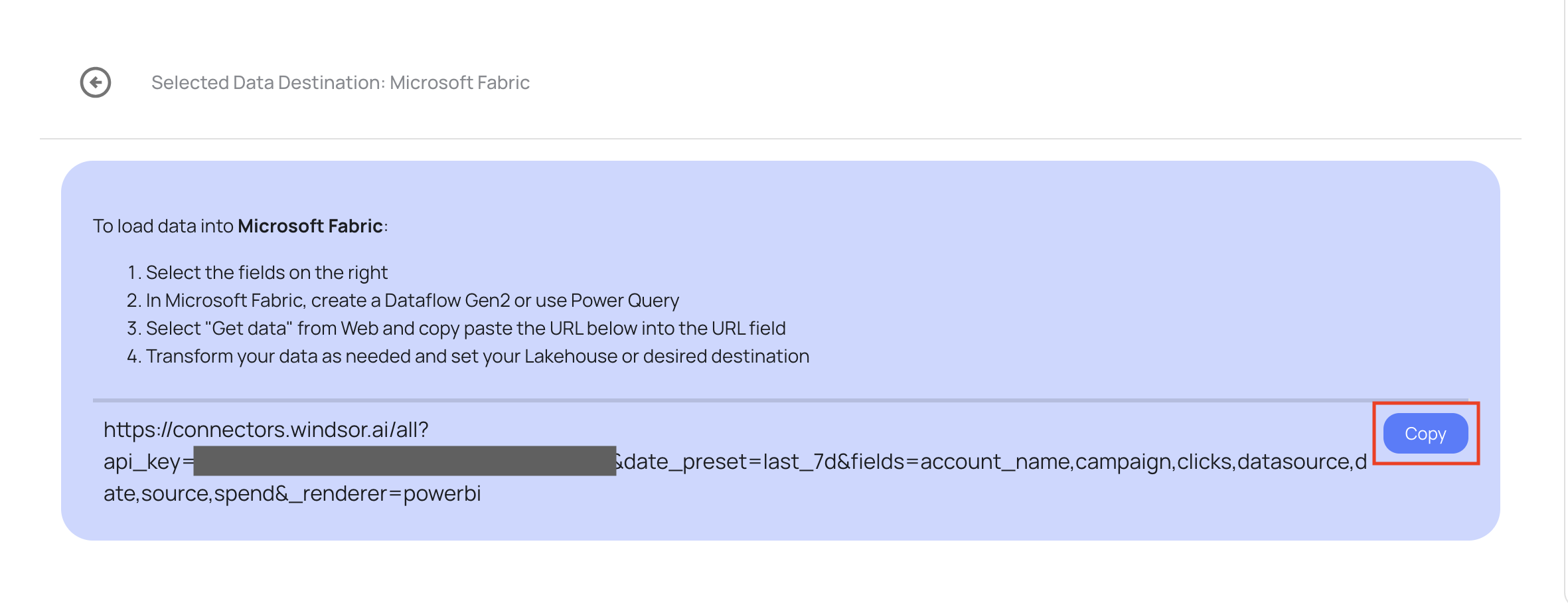
Once Fabric is selected, Windsor.ai will generate a unique connector URL for your data stream. Copy this URL.


Windsor.ai’s ELT connectors enable seamless integration into Microsoft Fabric, delivering enterprise-grade security, scalability, and performance. Here’s how this integration can transform your business:


Microsoft Fabric connectors enable data movement between hundreds of data sources and Fabric’s analytics ecosystem.
Windsor.ai’s no-code connectors simplify this process by automatically ingesting data from platforms such as Google Ads, Facebook Ads, Salesforce, HubSpot, and more, directly into Microsoft Fabric.
This eliminates manual data handling, enhances pipeline reliability, and ensures enterprise-level security.
Yes, we have helpful resources to help you get started. You can explore our official documentation for seamless Microsoft Fabric data integration with Windsor.ai:
Yes, while connecting Windsor.ai to Microsoft Fabric, you can schedule automated data streams by specifying the schedule type and time.
You’ll need:
Try these troubleshooting steps:
No. Windsor.ai supports 350+ data sources. You can stream data from as many as your plan supports, consolidating multiple data sources into your Fabric workspace.
Yes. Windsor.ai lets you apply filters, transformations, and mappings during setup, ensuring data lands in Fabric exactly as you need for your reports or analytics models.