 Destinations
 Data sources
 AI insights
 About us
 Careers
 Security
 Customer reviews
 Contact us
 Affiliate program
 Solution partners
 Template gallery
 Looker Studio templates
 Power BI templates
 Excel templates
 Google Sheets templates
 Tableau templates
 Facebook Ads templates
 Google Ads templates
 Data fields & Metrics
 AI prompt library & Guides
 Product documentation
 API documentation
 Case studies
 Blog
Blog Data models
 Windsor vs Supermetrics
 Windsor vs Funnel.io
 Windsor vs Fivetran
 Windsor vs Rivery
 Windsor vs Portermetrics
 Windsor vs Coupler.io
Connect LinkedIn Pages to Microsoft Fabric
Easily integrate LinkedIn Pages with Microsoft Fabric using Windsor.ai’s ETL connectors.
Our platform automates the extraction and loading of LinkedIn Pages data into Microsoft Fabric, simplifying data management and delivering actionable insights that enhance brand visibility and organic growth.
Forget CSVs. Stop copy/paste. Connect data in 2 minutes. No code required.
 Sign up with Google
 Free forever plan
No credit card needed
Free forever plan
No credit card needed










Analyze your LinkedIn Pages data at scale with Microsoft Fabric integration
Seamlessly connect LinkedIn Pages to Microsoft Fabric through Windsor.ai to consolidate engagement, audience, and content metrics into a single, analytics-ready environment, unlocking the following benefits:

Automated data ingestion
Windsor.ai automates the flow of LinkedIn Pages data into Microsoft Fabric, removing manual processes and keeping your performance metrics continuously updated for near real-time analysis.

Secure, scalable storage
Microsoft Fabric offers enterprise-grade security, elastic scalability, and transparent cost control. Your LinkedIn Pages data stays protected, accessible, and ready to scale as analytics needs evolve.

Structured, organized data
With Windsor.ai, LinkedIn Pages data arrives at Microsoft Fabric in a structured, analysis-ready schema optimized for querying, modeling, and machine learning, making it easier to build accurate reports and data models.

In-depth marketing insights
Take advantage of Microsoft Fabric’s advanced analytics tools like SQL, Python, and ML, to uncover audience trends, evaluate content performance, and measure brand impact. Use these insights to refine engagement strategies and boost your organic growth.
Using Windsor.ai connector to import data from LinkedIn Pages to Microsoft Fabric
Integrating LinkedIn Pages with Microsoft Fabric can be time-consuming, costly, and require ongoing engineering support. Windsor.ai removes that complexity with a fully automated, no-code ELT/ETL connector.
In just a few clicks, sync your LinkedIn Pages metrics into Microsoft Fabric, enabling scalable storage and advanced analytics.















How to connect LinkedIn Pages to Microsoft Fabric in Windsor.ai
Make sure you have the following prerequisites before setting up the connector:
- LinkedIn Pages account
- Microsoft Fabric account
- Active Windsor.ai account
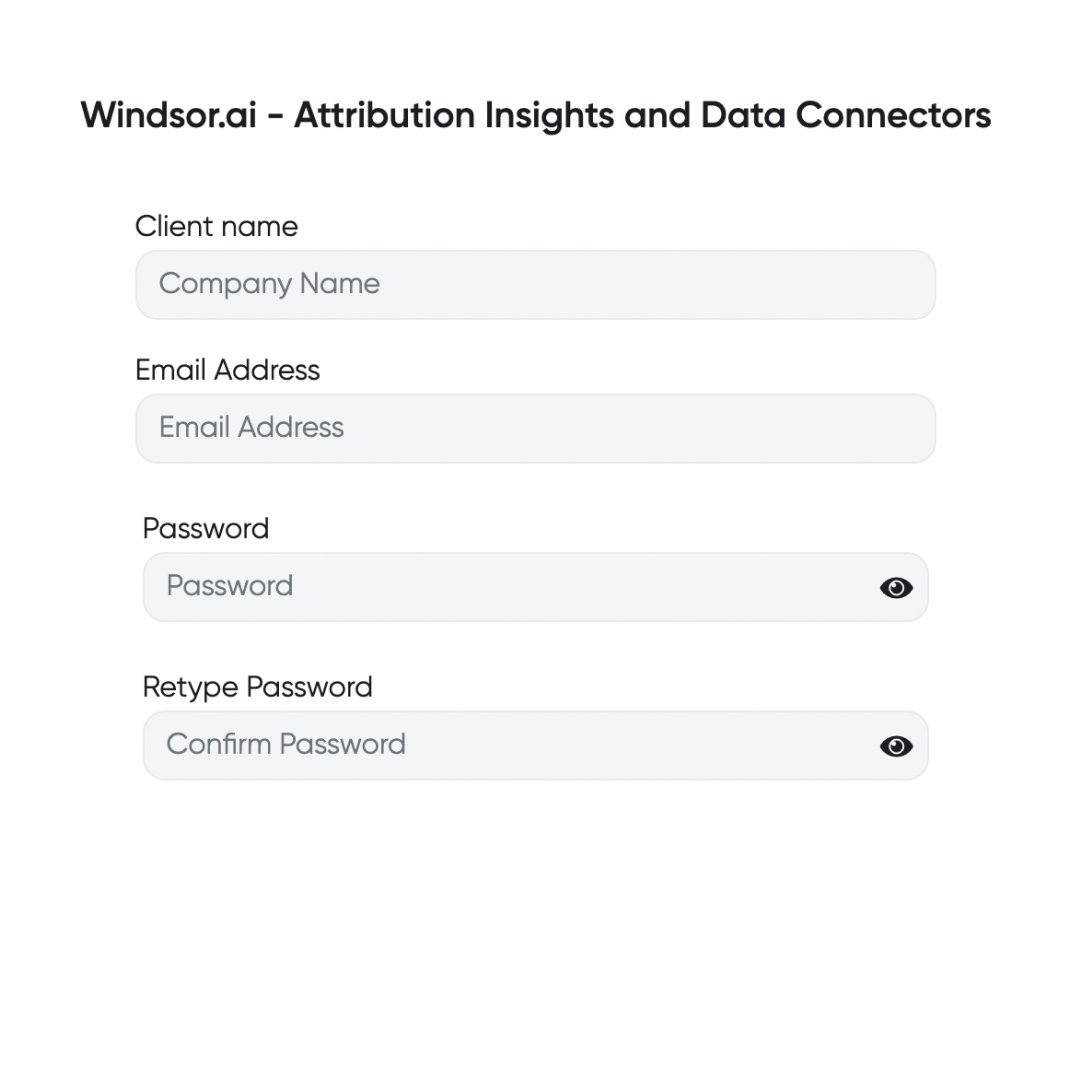
Register and log in to Windsor.ai
Create a new Windsor.ai account or log in if you already have one.
Select your data source
Choose LinkedIn Pages as your data source and grant access to Windsor.ai.

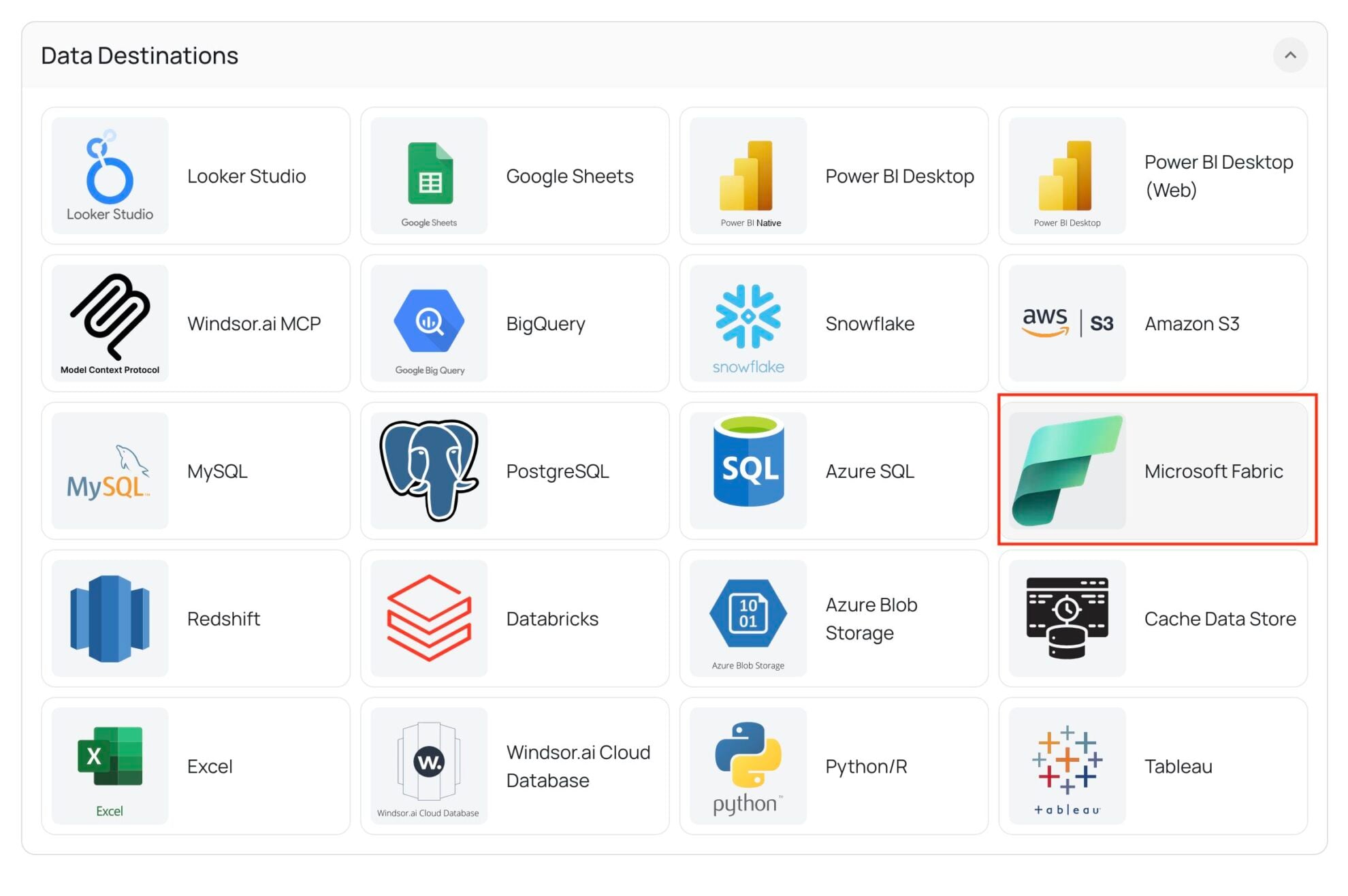
Select your destination
Set Microsoft Fabric as the destination for your data.
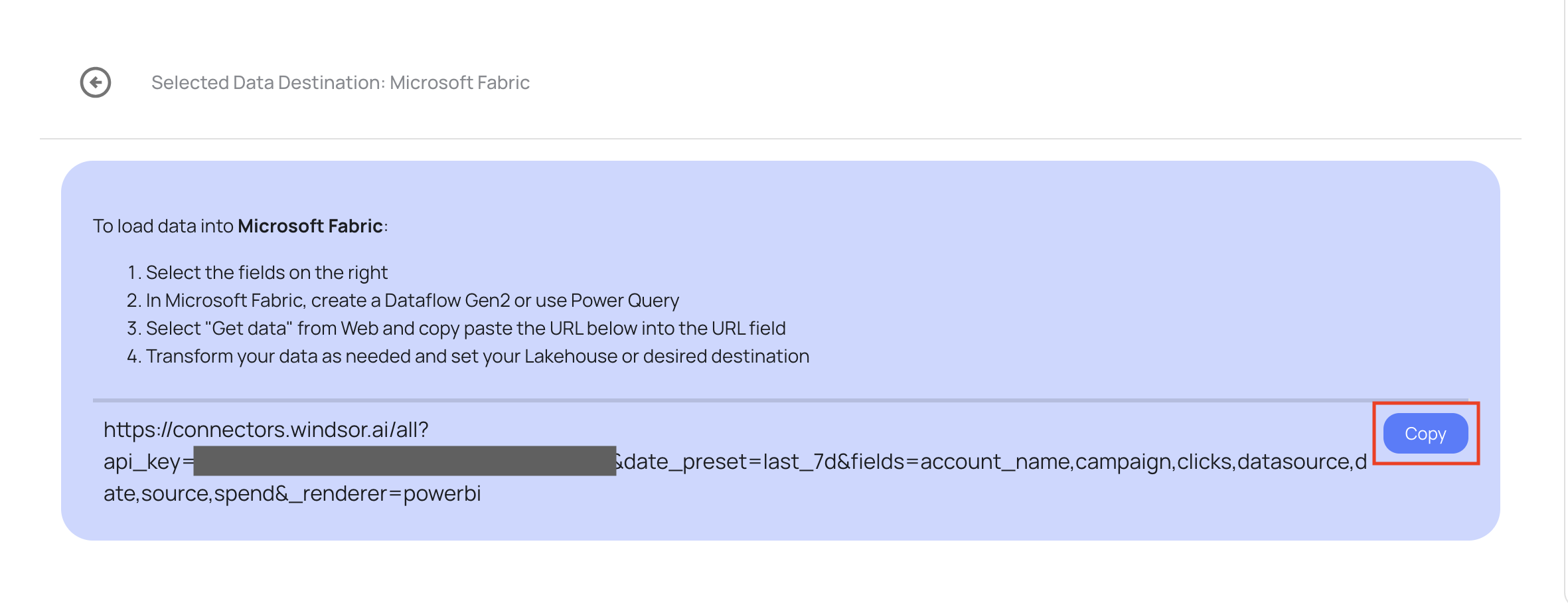
Copy the connector URL
Once Fabric is selected, Windsor.ai will generate a unique connector URL for your data stream. Copy this URL.
Set up your Fabric environment
- Log in to your Microsoft Fabric account.
- Open your workspace and click New Item → Dataflow Gen2.
- Name your dataflow and click Create.

Connect to Windsor.ai in Fabric
- Click the Get Data icon in the top left.
- Search for “Web” and choose Web API as the data source.
- Paste the connector URL you copied from Windsor.ai into the URL field and click Next.

FAQs
What is Microsoft Fabric?
Microsoft Fabric is an all-in-one analytics platform designed to unify data movement, data engineering, data science, real-time analytics, and business intelligence. Built on a Software-as-a-Service (SaaS) foundation, it enables organizations to efficiently manage and analyze data across multiple sources within a single, integrated environment. Microsoft Fabric leverages the power of Microsoft’s cloud ecosystem, including Azure Data Lake, Power BI, and OneLake, making it a scalable and high-performance solution for enterprise data needs.
Key benefits of Microsoft Fabric include centralized data governance, streamlined workflows, and seamless collaboration between data engineers, analysts, and business users. It supports a wide range of data formats and tools, and ensures data security through built-in compliance, identity management, and encryption features.
Do you have helpful links to get started with integrating LinkedIn Pages and Microsoft Fabric using Windsor.ai?
Yes, we have helpful resources to help you get started. You can explore our official documentation for seamless LinkedIn Pages to Microsoft Fabric integration with Windsor.ai:
How much time do I need to create the LinkedIn Pages and Microsoft Fabric integration?
Windsor.ai provides a user-friendly interface and a powerful data connector that enables you to integrate LinkedIn Pages with Microsoft Fabric in under 5 minutes, making the process quick and hassle-free.
How much does it cost to integrate LinkedIn Pages into Microsoft Fabric with Windsor.ai?
Windsor.ai’s pricing for LinkedIn Pages to Microsoft Fabric data integration can vary depending on your use case and data volume. We offer transparent pricing plans tailored to diverse business needs and budgets.
Tired of manual LinkedIn Pages data exports? Try Windsor.ai today to automate your reporting


