 Destinations
 Data sources
 AI insights
 About us
 Careers
 Security
 Customer reviews
 Contact us
 Affiliate program
 Solution partners
 Template gallery
 Looker Studio templates
 Power BI templates
 Excel templates
 Google Sheets templates
 Tableau templates
 Facebook Ads templates
 Google Ads templates
 Data fields & Metrics
 AI prompt library & Guides
 Product documentation
 API documentation
 Case studies
 Blog
Blog Data models
 Windsor vs Supermetrics
 Windsor vs Funnel.io
 Windsor vs Fivetran
 Windsor vs Rivery
 Windsor vs Portermetrics
 Windsor vs Coupler.io
Connect Apify Dataset to BigQuery
Quickly integrate your Apify Dataset data into BigQuery with Windsor.ai’s no-code ETL connector.
Our platform automates the transfer of web scraping data from Apify into BigQuery, enabling secure storage, scalable workflows, and advanced analysis.
Forget CSVs. Stop copy/paste. Connect your data in 2 minutes. No code required.
 Sign up with Google
 Free forever plan
No credit card needed
Free forever plan
No credit card needed









Centralize your web scraping data with Apify Dataset to BigQuery integration
Seamlessly sync your Apify Datasets to BigQuery with Windsor.ai, enabling you to analyze large volumes of web-scraped data at scale and unlock these key benefits:

Advanced SQL queries
BigQuery lets you query millions of rows with ease using standard SQL, no slowdowns, no limitations. Whether you’re scraping product prices, job listings, or competitor content, BigQuery delivers the speed and scalability required to analyze large datasets efficiently and at scale.

Automated data sync
Windsor.ai automatically extracts your Apify Datasets and loads them into BigQuery, enabling real-time reporting and dashboards in tools like Looker, Power BI, or Tableau. This eliminates manual exports and ensures your team always works with accurate, up-to-date data.

Unify data from multiple sources
Blend scraped data from Apify with your CRM, sales, and ad performance data in BigQuery. Gain a comprehensive view of market dynamics and uncover deeper insights like price benchmarking, content gap analysis, and trend forecasting.
Using Windsor.ai connector to import data from Apify Dataset into BigQuery
Most ways to integrate Apify Dataset with BigQuery are expensive, time-consuming, and require ongoing technical resources. Windsor.ai simplifies the process with an affordable, fully no-code solution.
Our ELT connector automatically syncs your Apify data into BigQuery, enabling secure, structured, and centralized storage.
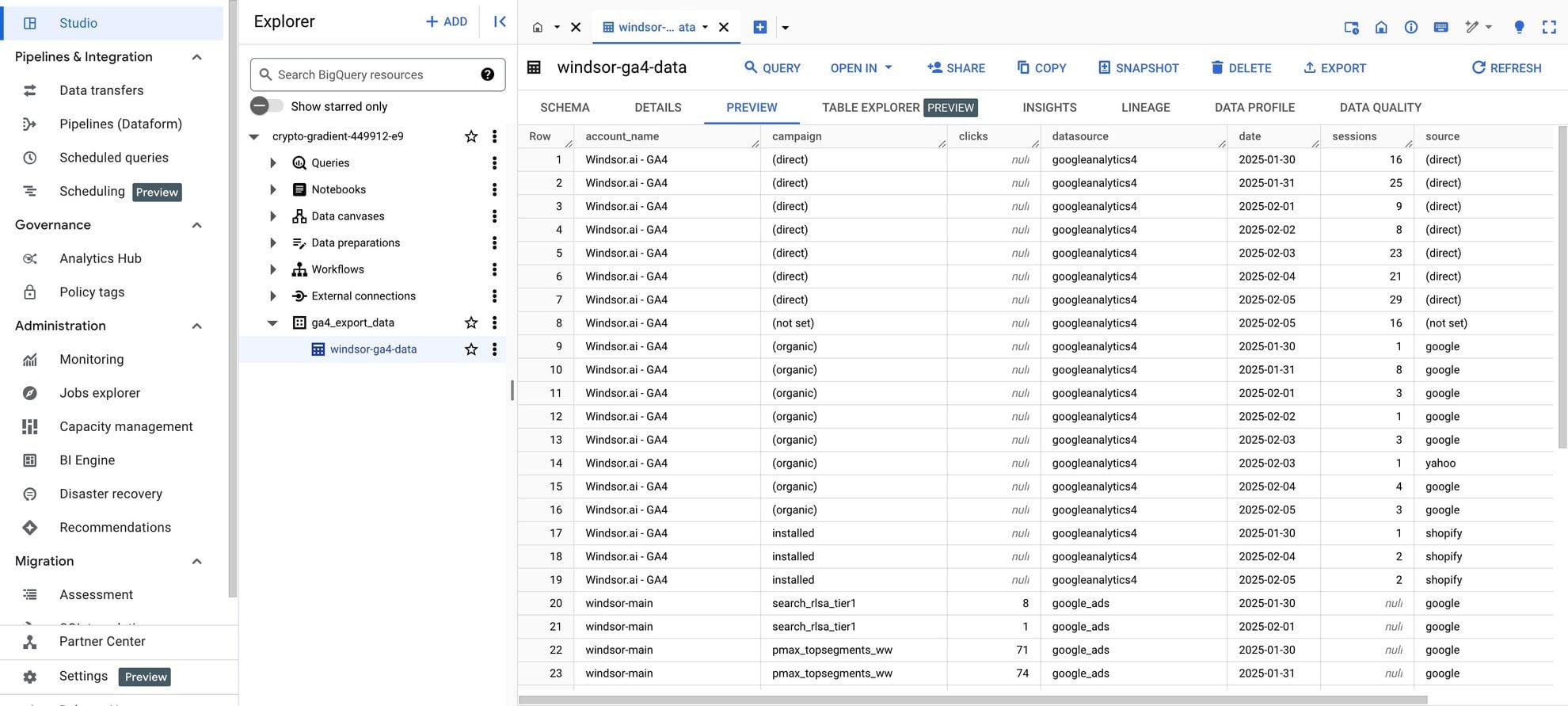














How to connect Apify Dataset to BigQuery in Windsor.ai
Make sure you have the following prerequisites before setting up the connector:
- Apify Dataset account
- Google Cloud Platform (GCP) account with BigQuery enabled
- Active Windsor.ai account
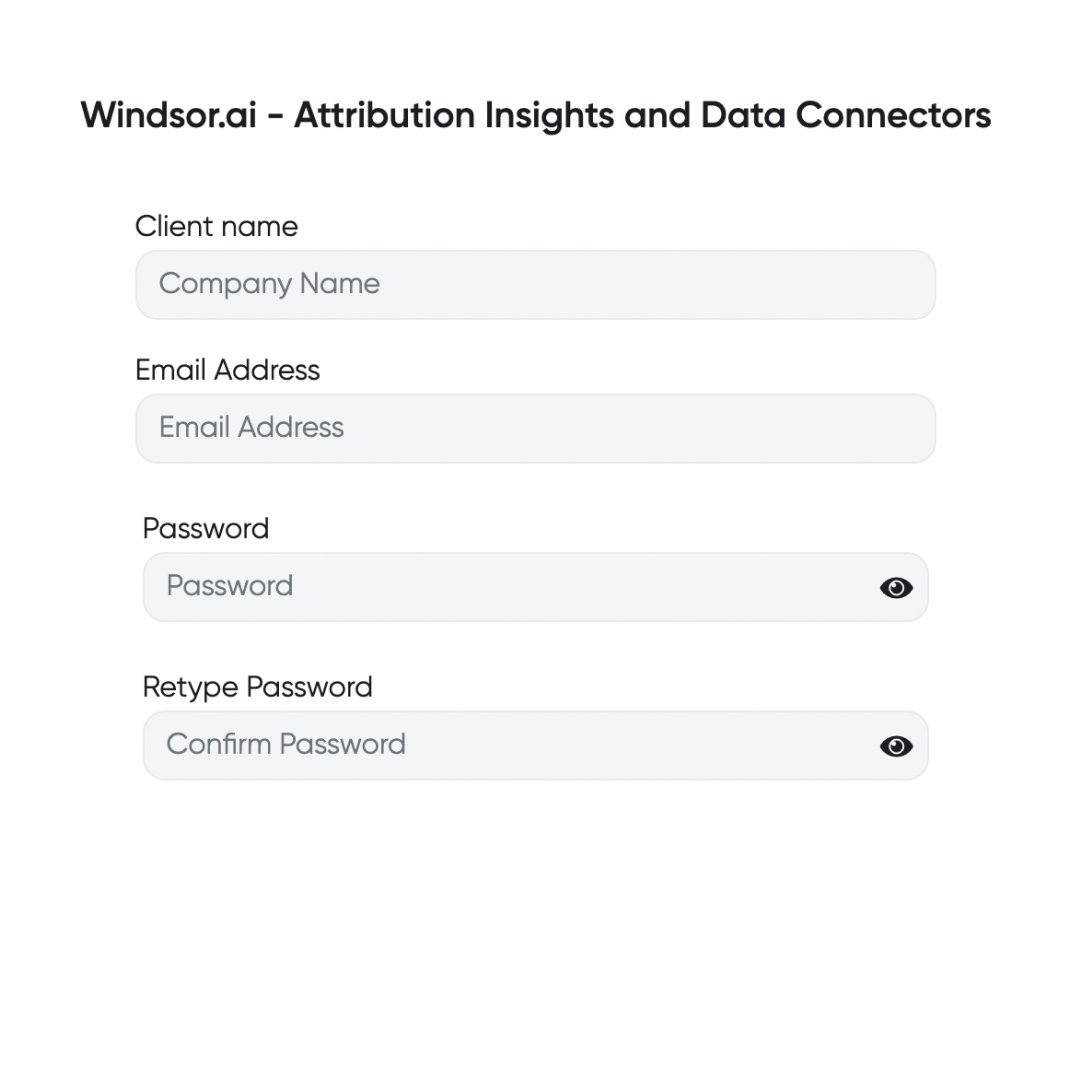
Register and log in to Windsor.ai
Create a new Windsor.ai account or log in if you already have one.
Select your data source
Choose Apify Dataset as your data source and grant access to Windsor.ai.

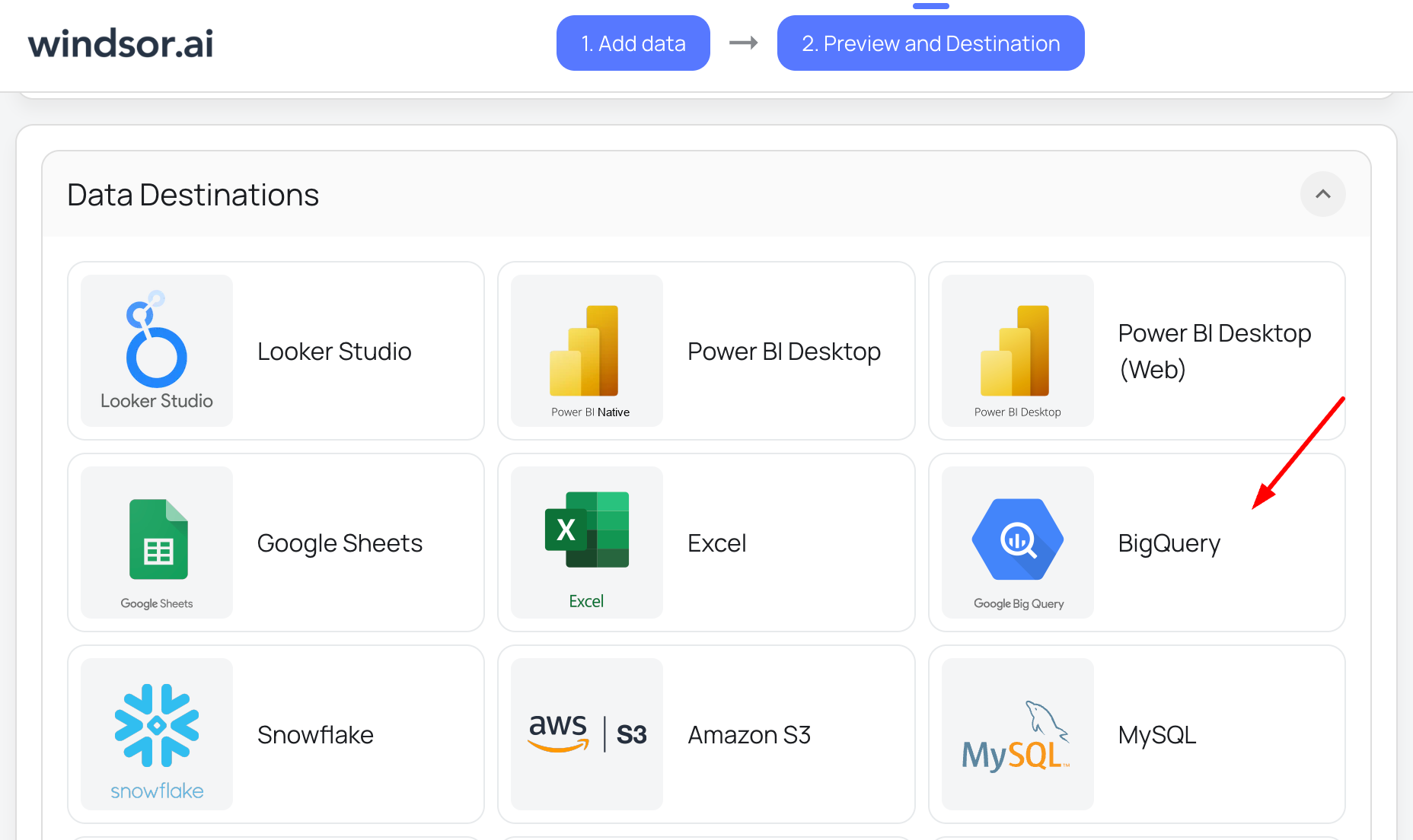
Select your destination
Set BigQuery as the destination for your data.
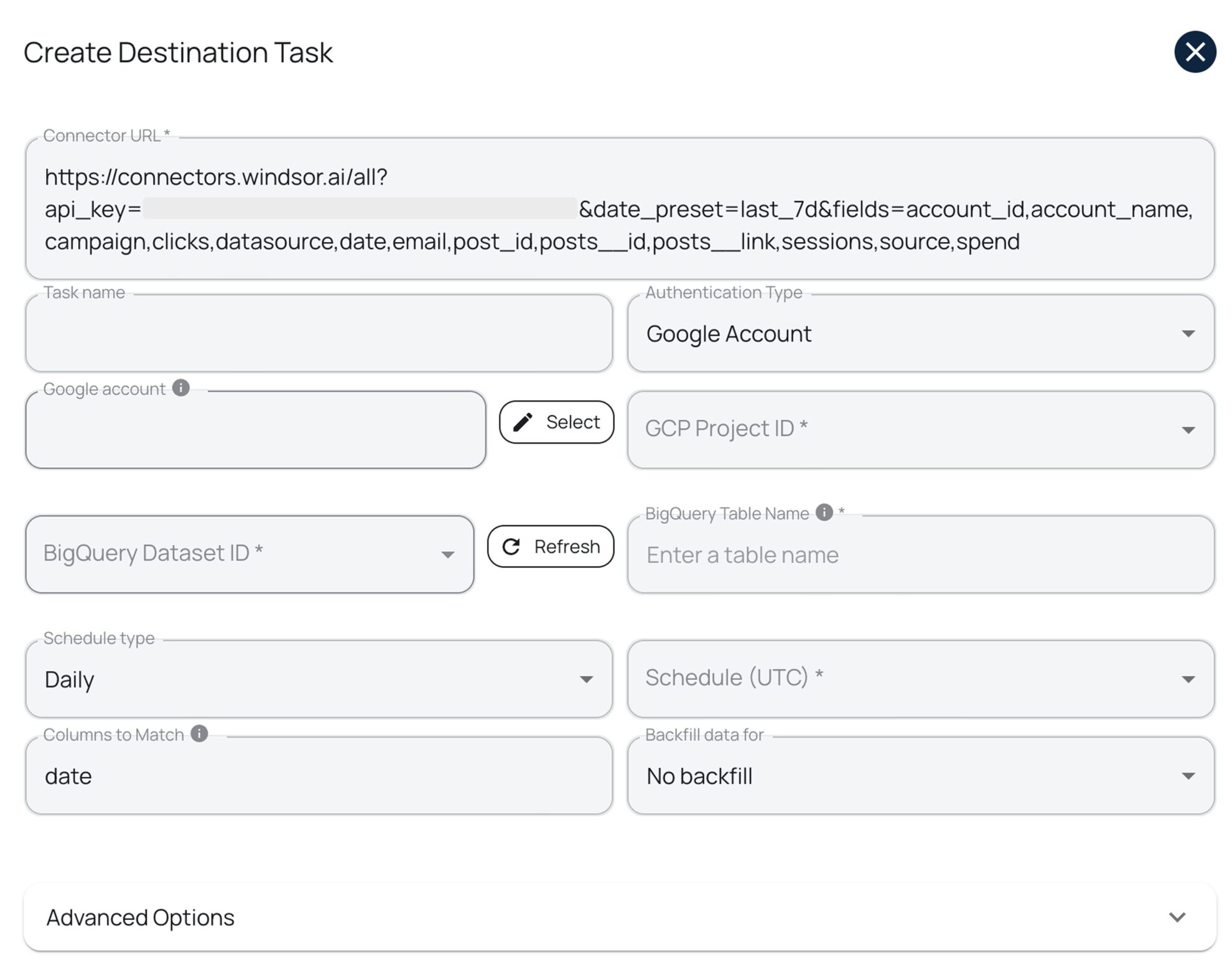
Create a destination task
Click on the “Add Destination Task” button and fill out the required fields along with the advanced settings (optional). Save and run the task.
FAQs
What is BigQuery?
BigQuery, also known as Google Cloud BigQuery, is a cloud-based data storage and analytics platform that enables businesses to store and analyze large datasets.
Powered by AI, it leverages artificial intelligence to assist you in data processing. With integrated machine learning and business intelligence capabilities, BigQuery automates much of your analytics work. Plus, with its 99.99% uptime, you don’t need to worry about database maintenance or service disruptions.
How much time do I need to create Apify Dataset and BigQuery integration?
Windsor.ai provides a user-friendly interface and a powerful data connector that extracts, transforms, and loads Apify Dataset data into BigQuery in under 5 minutes, making the process quick and hassle-free.
Do you have helpful links to get started with integrating Apify Dataset and BigQuery using Windsor.ai?
Yes, we have helpful resources to help you get started. You can explore our official documentation for seamless Apify Dataset to BigQuery integration with Windsor.ai:
How much does it cost to integrate Apify Dataset into BigQuery with Windsor.ai?
Windsor.ai’s pricing for Apify Dataset to BigQuery data integration can vary depending on your use case and data volume. We offer absolutely transparent, volume-based event pricing plans for diversified business needs and budgets.
Tired of manual Apify Dataset data exports? Get started with Windsor.ai today to automate your reporting


