 Destinations
 Data sources
 AI insights
 About us
 Careers
 Security
 Customer reviews
 Contact us
 Affiliate program
 Solution partners
 Template gallery
 Looker Studio templates
 Power BI templates
 Excel templates
 Google Sheets templates
 Tableau templates
 Facebook Ads templates
 Google Ads templates
 Data fields & Metrics
 AI prompt library & Guides
 Product documentation
 API documentation
 Case studies
 Blog
Blog Data models
 Windsor vs Supermetrics
 Windsor vs Funnel.io
 Windsor vs Fivetran
 Windsor vs Rivery
 Windsor vs Portermetrics
 Windsor vs Coupler.io
Connect Azure Table Storage to BigQuery
Easily integrate your Azure Table Storage data into BigQuery with Windsor.ai’s ETL connectors.
Our platform automates the flow of structured data from Azure Table Storage to BigQuery, unlocking scalable analytics and real-time insights to drive faster, smarter decisions across product and operations.
Forget CSVs. Stop copy/paste. Connect your data in under 2 minutes. No code required.
 Sign up with Google
 Free forever plan
No credit card needed
Free forever plan
No credit card needed










Level up your analytics with Azure Table Storage to BigQuery integration
With Windsor.ai, you can effortlessly connect Azure Table Storage to BigQuery, centralize your data, and streamline your analytics. Here’s how this integration helps you move faster and extract more value from your data:

Automated data sync
Windsor.ai automatically transfers data from Azure Table Storage to BigQuery, eliminating the need for custom scripts or manual exports. Your data is always fresh and reliable, ready to feed into dashboards, reports, or downstream processes.

Cross-channel insights
Once in BigQuery, your Azure data can be joined with marketing, CRM, or product data from other sources. Run cross-channel analyses, spot correlations, and measure performance across the entire customer journey within a single source of truth.

Structured, analysis-ready schema
Windsor.ai handles schema mapping and formatting, turning semi-structured Azure Table Storage entities into clean, query-friendly tables in BigQuery. Your data arrives clean, consistent, and analysis-ready, so teams can skip the cleanup and start building reporting layers, models, and transformations immediately.
Using Windsor.ai connector to import data from Azure Table Storage into BigQuery
Integrating Azure Table Storage with BigQuery often requires manual exports, complex setups, or expensive third-party tools. Windsor.ai simplifies the process with an affordable ETL connector that automates data sync, making your data instantly report-ready.
In just a few clicks, Windsor.ai moves structured Azure data into BigQuery, so your team can start querying, joining, and analyzing at scale.
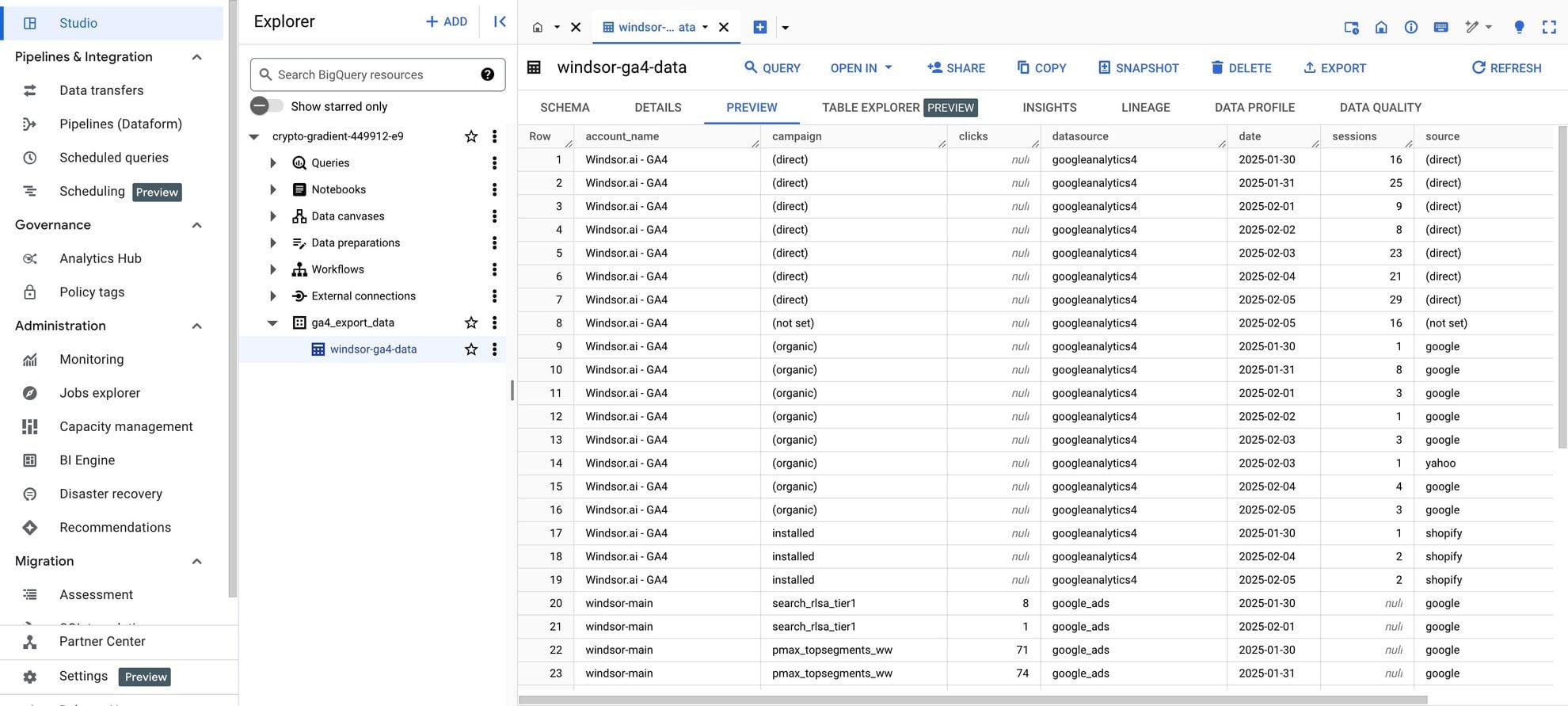














How to connect Azure Table Storage to BigQuery in Windsor.ai
Make sure you have the following prerequisites before setting up the connector:
- Azure Table Storage account
- Google Cloud Platform (GCP) account with BigQuery enabled
- Active Windsor.ai account
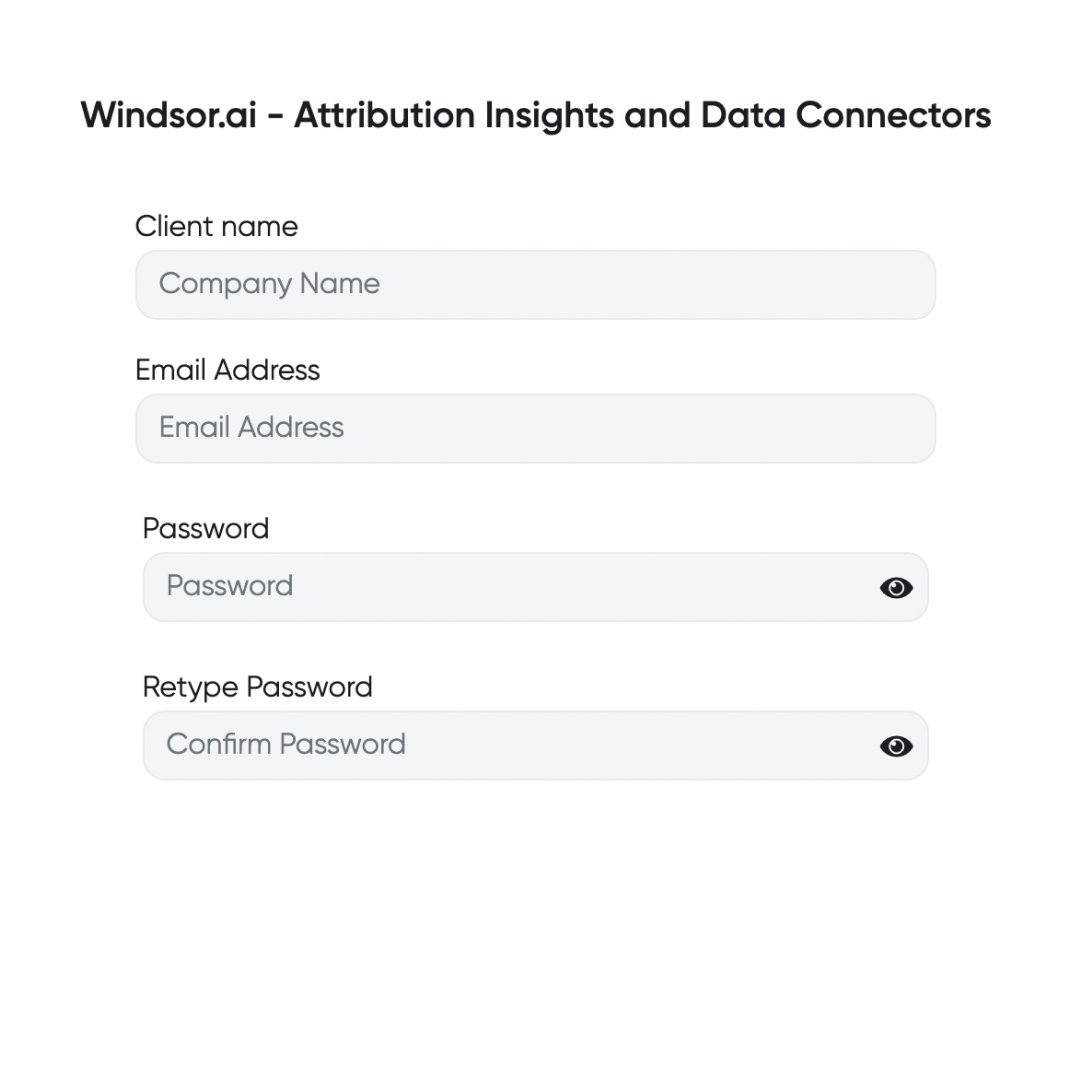
Register and log in to Windsor.ai
Create a new Windsor.ai account or log in if you already have one.
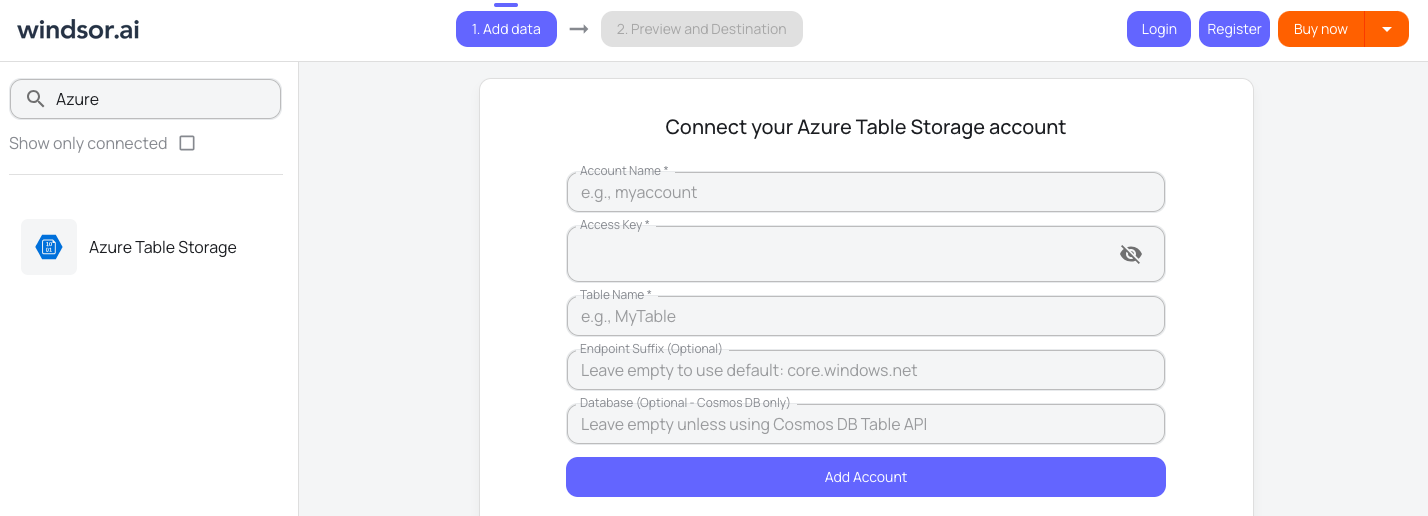
Select your data source
Choose Azure Table Storage as your data source and grant access to Windsor.ai.
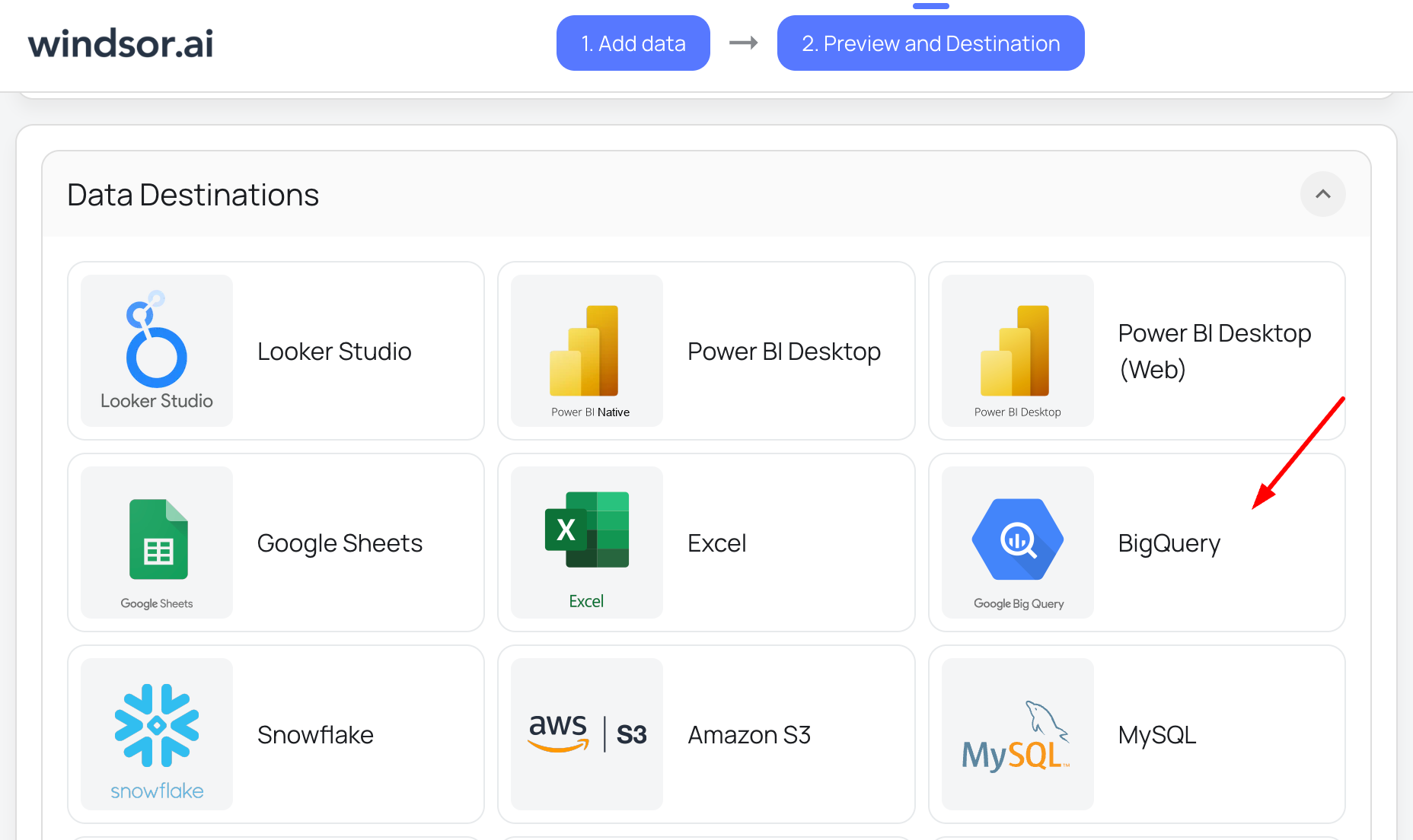
Select your destination
Set BigQuery as the destination for your data.
Create a destination task
Click on the “Add Destination Task” button, authorize your Google account, and fill out the required fields along with the advanced settings (optional). Save and run the task.

FAQs
What is BigQuery?
BigQuery is Google’s cloud-based data warehouse for storing and analyzing large datasets. It can perform these tasks concurrently without compromising performance, enabling seamless real-time data analysis. As a fully managed cloud service, BigQuery eliminates the need for users to handle database infrastructure, maintenance, or updates, as these are managed by Google.
Additionally, BigQuery is equipped with AI and machine learning capabilities, along with robust business intelligence tools, making it an ideal platform for advanced data analytics and actionable insights.
Do you have helpful links to get started with integrating Azure Table Storage and BigQuery using Windsor.ai?
Yes, we have helpful resources to help you get started. You can explore our official documentation for seamless Azure Table Storage to BigQuery integration with Windsor.ai:
How much time do I need to create the Azure Table Storage and BigQuery integration?
With Windsor.ai’s no-code ELT connector, you can integrate Azure Table Storage with BigQuery in just a few minutes, making the process stress-free and effortless.
How much does it cost to integrate Azure Table Storage into BigQuery with Windsor.ai?
Windsor.ai’s pricing for Azure Table Storage to BigQuery data integration can vary depending on your use case and data volume. We offer absolutely transparent, volume-based event pricing plans for diversified business needs and budgets.
Tired of manual Azure Table Storage data exports? Try Windsor.ai today to automate your reporting


