 Destinations
 Data sources
 AI insights
 About us
 Careers
 Security
 Customer reviews
 Contact us
 Affiliate program
 Solution partners
 Template gallery
 Looker Studio templates
 Power BI templates
 Excel templates
 Google Sheets templates
 Tableau templates
 Facebook Ads templates
 Google Ads templates
 Data fields & Metrics
 AI prompt library & Guides
 Product documentation
 API documentation
 Case studies
 Blog
Blog Data models
 Windsor vs Supermetrics
 Windsor vs Funnel.io
 Windsor vs Fivetran
 Windsor vs Rivery
 Windsor vs Portermetrics
 Windsor vs Coupler.io
Connect Datadog to Claude
Automatically sync your Datadog data to Claude using the Windsor.ai connector.
Transform your Datadog telemetry into clear answers with Claude. Identify root causes, performance regressions, and system failures before they impact your users.
Forget CSVs. Stop copy/paste. Connect data in minutes. No code required.
 Sign up with Google
 Free forever plan
No credit card needed
Free forever plan
No credit card needed









Streamline incident analysis with Datadog to Claude integration
Connect Datadog to Claude via Windsor MCP to analyze your logs, metrics, and traces data using natural language and get instant AI-powered insights in seconds. Discover key use cases:

Correlate latency spikes
By matching 95th percentile latency with database connection counts and memory usage, Claude identifies the technical root cause of application slowdowns. It provides a summary of which specific metric diverged first during a performance degradation event.

Summarize log errors
Claude aggregates log data to extract the most frequent error messages and identify patterns in IP addresses or user IDs. This allows you to quickly understand system behavior during a specific time window without manually filtering thousands of log lines.

Evaluate App Performance
Claude reviews Application Performance Monitoring (APM) traces to map out service dependencies and find hidden bottlenecks in your request flow. It can highlight which downstream service is contributing most to the total latency of a specific transaction.
Using Windsor.ai to connect data from Datadog to Claude
Getting Datadog data into Claude typically requires API setup and data preparation before it’s ready for analysis. Windsor.ai removes this friction by automatically collecting, normalizing, and streaming your Datadog metrics into Claude.
Connect in minutes and start analyzing system performance using plain language.
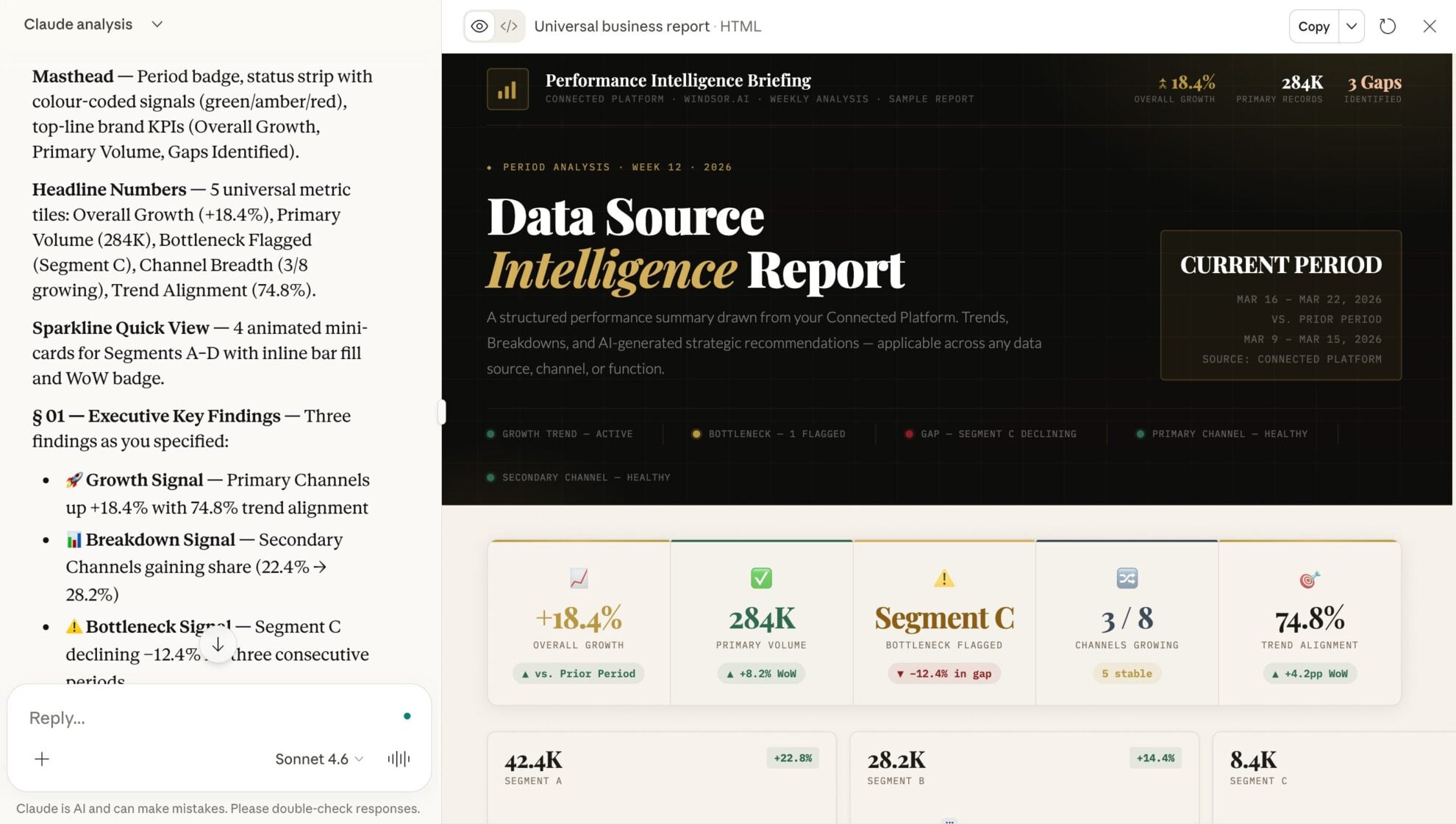














How to connect Datadog to Claude with Windsor.ai
Explore our video tutorial and a step-by-step guide to integrate your data from any source into Claude with the Windsor.ai connector.
Select your data source
Choose Datadog as your data source and grant access to Windsor.ai.

Install the Windsor.ai connector in Claude
In Claude, open Customize, then Connectors, search for Windsor and click Add. Sign in to your Windsor.ai account when prompted, and the connector appears in your Connectors list. You can also open the Windsor.ai listing in the Claude directory and click Connect.

Query your data in Claude
Start a new chat and ask Claude questions about your connected data: summarize KPIs, create client reporting dashboards, or run advanced analyses.
FAQs
How does this integration speed up incident response (MTTR)?
During an active incident, you can ask Claude to analyze your Datadog logs, metrics, and traces together. It automatically correlates signals like spikes in 5xx errors with infrastructure issues such as database CPU load, helping you quickly identify the root cause.
Can I analyze Real User Monitoring (RUM) data in Claude?
Yes. You can query RUM metrics to understand user experience. Ask Claude: ‘Which browser version is experiencing the highest Core Web Vitals (LCP) issues according to our RUM data?’
Can Claude help me optimize my Datadog costs?
Yes. Claude can break down your log ingestion and usage patterns to identify which services generate the highest costs. For example, it can surface ‘noisy’ logs that can be filtered or reduced.
What prompts can I use when analyzing Datadog data in Claude?
Use more specific, advanced prompts to extract deeper insights from your Datadog data. For example:
-
Review the 'Request Rate' for our web tier over the last 7 days. Identify any sudden drops or spikes that didn't trigger an existing monitor and suggest a threshold for a new proactive alert.
-
List all infrastructure hosts that have had a maximum CPU usage below 10% for the last week. Suggest which instance types we should downgrade to optimize our cloud spend without risking performance.
-
Match the timing of our most recent 'Frontend' deployment with any changes in 'Error Rate' or 'Memory Leak' signals in the downstream 'Inventory-DB' service. Did the deployment cause any regression?
How much does it cost to integrate Datadog into Claude using Windsor.ai?
Windsor.ai’s pricing for Claude data integration varies depending on the number of connected accounts and data sources. We offer absolutely transparent pricing plans for diversified business needs and budgets.
How long does it take to connect Datadog to Claude?
With Windsor.ai’s easy-to-use connector, the integration process takes just a few minutes. No technical expertise is needed; syncing Datadog to Claude is simple, straightforward, and completely code-free.
Do you have helpful links to get started with integrating Datadog and Claude using Windsor.ai?
Yes, we have helpful resources to help you get started. You can explore our official documentation and tutorials for seamless Datadog to Claude integration with Windsor.ai:
Tired of manual Datadog data exports? Try Windsor.ai today to automate your reporting


