 Destinations
 Data sources
 AI insights
 About us
 Careers
 Security
 Customer reviews
 Contact us
 Affiliate program
 Solution partners
 Template gallery
 Looker Studio templates
 Power BI templates
 Excel templates
 Google Sheets templates
 Tableau templates
 Facebook Ads templates
 Google Ads templates
 Data fields & Metrics
 AI prompt library & Guides
 Product documentation
 API documentation
 Case studies
 Blog
Blog Data models
 Windsor vs Supermetrics
 Windsor vs Funnel.io
 Windsor vs Fivetran
 Windsor vs Rivery
 Windsor vs Portermetrics
 Windsor vs Coupler.io
Connect GitHub to Data Studio
Easily integrate GitHub with Data Studio using the Windsor.ai ETL connector.
Our platform automates GitHub reporting, helping teams gain actionable insights through powerful visualizations and streamline software development workflows.
Forget CSVs. Stop copy/paste. Connect your data in 2 minutes. No code required.
 Sign up with Google
 Free forever plan
No credit card needed
Free forever plan
No credit card needed










Make the most out of your data with GitHub to Data Studio integration
Connecting GitHub with Data Studio through Windsor.ai centralizes your development data, enabling advanced analytics and unlocking the following benefits:

Automate reporting
Windsor.ai automates the flow of GitHub data into Data Studio, eliminating manual exports and repetitive reporting tasks. Teams always get up-to-date dashboards on repository activity, commits, and pull requests, ensuring decisions are based on real-time insights.

Streamline development workflows
Leverage Data Studio dashboards to uncover insights into pipelines, issue resolution, and release cycles. Clear visualizations make it easy to spot bottlenecks, track performance, and optimize workflows for faster, more reliable releases.

Enhance collaboration
With centralized Data Studio dashboards, teams can align on key metrics, track repository progress, and act on shared insights. This strengthens communication between developers, project managers, and stakeholders and improves delivery outcomes.
Using Windsor.ai connector to import data from GitHub into Data Studio
Most methods for connecting GitHub to Data Studio require manual setup, technical expertise, or expensive third-party tools. Windsor.ai simplifies the process with a no-code ELT connector that’s fast, reliable, and scalable.
In just a few clicks, Windsor.ai syncs your GitHub data with Data Studio, enabling full visibility into development performance.
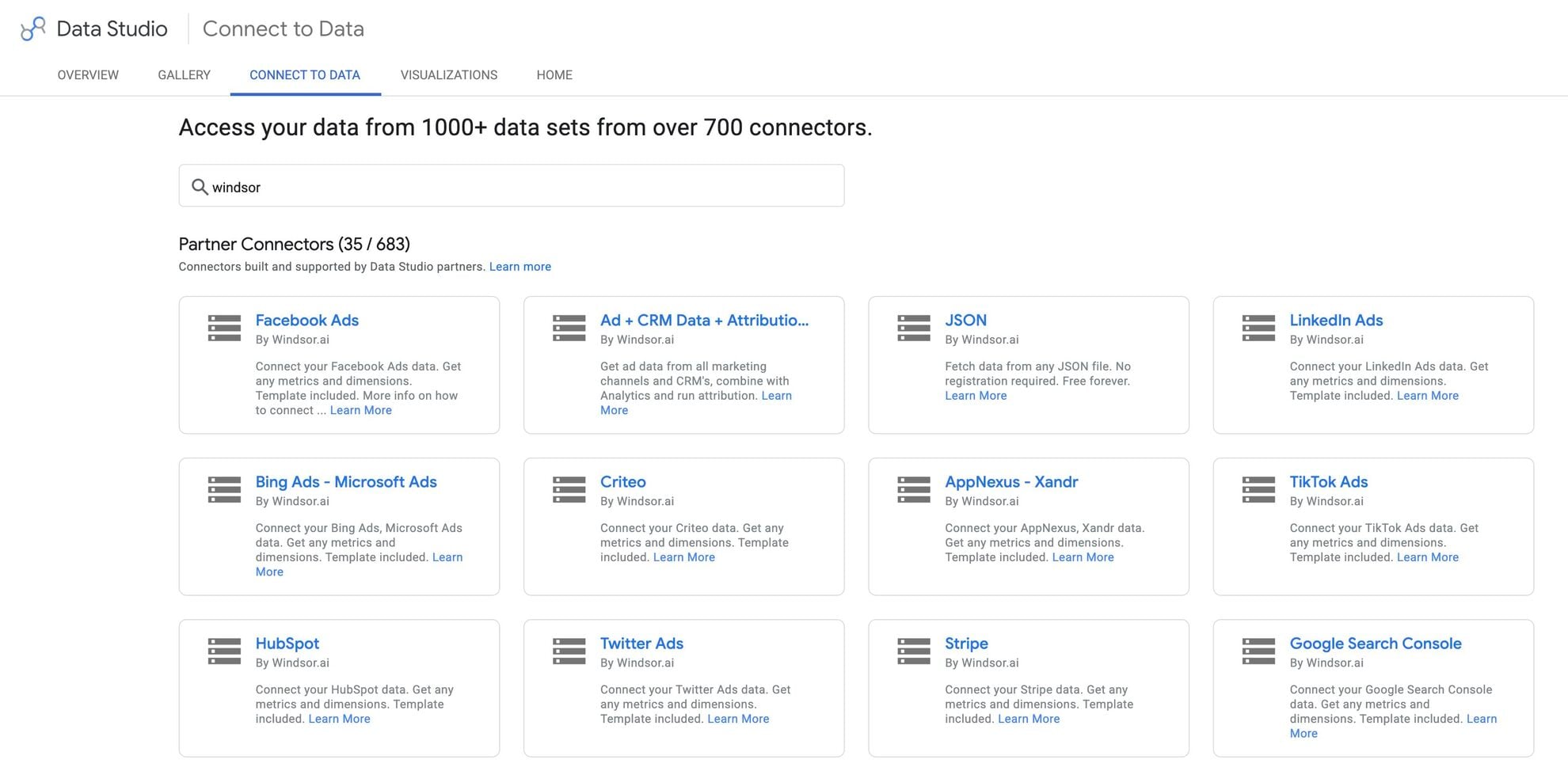














How to connect GitHub to Data Studio in Windsor.ai
Make sure you have the following prerequisites before setting up the connector:
- GitHub account (Visit our privacy policy and terms of use)
- Google account for Data Studio integration
- Active Windsor.ai account
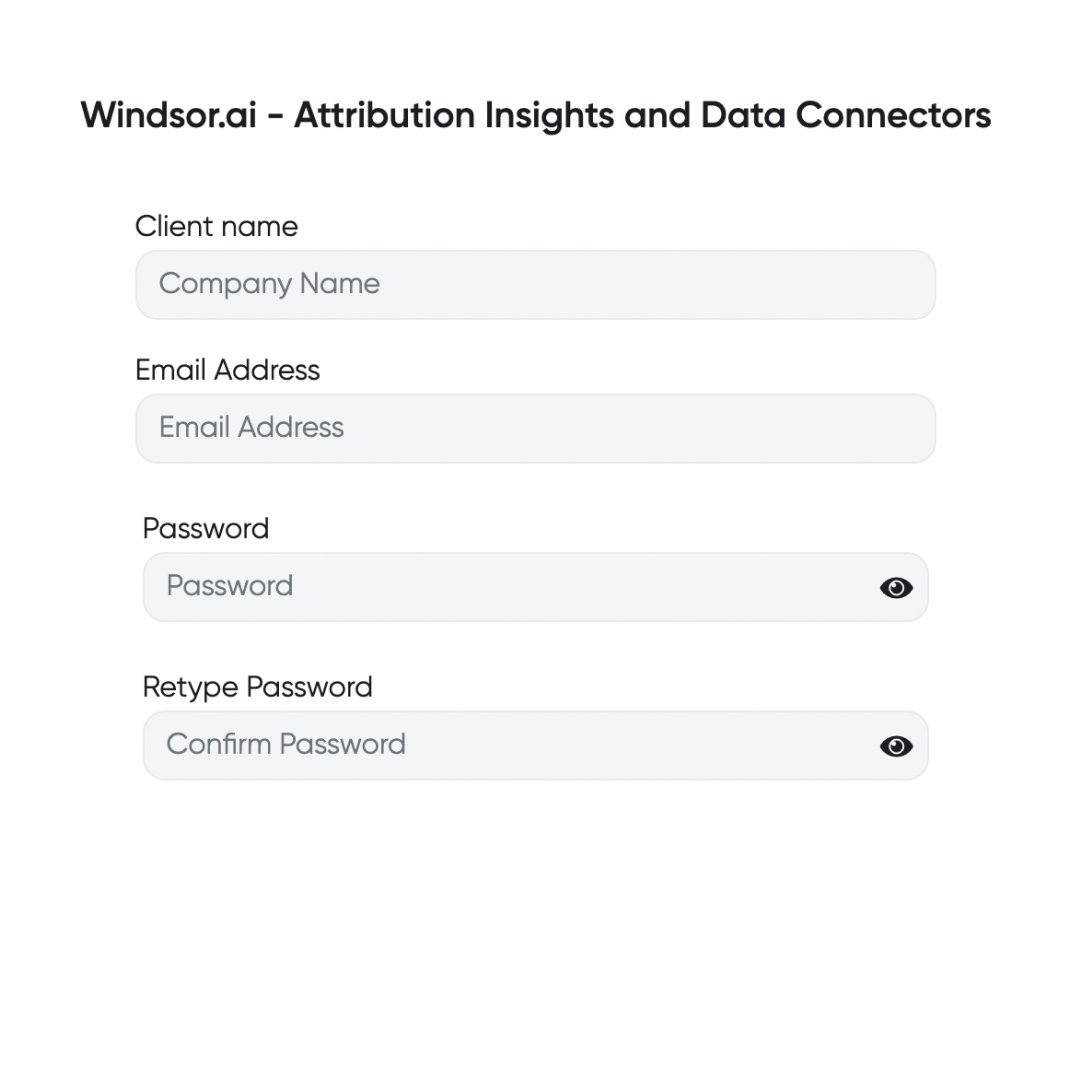
Register and log in to Windsor.ai
Create a new Windsor.ai account or log in if you already have one.
Select your data source
Choose GitHub as your data source and grant access to Windsor.ai.

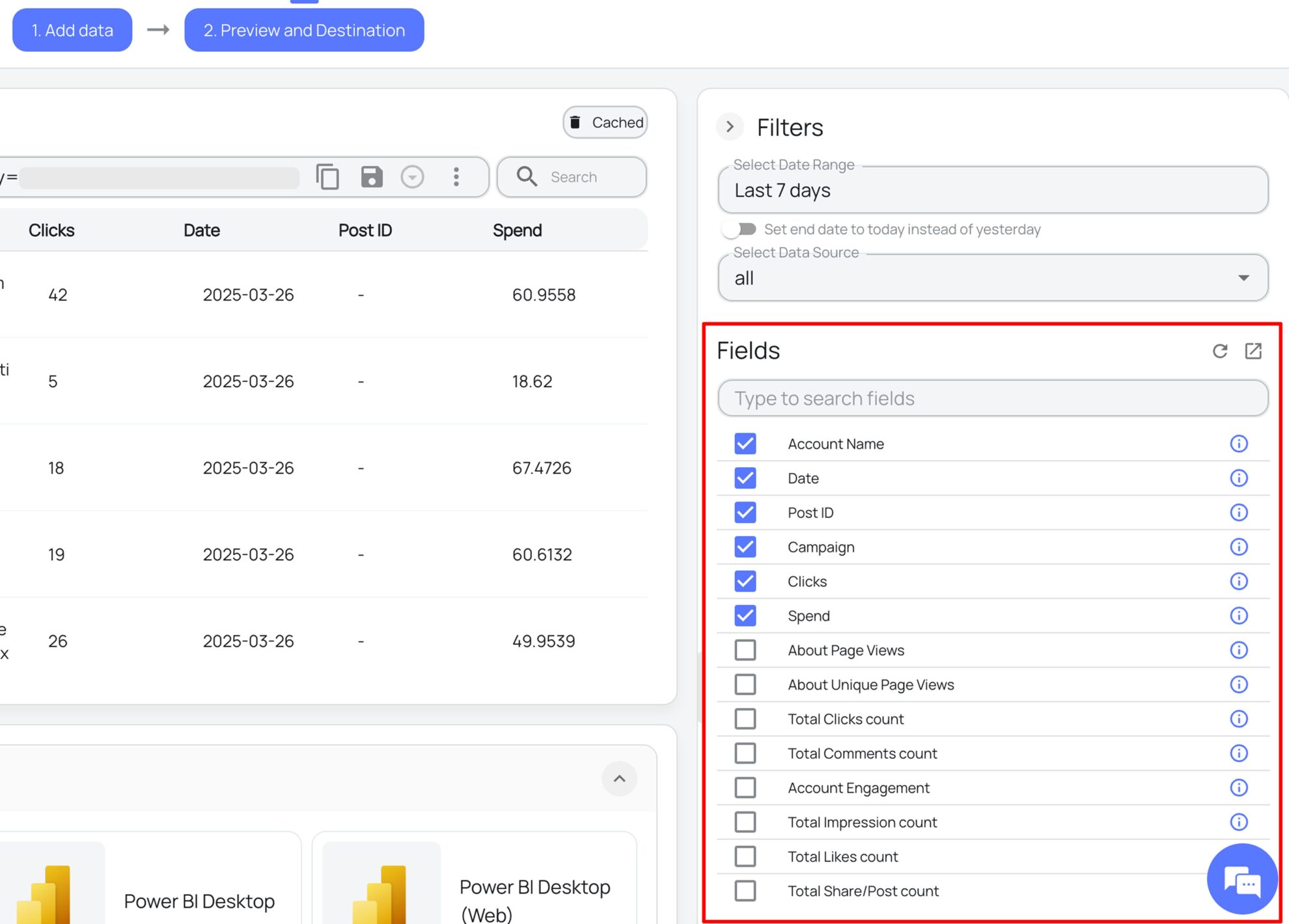
Select the reporting metrics and dimensions
Choose the GitHub fields you want to import into Data Studio on the right side and preview your data before export.
Select Data Studio as your data destination
Scroll down to the list of data destinations and click Data Studio. Install the Windsor.ai connector by authorizing your account, selecting the required GitHub account(s), and clicking Connect → Create Report.

FAQs
What is Data Studio?
Data Studio (Looker Studio), developed by Google, is a free data visualization and business intelligence platform designed to help businesses manage and analyze large datasets. It allows you to blend, visualize, and create insightful reports from multiple data sources. Offering sophisticated dashboards and automated dataflows, Data Studio simplifies reporting and empowers data-driven decisions.
Do you have helpful links to get started with integrating GitHub and Data Studio using Windsor.ai?
Yes, we have helpful resources to help you get started. You can explore our official documentation and ready-to-use templates for seamless GitHub to Data Studio integration with Windsor.ai:
How much time do I need to create the GitHub and Data Studio integration?
With Windsor.ai’s no-code ELT connector, you can integrate GitHub with Data Studio in under 2 minutes, making the process quick and stress-free.
How much does it cost to integrate GitHub into Data Studio with Windsor.ai?
Windsor.ai’s pricing for GitHub to Data Studio data integration can vary depending on your use case and data volume. We offer absolutely transparent, volume-based event pricing plans for diversified business needs and budgets.
Tired of manual GitHub data exports? Get started with Windsor.ai today to automate your reporting


