 Destinations
 Data sources
 AI insights
 About us
 Careers
 Security
 Customer reviews
 Contact us
 Affiliate program
 Solution partners
 Template gallery
 Looker Studio templates
 Power BI templates
 Excel templates
 Google Sheets templates
 Tableau templates
 Facebook Ads templates
 Google Ads templates
 Data fields & Metrics
 AI prompt library & Guides
 Product documentation
 API documentation
 Case studies
 Blog
Blog Data models
 Windsor vs Supermetrics
 Windsor vs Funnel.io
 Windsor vs Fivetran
 Windsor vs Rivery
 Windsor vs Portermetrics
 Windsor vs Coupler.io
Google Analytics 4 (GA4) MCP for AI Insights
Send your Google Analytics 4 data to leading LLMs with Windsor MCP.
Connect GA4 to ChatGPT, Claude, Copilot, Perplexity, and more to boost acquisition, engagement, and conversions with AI-driven insights.
Forget CSVs. Stop copy/paste. Connect data in 2 minutes. No code required.
 Sign up with Google
 Free forever plan
No credit card needed
Free forever plan
No credit card needed










Make the most out of your GA4 data with Windsor MCP
Bring GA4 to conversational AI with Windsor MCP, so teams can analyze events, acquisition channels, and ecommerce performance without dashboards or SQL, unlocking the following benefits:

Get AI answers in seconds
With Windsor MCP, you can easily stream your GA4 data to ChatGPT, Claude, Copilot, or Gemini and get instant answers on growth, conversion trends, and funnel bottlenecks without switching tools.

Analyze data in natural language
Type simple prompts about key metrics such as sessions, engaged sessions, conversion rate, revenue, and event trends, and get actionable insights on the spot for smarter decision-making.

Identify growth opportunities
Ask targeted questions like “Which pages have high traffic but low engagement rate?” and “Which channel’s sessions grew the most this month?”. Use the answers to reallocate budget, refine creatives/UX, and prioritize actions that increase conversion and revenue.

Unify data across channels
Combine GA4 with 350+ other sources, including ad platforms, CRMs, and finance tools, for a complete view of your business. Connect the dots between marketing and revenue, and make confident, data-backed decisions beyond sessions and pageviews.
Using Windsor.ai MCP to connect data from GA4 to LLMs
Sending GA4 data into AI tools typically requires manual exports, CSV cleanup, or expensive software. Windsor MCP streamlines this process with a connector that pulls, normalizes, and delivers your GA4 metrics directly into your preferred LLM platforms.
Connect in minutes and start querying events, conversions, and audience data with natural language to gain AI-powered insights.
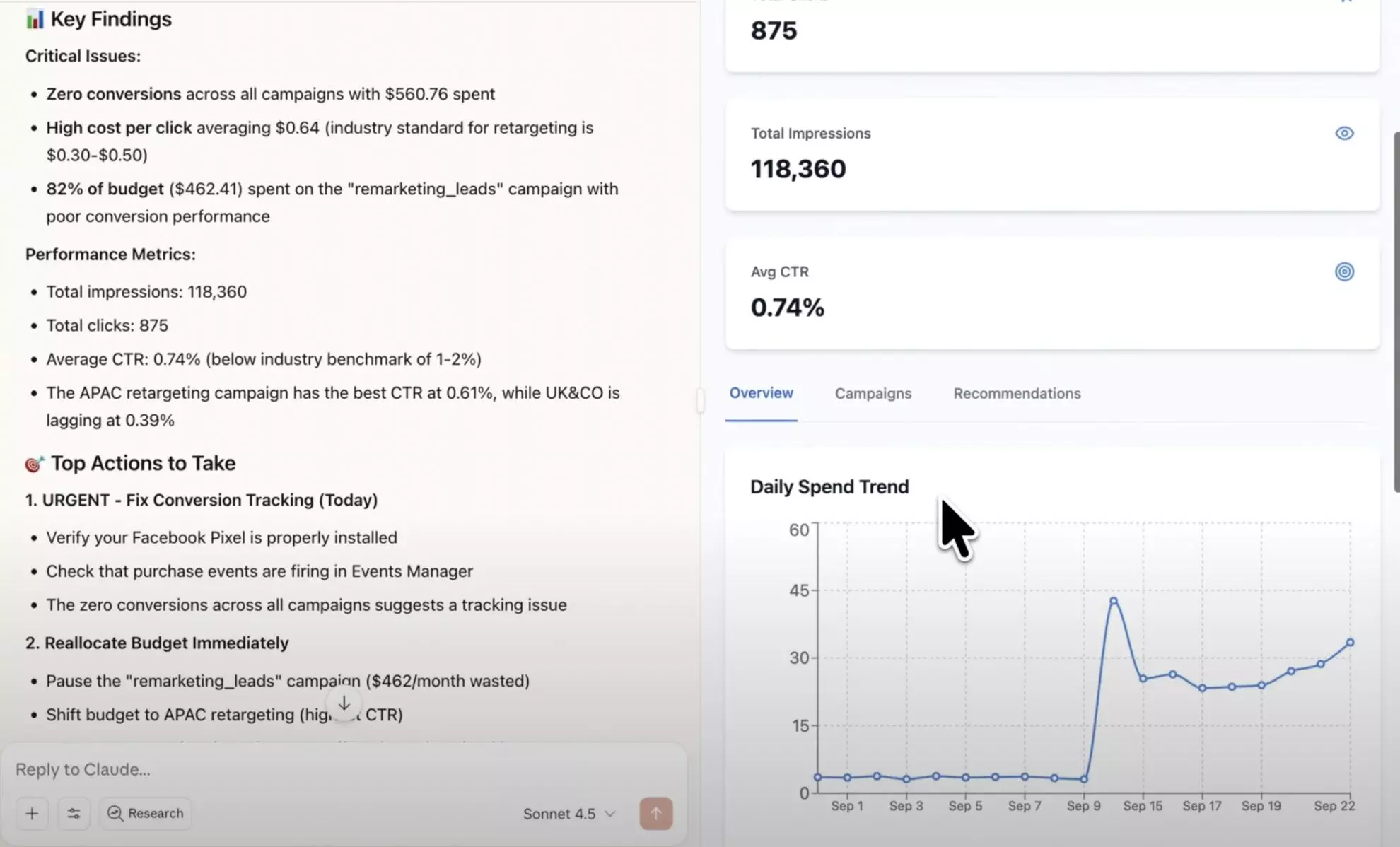














How to connect GA4 MCP by Windsor.ai
Follow this quick setup guide to connect your Google Analytics 4 data to your preferred AI chat.
Register and log in to Windsor.ai
Create a new Windsor.ai account or log in if you already have one.
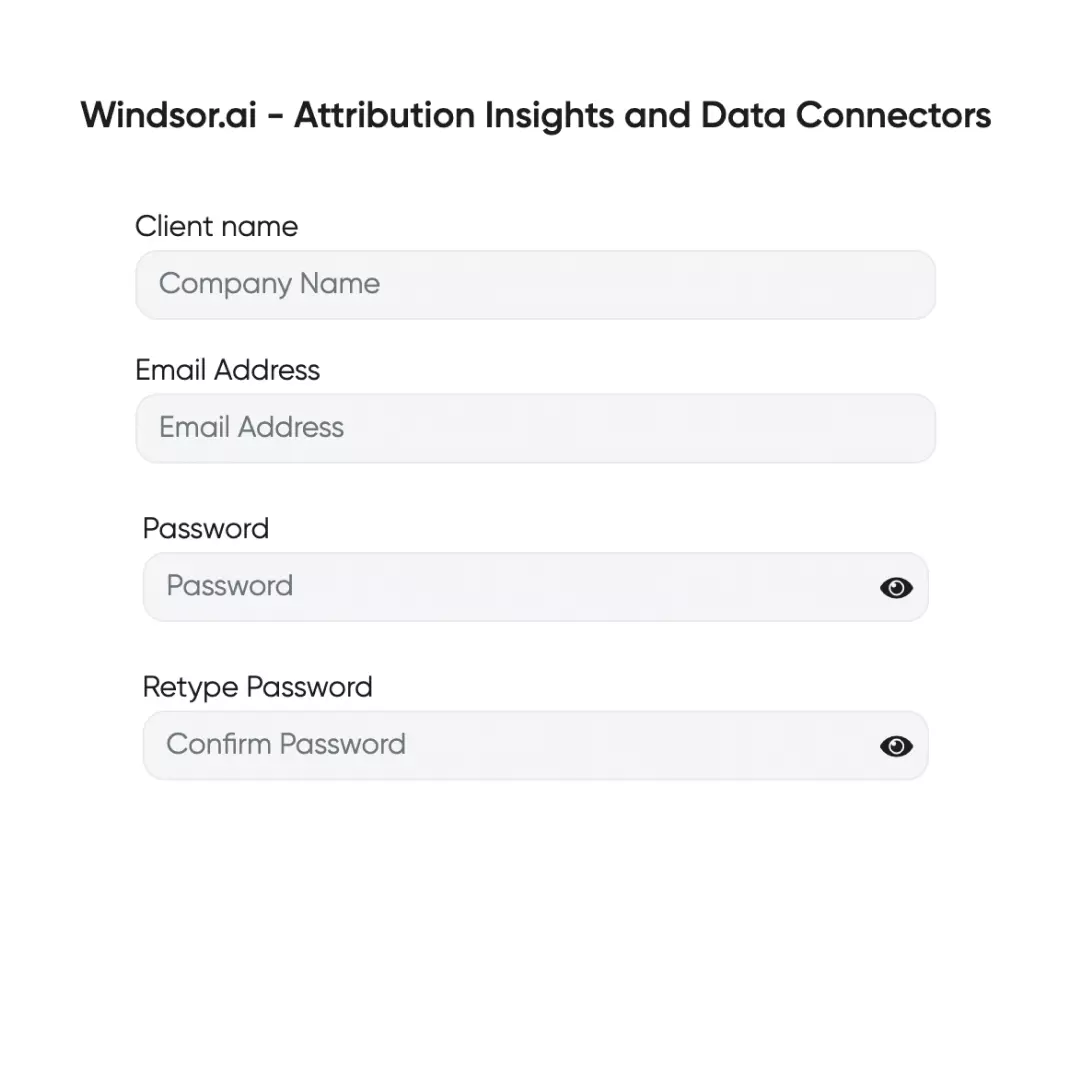
Select your data source
Choose GA4 as your data source and grant access to Windsor.ai.

Connect Windsor MCP to your favorite LLM
If a native connector is available for your platform, connect in one click. Otherwise, visit this guide and follow the instructions for your platform of choice.

Start analyzing your data in the LLM
Now you’re ready to ask anything about your events, acquisition channels, and ecommerce data.
FAQs
What do Claude and ChatGPT users pull most from GA4?
The most common pull on this connector is events, not sessions: date, event_count, and event_name together. ChatGPT users specifically favor active_users over totalusers by a wide margin, the opposite pattern from most other GA4 fields, following a change in how ChatGPT itself counts and reports user totals. See The Day ChatGPT Changed How It Counts Your Users for the full story.
What limits should I know before pulling GA4 data?
Two things come up often enough to plan around. GA4 allows at most 10 metrics in a single request, an 11th fails the whole pull. And certain fields, particularly around transactions, event counts, and ecommerce, can’t be requested together in one call and need to be split into separate pulls. See the GA4 Reporting Guide for the full field-by-field breakdown.
Is Windsor MCP free to use?
Yes, you can use Windsor MCP on Windsor’s free forever plan, no credit card required. Keep in mind that Claude Desktop and ChatGPT only allow you to add external connectors on their paid plans.
What agents does it work with?
You can connect Windsor MCP to any AI agent compatible with MCP, including Claude Desktop, ChatGPT, Perplexity, Cursor, Gemini, etc. All get full read access to your GA4 data. Claude, ChatGPT, and Microsoft Copilot also support write actions on Meta Ads and Google Ads if you have those connected too.
Tired of manual Google Analytics 4 data exports? Try Windsor.ai today to automate your reporting


