 Destinations
 Data sources
 AI insights
 About us
 Careers
 Security
 Customer reviews
 Contact us
 Affiliate program
 Solution partners
 Template gallery
 Looker Studio templates
 Power BI templates
 Excel templates
 Google Sheets templates
 Tableau templates
 Facebook Ads templates
 Google Ads templates
 Data fields & Metrics
 AI prompt library & Guides
 Product documentation
 API documentation
 Case studies
 Blog
Blog Data models
 Windsor vs Supermetrics
 Windsor vs Funnel.io
 Windsor vs Fivetran
 Windsor vs Rivery
 Windsor vs Portermetrics
 Windsor vs Coupler.io
Google Business Profile MCP for AI Insights
Send your Google Business Profile data to leading LLMs with Windsor MCP.
Connect GBP with ChatGPT, Claude, Copilot, Gemini, and more to generate AI-driven insights that help you analyze local search performance and boost online visibility.
Forget CSVs. Stop copy/paste. Connect data in 2 minutes. No code required.
 Sign up with Google
 Free forever plan









Turn Google Business Profile data into AI-powered insights with Windsor MCP
With Windsor MCP, you can effortlessly send your GBP data into conversational AI for deep analysis, unlocking these key advantages:

Instant answers in your favorite LLMs
Ask ChatGPT, Claude, Copilot, or Gemini for call trends, direction requests, and listing CTRs, and get clear takeaways in seconds, without building dashboards or writing custom queries.

Analyze data in natural language
Use simple prompts to analyze impressions, photo and post impact, and profile engagement. Windsor MCP turns GBP data into real-time AI summaries and recommendations to boost results.

Identify growth opportunities
Ask your AI assistant questions like “Which queries have rising impressions but low CTR?” and “Which locations lose clicks after negative reviews?” Use these insights to improve local search visibility, lift CTR, and drive more calls, direction requests, and conversions.
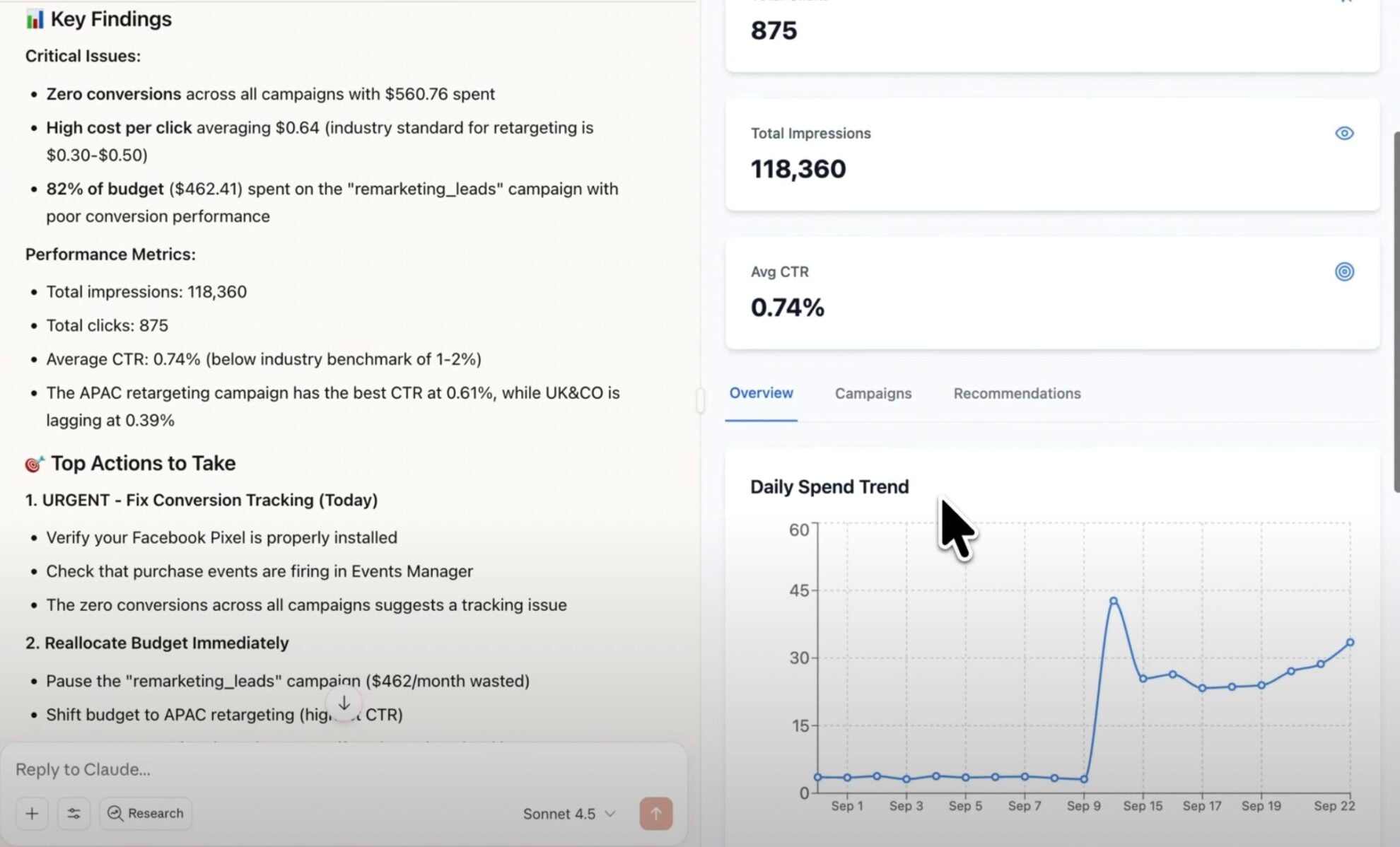
Using Windsor.ai MCP to connect data from Google Business Profile to LLMs
Bringing Google Business Profile data into AI tools requires manual exports, CSV cleanups, or expensive platforms. Windsor MCP makes it effortless with a connector that collects, standardizes, and streams your GBP metrics into the LLMs you already use.
Connect in minutes and start asking questions in plain language to uncover AI-powered insights for every location you manage.
Available actions
Create Local Post Publish a standard "What's New" post on the connected Google Business Profile location. Provide the post text, an optional publicly accessible photo URL (JPG or PNG, at least 250x250 px and 10 KB) and an optional call-to-action button. Call-to-action types: BOOK, ORDER, SHOP, LEARN_MORE, SIGN_UP (each needs cta_url) or CALL (uses the listing's phone number, no cta_url). The post can be edited afterwards via update_local_post.
Publish a standard "What's New" post on the connected Google Business Profile location. Provide the post text, an optional publicly accessible photo URL (JPG or PNG, at least 250x250 px and 10 KB) and an optional call-to-action button. Call-to-action types: BOOK, ORDER, SHOP, LEARN_MORE, SIGN_UP (each needs cta_url) or CALL (uses the listing's phone number, no cta_url). The post can be edited afterwards via update_local_post.
Update Local Post Update the text, photo or call-to-action of an existing post on the connected Google Business Profile location. post_id is the trailing id from the post's resource name (the post_id field of the Local Posts table); full resource names are also accepted. Only the provided fields are changed. Call-to-action types: BOOK, ORDER, SHOP, LEARN_MORE, SIGN_UP (each needs cta_url) or CALL (uses the listing's phone number, no cta_url).
Update the text, photo or call-to-action of an existing post on the connected Google Business Profile location. post_id is the trailing id from the post's resource name (the post_id field of the Local Posts table); full resource names are also accepted. Only the provided fields are changed. Call-to-action types: BOOK, ORDER, SHOP, LEARN_MORE, SIGN_UP (each needs cta_url) or CALL (uses the listing's phone number, no cta_url).
Reply to Review Publish the owner's reply to a customer review on the connected Google Business Profile location, or replace the existing reply. review_id comes from the review_id field of the Reviews table; full resource names are also accepted. The reply is public; replying again replaces the existing reply.
Publish the owner's reply to a customer review on the connected Google Business Profile location, or replace the existing reply. review_id comes from the review_id field of the Reviews table; full resource names are also accepted. The reply is public; replying again replaces the existing reply.
Upload Photo Add a photo to the connected Google Business Profile location's gallery. Provide a publicly accessible photo URL (JPG or PNG, at least 250x250 px and 10 KB) and the gallery category it belongs to (default ADDITIONAL; COVER and PROFILE replace the current cover or profile photo).
Add a photo to the connected Google Business Profile location's gallery. Provide a publicly accessible photo URL (JPG or PNG, at least 250x250 px and 10 KB) and the gallery category it belongs to (default ADDITIONAL; COVER and PROFILE replace the current cover or profile photo).
Update Location Info Update the business description, website URL and/or primary phone number of the connected Google Business Profile location. Only the provided fields are changed. Edits may be reviewed by Google before they appear on the listing.
Update the business description, website URL and/or primary phone number of the connected Google Business Profile location. Only the provided fields are changed. Edits may be reviewed by Google before they appear on the listing.
Update Service Items Replace the full list of service items (services offered) on the connected Google Business Profile location. Each item is either structured — a Google-predefined service_type_id valid for one of the location's categories — or free-form — a category_id plus a custom display_name; both take an optional description and price. This replaces all existing service items: to keep current ones, read the location_service_items field first and resend them together with the changes. Google removes duplicate items automatically.
Replace the full list of service items (services offered) on the connected Google Business Profile location. Each item is either structured — a Google-predefined service_type_id valid for one of the location's categories — or free-form — a category_id plus a custom display_name; both take an optional description and price. This replaces all existing service items: to keep current ones, read the location_service_items field first and resend them together with the changes. Google removes duplicate items automatically.
Update Categories Set the primary category and the full list of additional categories of the connected Google Business Profile location. Category ids are stable Google ids like 'gcid:plumber' (accepted with or without the 'categories/' prefix); current values appear in the location_primary_category_id and location_additional_categories fields. Replaces all existing categories — omitting additional_category_ids removes every additional category. Category changes may be reviewed by Google and can in some cases trigger re-verification of the listing.
Set the primary category and the full list of additional categories of the connected Google Business Profile location. Category ids are stable Google ids like 'gcid:plumber' (accepted with or without the 'categories/' prefix); current values appear in the location_primary_category_id and location_additional_categories fields. Replaces all existing categories — omitting additional_category_ids removes every additional category. Category changes may be reviewed by Google and can in some cases trigger re-verification of the listing.
Update Service Area Replace the service area (the list of places the business serves) of the connected Google Business Profile location, and whether the business serves customers only at their locations or also at its own address. Replaces all existing places: to keep current ones, read the location_service_area field first and resend them together with the changes. Google caps the service area at 20 places.
Replace the service area (the list of places the business serves) of the connected Google Business Profile location, and whether the business serves customers only at their locations or also at its own address. Replaces all existing places: to keep current ones, read the location_service_area field first and resend them together with the changes. Google caps the service area at 20 places.
Update Attributes Update and/or remove individual attributes (e.g. amenities, payment options, appointment links) of the connected Google Business Profile location. Only the attributes named in the request are touched — unlike the other update actions, the rest of the set is left as is. Currently set attributes can be audited via the location_attributes field; Google rejects attributes that are not available for the location's categories.
Update and/or remove individual attributes (e.g. amenities, payment options, appointment links) of the connected Google Business Profile location. Only the attributes named in the request are touched — unlike the other update actions, the rest of the set is left as is. Currently set attributes can be audited via the location_attributes field; Google rejects attributes that are not available for the location's categories.
Update Address Replace the storefront address of the connected Google Business Profile location. WARNING: changing the address can put the listing back into Google's re-verification flow, which may unpublish it until the business verifies again — the action refuses to run unless acknowledge_reverification_risk is set to true, which requires the end user's explicit approval. The whole address is replaced: provide every part the listing should keep (current values are in the location_address_* fields). Google locates the new address on the map itself and rejects one it cannot geocode (PIN_DROP_REQUIRED), e.g. landmark-style lines such as 'Near X'; when the business has not moved, keep_map_pin=true keeps the listing's current map pin instead. The API cannot place a new pin. Google may normalise the stored address (line order, casing). Use validate_only=true to check an address without changing it.
Replace the storefront address of the connected Google Business Profile location. WARNING: changing the address can put the listing back into Google's re-verification flow, which may unpublish it until the business verifies again — the action refuses to run unless acknowledge_reverification_risk is set to true, which requires the end user's explicit approval. The whole address is replaced: provide every part the listing should keep (current values are in the location_address_* fields). Google locates the new address on the map itself and rejects one it cannot geocode (PIN_DROP_REQUIRED), e.g. landmark-style lines such as 'Near X'; when the business has not moved, keep_map_pin=true keeps the listing's current map pin instead. The API cannot place a new pin. Google may normalise the stored address (line order, casing). Use validate_only=true to check an address without changing it.
Set Regular Hours Set the weekly opening hours of the connected Google Business Profile location. Provide one period per continuous open span (a day may have several, e.g. before and after a lunch break; days with no period are shown as closed). For 24-hour opening use 00:00 to 24:00. Replaces all existing regular hours.
Set the weekly opening hours of the connected Google Business Profile location. Provide one period per continuous open span (a day may have several, e.g. before and after a lunch break; days with no period are shown as closed). For 24-hour opening use 00:00 to 24:00. Replaces all existing regular hours.
Set Special Hours Set exceptional opening hours of the connected Google Business Profile location for specific dates (holidays, events). Each period is a date that is either fully closed or open for the given time span. Replaces all existing special hours, so include every upcoming exceptional date in one call; regular hours are not affected.
Set exceptional opening hours of the connected Google Business Profile location for specific dates (holidays, events). Each period is a date that is either fully closed or open for the given time span. Replaces all existing special hours, so include every upcoming exceptional date in one call; regular hours are not affected.
Set Open Status Mark the connected Google Business Profile location as OPEN or CLOSED_TEMPORARILY (e.g. for renovations). A temporarily closed location stays on Google with a "Temporarily closed" label. Reversible by calling this action with the other status.
Mark the connected Google Business Profile location as OPEN or CLOSED_TEMPORARILY (e.g. for renovations). A temporarily closed location stays on Google with a "Temporarily closed" label. Reversible by calling this action with the other status.














How to connect Google Business Profile MCP by Windsor.ai
Follow this quick setup guide to connect your Google Business Profile data to your preferred AI chat.
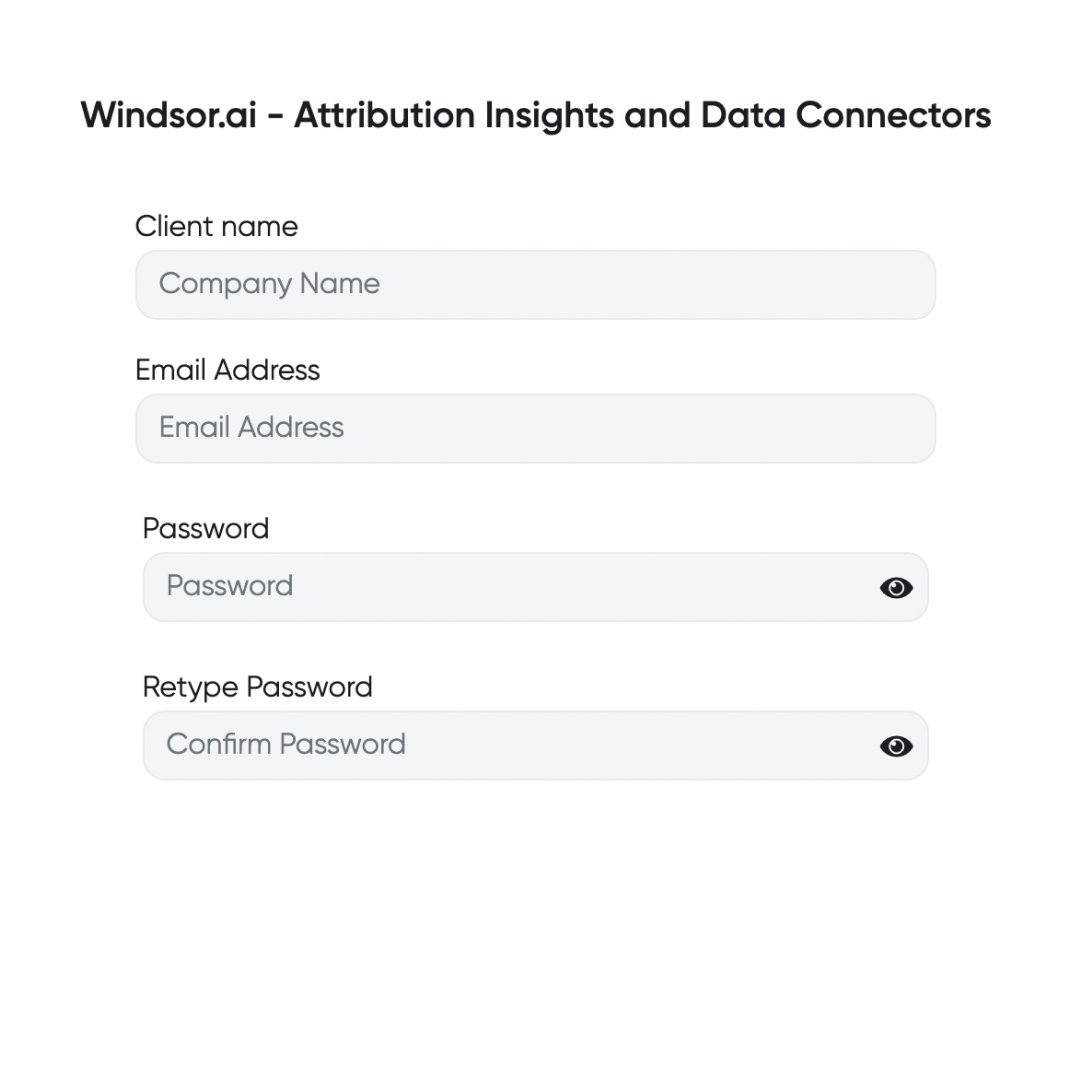
Register and log in to Windsor.ai
Create a new Windsor.ai account or log in if you already have one.
Select your data source
Choose Google Business Profile as your data source and grant access to Windsor.ai.

Connect Windsor MCP to your favorite LLM
If a native connector is available for your platform, connect in one click. Otherwise, visit this guide and follow the instructions for your platform of choice.

Start analyzing your data in the LLM
Now, you are good to go with any questions related to your data.
FAQs
What is Windsor MCP?
Windsor MCP (Model Context Protocol) is an AI-powered tool that connects your integrated Windsor.ai data with LLM platforms like Claude, Cursor, Gemini, and others. It allows you to ask natural language questions about your data and receive actionable insights without writing SQL or building dashboards from scratch.
What can I do with Windsor MCP?
Windsor MCP lets you interact with your business data directly in your favorite LLM tools. Instead of writing SQL queries, you can simply ask questions like “What keywords surface my profile most often, and which ones have the best CTR?” or “Which locations get the most calls and direction requests this week?”.
MCP automatically collects and normalizes data from all sources connected to your Windsor account, generating instant summaries, deep insights, and optimization recommendations.
Can I manage my Google Business Profile directly from AI chats?
Yes. Windsor MCP gives any MCP-compatible AI assistant, such as Claude, ChatGPT, Copilot, and others, write access to Google Business Profile. You can:
- Publish and update posts
- Reply to reviews
- Upload photos
- Update business details such as description, website, phone, address, categories, services, service area, and attributes
- Set regular and special opening hours, or mark a location as temporarily closed
In Gemini Enterprise, turn on Execute Action and Write actions during setup.
Is Windsor MCP free to use?
Yes. Windsor MCP is included in every Windsor.ai plan, including the free forever plan with no credit card. The free plan covers 1 connected data source; combining several sources needs a paid plan, from $19/month for 3 sources. See the pricing page.
What agents does it work with?
You can connect Windsor MCP to any AI agent compatible with MCP, including Claude Desktop, ChatGPT, Perplexity, Cursor, Gemini, etc.
Tired of manual Google Business Profile data exports? Try Windsor.ai today to automate your reporting


