 Destinations
 Data sources
 AI insights
 About us
 Careers
 Security
 Customer reviews
 Contact us
 Affiliate program
 Solution partners
 Template gallery
 Looker Studio templates
 Power BI templates
 Excel templates
 Google Sheets templates
 Tableau templates
 Facebook Ads templates
 Google Ads templates
 Data fields & Metrics
 AI prompt library & Guides
 Product documentation
 API documentation
 Case studies
 Blog
 Data models
 Windsor vs Supermetrics
 Windsor vs Funnel.io
 Windsor vs Fivetran
 Windsor vs Rivery
 Windsor vs Portermetrics
 Windsor vs Coupler.io
Google Merchant Center MCP for AI Insights
Send your Google Merchant Center data to the AI chat you already use with Windsor MCP.
Windsor.ai connects Google Merchant Center once, and your product and performance data become available to ask about in ChatGPT, Claude, Gemini and other MCP-compatible clients.
Forget CSVs. Stop copy/paste. Connect in minutes. No code required.
 Sign up with Google
 Free forever plan







Get your Google Merchant Center data into the AI chat you already use
Google Merchant Center is connected once in Windsor.ai, and these are the use cases the fields support:

Find products that get no clicks
Product Impressions next to Product Clicks and Product CTR per Product Title shows which products are shown often and rarely clicked.

Check prices against the market
Product Price next to Product Benchmark Price and Product Price Gap shows which products cost more than other sellers charge for the same product.

Watch product approvals
Disapproved Product Count and Pending Product Count by Product Status Country show where products are not approved to show.

Compare visibility with competitors
Competitive Visibility Competitor Domain with Competitive Visibility Competitor Relative Visibility shows which other stores are shown more than yours in a category.
Using Windsor.ai MCP to connect data from Google Merchant Center to LLMs
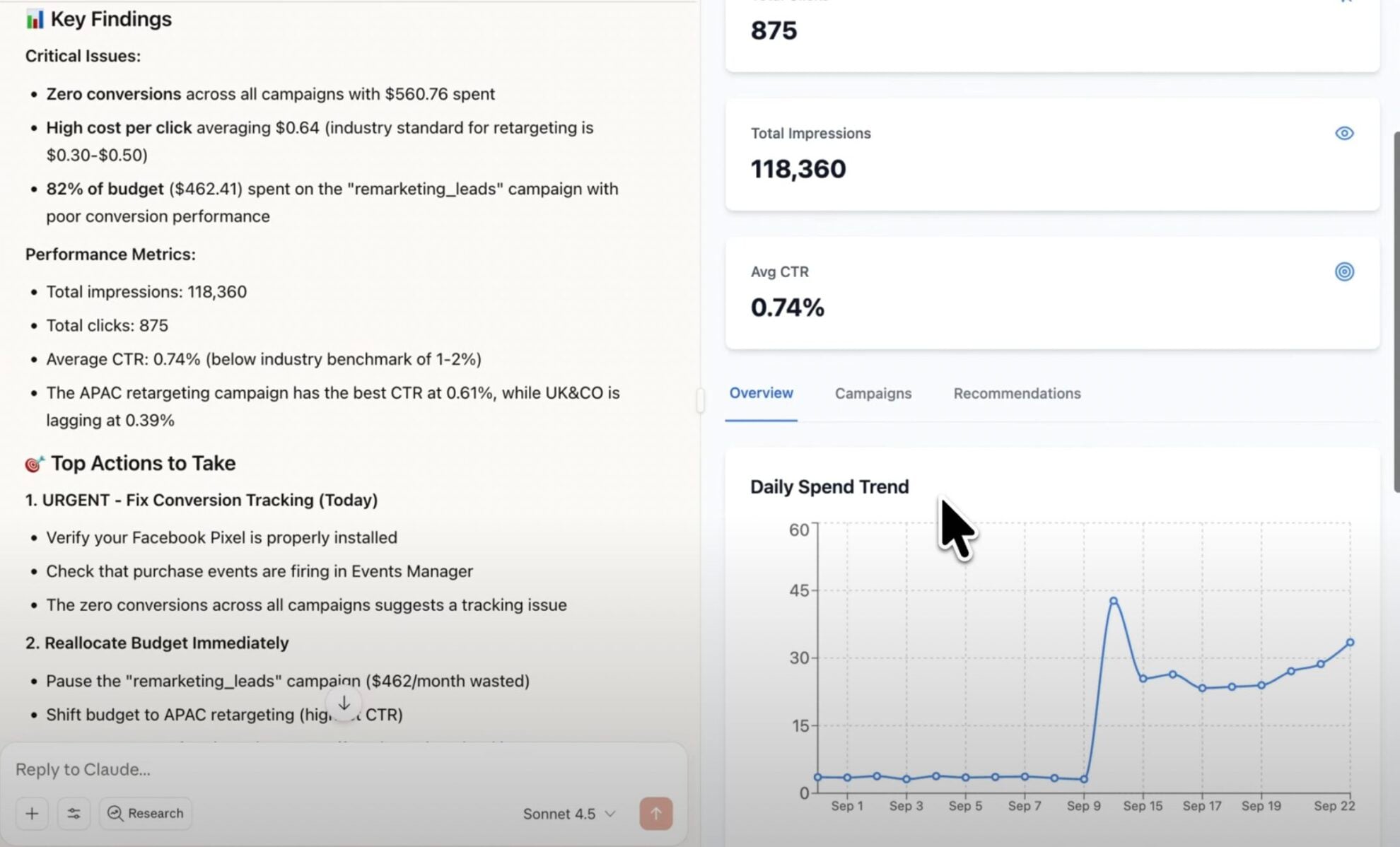
Without Windsor.ai, getting Google Merchant Center records into an AI chat means an export and an upload every time you want to ask something. Windsor MCP connects Google Merchant Center once and the AI chat reads the live records instead.
Connect in minutes, then ask about your products, product performance, product status, price benchmarks and competitive visibility.
Available actions
Insert Product
Add a product to an API data source of the connected Merchant Center account. If the data source already has an entry with the same product_id, content_language and feed_label, the new entry replaces it. data_source is the data_source_id or data_source_name of an API data source (Data Sources table, or create one with create_data_source). In a primary data source, give the attributes that Google needs to show the product, for example title, link, image_link, price, currency and availability. Merchant Center shows the change after a few minutes. Remove the product with delete_product.
Update Product
Change the given attributes of a product in an API data source of the connected Merchant Center account. Attributes that are not given keep their values. product_id, content_language and feed_label come from the product_id, product_content_language and product_feed_label fields. data_source is the data_source_id or data_source_name of an API data source: the product's primary data source (product_data_source) if its input is API, otherwise a supplemental API data source that is linked to that primary data source (create one with create_data_source and link_to_primary_data_source). Values of a supplemental data source that comes before the feed in the feed's default rule (as create_data_source links it) override the feed values until delete_product removes them from the supplemental data source. clear_attributes deletes attributes from the product in data_source: in a supplemental data source the product then shows the feed value again. pause ADS or ALL pauses the product, NONE ends the pause. Merchant Center shows the change after a few minutes.
Delete Product
Delete a product from an API data source of the connected Merchant Center account. From a primary data source this removes the whole product, including its supplemental values: only insert_product with all attributes adds it again. From a supplemental data source this removes only the values of that data source, and the product keeps its primary values. data_source is the data_source_id or data_source_name of the API data source.
Create Data Source
Create an API product data source in the connected Merchant Center account. A primary data source holds products that insert_product adds. A supplemental data source holds values that update_product writes for products from a file feed, an app or the Merchant Center UI. Merchant Center applies them only to products of the primary data sources that the supplemental data source is linked to. link_to_primary_data_source (data_source_id or data_source_name) puts the new supplemental data source first in the default rule of that primary data source, so its values override the feed, and keeps the sources the rule already uses. The user removes the link in Merchant Center (the Attribute rules of the primary data source). Give content_language and feed_label together to accept only products with them, or leave both out to accept every product. countries is for a primary data source only. Each call creates a new data source: list the existing ones in the Data Sources table first.


How to connect Google Merchant Center MCP by Windsor.ai
Explore a step-by-step guide to connect your Google Merchant Center data to the AI chat you use with Windsor MCP.
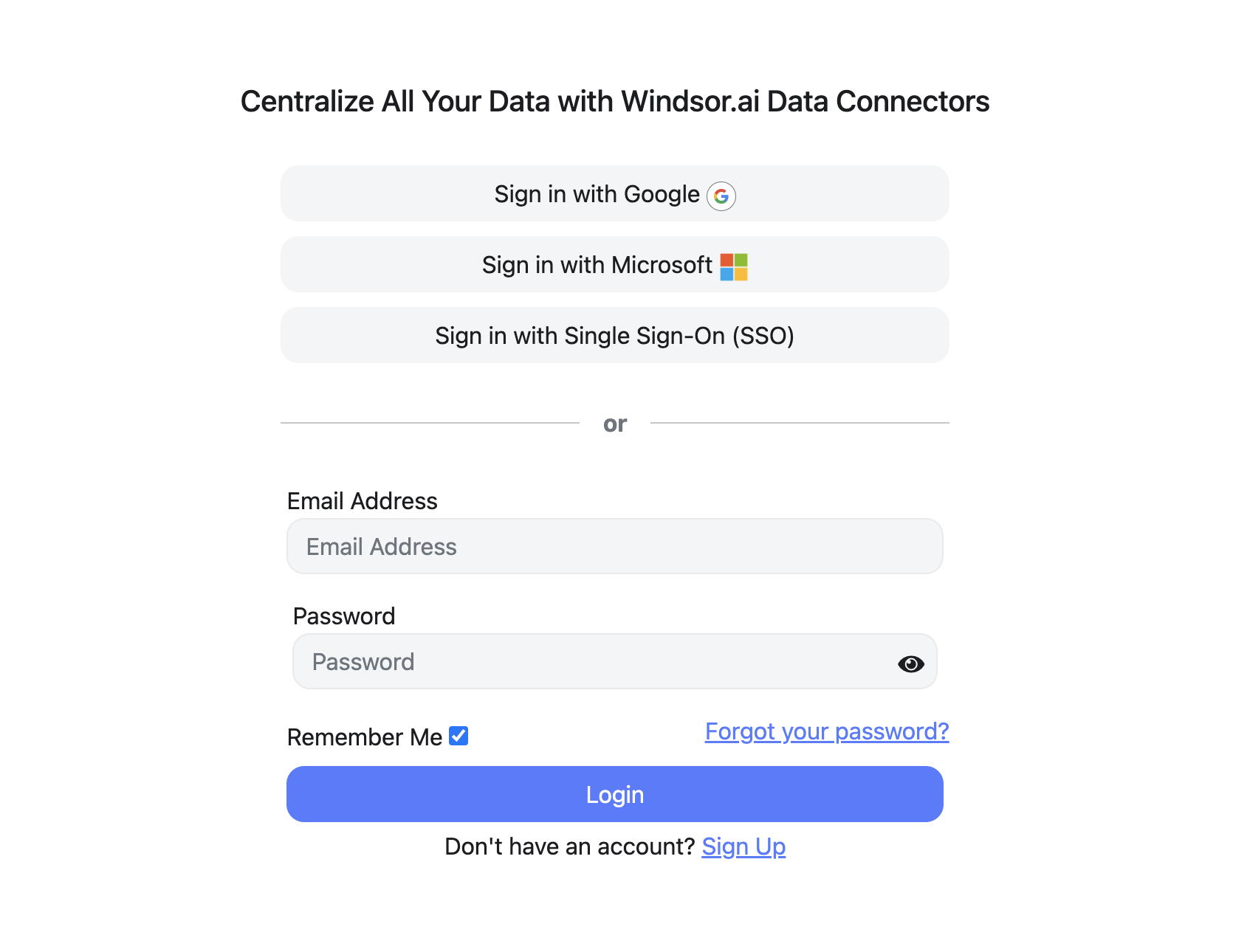
Register and log in to Windsor.ai
Create a new Windsor.ai account or log in if you already have one.
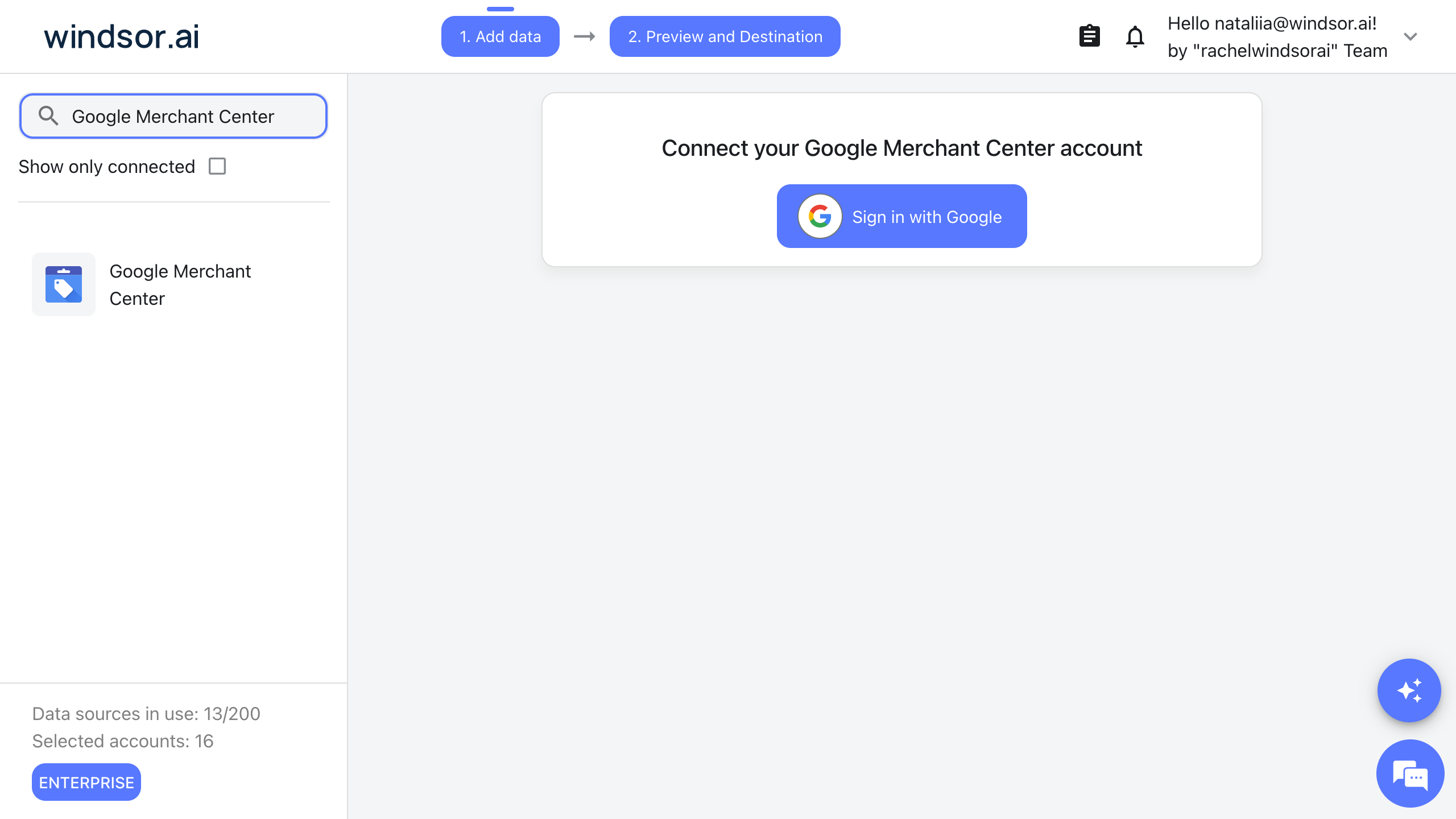
Connect your Google Merchant Center account
Choose Google Merchant Center as your data source, click Sign in with Google, and allow access with the Google account that manages your Merchant Center account. Then select the account you want to use.
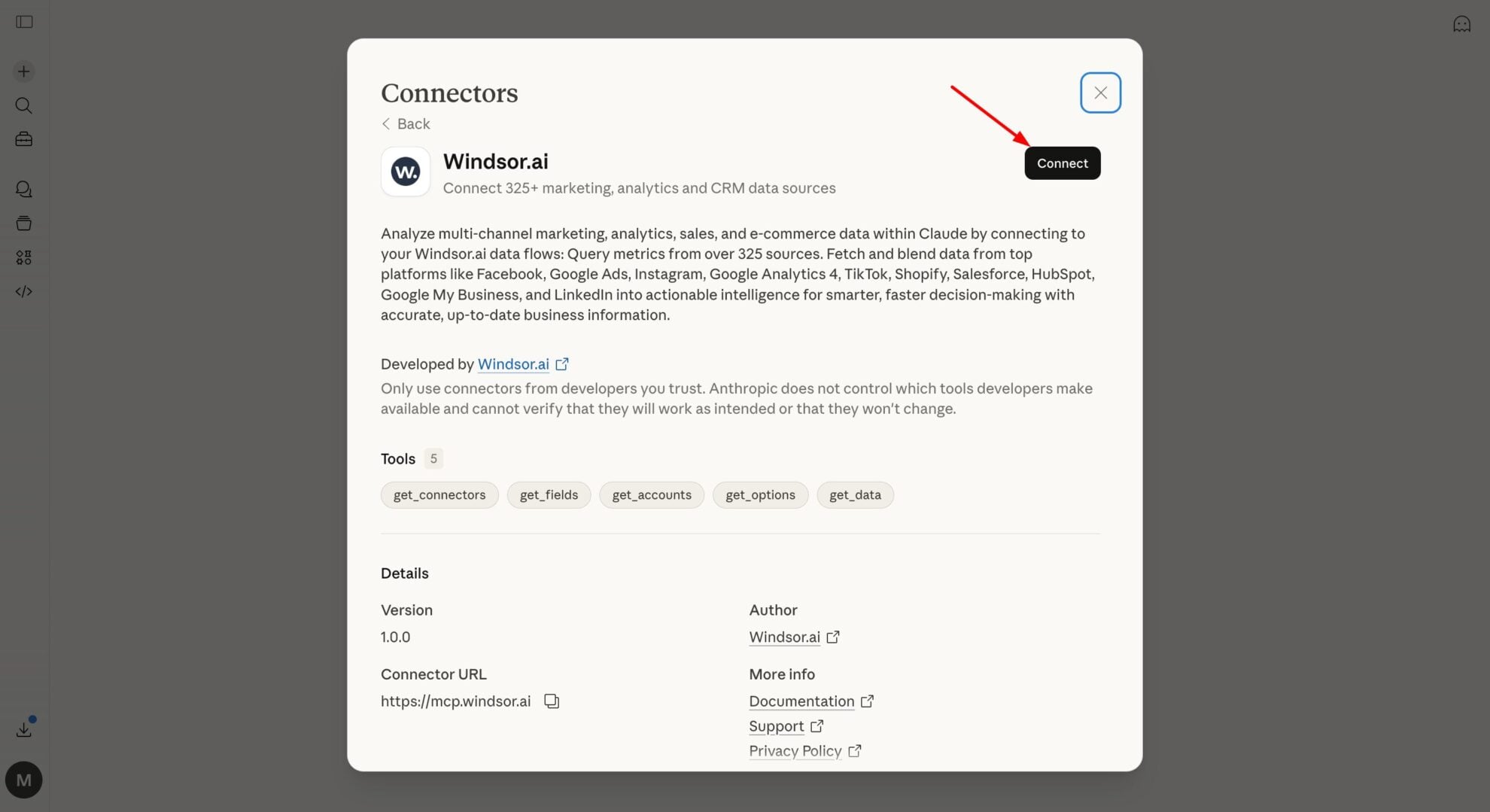
Connect Windsor MCP to your favorite LLM
Connect Windsor MCP to the AI chat you use. Open the Windsor MCP documentation and follow the instructions for your platform.
Start analyzing your Google Merchant Center data in the LLM
You can now ask questions about your Google Merchant Center data in the AI chat you connected.
FAQs
What Google Merchant Center data can my AI chat use through Windsor MCP?
Windsor.ai gives access to 141 Google Merchant Center fields. These are the groups; the Google Merchant Center field reference lists all of them:
- Products: Product Title, Product Brand, Product Price, Product Sale Price, Product Availability, Product Condition, Product GTIN.
- Categories and labels: Product Category Level 1 to Product Category Level 5, Product Type Level 1, Product Custom Label 0 to Product Custom Label 4.
- Performance: Product Clicks, Product Impressions, Product CTR, Product Conversions, Product Conversion Rate, Product Performance Date.
- Product status: Active Product Count, Disapproved Product Count, Pending Product Count, Expiring Product Count, Product Status Country.
- Prices: Product Benchmark Price, Product Price Gap, Product Suggested Price, Product Click Uplift, Product Conversion Uplift.
- Competitive visibility: Competitive Visibility Competitor Domain, Competitive Visibility Competitor Relative Visibility, Competitive Visibility Competitor Higher Position Rate, Competitive Visibility Top Merchant Domain, Your Domain Visibility Trend.
What can I ask my AI chat about my Google Merchant Center data?
These prompts name the fields to use, so the answer comes back on your own records:
-
List the 20 products with the most Product Impressions last month and the lowest Product CTR, with Product Title and Product Price.
-
Which products have a Product Price Gap above 10%? Show Product Title, Product Price and Product Benchmark Price.
-
Show Disapproved Product Count and Pending Product Count by Product Status Country.
-
Sum Product Clicks and Product Conversions by Product Brand for the last 30 days.
Can my AI chat change my Google Merchant Center data?
Yes. Windsor MCP gives your AI chat write actions for Google Merchant Center: when you ask, it can add, update and delete products in an API data source, and create a new data source. See the full list of write actions.
Can I combine Google Merchant Center data with other sources through Windsor MCP?
Yes. Windsor.ai supports 350+ data sources, so you can connect Google Merchant Center alongside tools such as Google Ads, GA4 or Shopify and ask about them together. For example, put Google Ads Cost and Conversion value by Product item id next to the Product Price and Product Availability of the same products in Merchant Center.
Do I need to code to connect Google Merchant Center to Windsor MCP?
No. Connect Google Merchant Center in Windsor.ai, add Windsor MCP to your AI chat, and sign in. After that you ask in plain language.
How much does it cost to integrate Google Merchant Center with Windsor MCP using Windsor.ai?
The free forever plan covers 1 data source, so connecting Google Merchant Center on its own costs nothing and needs no credit card. Combining Google Merchant Center with other sources needs a paid plan: $19/month for 3 sources or $99/month for 7. The AI chat you connect is billed separately by its own provider. See the pricing page.
Do you have helpful links to get started with Google Merchant Center and Windsor MCP?
Yes. These are the resources to start with for the Google Merchant Center to Windsor MCP integration:
Tired of manual Google Merchant Center data exports? Try Windsor.ai today to work on live data


