 Destinations
 Data sources
 AI insights
 About us
 Careers
 Security
 Customer reviews
 Contact us
 Affiliate program
 Solution partners
 Template gallery
 Looker Studio templates
 Power BI templates
 Excel templates
 Google Sheets templates
 Tableau templates
 Facebook Ads templates
 Google Ads templates
 Data fields & Metrics
 AI prompt library & Guides
 Product documentation
 API documentation
 Case studies
 Blog
Blog Data models
 Windsor vs Supermetrics
 Windsor vs Funnel.io
 Windsor vs Fivetran
 Windsor vs Rivery
 Windsor vs Portermetrics
 Windsor vs Coupler.io
HubSpot MCP for AI Insights
Send your HubSpot data to leading LLMs with Windsor MCP.
Bring HubSpot metrics into ChatGPT, Claude, Copilot, and Gemini to enhance sales performance and customer engagement with actionable AI insights.
Forget CSVs. Stop copy/paste. Connect data in 2 minutes. No code required.
 Sign up with Google
 Free forever plan
No credit card needed
Free forever plan
No credit card needed










Streamline HubSpot analysis through AI with Windsor MCP
Empower teams to make faster, data-backed decisions by turning HubSpot metrics into conversational insights, unlocking the following benefits:

Get instant answers in LLMs
Connect once and get decision-ready outputs with no CSVs, tool switching, or reformatting required. Windsor MCP normalizes HubSpot data and delivers fast, precise answers inside your AI workspace.

Generate insights via natural language
Use simple prompts to get concise explanations, trend highlights, and prioritized next steps across contacts, deals, emails, and tickets.

Centralize HubSpot metrics
Bring together marketing, sales, and service metrics to see how every stage and team contributes to growth. Track funnel health, campaign impact, and customer outcomes in a single AI environment.

Drive revenue growth
Pinpoint winning channels, high-value deals, and the factors driving retention. Ask “Which sources close fastest?” or “Which reps lead by win rate?” to uncover valuable insights that drive consistent revenue growth.
Using Windsor.ai MCP to connect data from HubSpot to LLMs
Getting your HubSpot data into AI chats requires manual exports, CSV uploads, and expensive software. Windsor MCP removes these barriers with a connector that collects, normalizes, and streams your HubSpot data to preferred LLM platforms.
Connect in minutes and start analyzing your funnels in natural language across marketing, sales, and customer service.















How to connect HubSpot MCP by Windsor.ai
Follow this quick setup guide to connect your HubSpot data to your preferred AI chat.
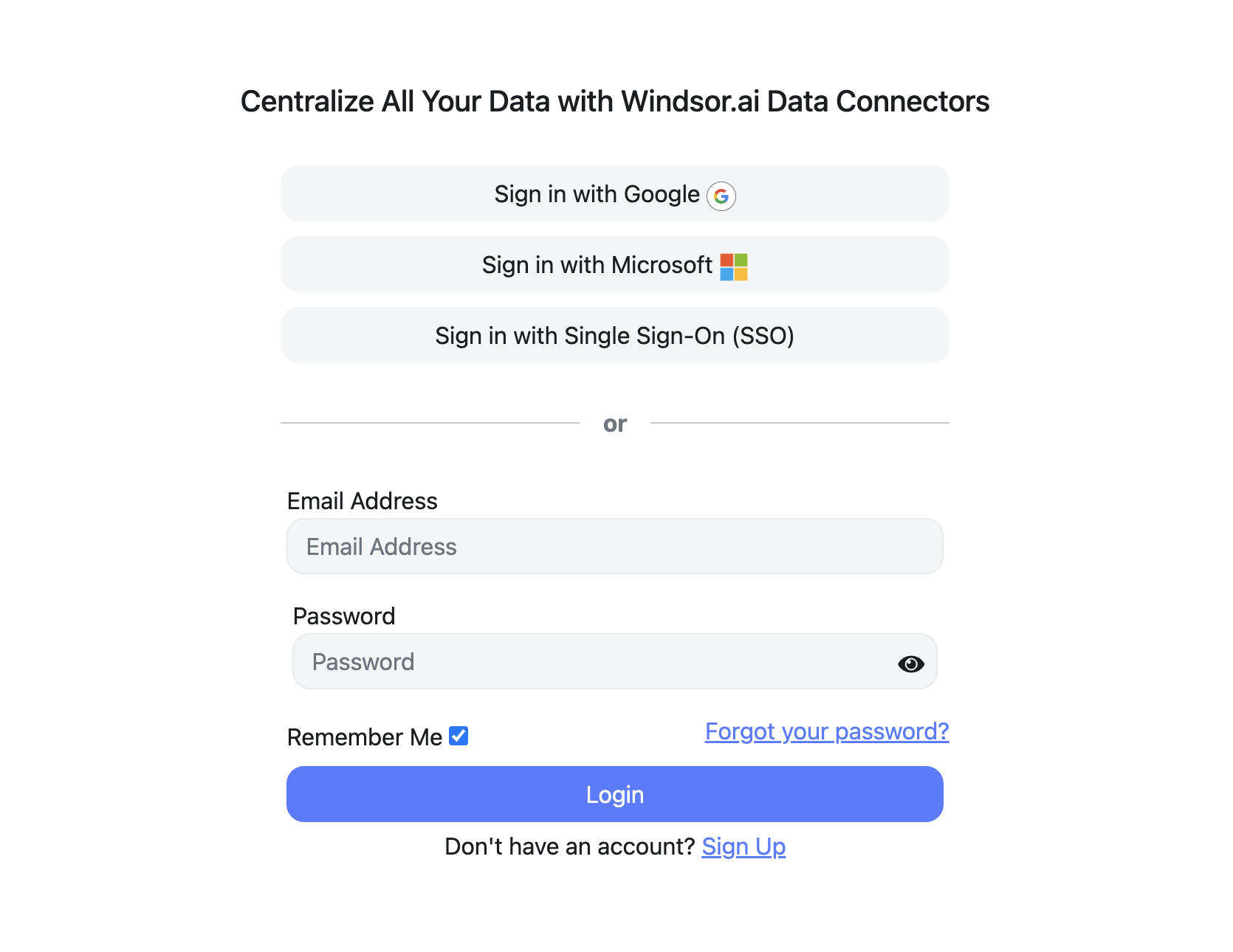
Register and log in to Windsor.ai
Create a new Windsor.ai account or log in if you already have one.
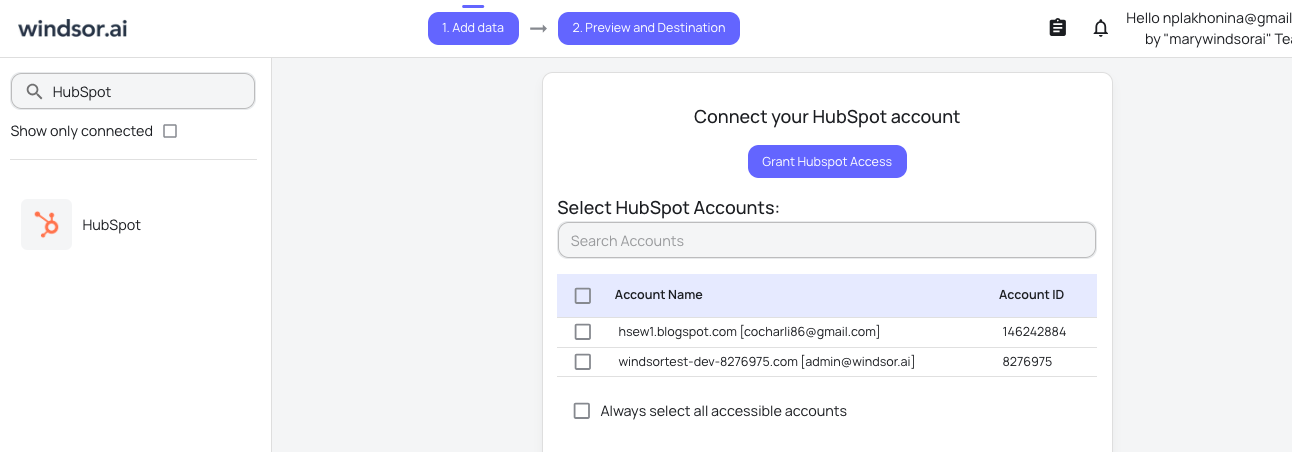
Connect your HubSpot account(s)
Choose HubSpot as your data source and grant access to Windsor.ai.
Connect Windsor MCP to your favorite LLM
Connect Windsor MCP for HubSpot to your preferred AI chat. Visit this documentation and follow the instructions for your required platform.

Start analyzing your data in the LLM
Now, you are good to start asking any questions related to your HubSpot data.
FAQs
What is Windsor MCP?
Windsor MCP (Model Context Protocol) is an AI-powered tool that connects your integrated Windsor.ai data with LLM platforms like Claude, Cursor, Gemini, and others. It allows you to ask natural language questions about your data and receive actionable insights without writing SQL or building dashboards from scratch.
What can I do with Windsor MCP?
Windsor MCP lets you interact with your business data directly in your favorite LLM tools. Instead of writing SQL queries, you can simply ask questions like “Where do deals stall most by stage, owner, and segment this month?” or “Which campaigns brought the most new leads this month?”.
MCP automatically collects and normalizes data from all sources connected to your Windsor account, generating instant summaries, deep insights, and optimization recommendations.
Is Windsor MCP free to use?
Yes, you can use Windsor MCP at every Windsor’s plan, even during a free trial. But keep in mind that Claude Desktop and ChatGPT allows you to add external connectors only on the paid plans.
What agents does it work with?
You can connect Windsor MCP to any AI agent compatible with MCP, including Claude Desktop, ChatGPT, Perplexity, Cursor, Gemini, etc.
Tired of manual HubSpot data exports? Try Windsor.ai today to automate your reporting


