 Destinations
 Data sources
 AI insights
 About us
 Careers
 Security
 Customer reviews
 Contact us
 Affiliate program
 Solution partners
 Template gallery
 Looker Studio templates
 Power BI templates
 Excel templates
 Google Sheets templates
 Tableau templates
 Facebook Ads templates
 Google Ads templates
 Data fields & Metrics
 AI prompt library & Guides
 Product documentation
 API documentation
 Case studies
 Blog
Blog Data models
 Windsor vs Supermetrics
 Windsor vs Funnel.io
 Windsor vs Fivetran
 Windsor vs Rivery
 Windsor vs Portermetrics
 Windsor vs Coupler.io
Connect Jira to Claude
Automatically sync your Jira data to Claude using the Windsor.ai connector.
Analyze your project data using natural language to catch issues before they escalate, prioritize tasks more efficiently, and keep projects on track.
Forget CSVs. Stop copy/paste. Connect data in minutes. No code required.
 Sign up with Google
 Free forever plan
No credit card needed
Free forever plan
No credit card needed










Improve project delivery with Jira to Claude integration
Send Jira data to Claude via Windsor.ai to move from static dashboards to clear, on-demand answers about team performance, velocity, and project health. Explore the key benefits and use cases:

Quantify sprint scope
Compare issues__created against sprints__startdate for the issues in an active sprint (joined through sprint_issues__sprintid) to identify any tasks that were added after the sprint began. Claude calculates the creep percentage and summarizes the impact these mid-sprint additions have on your original commitments.

Measure SLA compliance
Compare issues__created against the resolution date inside issues__fields for Jira Service Management tickets to check that your team is meeting its contractual response times. Ask Claude to highlight specific tickets that are nearing a breach, categorized by issue_priorities__name.

Evaluate technical debt
Let Claude search for keywords like ‘temporary fix,’ ‘refactor,’ or ‘cleanup’ within the comments and description of completed tasks. It then ranks which projects are accumulating the most technical debt, helping you prioritize future maintenance sprints.

Get answers in seconds
Skip manual exports, dashboards, and JQL queries. Ask a question in plain language and get immediate answers about your projects, sprints, and team performance.
Using Windsor.ai to connect data from Jira to Claude
Streaming Jira data to Claude usually requires manual exports, technical setup, or expensive tools. Windsor.ai simplifies this with a connector that automatically collects, organizes, and delivers Jira metrics directly into Claude.
Connect in minutes and get AI-driven insights into your projects and workflows.
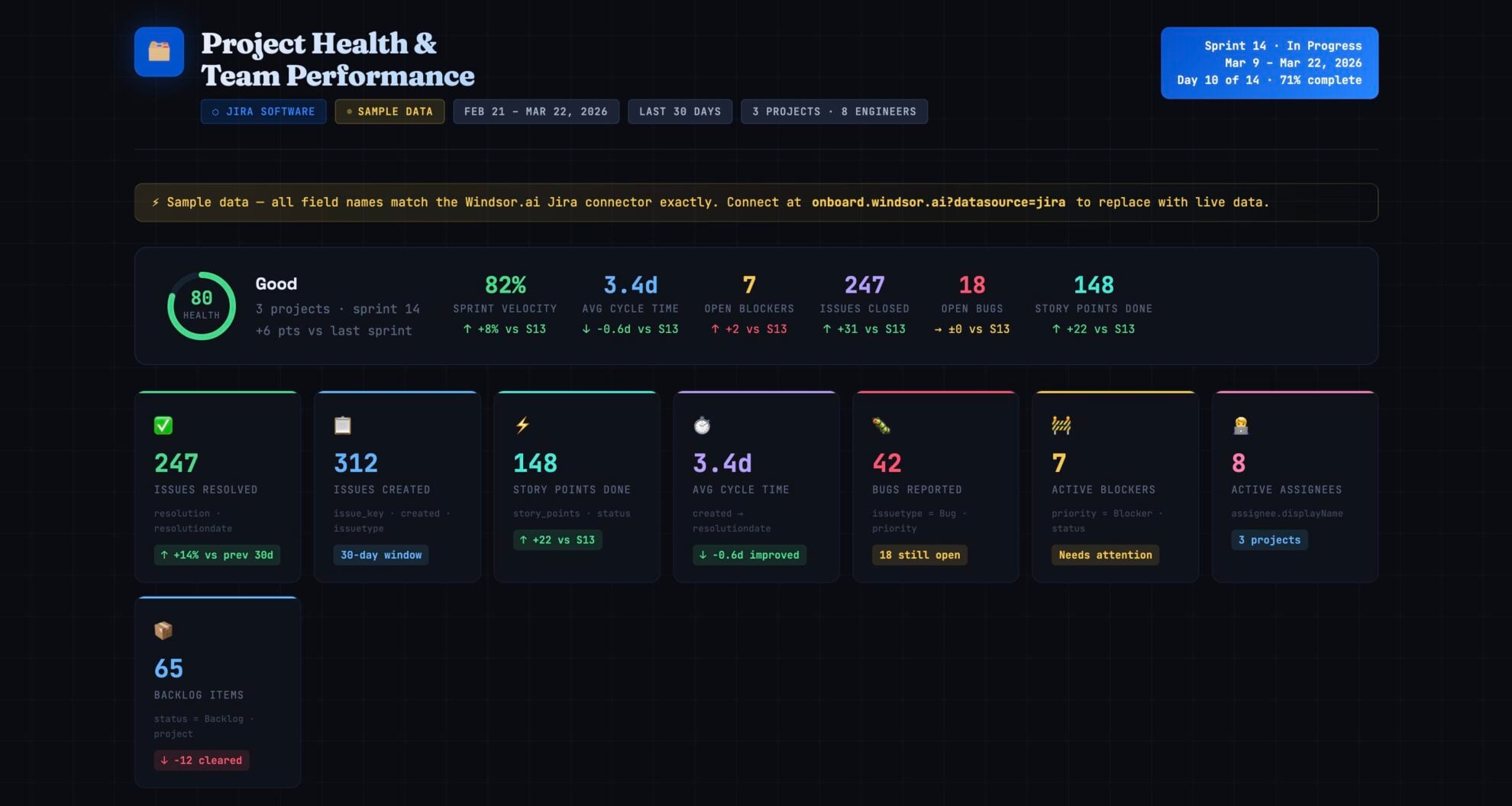














How to connect Jira to Claude with Windsor.ai
Explore our video tutorial and a step-by-step guide to integrate your data from any source into Claude with the Windsor.ai connector.
Select your data source
Choose Jira as your data source and grant access to Windsor.ai.

Install the Windsor.ai connector in Claude
In Claude, open Customize, then Connectors, search for Windsor and click Add. Sign in to your Windsor.ai account when prompted, and the connector appears in your Connectors list. You can also open the Windsor.ai listing in the Claude directory and click Connect.

Query your data in Claude
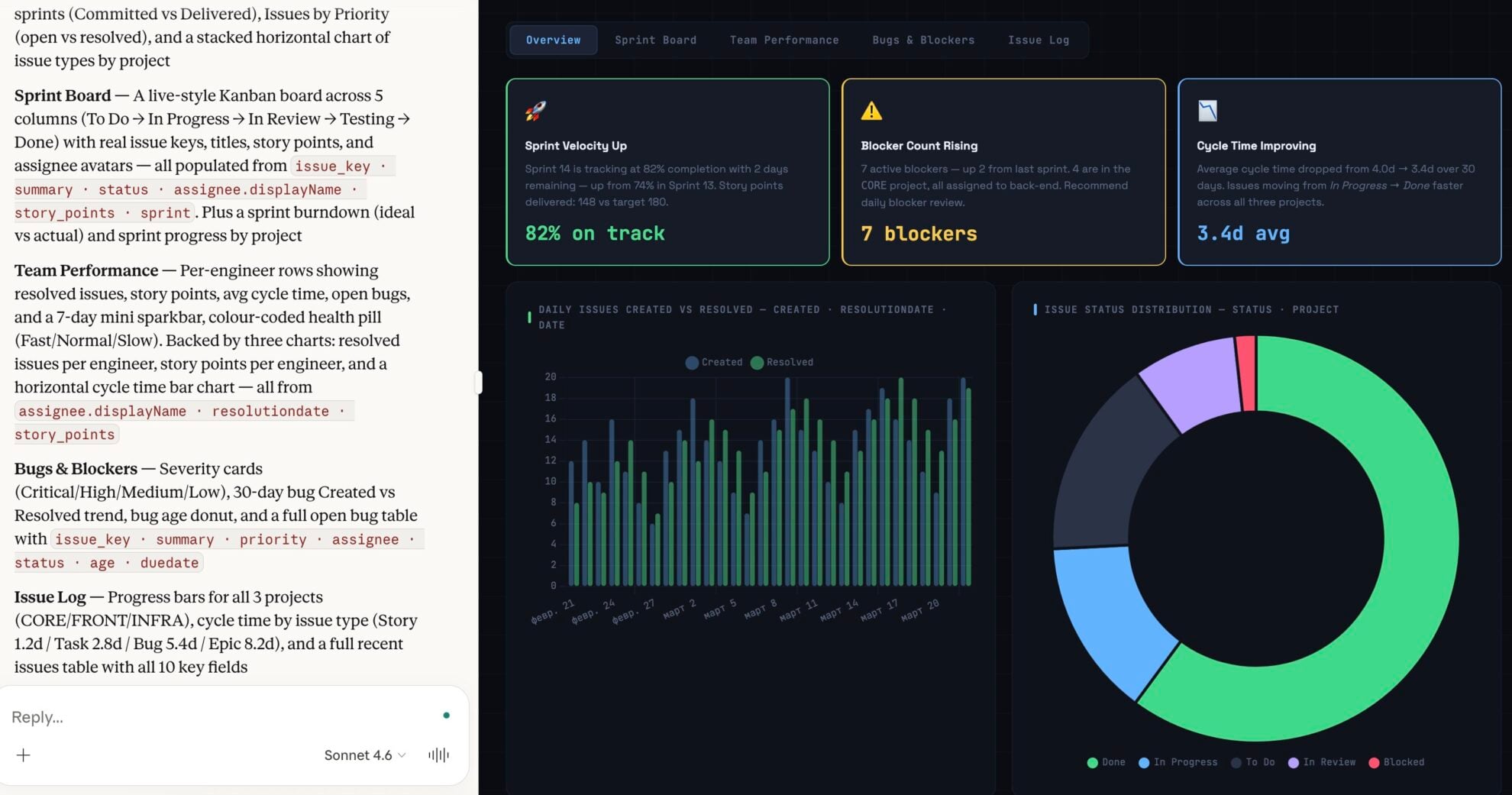
Start a new chat and ask Claude questions about your connected data: summarize KPIs, create client reporting dashboards, or run advanced analyses.
FAQs
What can I do with Jira data in Claude?
Integrating Jira with Claude via Windsor.ai opens up advanced analytical capabilities that go far beyond standard Jira dashboards:
- Automated backlog grooming: Ask Claude to identify stale tickets, duplicate issues, or tasks that lack sufficient documentation.
- Predictive milestone tracking: Use historical sprint data to have Claude forecast whether a release date is realistic given the team’s current capacity.
- Bottleneck detection: Identify the stages in your workflow where tickets spend the most time and the root causes (e.g., ‘blocked by’ dependencies).
- Instant reporting: Instead of building complex JQL filters, simply ask for a summary of high-priority bugs introduced in the last two weeks, and Claude will generate a report in seconds.
Do I need to know JQL to use this integration?
No. Claude understands natural language and automatically translates your questions into the appropriate queries, though you can still reference specific JQL parameters if preferred.
Can I track individual developer workload?
Yes. You can ask Claude to summarize ‘Assigned Issues’ or ‘Worklogged Hours’ per user to ensure balanced task distribution.
Can Claude identify blockers across multiple Jira projects?
Yes. Because Windsor centralizes your data, Claude can run cross-project analysis to find shared dependencies or resource conflicts.
What prompts can I use when analyzing Jira data in Claude?
Use more specific, advanced prompts to extract deeper insights from your Jira data. For example:
-
Analyze the 'Changelog' or history of tickets completed in the last 30 days. Which status had the highest average 'Time in Status', and is there a correlation with specific assignees or ticket types?
-
Compare original estimates vs. actual time spent for tasks in the 'Project X' epic. Identify the top 3 with the biggest gaps and summarize common reasons for the delays based on comments.
-
Based on our average velocity over the last 4 sprints and 150 remaining story points in the 'Q3 Release' backlog, when are we likely to finish? Also, highlight risks if velocity drops by 10%.
-
Find backlog tickets older than 6 months related to technical debt (e.g., refactoring or cleanup). Rank them by priority and highlight who reported them to help justify a dedicated debt sprint.
How much does it cost to integrate Jira into Claude using Windsor.ai?
Windsor.ai has a free forever plan, no credit card needed, and the Claude connector is included. Paid plans depend on how many accounts and data sources you connect. See the pricing page for details.
How long does it take to connect Jira to Claude?
With Windsor.ai’s easy-to-use connector, the integration process takes just a few minutes. No technical expertise is needed; syncing Jira to Claude is simple, straightforward, and completely code-free.
Do you have helpful links to get started with integrating Jira and Claude using Windsor.ai?
Yes, we have helpful resources to help you get started. You can explore our documentation and tutorials for the Jira to Claude integration with Windsor.ai:
Atlassian has an official Claude connector. Should I use that or Windsor.ai?
Both have a place. Atlassian’s Rovo connector, installed from Claude’s connector directory, works on tickets: it reads and updates Jira issues and Confluence pages from Claude. The Windsor.ai connector reads Jira as data for analysis and puts sprints, cycle times, and bug counts next to 350+ other sources in the same conversation, such as your CRM or support desk. It never changes a ticket. Claude supports multiple connectors at once, so you can run both.
Tired of manual Jira data exports? Try Windsor.ai today to automate your reporting


