 Destinations
 Data sources
 AI insights
 About us
 Careers
 Security
 Customer reviews
 Contact us
 Affiliate program
 Solution partners
 Template gallery
 Looker Studio templates
 Power BI templates
 Excel templates
 Google Sheets templates
 Tableau templates
 Facebook Ads templates
 Google Ads templates
 Data fields & Metrics
 AI prompt library & Guides
 Product documentation
 API documentation
 Case studies
 Blog
Blog Data models
 Windsor vs Supermetrics
 Windsor vs Funnel.io
 Windsor vs Fivetran
 Windsor vs Rivery
 Windsor vs Portermetrics
 Windsor vs Coupler.io
Connect Metabase to Claude
Automatically sync your Metabase data to Claude using the Windsor.ai connector.
Bring your Metabase data into Claude to get instant answers to complex business questions without SQL or manual work.
Forget CSVs. Stop copy/paste. Connect data in minutes. No code required.
 Sign up with Google
 Free forever plan
No credit card needed
Free forever plan
No credit card needed










Streamline analytics with Metabase to Claude integration
With Metabase connected to Claude, you can query and interpret your data in real time using natural language. Key benefits include:

Get instant AI insights
Query your Metabase data in natural language and receive responses within seconds. Claude can summarize trends across your saved questions, retrieve specific metric values from individual cards, and interpret the data, eliminating the need for manual exports or ad-hoc analysis.

Detect risks and anomalies
Use Claude to spot patterns in your Metabase data on demand. Ask it to review recent transactions, daily metrics, or specific question results and flag unusual values, duplicates, or sudden changes that need a closer look.

Perform cross-channel analysis
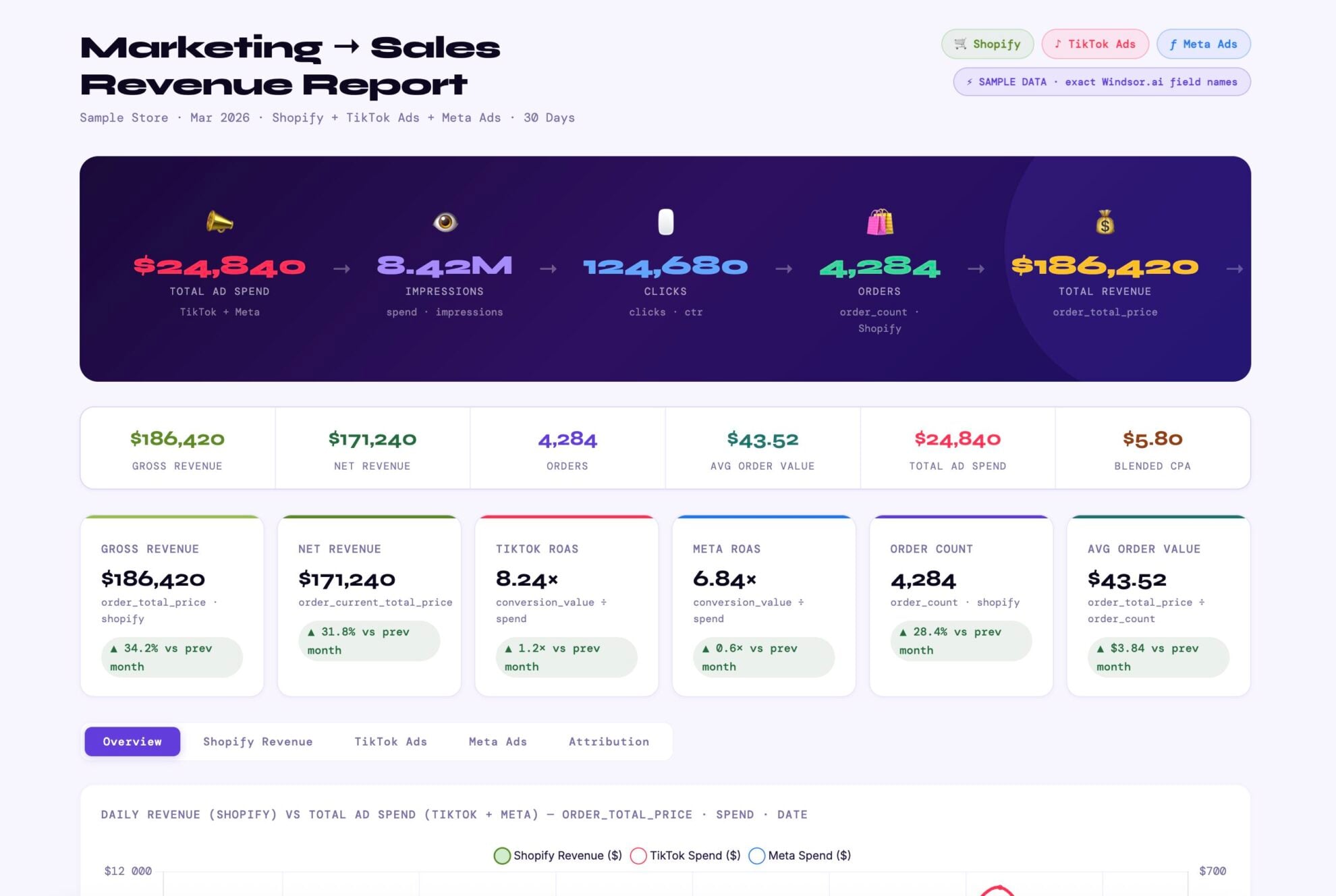
Connect your Metabase data with internal marketing sources like Google Ads, TikTok, and Meta using Windsor.ai. Analyze ad effectiveness, map the full customer journey, and understand your true ROAS and profitability in one place.

Explain KPI changes
Go beyond static charts. Point Claude at the relevant Metabase questions or dashboard cards and ask it to suggest what may be driving changes in your KPIs, giving you a starting point for investigation rather than just numbers.
Using Windsor.ai to connect data from Metabase to Claude
Connecting your Metabase data to Claude often requires manual exports, data prep, or additional tools. Windsor.ai removes that friction with a secure MCP connector that links your Metabase data directly to Claude.
Set up in minutes and turn your questions and dashboards into clear, actionable insights. Analyze customer LTV, detect anomalies, or uncover revenue risks, all via human language.














How to connect Metabase to Claude with Windsor.ai
Explore our video tutorial and a step-by-step guide to integrate your data from any source into Claude with the Windsor.ai connector.
Select your data source
Choose Metabase as your data source and grant access to Windsor.ai.

Install the Windsor.ai connector in Claude
In Claude, open Customize, then Connectors, search for Windsor and click Add. Sign in to your Windsor.ai account when prompted, and the connector appears in your Connectors list. You can also open the Windsor.ai listing in the Claude directory and click Connect.

Query your data in Claude
Start a new chat and ask Claude questions about your connected data: summarize KPIs, create client reporting dashboards, or run advanced analyses.

FAQs
What problems does this integration solve?
Dashboard blind spot
- The problem: Standard Metabase dashboards show what is happening (e.g., ‘Revenue is down 10%’) but don’t explain why.
- The solution: Ask Claude to analyze the Revenue dashboard and the Marketing Spend card to explain the correlation, adding the narrative context that static charts lack.
SQL bottleneck
- The problem: Marketing, Sales, and HR teams often wait days for a data analyst to write a SQL query just to answer a simple question.
- The solution: Claude acts as a natural language interface. Anyone can ask, ‘Who were our top 10 customers by spend last month?’ and get an instant answer, no SQL required.
Invisible data anomalies
- The problem: With dozens of Metabase records, it’s easy to miss sudden spikes in churn or drops in checkout conversions until it’s too late.
- The solution: Prompt Claude to ‘scan my Daily Active Users card every morning and alert me to deviations greater than 5%.’ It acts as an automated, intelligent KPI monitor.
Data silos in cross-channel analysis
- The problem: Your sales data is in Metabase (PostgreSQL/BigQuery), while your ad spend lives in platforms like Facebook and Google, making true ROI hard to calculate.
- The solution: With Windsor.ai, you can combine your Metabase revenue with Facebook Ads spend (or other marketing sources) for a holistic analysis of your business performance.
What if my Metabase data uses technical column names?
Claude generally handles this well. If your columns are named things like user_id_fk or created_at_dt, you can usually ask about ‘Users’ or ‘Signup Dates’ and Claude will map to the right fields. For ambiguous or duplicate names, it helps to clarify which field you mean, or to add descriptions in Metabase that Claude can read via the connector.
Can Claude help me find correlations between unrelated datasets?
Yes. Claude can compare data from different Metabase questions and identify apparent relationships between them, for example, whether support ticket volume rose around a feature launch, or whether changes in marketing spend align with shifts in signups. This makes it a strong tool for surfacing patterns across datasets that would otherwise require manual cross-referencing.
What prompts can I use when analyzing Metabase data in Claude?
You unlock much deeper insights from Metabase when you move beyond basic queries and use context-aware prompts in Claude. For example:
-
Analyze the data from my 'Website Traffic,' 'Leads,' and 'Closed Deals' Metabase questions. Identify the specific stage where our conversion rate drops most significantly. Is this a volume issue at the top of the funnel or a sales-closing issue at the bottom? Suggest three actionable steps to fix this leak.
-
Cross-reference our 'Marketing Spend by Channel' with our 'Customer Revenue' data from Metabase. Calculate the LTV-to-CAC ratio for each channel over the last 6 months. Tell me which channel is bringing in our most profitable long-term customers, and which channel we should stop funding immediately.
-
Look at our 'User Activity' and 'Last Login' data in Metabase for the past 90 days. Identify patterns among users who haven't logged in for 14 days but were previously 'Power Users.' Based on their historical behavior, draft a personalized re-engagement strategy to prevent them from churning.
-
Based on our historical sales velocity and seasonal trends in Metabase from the last two years, forecast our revenue for the next quarter. Include a 'Best Case' and 'Worst Case' scenario. Then, identify the top 3 specific KPIs we need to hit every week to stay on track for the 'Best Case' outcome.
How much does it cost to integrate Metabase into Claude using Windsor.ai?
Windsor.ai’s pricing for Claude data integration varies depending on the number of connected accounts and data sources. We offer absolutely transparent pricing plans for diversified business needs and budgets.
How long does it take to connect Metabase to Claude?
With Windsor.ai’s easy-to-use connector, the integration process takes just a few minutes. No technical expertise is needed; syncing Metabase to Claude is simple, straightforward, and completely code-free.
Do you have helpful links to get started with integrating Metabase and Claude using Windsor.ai?
Yes, we have helpful resources to help you get started. You can explore our official documentation and tutorials for seamless Metabase to Claude integration with Windsor.ai:
Tired of manual Metabase data exports? Try Windsor.ai today to automate your reporting


