 Destinations
 Data sources
 AI insights
 About us
 Careers
 Security
 Customer reviews
 Contact us
 Affiliate program
 Solution partners
 Template gallery
 Looker Studio templates
 Power BI templates
 Excel templates
 Google Sheets templates
 Tableau templates
 Facebook Ads templates
 Google Ads templates
 Data fields & Metrics
 AI prompt library & Guides
 Product documentation
 API documentation
 Case studies
 Blog
Blog Data models
 Windsor vs Supermetrics
 Windsor vs Funnel.io
 Windsor vs Fivetran
 Windsor vs Rivery
 Windsor vs Portermetrics
 Windsor vs Coupler.io
Connect PostgreSQL to Claude
Automatically sync your PostgreSQL data to Claude using the Windsor.ai connector.
Query your data in Claude using plain language for instant data quality checks, trend forecasting, and anomaly detection.
Forget CSVs. Stop copy/paste. Connect data in minutes. No code required.
 Sign up with Google
 Free forever plan









Streamline complex analytics with PostgreSQL to Claude integration
Windsor MCP makes it effortless to stream PostgreSQL datasets to Claude, so you can answer essential business questions in minutes. Explore these key integration benefits:

Analyze data in human language
Ask questions about your PostgreSQL data in natural language and get instant answers without writing queries. This removes the dependency on analysts and makes data accessible to the entire team.

Combine internal data with marketing sources
Connect your PostgreSQL database with marketing platforms like Google Ads, Meta, TikTok Ads, GA4, and more in one Claude session. Link campaign performance directly to revenue and customer value to see which channels actually drive paying customers.

Investigate changes faster
Spot exactly what changed in your data, from sudden revenue drops to spikes in failed payments or traffic shifts. Claude breaks down the change by key factors like product, source, or segment to reveal the root cause and help you respond faster.

Find and fix data issues
Spot issues in your PostgreSQL data instantly, from missing records and failed entries to broken joins and schema inconsistencies. Claude analyzes your tables and relationships to explain exactly what changed and why.
Using Windsor.ai to connect data from PostgreSQL to Claude
Connecting your PostgreSQL data to Claude usually requires complex exports, data prep, or additional costly tools. Windsor.ai removes that friction with a secure MCP connector that links your database directly to Claude.
Set up in minutes and turn raw relational data into clear, actionable insights. Analyze LTV, detect transactional anomalies, or uncover revenue risks by simply asking questions in plain English.
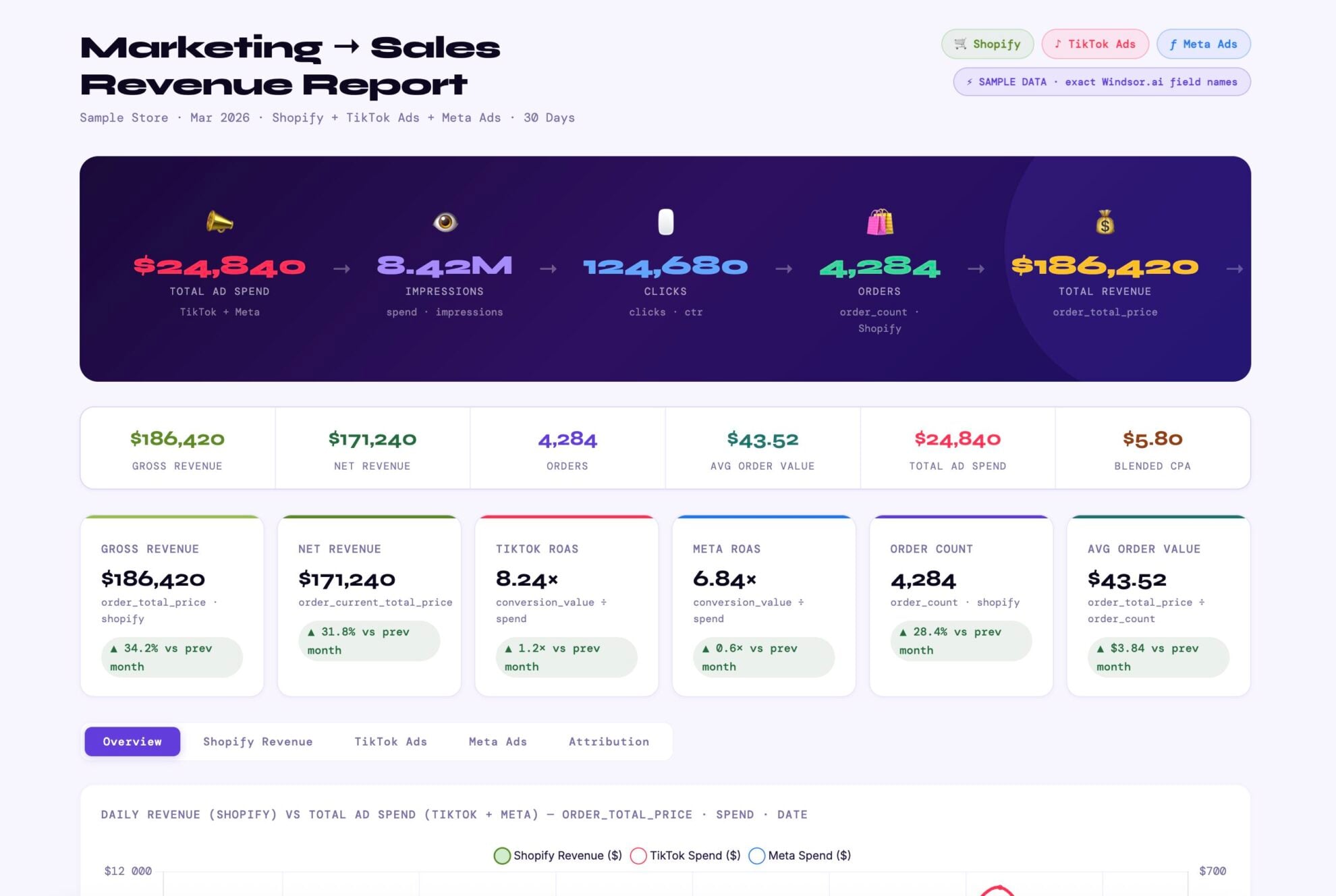














How to connect PostgreSQL to Claude with Windsor.ai
Explore our video tutorial and a step-by-step guide to integrate your data from any source into Claude with the Windsor.ai connector.
Select your data source
Choose PostgreSQL as your data source and grant access to Windsor.ai.

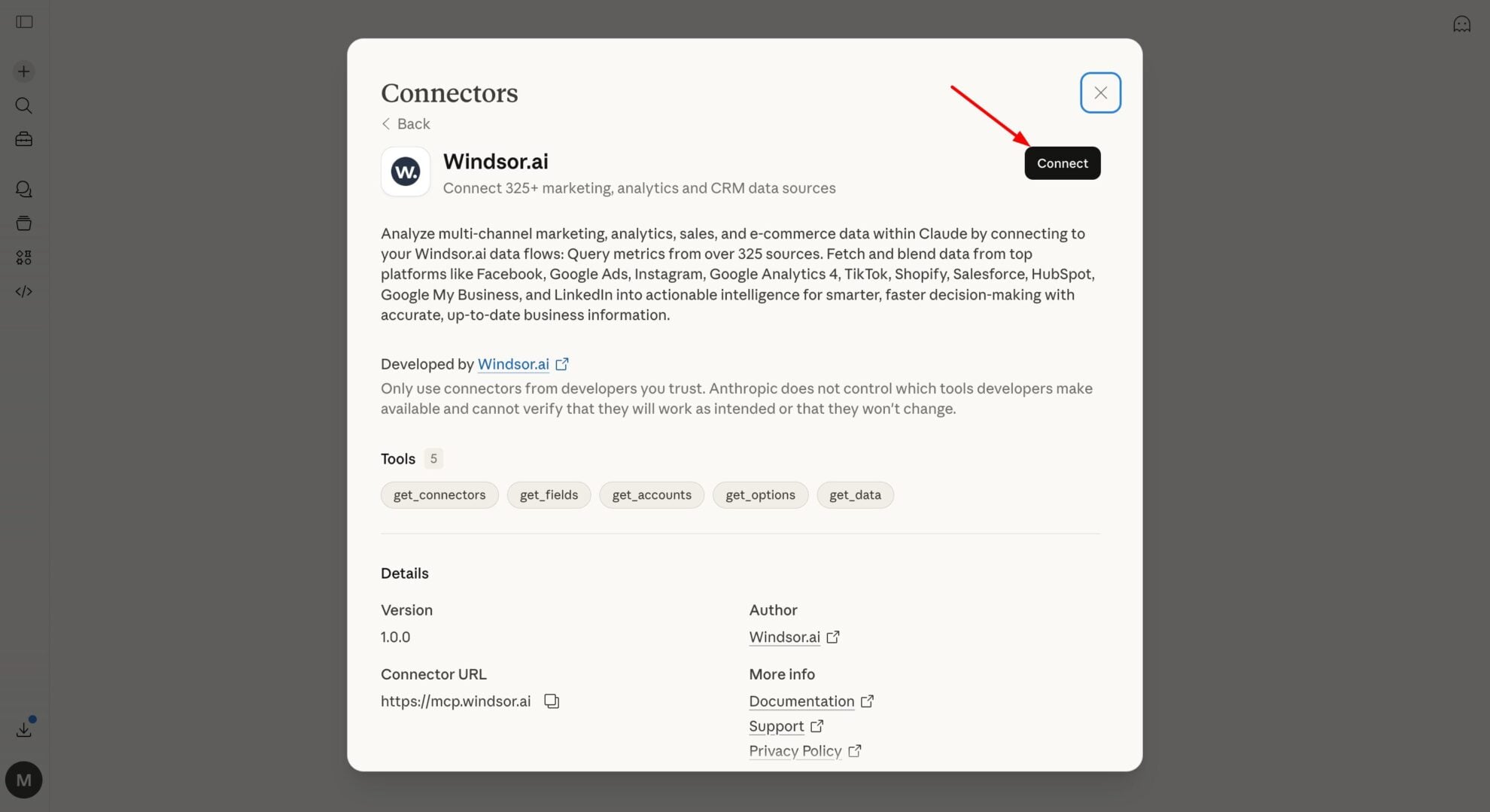
Install the Windsor.ai connector in Claude
In Claude, open Customize, then Connectors, search for Windsor and click Add. Sign in to your Windsor.ai account when prompted, and the connector appears in your Connectors list. You can also open the Windsor.ai listing in the Claude directory and click Connect.
Query your data in Claude
Start a new chat and ask Claude questions about your connected data: summarize KPIs, create client reporting dashboards, or run advanced analyses.

FAQs
How to connect PostgreSQL to Claude?
Connect PostgreSQL to Claude in three steps using Windsor MCP:
- Log in to Windsor.ai and connect your PostgreSQL database
- Install the Windsor.ai connector from the Claude directory
- Authorize access and start asking Claude questions about your connected data
Who is the Windsor.ai's PostgreSQL Claude integration for?
Highly useful for data engineers and data teams who maintain a PostgreSQL database and want to reduce one-off report requests. Also useful for analysts who want to explore data directly in Claude without writing SQL from scratch every time.
What can I do with PostgreSQL data in Claude?
Once connected, you can query your database in plain English instead of writing SQL, build a daily or weekly summary from any table, and join multiple tables to ask Claude what’s driving a pattern, without writing the join yourself.
How does Claude handle PostgreSQL 'JSONB' columns for semi-structured data?
Claude can automatically parse and analyze semi-structured JSONB fields, extracting nested values and summarizing patterns without requiring manual SQL or predefined schemas. This makes it easy to work with event logs, metadata, and other flexible data stored in PostgreSQL.
Can Claude perform time-series analysis on my PostgreSQL data?
Yes. Claude can analyze timestamped data to identify trends, compare time periods, and detect anomalies. For example, you can ask how today’s hourly transactions compare to previous weeks and quickly spot unusual drops or spikes.
How do data engineers use PostgreSQL data in Claude?
Data engineers connect PostgreSQL to Claude via Windsor.ai for schema exploration and data quality audits without writing SQL, asking Claude to check null rates, flag broken foreign key relationships, or suggest which tables are worth joining. Claude works directly against your actual tables and columns, custom fields included. It also handles ad-hoc questions from other teams, freeing up time for deeper schema work.
How secure is the connection between Postgres and Claude?
Windsor.ai connects to your database through encrypted tunnels and uses read-only access by default. This means Claude can safely analyze your data and answer questions without the ability to modify or delete your production tables.
How does Claude help with database normalization audits in Postgres?
You can use this prompt:
'Scan our schema for redundant data or columns that should be normalized into separate tables.'
It acts as a consultant, identifying where your PostgreSQL architecture might be slowing down queries or causing data integrity risks.
What prompts can I use with PostgreSQL data in Claude?
Analyzing PostgreSQL data with Claude becomes more powerful when you move beyond basic ‘Select’ statements and start using context-aware prompts. For example:
Schema analysis.
I am working with a PostgreSQL database. Here is the DDL for myorders,users, andproductstables. Please summarize the relationships between these tables and identify any potential data integrity risks, such as missing foreign key indexes or nullable columns that might break a join.
Anomaly detection.
Analyze this dataset of daily revenue for the last 90 days. Identify any outliers that fall outside two standard deviations from the mean. For each anomaly, correlate it with our marketing_campaigns table to see if a specific event caused the spike or dip.
Cohort analysis.
Write a PostgreSQL query to perform a monthly retention cohort analysis. Group users by their signup_month and show the percentage of users who purchased in Month 1, Month 2, and Month 3. Format the output so it can be easily pasted into a spreadsheet.
Predictive LTV modeling.
Analyze the first 30 days of transaction behavior for all users who joined in the last year. Based on their initial purchase value and session frequency, predict the 12-month Lifetime Value (LTV) for our current active cohorts. Compare this against our Ad Spend to determine our 12-month payback confidence.
How much does it cost to integrate PostgreSQL into Claude using Windsor.ai?
Windsor.ai’s pricing for Claude data integration varies depending on the number of connected accounts and data sources. We offer absolutely transparent pricing plans for diversified business needs and budgets.
Do you have helpful links to get started with integrating PostgreSQL and Claude using Windsor.ai?
Yes, we have helpful resources to help you get started. You can explore our official documentation and tutorials for seamless PostgreSQL to Claude integration with Windsor.ai:
Tired of manual PostgreSQL data exports? Try Windsor.ai today to automate your reporting


