 Destinations
 Data sources
 AI insights
 About us
 Careers
 Security
 Customer reviews
 Contact us
 Affiliate program
 Solution partners
 Template gallery
 Looker Studio templates
 Power BI templates
 Excel templates
 Google Sheets templates
 Tableau templates
 Facebook Ads templates
 Google Ads templates
 Data fields & Metrics
 AI prompt library & Guides
 Product documentation
 API documentation
 Case studies
 Blog
Blog Data models
 Windsor vs Supermetrics
 Windsor vs Funnel.io
 Windsor vs Fivetran
 Windsor vs Rivery
 Windsor vs Portermetrics
 Windsor vs Coupler.io
Connect Yahoo Finance to BigQuery
Windsor.ai connects your Yahoo Finance data to Google Cloud BigQuery without the requirement to write or maintain any code for data integrations. The connector is easy to use, and data can be synchronized within minutes. Our connector enables you to automate Yahoo Finance data streams to the destination and helps in reporting.
Forget CSVs. Stop copy/paste. Connect data in 2 minutes. No code required.
 Sign up with Google
 Free forever plan
No credit card needed
Free forever plan
No credit card needed










Why do I need Yahoo Finance and BigQuery integration?
Integrating Yahoo Finance and BigQuery is an efficient way to automate data feeds without resource constraints. The integration with BigQuery enables both storage and analytics of big data without any hitches because the storage and computation platforms are separated in BigQuery. The integration also gives you access to business intelligence tools such as Power BI, Tableau, and Looker Studio so that you can query and analyze the data directly from the warehouse. Here are more benefits of integrating your data:

Storing, handling, and analyzing big data seamlessly
Integrating Yahoo Finance with BigQuery can generate huge datasets. Integrating the two systems ensures you can manage and query the data without problems.

Managed cloud storage
You don’t need to manage the data storage infrastructure as Google maintains the infrastructure.

Automated reporting dashboards
With access to integrated business intelligence tools in BigQuery, you can build powerful express dashboards to automate your reporting.

Data-driven investment and trading
Integrating Yahoo Finance is an important way to set up platforms for data-driven investment and trading activity.
Using Windsor.ai connector to import data from Yahoo Finance into BigQuery
Windsor.ai connects your Yahoo Finance data to Google Cloud BigQuery without the requirement to write or maintain any code for data integrations.
The connector is easy to use, and data can be synchronized within minutes, so you can automate Yahoo Finance data streams to the destination and use them in reporting.















How to connect Yahoo Finance to BigQuery with Windsor.ai
Connecting Yahoo Finance to BigQuery takes just a few minutes and no code. Follow the five steps below to get your data flowing.
1. Register
Register or login if you already have an account.

2. Select your source
You need to select Yahoo Finance as a Data Source and Grant Access to Windsor.ai.

3. Select Destination
Choose BigQuery as the destination.
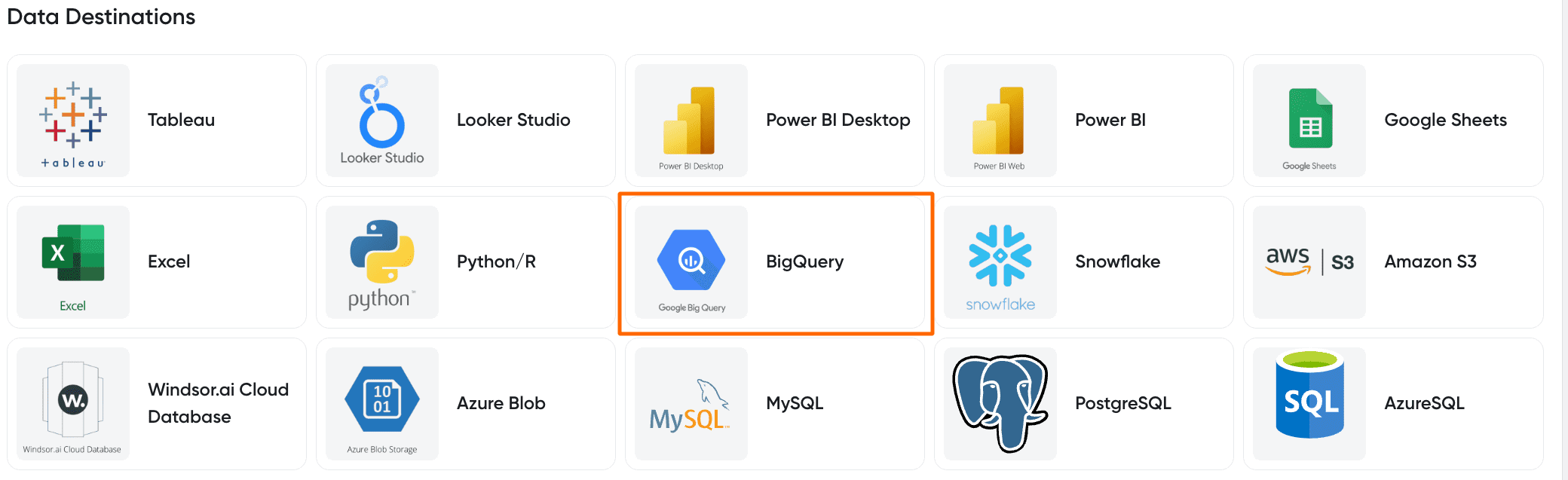
4. Create a destination task
Click the Add Destination Task Button and fill out the necessary fields.
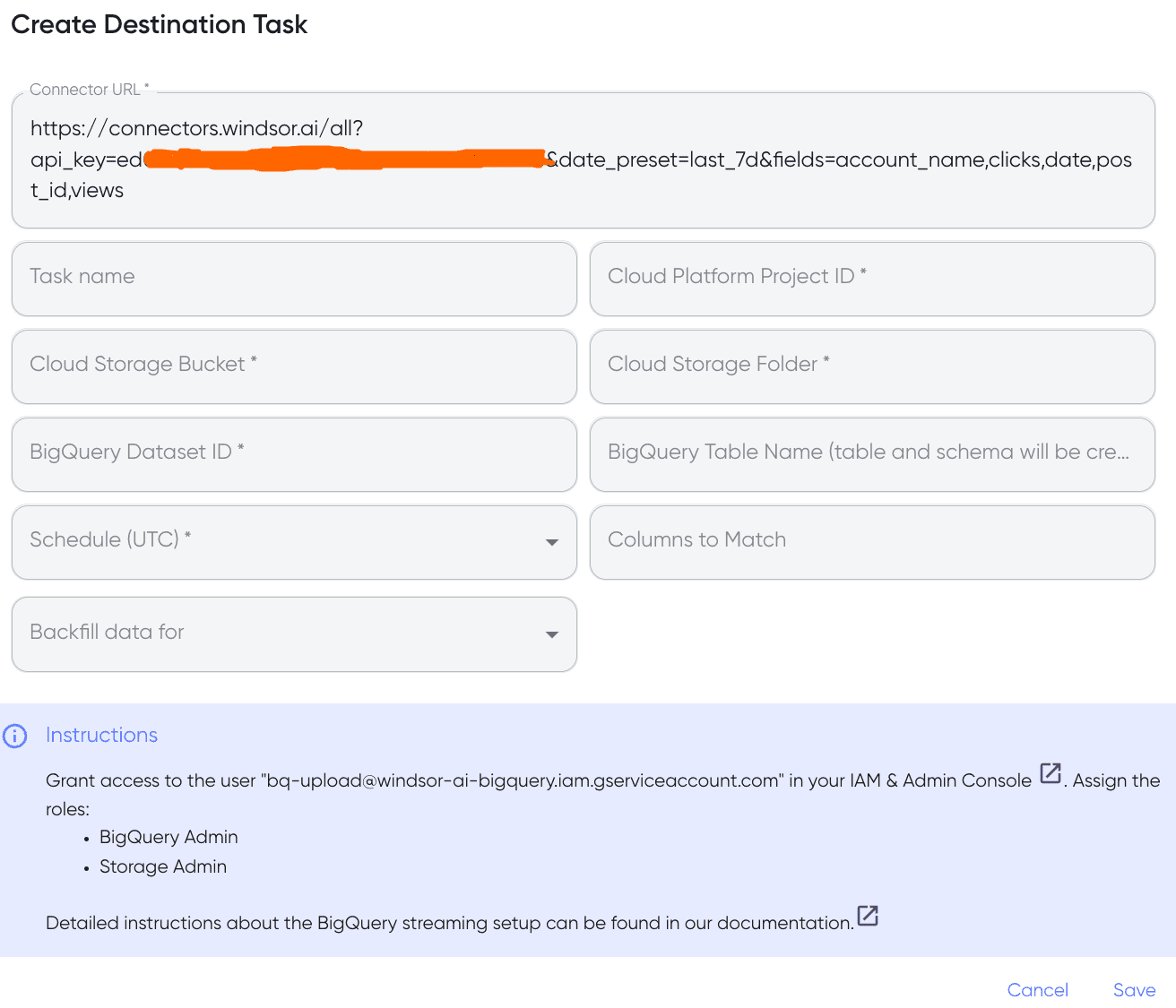
5. Sync your Data
In the final step, grant access to the user: [email protected]. That’s all!
FAQs
What is BigQuery?
BigQuery is a data warehouse built and managed by Google. It enables both storage and querying of the data simultaneously without causing performance declines. BigQuery also gives users access to business intelligence tools.
Tired of manual Yahoo Finance data exports? Get started with Windsor.ai today to automate your reporting


