 Destinations
 Data sources
 AI insights
 About us
 Careers
 Security
 Customer reviews
 Contact us
 Affiliate program
 Solution partners
 Template gallery
 Looker Studio templates
 Power BI templates
 Excel templates
 Google Sheets templates
 Tableau templates
 Facebook Ads templates
 Google Ads templates
 Data fields & Metrics
 AI prompt library & Guides
 Product documentation
 API documentation
 Case studies
 Blog
Blog Data models
 Windsor vs Supermetrics
 Windsor vs Funnel.io
 Windsor vs Fivetran
 Windsor vs Rivery
 Windsor vs Portermetrics
 Windsor vs Coupler.io
Free Adroll Dashboard Templates
At Windsor.ai, we strive to make free Adroll marketing reporting as effortless as possible for our users.
These free and customizable Adroll templates will assist you in visualizing your data for easy reporting and analysis.
All the Adroll dashboard report templates have easy-to-follow instructions.
Find the right template from Adroll’s library and start using them to save time, effort and increase productivity.
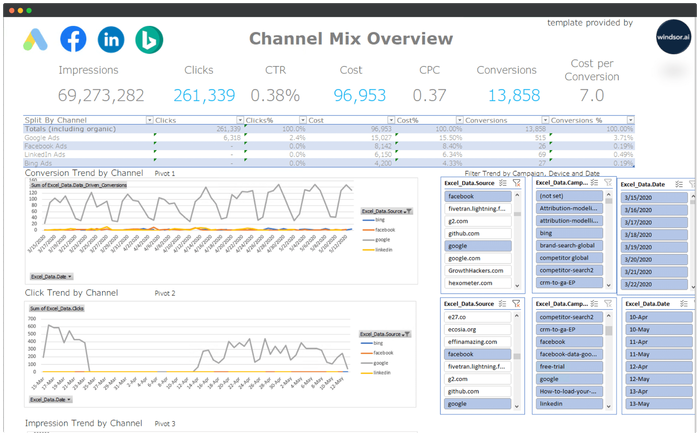














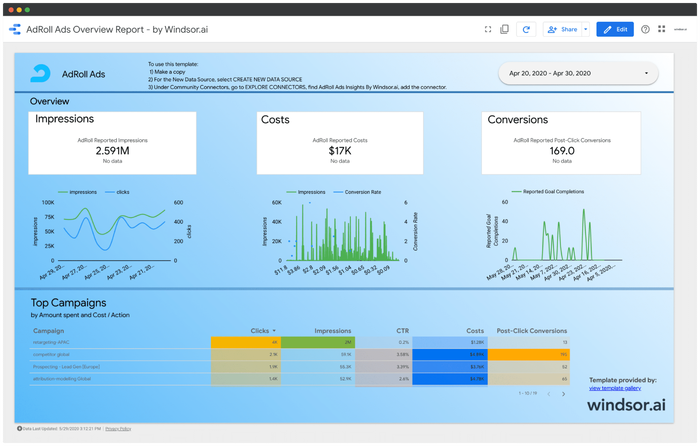
Looker Studio AdRoll Ads Overview Report

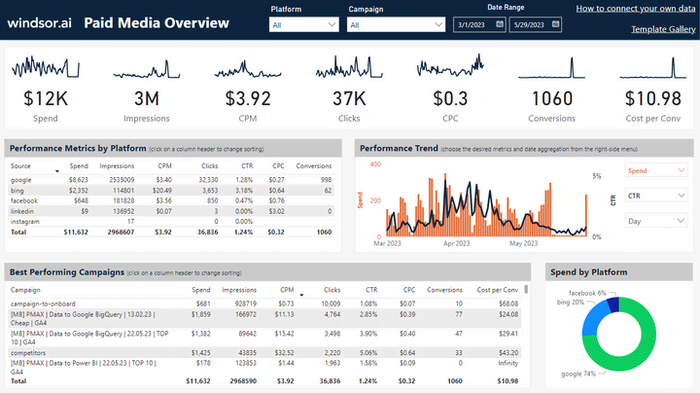
Power BI Paid Media Overview Dashboard Template


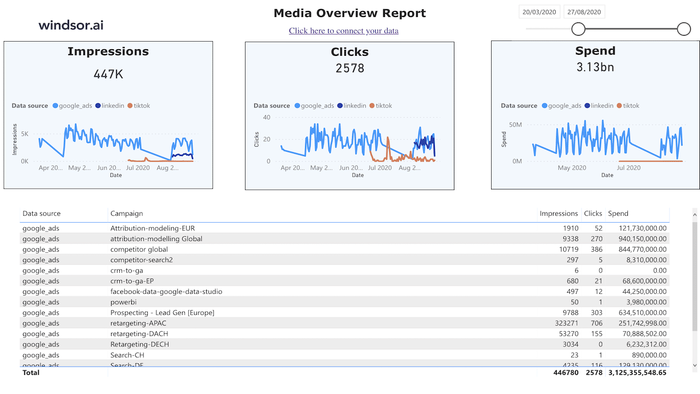
Tableau Web Media Overview Dashboard Template



What is an Adroll Dashboard Report?
It is a comprehensive document revealing crucial AdRoll performance metrics. Those benchmark reports provide both you and your clients with actionable insights to enhance future campaigns and achieve a more favorable Return on Ad Spend (ROAS).
These reports are valuable for advertisers and marketers to assess the success of their campaigns, understand user engagement, and make informed decisions to optimize future efforts. AdRoll can offer customizable reporting features, allowing users to focus on specific metrics relevant to their campaign goals.
Start with a free AdRoll reporting template and customize it with your client’s KPIs.
An AdRoll Performance Report can include metrics such as

Impressions
The number of times an ad was displayed.

Clicks
The number of times users clicked on the ad.

Click-Through Rate (CTR)
The percentage of users who clicked on the ad after seeing it.

Conversions
The number of desired actions completed, such as purchases or sign-ups.

Cost
The total expenditure on the advertising campaign.

Return on Ad Spend (ROAS)
The ratio of revenue generated to the cost of the ad campaign.
Turn your data into a strategic asset. Get instant insights across all your platforms with Windsor.ai


