 Destinations
 Data sources
 AI insights
 About us
 Careers
 Security
 Customer reviews
 Contact us
 Affiliate program
 Solution partners
 Template gallery
 Looker Studio templates
 Power BI templates
 Excel templates
 Google Sheets templates
 Tableau templates
 Facebook Ads templates
 Google Ads templates
 Data fields & Metrics
 AI prompt library & Guides
 Product documentation
 API documentation
 Case studies
 Blog
Blog Data models
 Windsor vs Supermetrics
 Windsor vs Funnel.io
 Windsor vs Fivetran
 Windsor vs Rivery
 Windsor vs Portermetrics
 Windsor vs Coupler.io
Free KPI Tracking Templates For Marketers
Windsor.ai offers a seamless way to track key performance indicators and generate insightful marketing reports with pre-built KPI dashboard templates. Use them to simplify tracking essential metrics, reducing workloads, optimizing budgets, and improving business outcomes.
Explore our vast library of KPI tracking dashboard reports, select the most suitable template aligned with your reporting needs, and set it up in just a few clicks, no technical or coding skills are required.
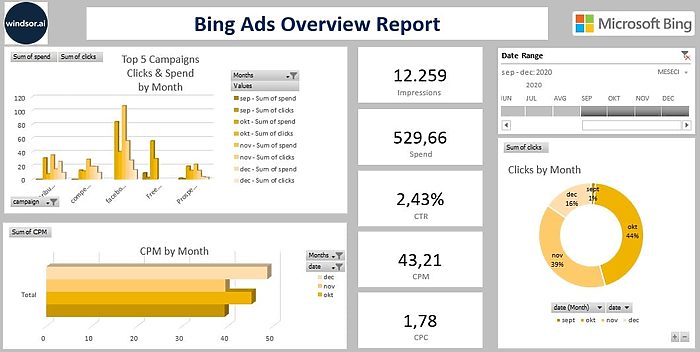
Excel Bing Ads Overview Report Template


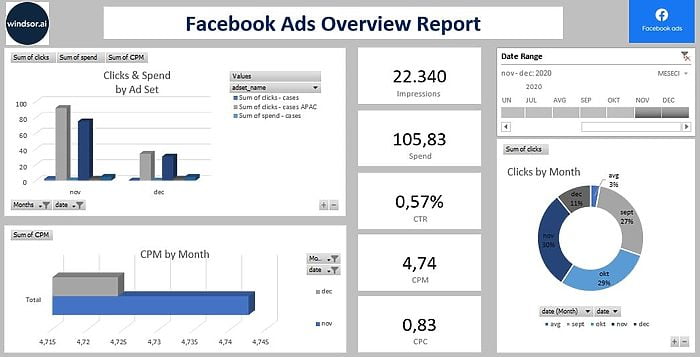
Excel Facebook Ads Overview Report Template

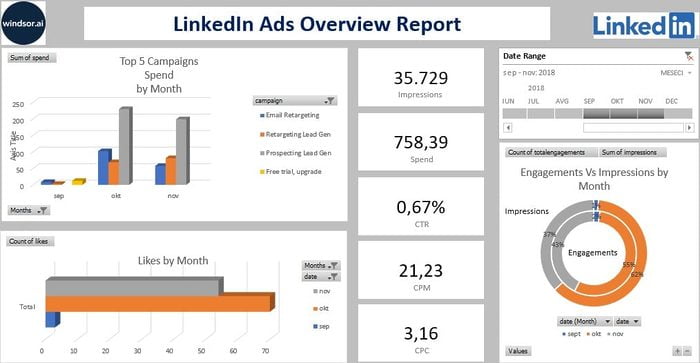
Excel LinkedIn Ads Overview Report Template

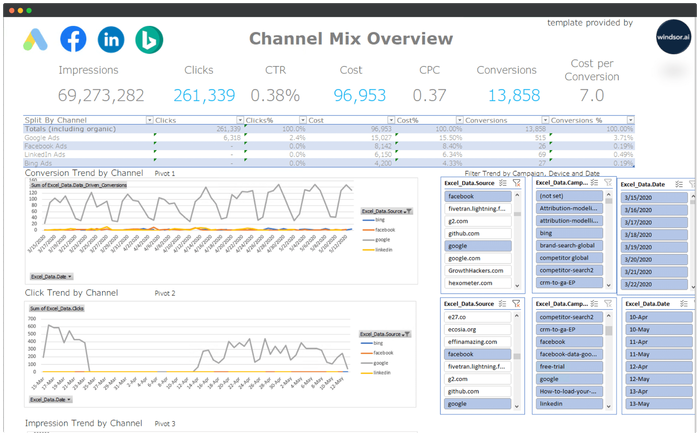










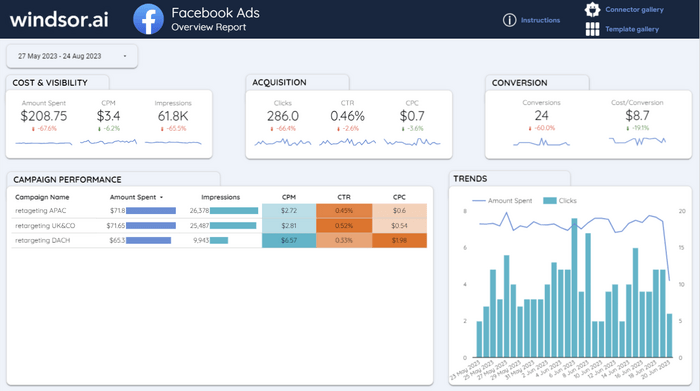
Facebook Ads Overview Report for Looker Studio

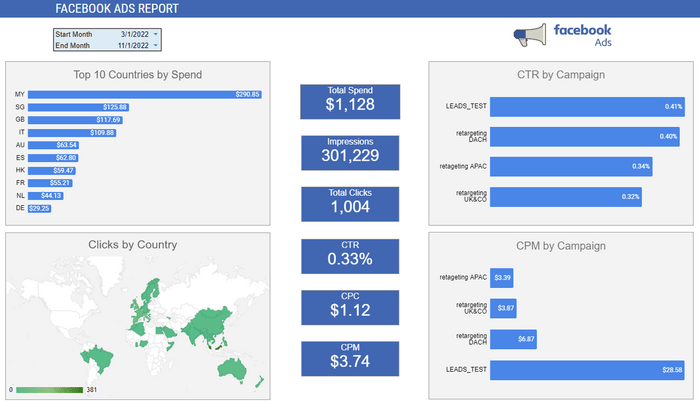
Facebook Ads Report Template for Google Sheets

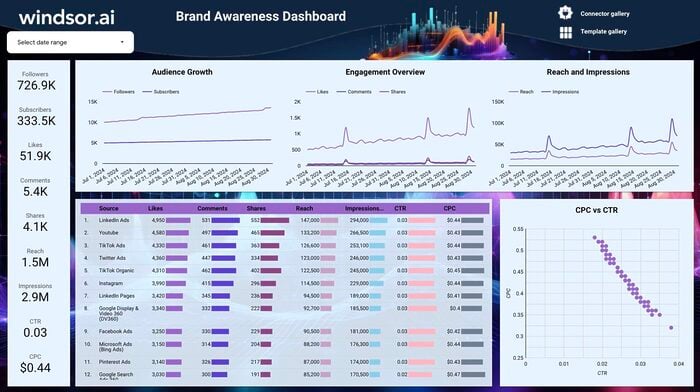


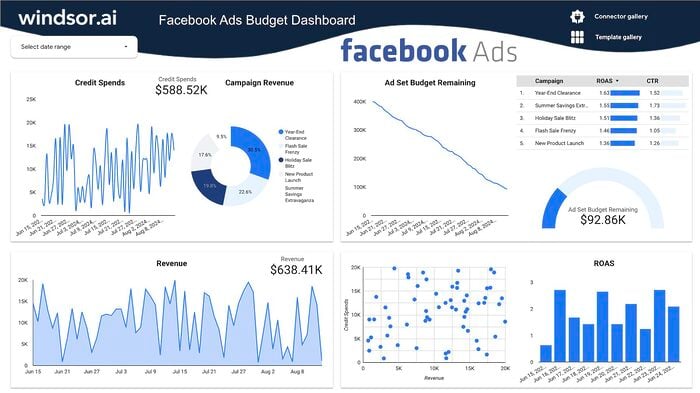
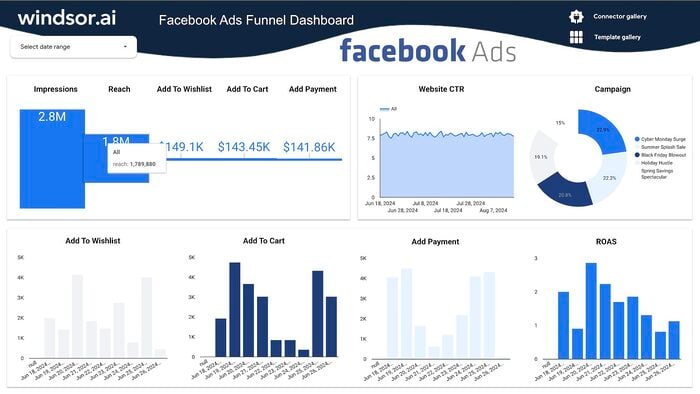
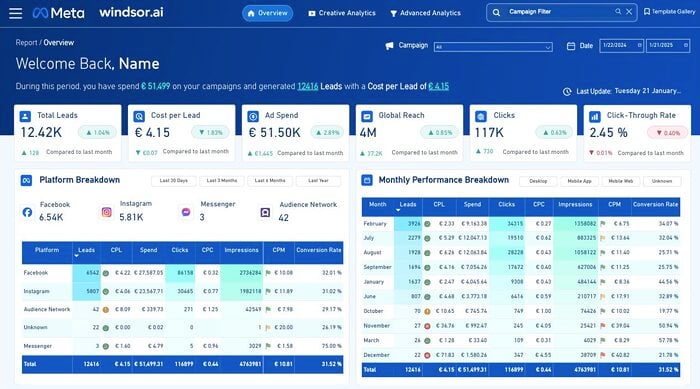
Free Facebook Ads Power BI Dashboard Template

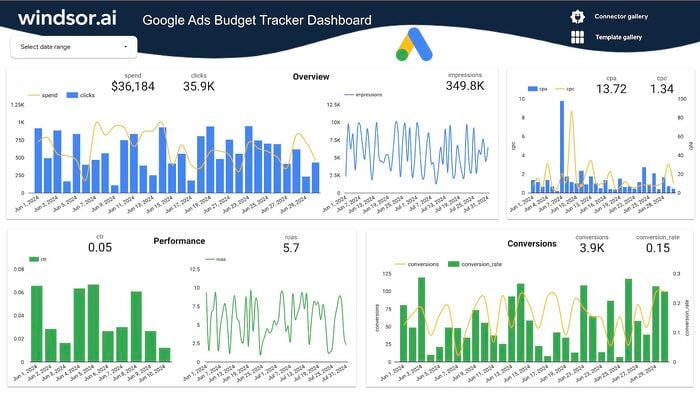
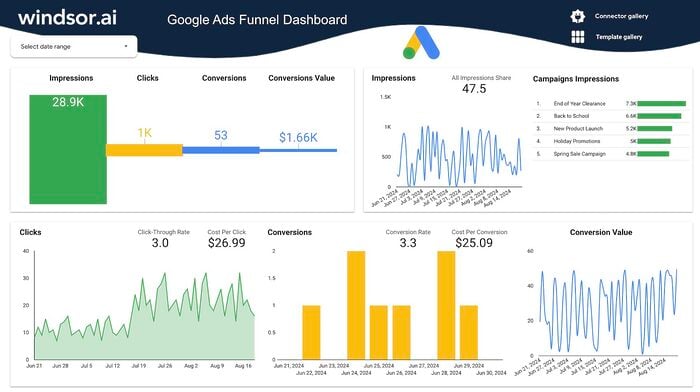
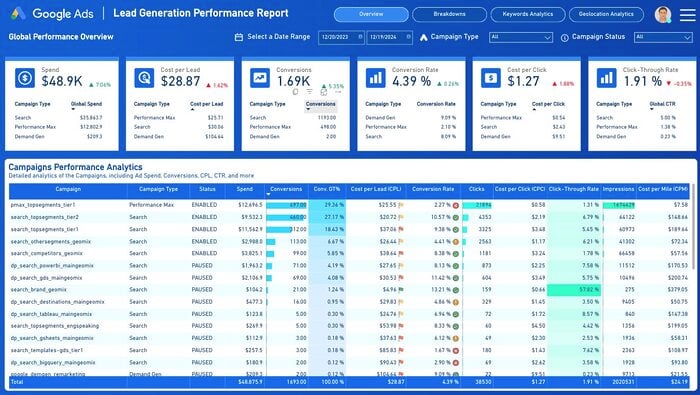
Free Google Ads Power BI Dashboard Template
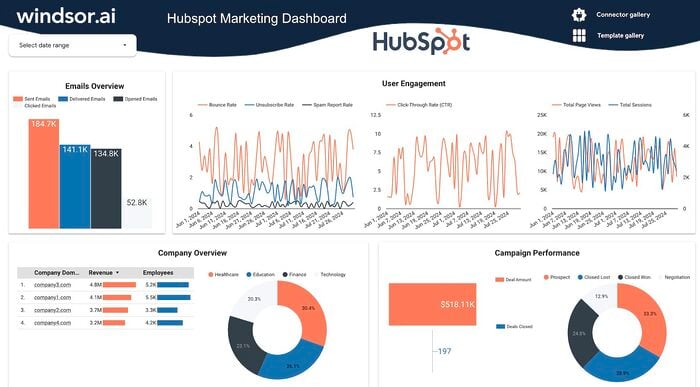

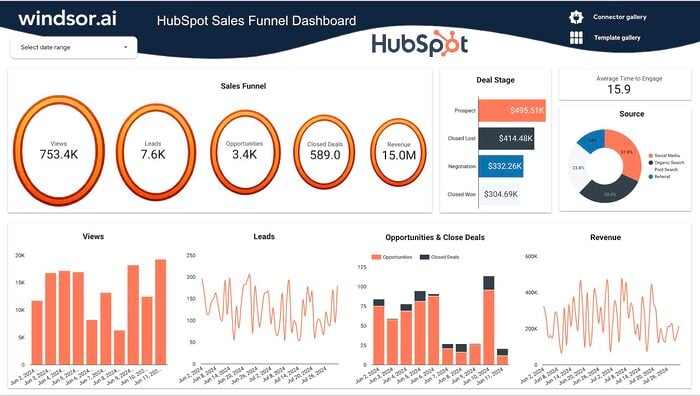
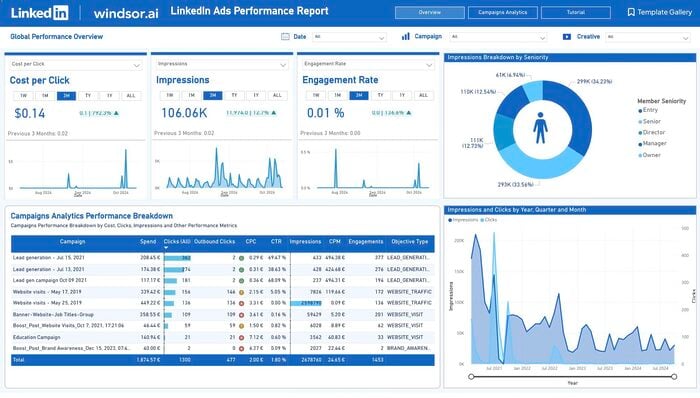
Free LinkedIn Ads Dashboard Template on Power BI

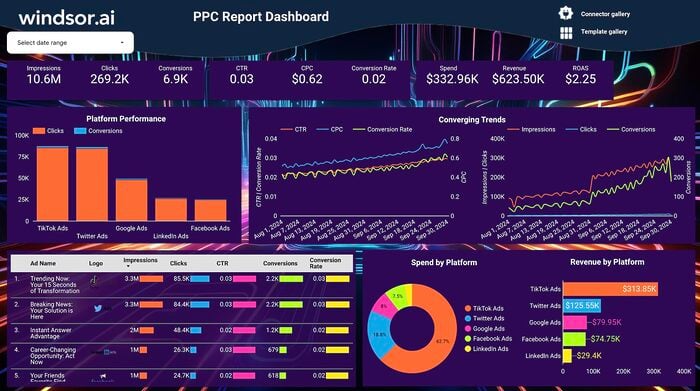
Free PPC Report Dashboard Template on Looker Studio
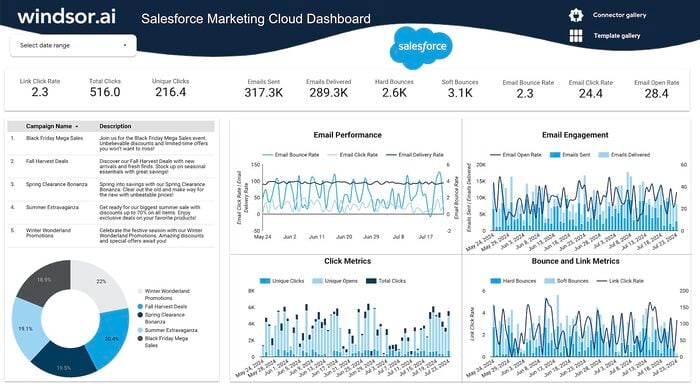
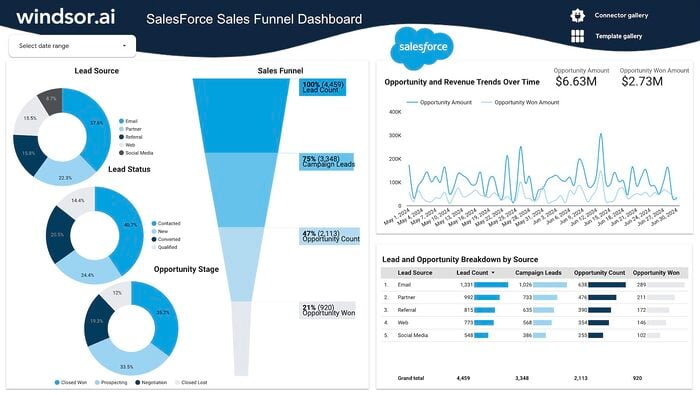
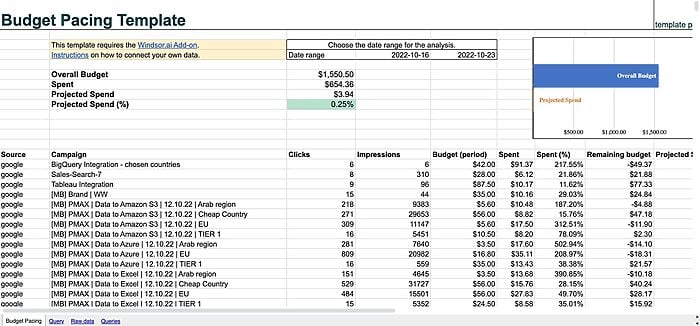

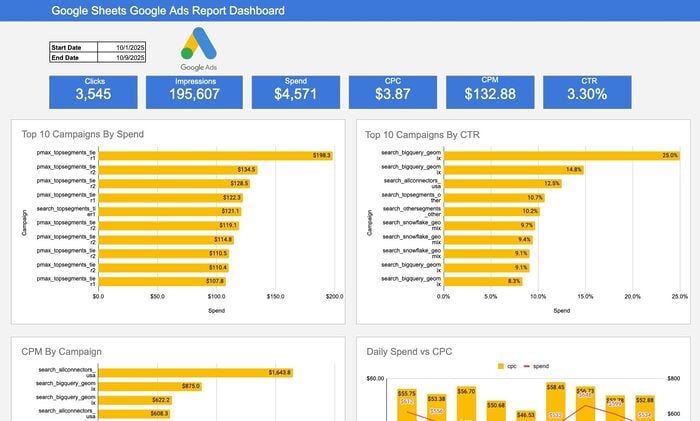
Google Sheets Google Ads Report Dashboard Template
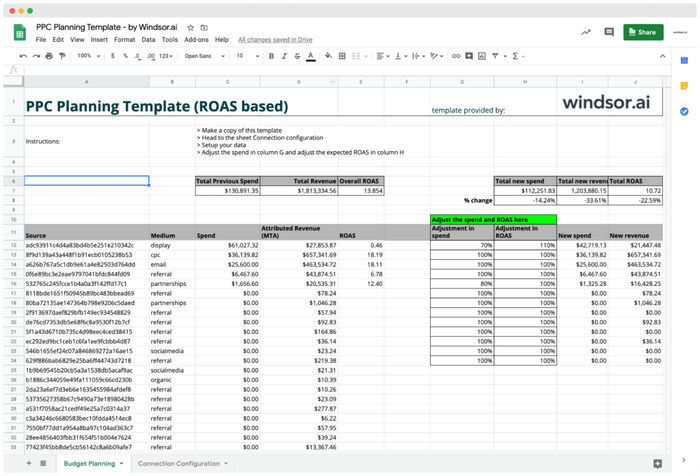
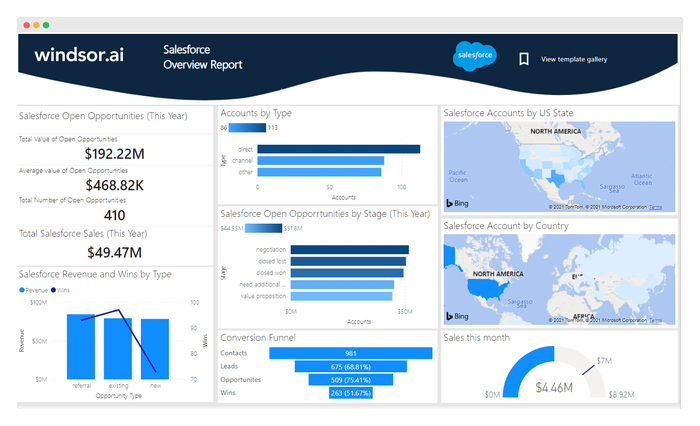
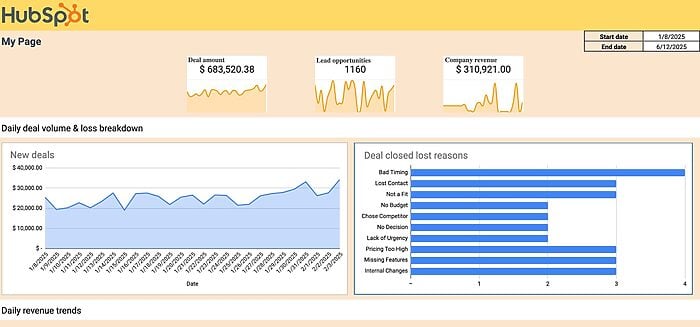
Hubspot Google Sheets Dashboard Template
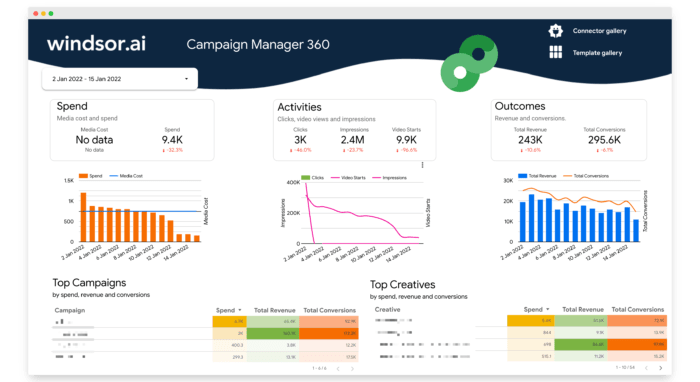
Looker Studio Campaign Manager 360 (DCM) Overview Report

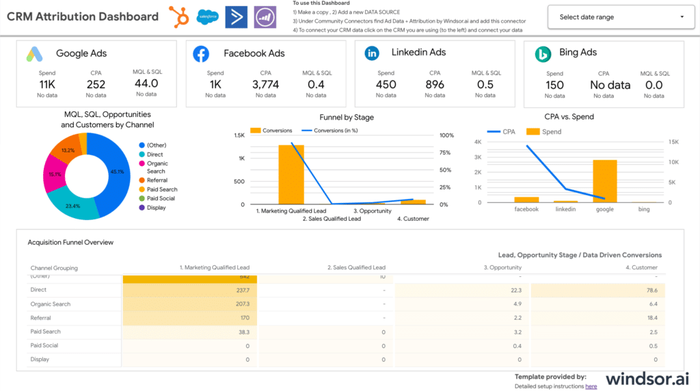
Looker Studio CRM Attribution Dashboard Template
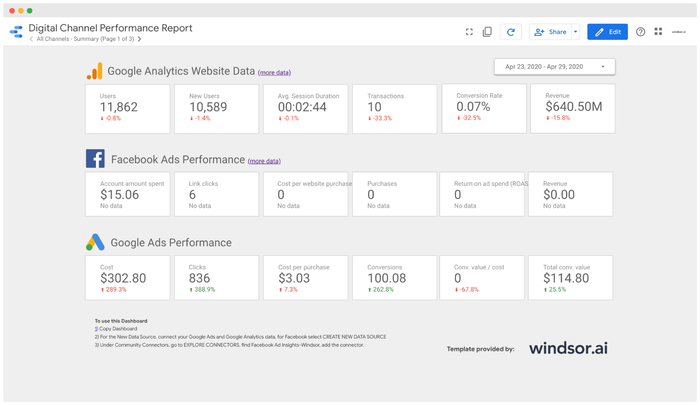
Looker Studio Facebook Ads E-commerce Dashboard Template
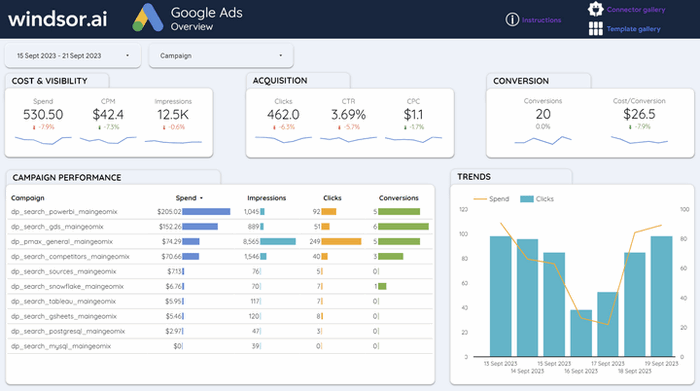
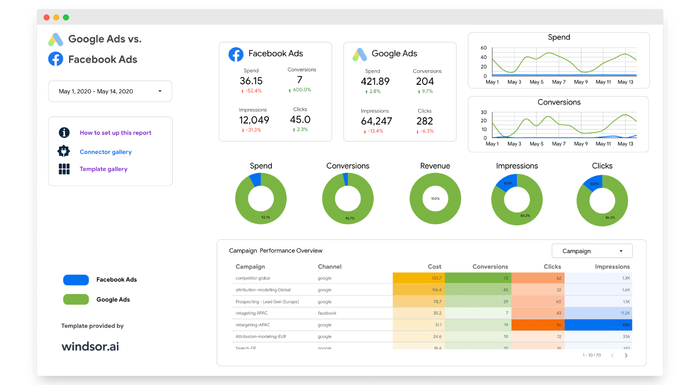
Looker Studio Google Ads Dashboard Template
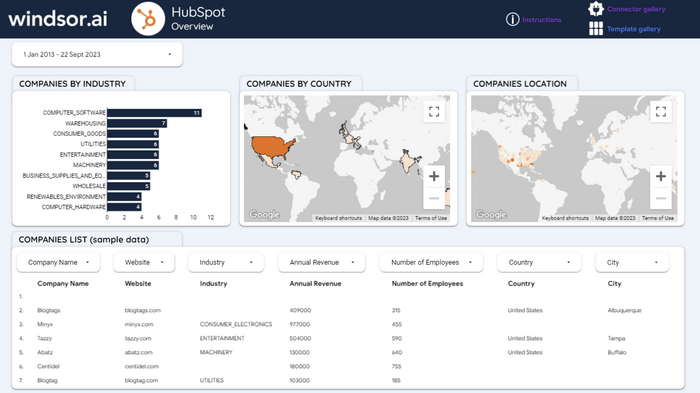
Looker Studio HubSpot Dashboard Template
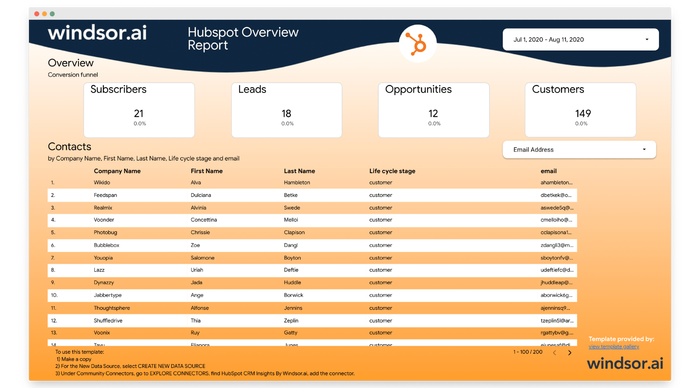
Looker Studio HubSpot Overview Report

Looker Studio LinkedIn Ads Dashboard Template
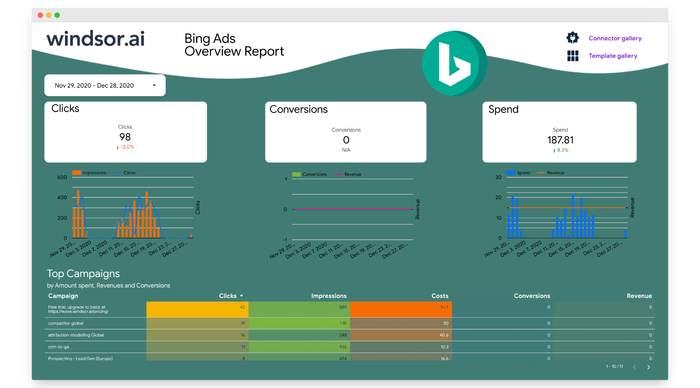
Looker Studio Microsoft Ads Overview Report
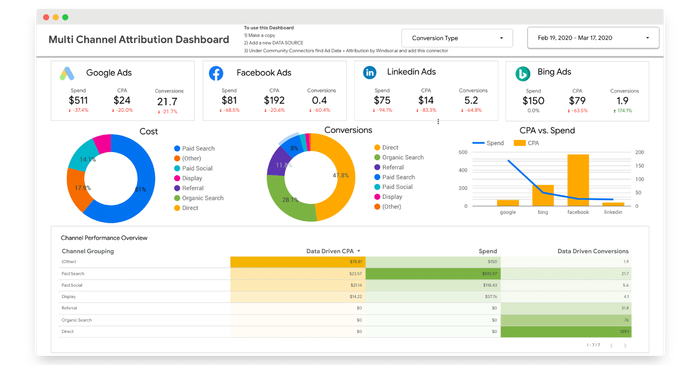
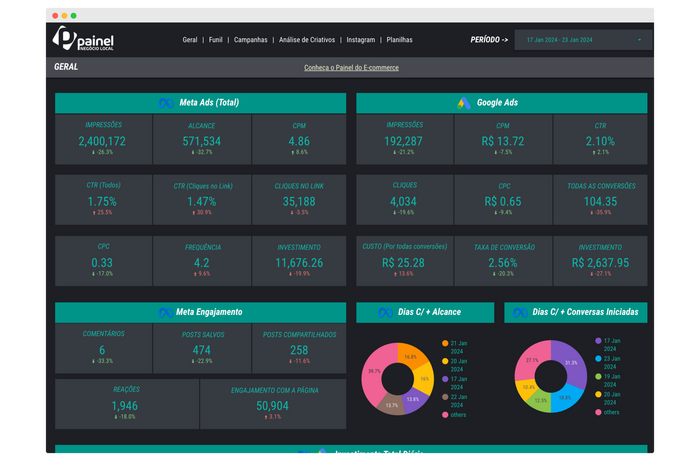
Looker Studio Painel Para Negócios Locais
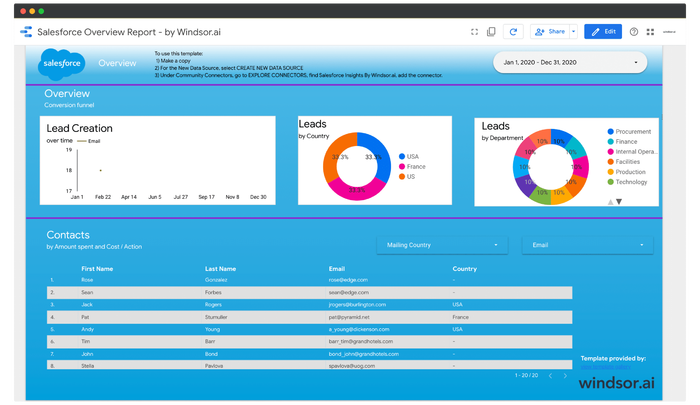
Looker Studio Salesforce Overview Report
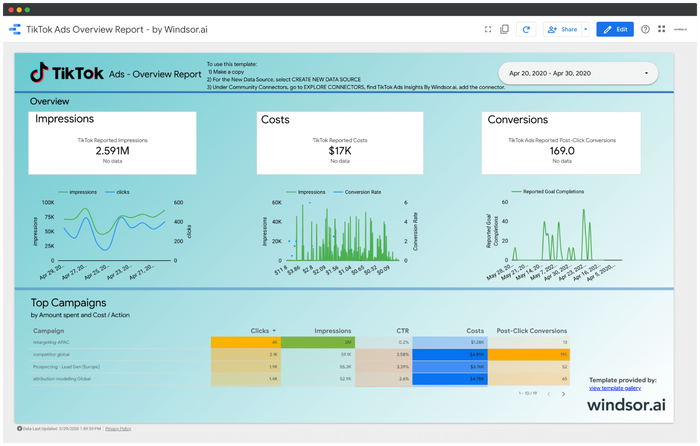
Looker Studio TikTok Ads Overview Report
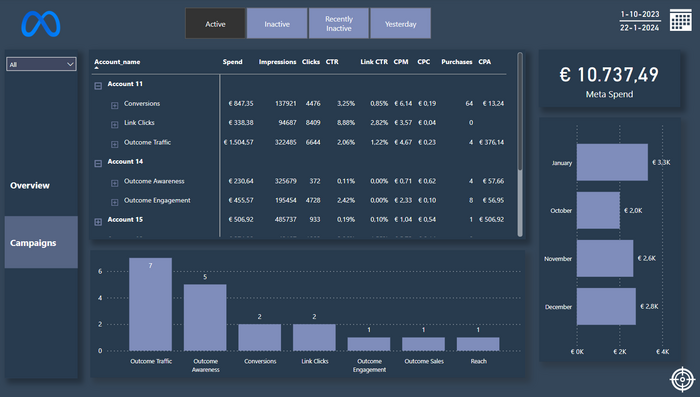
Meta Ads Template for Power BI
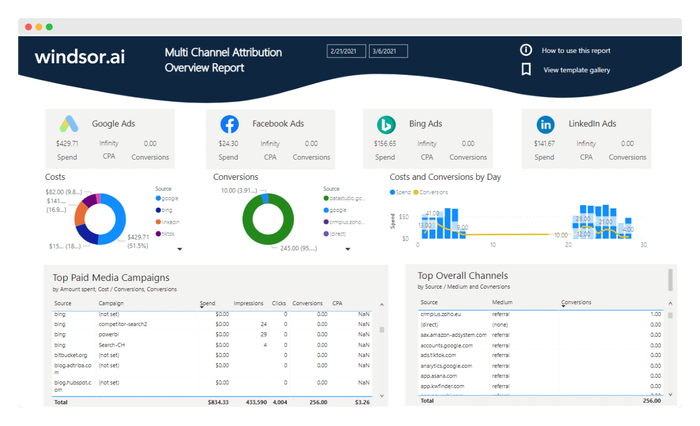
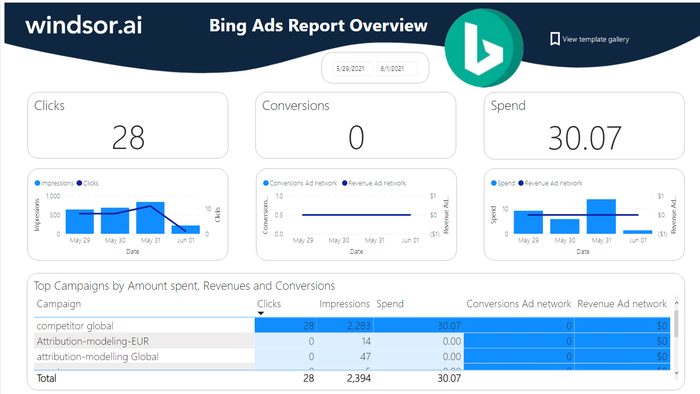
Power BI Bing Ads Report Dashboard Template
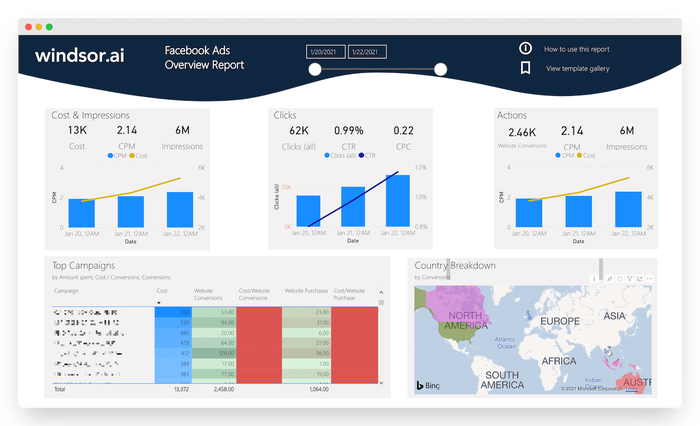
Power BI Facebook Ads Report Dashboard Template
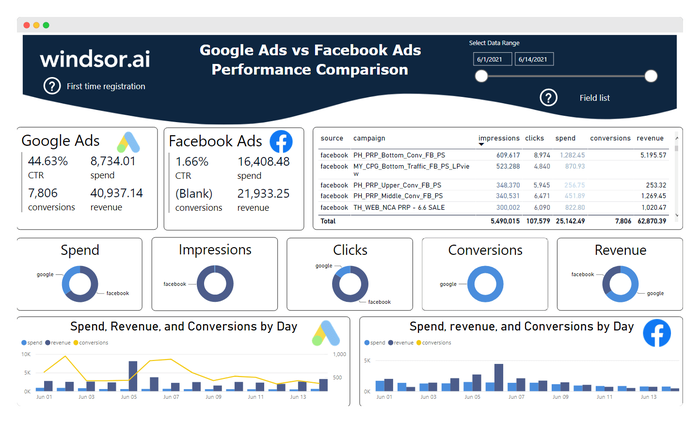
Power BI Facebook Ads vs Google Ads Report Template
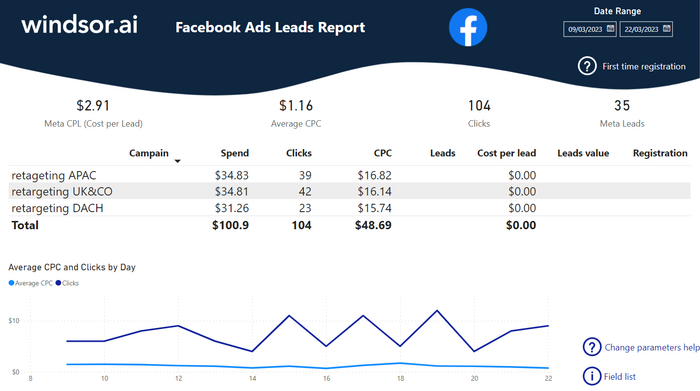
Power BI Facebook Leads Report Dashboard Template
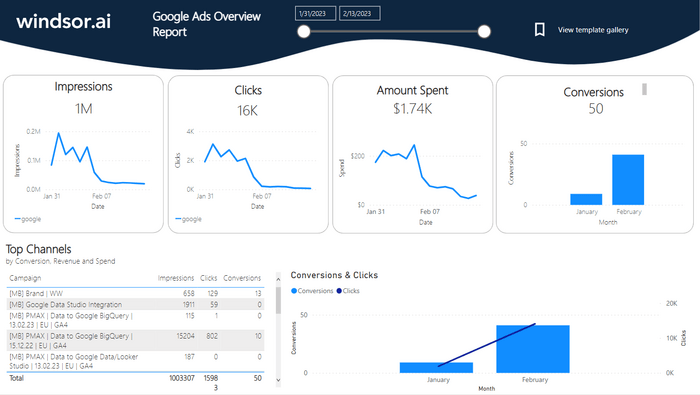
Power BI Google Ads Dashboard Template
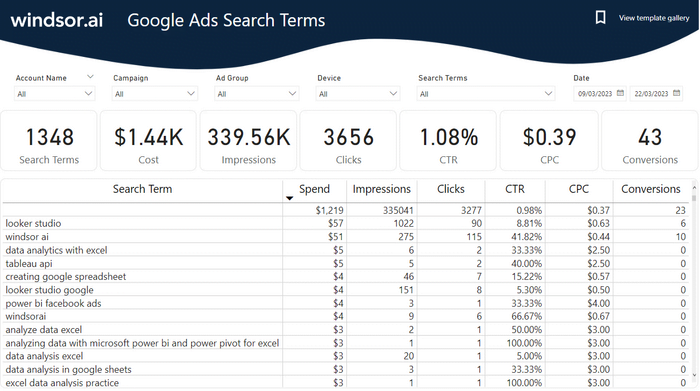
Power BI Google Ads Search Term Dashboard Template
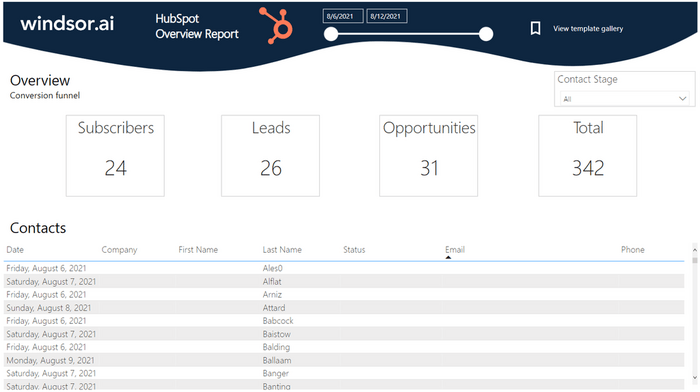
Power BI HubSpot Overview Dashboard Template
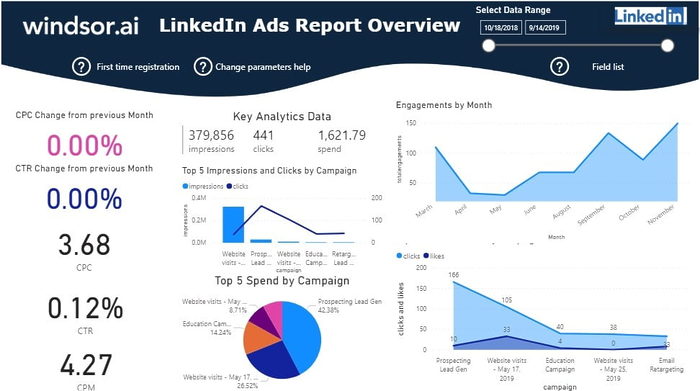
Power BI LinkedIn Ads Report Dashboard Template
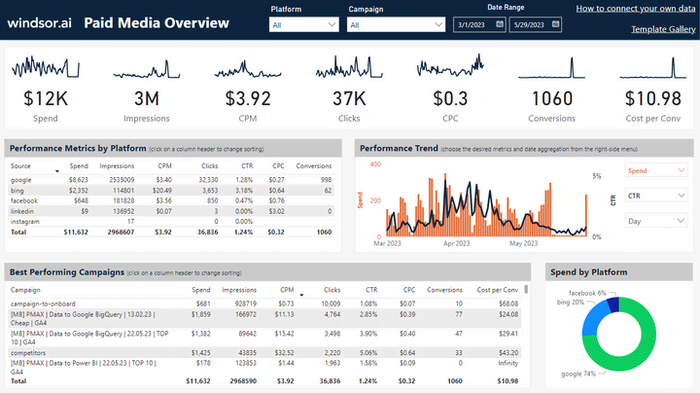
Power BI Paid Media Overview Dashboard Template
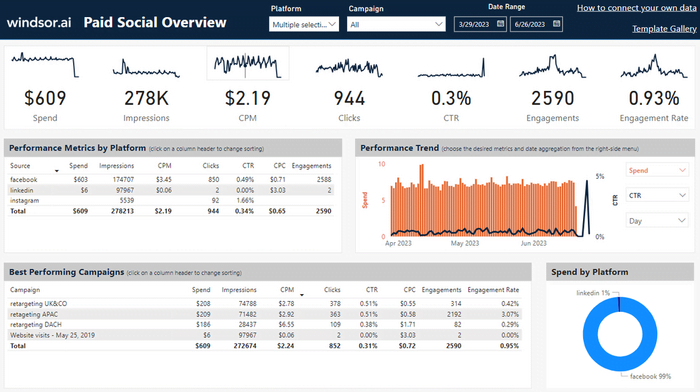
Power BI Paid Social Media Overview Dashboard Template
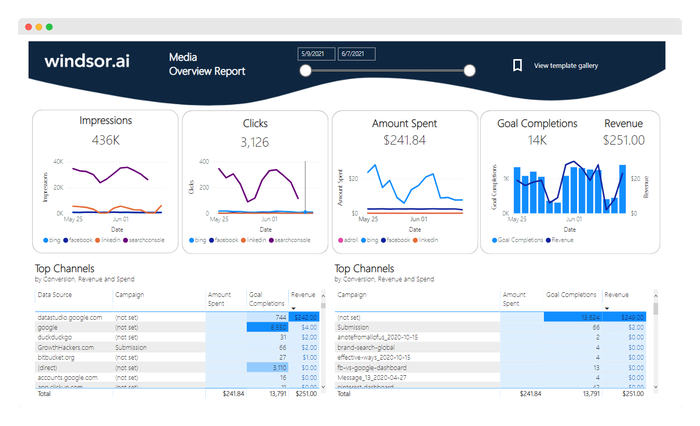
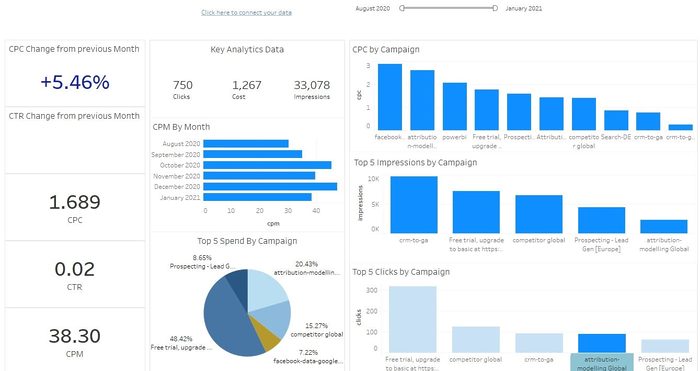
Tableau Bing Ads Overview Dashboard Template

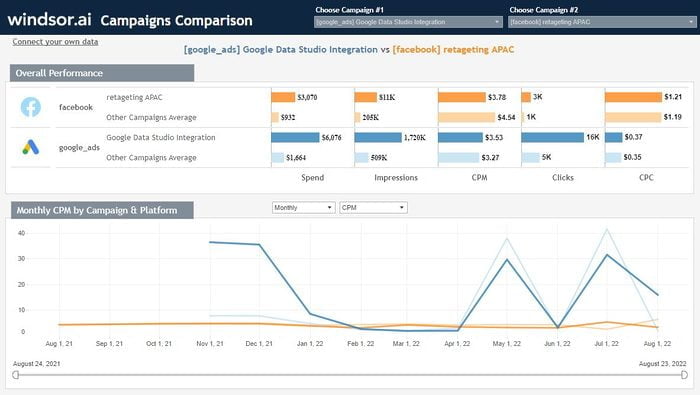
Tableau Compare Campaigns Performance Dashboard Template
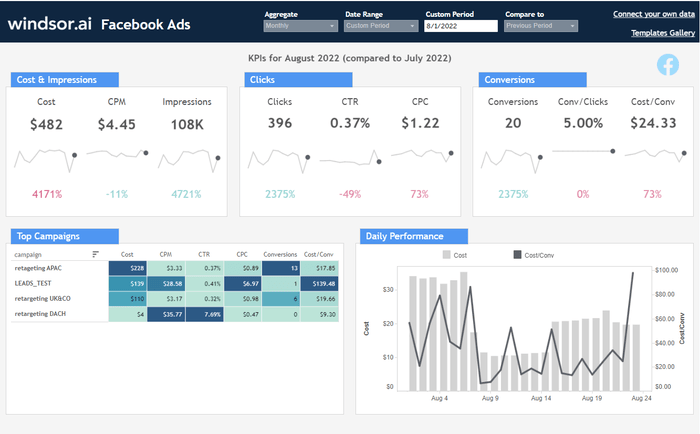
Tableau Facebook Ads Report Dashboard Template
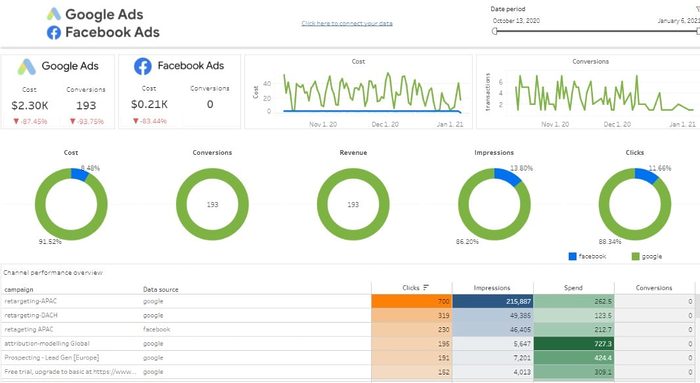
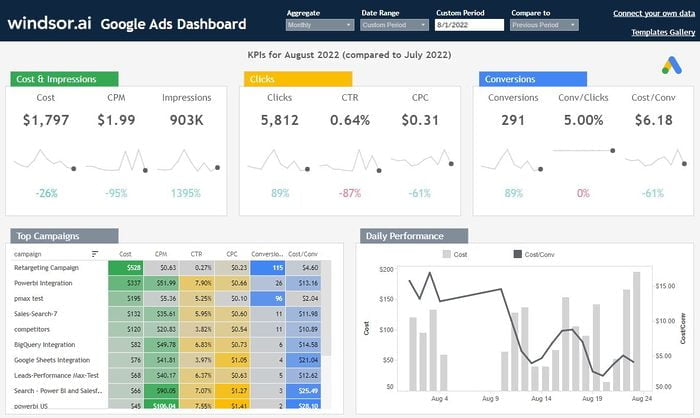
Tableau Google Ads Dashboard Template
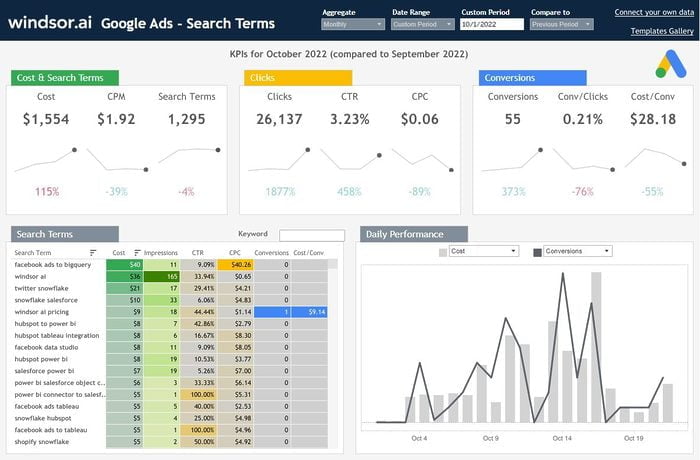
Tableau Google Ads Search Queries Dashboard Template
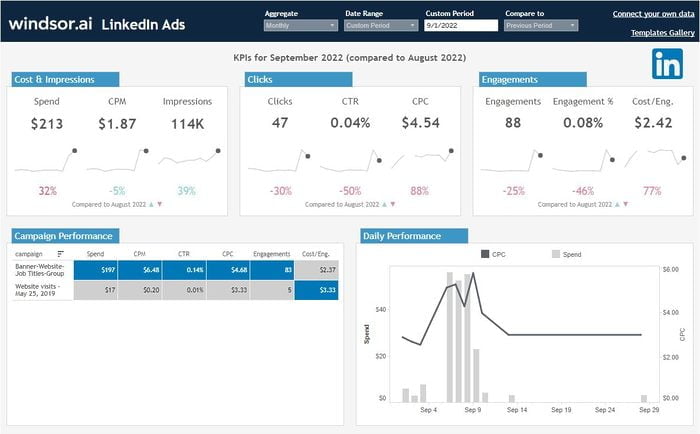
Tableau LinkedIn Ads Dashboard Template
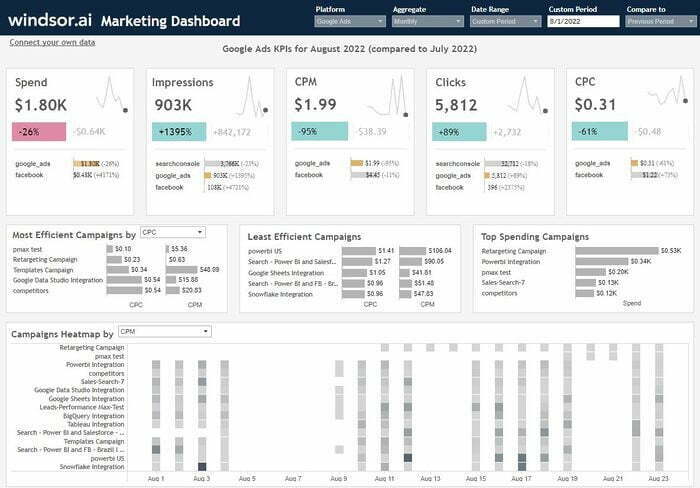
Tableau Multichannel Attribution Dashboard Template
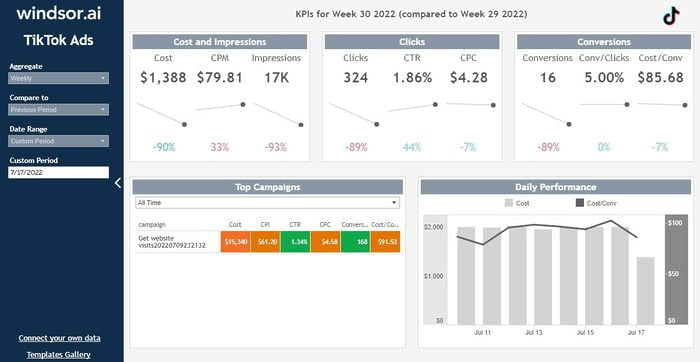
Tableau TikTok Ads Dashboard Template
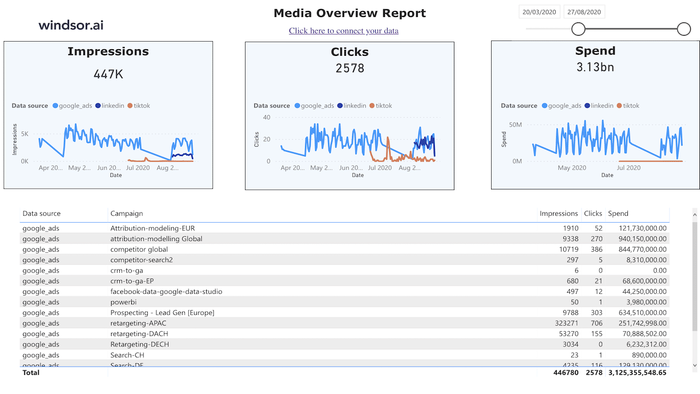
Tableau Web Media Overview Dashboard Template

What is a KPI tracking dashboard?
A KPI tracking dashboard is a visual representation of key business and marketing metrics in one centralized location. It serves as a powerful tool for business owners and stakeholders to monitor overall business performance and marketing campaigns, enabling them to make strategic decisions based on data-driven insights.
Windsor.ai’s KPI tracking dashboards greatly improve operational efficiency by streamlining data collection and analysis. With our fully automated data integration and visualization system, you can take full control over lead generation, conversion rates, and ad ROI, empowering you to make winning decisions.
What KPIs should be included in a KPI tracking dashboard?
Businesses must track the most significant KPIs applicable to their business operations in their dashboards. Some of the main metrics include:
- Leads: Tracks users who show interest in purchasing or trying your product or service.
- Customer Acquisition Cost (CAC): Measures the cost incurred to acquire a new customer, helping assess the efficiency and profitability of marketing efforts.
- Website traffic: Monitors website visitor numbers and their engagement rates.
- CTR (Click-Through Rate): Calculates the percentage of people who clicked on a link compared to the total number of people who saw the link.
- Cost per Lead: Calculates the cost associated with generating a single lead.
- Return on Ad Spend (ROAS): Evaluates the overall effectiveness of your advertising campaigns by measuring the revenue generated for every dollar spent on advertising.
Top KPI tracking dashboards by Windsor.ai
- Sales report template
- Social Media report template
- SEO report template
- Website Analytics report template
- Email Marketing report template
- Content Marketing report template
- PPC Advertising report template
- Lead Generation report template
- E-Commerce report template
Start implementing KPI tracking dashboard reports today to enhance your operational effectiveness and achieve the best possible marketing results!
How to effectively track KPIs: 5 steps

1. Defining metrics and collecting data
This is the foundational step where you decide which specific metrics are most relevant to your marketing goals. It’s important to choose metrics that directly align with your business objectives and marketing campaigns.

2. Benchmarking and setting goals
Next, you should establish benchmarks and quantitative targets. Setting clear, measurable goals in terms of general business outcomes and revenues is crucial. Whether you can achieve your set goals depends on whether they are concrete and evidence-based.

3. Measuring and reporting progress
Regularly monitoring and measuring your chosen KPIs against the defined targets is essential to determine if your marketing efforts satisfy the expected outcomes. You can easily monitor key performance indicators through Windsor.ai’s KPI tracking dashboard reports that let you measure metrics over time to identify the most effective marketing approaches.

4. Defining next steps
Based on the data gathered from KPI tracking, it’s important to identify areas for improvement and outline specific actions that can be taken to enhance performance. Use the obtained KPI tracking insights to achieve better results by redistributing budgets while refining marketing campaigns.

5. Sharing results
Visualizing KPI data through tools like graphs, charts, and KPI tracking dashboards makes it easier to understand and communicate results within the team or to stakeholders. The implementation of this step enables all parties to easily interpret trends to make well-informed choices. This visual representation also helps spot patterns and areas that require attention.
Turn your data into a strategic asset. Get instant insights across all your platforms with Windsor.ai


