 Destinations
 Data sources
 AI insights
 About us
 Careers
 Security
 Customer reviews
 Contact us
 Affiliate program
 Solution partners
 Template gallery
 Looker Studio templates
 Power BI templates
 Excel templates
 Google Sheets templates
 Tableau templates
 Facebook Ads templates
 Google Ads templates
 Data fields & Metrics
 AI prompt library & Guides
 Product documentation
 API documentation
 Case studies
 Blog
Blog Data models
 Windsor vs Supermetrics
 Windsor vs Funnel.io
 Windsor vs Fivetran
 Windsor vs Rivery
 Windsor vs Portermetrics
 Windsor vs Coupler.io
TikTok Ads Dashboard Templates
With Windsor.ai, get an effortless TikTok Ads marketing reporting experience. Explore free, customizable TikTok Ads dashboard templates with easy-to-follow instructions, then apply the one that fits your reporting needs.
 Sign up with Google














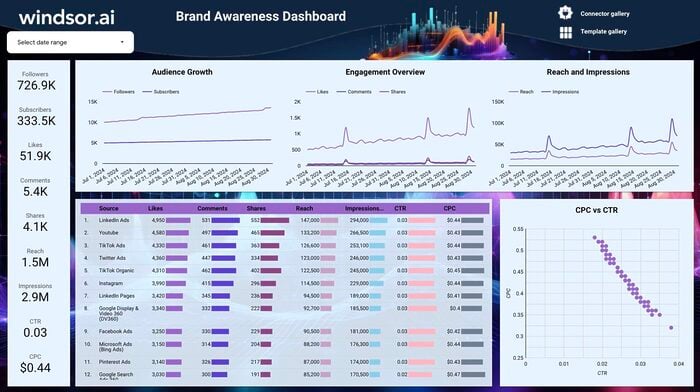



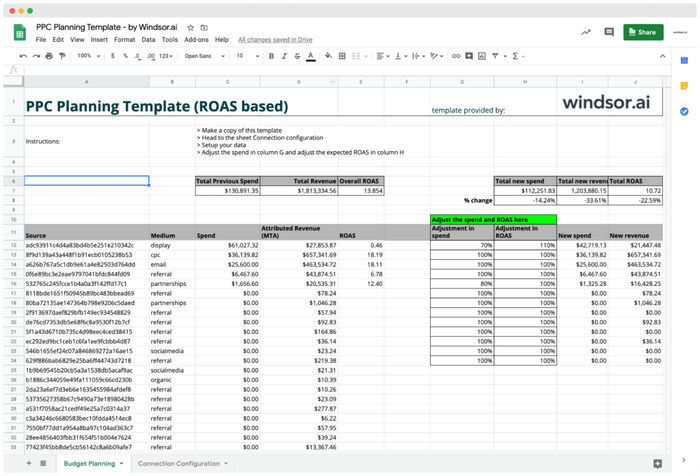
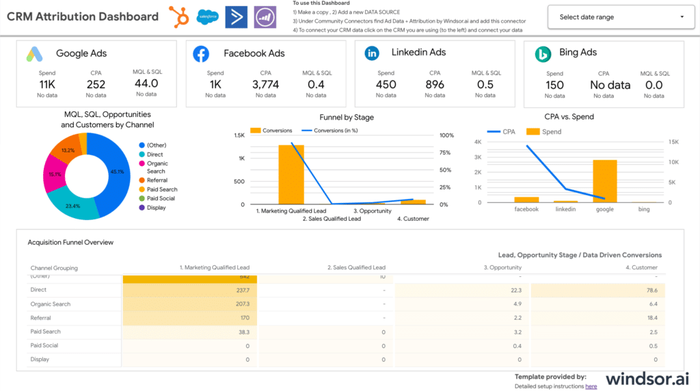
Looker Studio CRM Attribution Dashboard Template

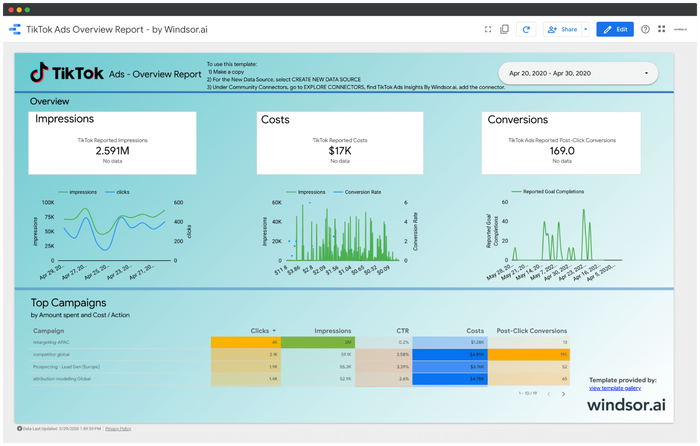
Looker Studio TikTok Ads Overview Report
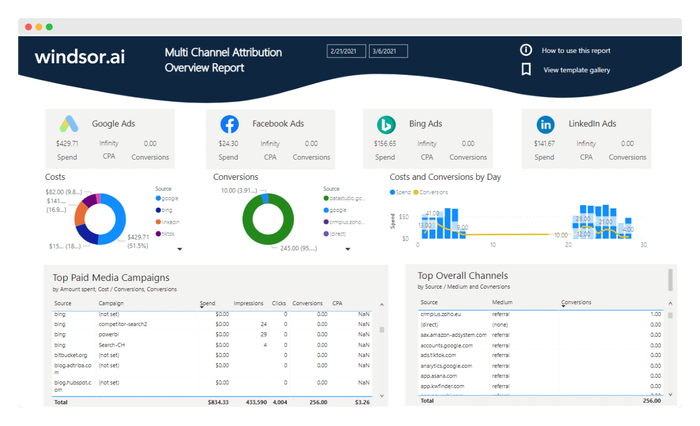

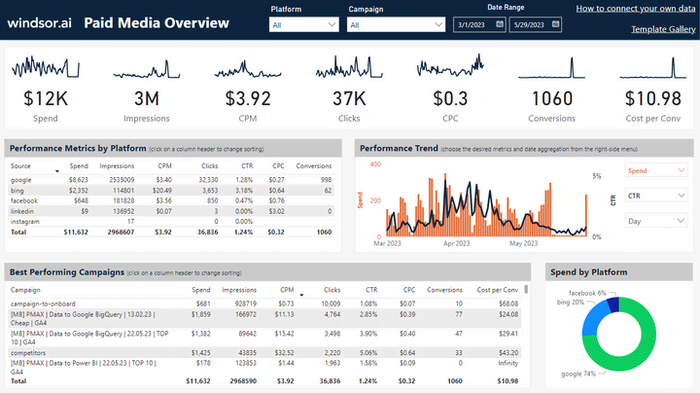
Power BI Paid Media Overview Dashboard Template

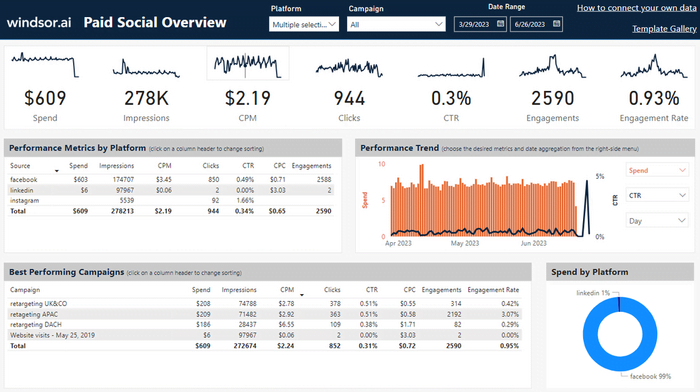
Power BI Paid Social Media Overview Dashboard Template
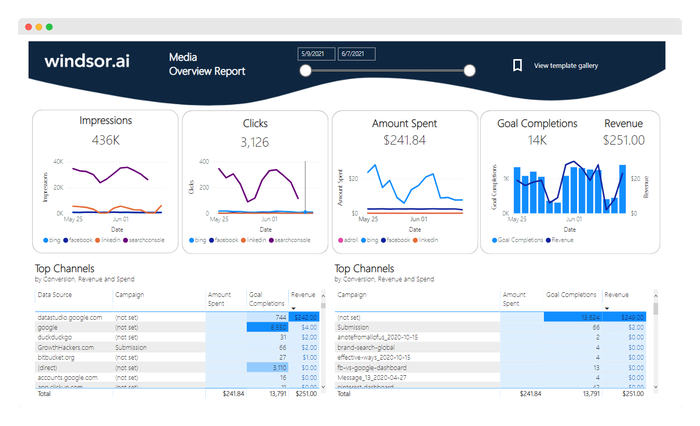
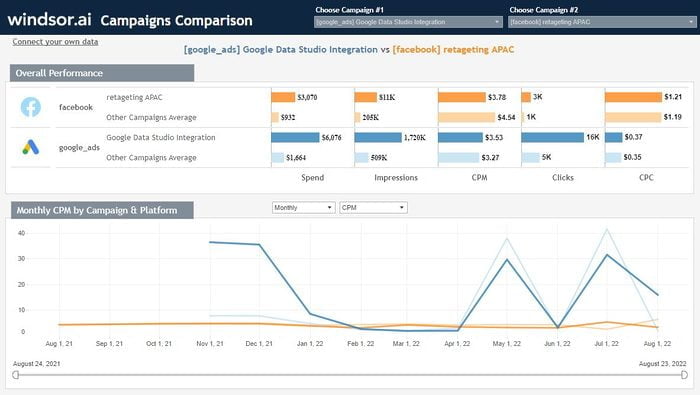
Tableau Compare Campaigns Performance Dashboard Template

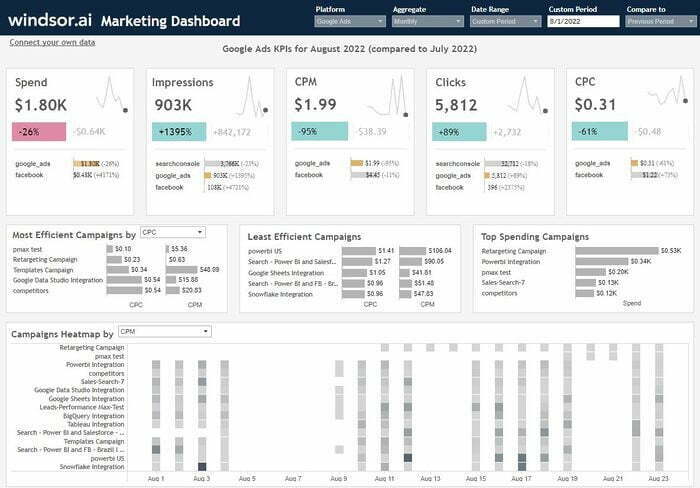
Tableau Multichannel Attribution Dashboard Template
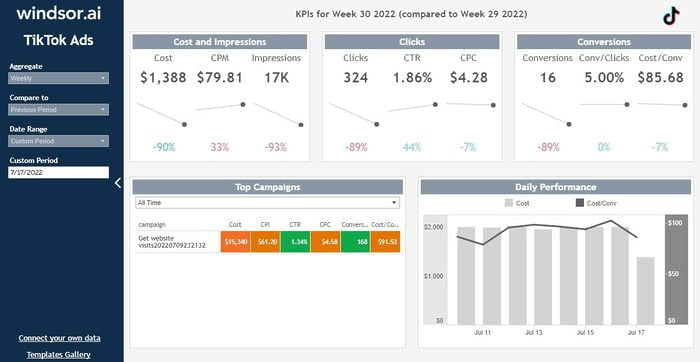
Tableau TikTok Ads Dashboard Template
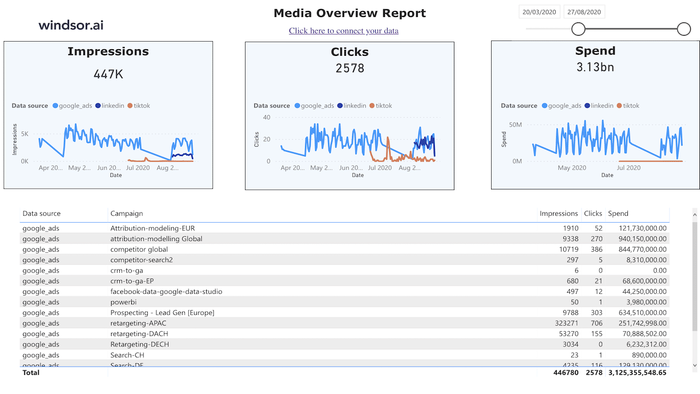
Tableau Web Media Overview Dashboard Template


How to connect your TikTok Ads data
Connect your account once, then apply any template below.
Choose your destination
Pick where you want your dashboard to live, such as Looker Studio, Power BI, Google Sheets, or another supported destination.
Apply a template
Browse the TikTok Ads templates below and apply the one that matches your reporting needs.
Why use TikTok Ads dashboard templates
Sync TikTok Ads data to your favorite BI tool with Windsor.ai to unlock these benefits:

Real-time analytics
View essential metrics like clicks, impressions, and conversions instantly, so you can optimize campaigns as they run rather than after the fact.

Improved reporting
Generate detailed, customizable reports on key metrics like Return on Ad Spend (ROAS), so you can see the revenue generated for every dollar spent and optimize your budget accordingly.

Advanced targeting
See which ads resonate most based on engagement rate, then segment your audience by demographics, behavior, or interests to build more targeted campaigns.
FAQs
What is TikTok Ads used for?
TikTok Ads help businesses build brand awareness, increase sales, and drive engagement. Formats like branded hashtag challenges bring users into a more interactive brand experience, while ads with call-to-action buttons can drive traffic directly to a landing page or website.
How much do TikTok Ads cost?
Cost depends on your bidding strategy, ad format, and targeting options, since TikTok uses an auction and bidding model where you choose what to pay per view, impression, or click. There’s a minimum budget of $50 a day per campaign and $20 a day at the ad group level.
What metrics and dimensions are available for TikTok Ads reporting?
Common dimensions include date, device, and country. Common metrics include ROAS, conversion rate, view time, engagement rate, cost, CPM, impressions, clicks, CTR, cost per click, conversions, cost per conversion, cost per engagement, and bounce rate. Windsor.ai supports over 500 dimensions, breakdowns, and metrics in total; see the full TikTok field reference.
Tired of manually pulling TikTok Ads data? Try Windsor.ai today to automate your reporting


