 Destinations
 Data sources
 AI insights
 About us
 Careers
 Security
 Customer reviews
 Contact us
 Affiliate program
 Solution partners
 Template gallery
 Looker Studio templates
 Power BI templates
 Excel templates
 Google Sheets templates
 Tableau templates
 Facebook Ads templates
 Google Ads templates
 Data fields & Metrics
 AI prompt library & Guides
 Product documentation
 API documentation
 Case studies
 Blog
Blog Data models
 Windsor vs Supermetrics
 Windsor vs Funnel.io
 Windsor vs Fivetran
 Windsor vs Rivery
 Windsor vs Portermetrics
 Windsor vs Coupler.io
Connect Amazon Ads to Lovable
Automatically sync your Amazon Ads data to Lovable using the Windsor.ai connector.
Analyze your Amazon Ads performance in Lovable to cut ACoS, scale what converts, and stop funding campaigns that drain your budget.
Forget CSVs. Stop copy/paste. Connect data in minutes. No code required.
 Sign up with Google
 Free forever plan









Turn every dollar of ad spend into measurable return
Stream your Amazon Ads data into Lovable via Windsor MCP for instant analysis through conversation and visual dashboards. Explore key use cases:

Cut wasted ad spend
Lovable surfaces campaigns with high spend and zero attributed sales over the last 14 days, so you reallocate budget before it disappears into underperforming placements.

Scale new-to-brand growth
See which Sponsored Brands campaigns bring in first-time buyers vs. remarket to existing customers. Invest in what actually expands your customer base.

Measure video ad engagement
Lovable analyzes Sponsored Display video completion rates at 25%, 50%, 75%, and 100% thresholds. Know whether your video creatives hold attention long enough to drive detail page views and purchases.

Find most profitable marketplaces
Break down spend, ROAS, and conversions by Amazon marketplace to see which regions deliver the highest return, and where to focus your next campaign push.

Measure true ROAS
Combine Amazon Ads spend with 350+ data sources like Google Ads, Facebook Ads, or Shopify revenue to see true cross-channel ROAS and make smarter budget decisions across every platform you run.
Using Windsor.ai to connect data from Amazon Ads to Lovable
Most methods for getting Amazon Ads data into Lovable require manual exports, data cleanup, or costly tools. Windsor.ai removes this friction with an MCP connector that automatically pulls, normalizes, and delivers Amazon Ads metrics into Lovable.
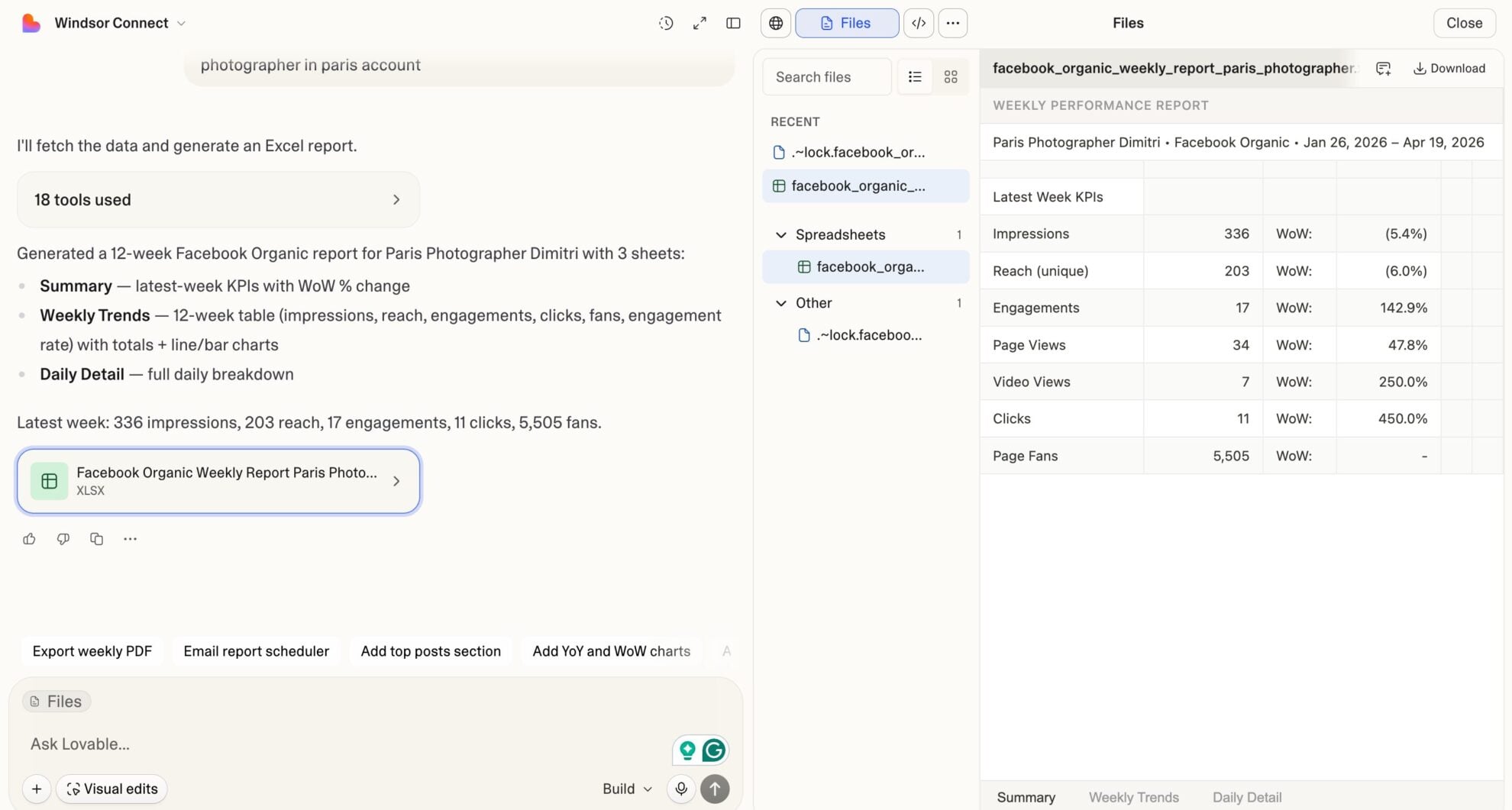
Analyze your marketing data using natural language prompts and generate performance dashboards in seconds.
Available actions
Enable Campaign Enable a paused Amazon Sponsored Products campaign. Reversible via pause_campaign.
Enable a paused Amazon Sponsored Products campaign. Reversible via pause_campaign.
Pause Campaign Pause an active Amazon Sponsored Products campaign. Reversible via enable_campaign.
Pause an active Amazon Sponsored Products campaign. Reversible via enable_campaign.
Set Campaign Budget Set the daily budget of an Amazon Sponsored Products campaign. The amount is in the account currency major unit (e.g. 50 means 50.00, not cents). Sponsored Products campaigns only support daily budgets.
Set the daily budget of an Amazon Sponsored Products campaign. The amount is in the account currency major unit (e.g. 50 means 50.00, not cents). Sponsored Products campaigns only support daily budgets.














How to connect Amazon Ads to Lovable with Windsor.ai
Explore our video tutorial and a step-by-step guide to integrate your Amazon Ads data into Lovable with the Windsor.ai connector.
Select your data source
Choose Amazon Ads as your data source and grant access to Windsor.ai.

Select custom connector in Lovable
In Lovable, open Connectors and select Custom MCP.

Add MCP server
Enter the following details:
- Name: Windsor.ai
- URL: https://mcp.windsor.ai/
Click Add & Authorize to save the connector and authorize access to Windsor.ai.

Authorize and start querying your data
Once added, Windsor will appear in your list of connectors. Enable Always allow permissions for faster access.
Open a new chat and start querying your connected data.

FAQs
What attribution windows are available for Amazon Ads data?
Windsor pulls attributed conversions and sales at 1-day, 7-day, 14-day, and 30-day windows for Sponsored Products. Sponsored Brands and Sponsored Display use 14-day attribution. You can query any window in Lovable to understand short vs. long-term campaign impact.
Can Lovable help me reduce ACoS on my Amazon campaigns?
Yes. Lovable analyzes ACoS across campaigns, ad types, and marketplaces to surface where your spend is least efficient. Compare ACoS against attributed sales and conversion rates to find campaigns worth tightening bids on, and ones worth pausing entirely.
Can Lovable generate Amazon Ads performance reports?
Yes. Describe the report you need in plain language, and Lovable instantly generates a fully structured, visually designed dashboard for ACoS, ROAS, spend, conversions, and new-to-brand metrics across all campaigns. Customize layouts, KPI cards, and charts without writing code, deploy them in one click, and share with your team or clients as a live, always-current view of your Amazon Ads performance.
Can Lovable compare performance across Amazon marketplaces?
Yes. Windsor pulls the marketplace as a dimension across all ad types. Lovable breaks down spend, ROAS, ACoS, and conversions by region so you see which markets deliver the best return and where to focus your next campaign investment.
What prompts can I use to analyze my Amazon Ads data in Lovable?
Beyond basic performance summaries, you can use more advanced, specific prompts to uncover deeper insights. For example:
-
Analyze all active Sponsored Products campaigns for the last 30 days. For each, calculate ACoS and compare it against 14-day attributed sales and units sold. Flag campaigns where spend exceeded $100 but attributed conversions within 14 days are zero.
-
Break down new-to-brand orders and new-to-brand sales as a percentage of total attributed orders across all Sponsored Brands campaigns for the last 30 days. Rank campaigns by NTB order rate and surface which creative formats are most effective at acquiring first-time buyers.
-
Compare ROAS across Sponsored Products, Sponsored Brands non-video, Sponsored Brands video, and Sponsored Display for the last 30 days by marketplace. Identify which ad type and marketplace combination delivers the highest return and recommend where to shift budget.
Can I combine Amazon Ads data with other channels in Lovable?
Yes. Windsor connects 350+ sources. Combine Amazon Ads with Google Ads, Facebook Ads, Shopify, or any other platform to compare cross-channel ROAS, understand total marketing efficiency, and make smarter budget allocation decisions in one place.
Do you have helpful links to get started with integrating Amazon Ads and Lovable using Windsor.ai?
Yes, we have helpful resources to help you get started. You can explore our official documentation and tutorials for seamless Amazon Ads to Lovable integration with Windsor.ai:
Tired of manual Amazon Ads data exports? Try Windsor.ai today to automate your reporting


