 Destinations
 Data sources
 AI insights
 About us
 Careers
 Security
 Customer reviews
 Contact us
 Affiliate program
 Solution partners
 Template gallery
 Looker Studio templates
 Power BI templates
 Excel templates
 Google Sheets templates
 Tableau templates
 Facebook Ads templates
 Google Ads templates
 Data fields & Metrics
 AI prompt library & Guides
 Product documentation
 API documentation
 Case studies
 Blog
Blog Data models
 Windsor vs Supermetrics
 Windsor vs Funnel.io
 Windsor vs Fivetran
 Windsor vs Rivery
 Windsor vs Portermetrics
 Windsor vs Coupler.io
Connect Bing Ads to Lovable
Automatically sync your Bing Ads data to Lovable using the Windsor.ai connector.
Analyze your Bing Ads data in Lovable and get instant AI-powered insights across campaigns, keywords, audiences, and spend.
Forget CSVs. Stop copy/paste. Connect data in minutes. No code required.
 Sign up with Google
 Free forever plan
No credit card needed
Free forever plan
No credit card needed










Make the most our of your data with Bing Ads to Lovable integration
Windsor MCP streams your Microsoft Advertising campaigns, keywords, and audience data directly into Lovable, turning a tool you already use into a live analytics workspace that answers in seconds. Here’s what you can do:

Optimize video ad completion
Analyze video_views_25, 50, 75, and 100 alongside video_average_watch_time_per_view per ad. Find the exact drop-off point across your video creatives and rework the section that’s losing viewers before it inflates your CPV.

Detect underperforming ad copy
Compare CTR, conversion rate, and CPA across all active ads in Lovable to surface which creatives are dragging performance. Catch fatigue early and refresh the right ads before declining CTR inflates your CPA.

Audit Quality Scores at scale
Query ad_quality_score, expected_ctr, ad_relevance, and landing_page_experience across every keyword in one session. See exactly which sub-score is pulling each keyword down and prioritize fixes by spend impact.

Win on shared queries
Blend your Bing Ads keyword-level CPA with Google Ads data in Lovable with Windsor.ai. Surface the exact search terms that consistently convert cheaper on Bing and reallocate budget to the channel that wins on each query.
Using Windsor.ai to connect data from Bing Ads to Lovable
Most ways to send Bing Ads data to Lovable involve manual exports, data cleanup, or costly tools. Windsor MCP removes this complexity by pulling, organizing, and streaming your advertising data into Lovable.
Ask questions in plain language and get real-time insights in seconds.
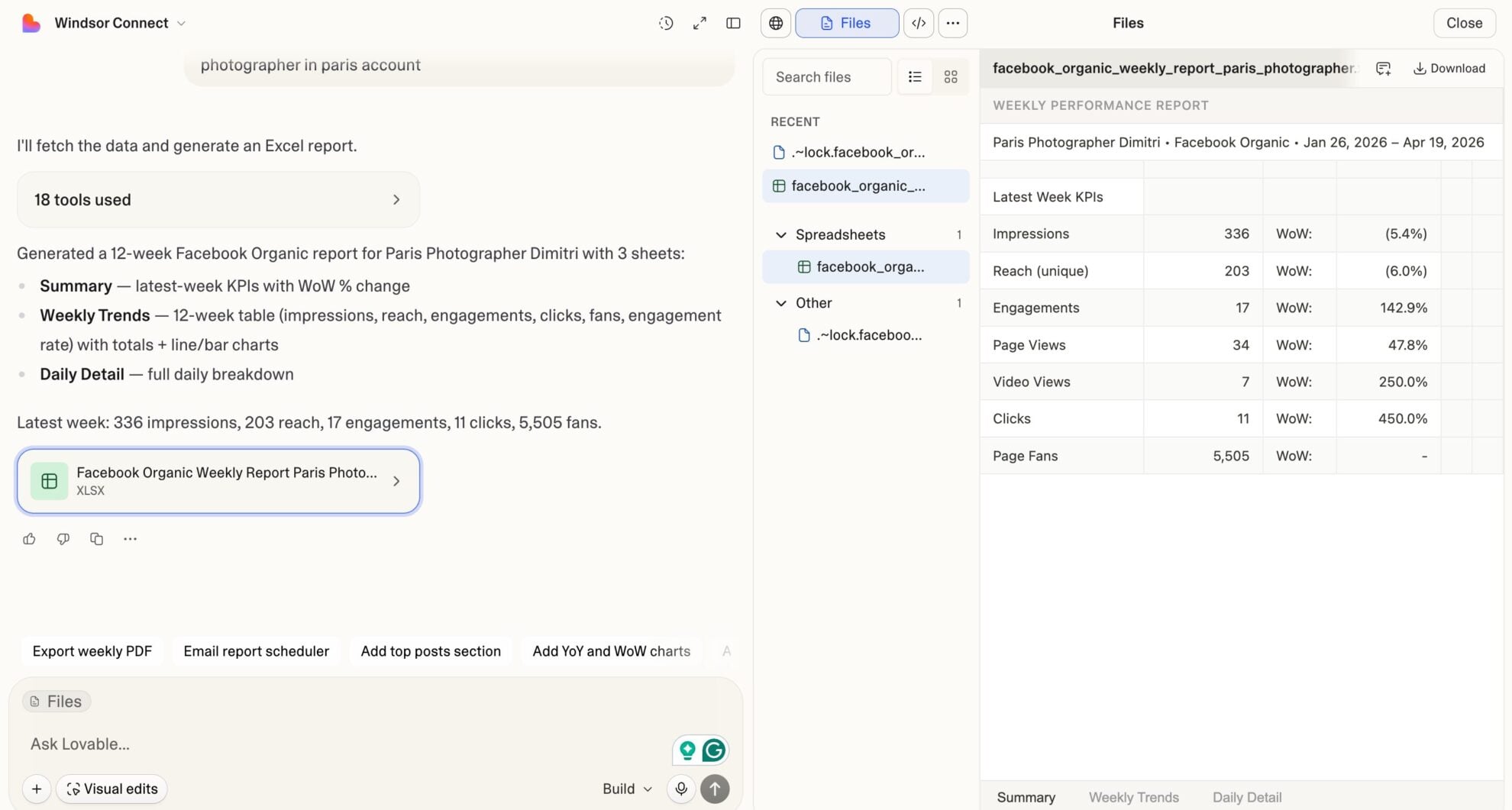














How to connect Bing Ads to Lovable with Windsor.ai
Explore our video tutorial and a step-by-step guide to integrate your Bing Ads data into Lovable with the Windsor.ai connector.
Select your data source
Choose Bing Ads as your data source and grant access to Windsor.ai.

Select custom connector in Lovable
In Lovable, open Connectors and select Custom MCP.

Add MCP server
Enter the following details:
- Name: Windsor.ai
- URL: https://mcp.windsor.ai/
Click Add & Authorize to save the connector and authorize access to Windsor.ai.

Authorize and start querying your data
Once added, Windsor will appear in your list of connectors. Enable Always allow permissions for faster access.
Open a new chat and start querying your connected data.

FAQs
What Microsoft Advertising metrics can I analyze in Lovable via Windsor.ai?
Windsor.ai gives you access to the full Microsoft Advertising field set, including:
- Spend and revenue: Spend, revenue, ROAS, cost per conversion, revenue per conversion.
- Clicks and engagement: Clicks, impressions, CTR, CPC, average CPM, average CPV.
- Conversions: Conversions, conversion rate, view-through conversions.
- Impression share: Impression share, impression lost to budget, absolute top impression share, top impression share.
- Quality and relevance: Quality score, expected CTR, ad relevance, and landing page experience.
- Video: Video views, completion rate, watch time, 25/50/75/100% completion milestones.
- Geography: City, country, state, metro area, postal code.
- Audience: Audience name, audience type, bid adjustment, targeting setting.
- Ad dimensions: Campaign, ad group, keyword, ad title, ad description, device, network, match type.
Does Windsor.ai pull Microsoft Advertising data in real time?
Yes. Every query in Lovable triggers a fresh pull from the Microsoft Advertising API via Windsor MCP. No static snapshots or scheduled delays; your spend, conversions, impression share, and keyword metrics reflect the latest data available.
Can I analyze impression share losses in Lovable?
Yes. Windsor.ai tracks exactly how much visibility your campaigns are losing, and whether the cause is insufficient budget or poor ad rank. Ask Lovable which campaigns are bleeding top-of-page impressions, get a clear split of the reason behind each loss, and fix the right problem instead of throwing more budget at a rank issue.
Can I track budget pacing in Lovable using Windsor.ai?
Yes. Windsor.ai includes daily_budget_spend, month_to_date_budget_spend, and monthly_budget from the budget_summary report. Ask Lovable how campaigns are pacing against the monthly budget, which are on track to overspend, and which have significant budget remaining with low impression share.
Is my Microsoft Advertising data secure when using Windsor.ai?
Yes. Windsor.ai is SOC 2 certified and uses OAuth-based authentication; your Microsoft Advertising credentials are never stored in plain text. Data flows over encrypted connections, and you can revoke access at any time from your Windsor dashboard.
Can I combine Microsoft Advertising data with other sources in Lovable?
Yes. Windsor.ai connects 350+ data sources so that you can blend Bing Ads with Google Ads, Meta Ads, GA4, Shopify, HubSpot, or any CRM in the same Lovable conversation. Ask ‘Which paid channel delivered the lowest CPA last month: Google, Meta, or Bing?’ and get a single unified answer.
What prompts can I use to analyze my Bing Ads data in Lovable?
Beyond basic performance summaries, you can use more advanced, specific prompts to uncover deeper insights. For example:
-
For the last 30 days, pull all active keywords with more than 100 impressions. Show quality score, expected_ctr, ad_relevance, and landing_page_experience scores for each. Group into three buckets: quality score 1-4, 5-7, and 8-10. For the bottom bucket, list the specific sub-score that is dragging the overall score down (expected CTR, ad relevance, or landing page experience).
-
Break down spend, conversions, CPA, and revenue by country and state for the last 60 days. Identify the top 5 regions by conversion volume and the top 5 by lowest CPA. Flag any region receiving more than 10% of total spend but delivering a CPA more than 50% above the account average. Suggest a reallocation percentage
-
For the last 60 days, pull all ads with more than 500 impressions. Show ad_title, ad_description, CTR, conversion_rate, CPA, and impressions per ad. Flag ads where CTR has dropped more than 15% over the last two weeks compared to the first two weeks of the period. Return a ranked refresh list sorted by spend on declining ads.
-
Compare Microsoft Advertising against Google Ads and Meta Ads for the last 30 days. Show spend share, conversion share, CPA, and ROAS per channel. Which channel has the best efficiency per dollar spent, and where shifting budget would have the highest expected impact?
Can I build a live Microsoft Advertising dashboard in Lovable?
Yes. Describe what you want in plain language, and Lovable will generate a fully interactive, shareable app from your live data, with no templates to configure or BI to learn.
Do you have helpful links to get started with integrating Bing Ads and Lovable using Windsor.ai?
Yes, we have helpful resources to help you get started. You can explore our official documentation and tutorials for seamless Bing Ads to Lovable integration with Windsor.ai:
Tired of manual Bing Ads data exports? Try Windsor.ai today to automate your reporting


