 Destinations
 Data sources
 AI insights
 About us
 Careers
 Security
 Customer reviews
 Contact us
 Affiliate program
 Solution partners
 Template gallery
 Looker Studio templates
 Power BI templates
 Excel templates
 Google Sheets templates
 Tableau templates
 Facebook Ads templates
 Google Ads templates
 Data fields & Metrics
 AI prompt library & Guides
 Product documentation
 API documentation
 Case studies
 Blog
Blog Data models
 Windsor vs Supermetrics
 Windsor vs Funnel.io
 Windsor vs Fivetran
 Windsor vs Rivery
 Windsor vs Portermetrics
 Windsor vs Coupler.io
Connect Braze to Claude
Automatically sync your Braze data to Claude using the Windsor.ai connector.
Analyze your Braze data with Claude to uncover drop-offs, winning message variations, and revenue drivers instantly.
Forget CSVs. Stop copy/paste. Connect data in minutes. No code required.
 Sign up with Google
 Free forever plan
No credit card needed
Free forever plan
No credit card needed










Streamline analytics with Braze to Claude integration
Connect your Braze data to Claude through Windsor MCP to unlock instant insights into campaign performance and audience behavior. Explore the key benefits and use cases:

Identify high drop-off points
Analyze the conversion rate and step statistics within your automated flows to identify where users drop off. Claude compares the number of people who entered a journey versus those who completed a goal to suggest where a message needs a stronger incentive.

Audit instant vs delayed conversions
Ask Claude to compare ‘standard conversions’ with ‘conversions by send time’ to see whether users purchase immediately or after a delay. Understand if your delivery timing aligns with when customers are most likely to convert.

Get instant AI insights
No more digging through reports; turn your Braze data into AI-powered insights with Claude. Just ask a question in plain language and get structured answers and recommendations in seconds.

Calculate cross-channel ROAS
Combine your Braze conversion revenue with your Meta Ads spend. Claude calculates a blended return on ad spend to see if your retention emails are successfully converting the expensive traffic you originally bought on Facebook.
Using Windsor.ai to connect data from Braze to Claude
Integrating Braze data with Claude often requires manual exports, data cleanup, or multiple tools. Windsor.ai simplifies this by automatically collecting, normalizing, and delivering your Braze data into Claude for advanced AI analysis.
Connect in minutes and start querying your marketing and customer engagement data using natural language.















How to connect Braze to Claude data with Windsor.ai
Explore our video tutorial and a step-by-step guide to integrate your data from any source into Claude with the Windsor.ai connector.
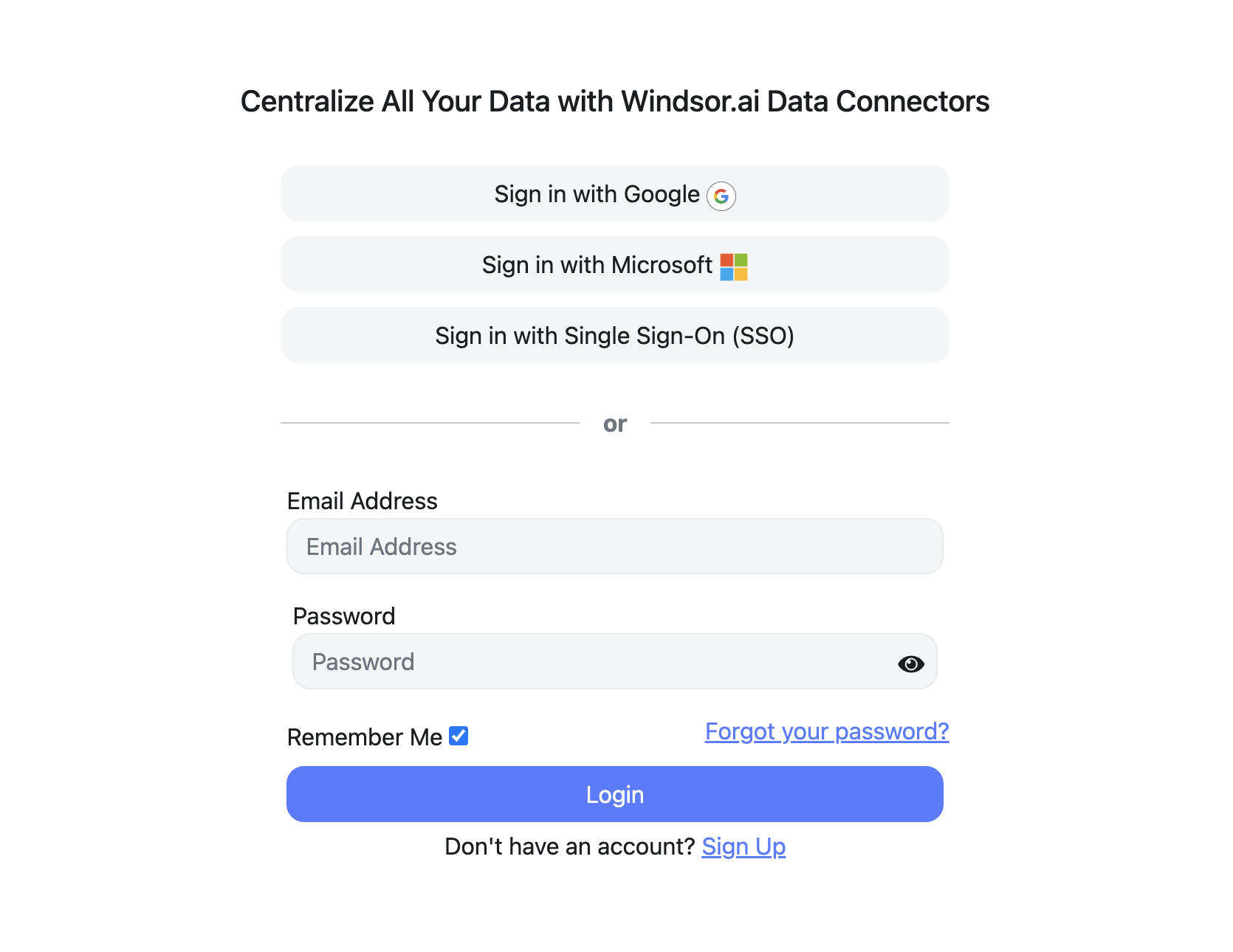
Register and log in to Windsor.ai
Create a new Windsor.ai account or log in if you already have one.
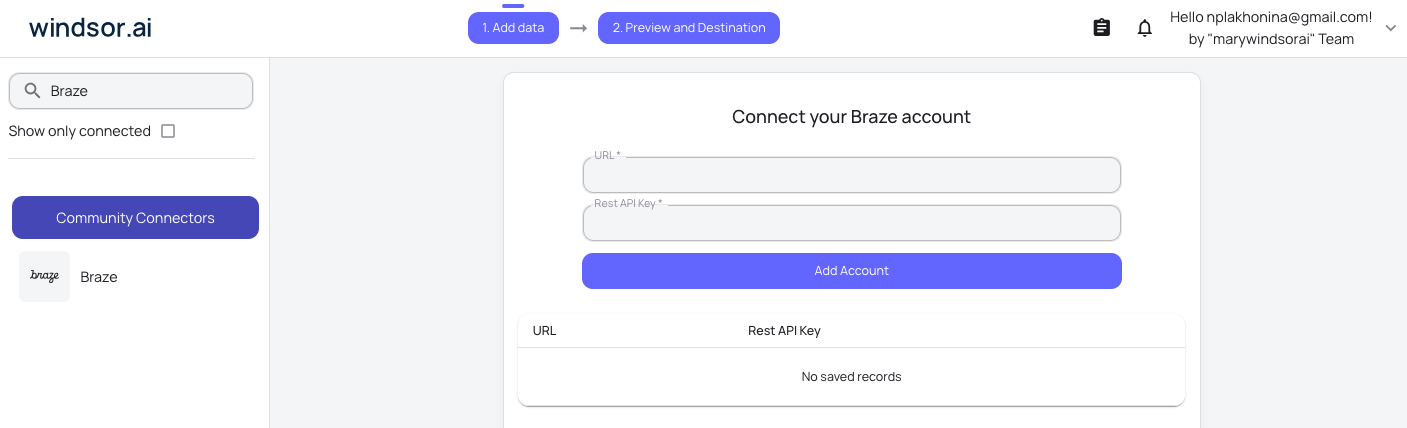
Select your data source
Choose Braze as your data source and grant access to Windsor.ai.
Install the Windsor.ai connector in Claude
In Claude, open Customize, then Connectors, search for Windsor and click Add. Sign in to your Windsor.ai account when prompted, and the connector appears in your Connectors list. You can also open the Windsor.ai listing in the Claude directory and click Connect.

Query your data in Claude
Start a new chat and ask Claude questions about your connected data: summarize KPIs, create client reporting dashboards, or run advanced analyses.

FAQs
Can Claude help me explain 'Influenced Conversions'?
Yes. By analyzing conversion event data, Claude can help you understand which messages in a customer journey likely contributed to a final purchase.
Can I unify Braze with ad platforms like Google Ads and Meta?
Yes. Windsor.ai lets you connect Braze with platforms like Google Ads and Meta to unify acquisition and customer engagement data, so you can analyze performance across the entire customer journey.
Does this replace my BI tool (like Looker or Tableau)?
No, it complements it. While BI tools are great for static dashboards, Claude is for ‘ad-hoc’ discovery, asking complex ‘Why?’ questions that dashboards can’t answer.
What prompts can I use when analyzing Braze data in Claude?
Use more specific, advanced prompts to extract deeper insights from your Braze data. For example:
-
Analyze my campaigns by comparing Standard Conversions with Conversions by Send Time. Identify whether users tend to convert immediately after receiving a message or after a meaningful delay, and explain what that suggests about our send-time and follow-up strategy.
-
Group all campaigns and Canvases by tag (for example, Discount, Onboarding, Retention). Identify which tags generate the highest revenue per unique recipient and which tags show the biggest performance drop-off across the funnel.
-
Claude, analyze performance variations across our Canvases. Identify the winning messages and explain which patterns in subject lines, message structure, offers, or calls to action are associated with higher conversions.
-
Compare our active segment sizes with the number of unique recipients we actually messaged this month. Identify meaningful audience gaps where eligible users were not reached, and show which segment tags or lifecycle categories those gaps belong to.
How much does it cost to integrate Braze into Claude using Windsor.ai?
Windsor.ai’s pricing for Claude data integration varies depending on the number of connected accounts and data sources. We offer absolutely transparent pricing plans for diversified business needs and budgets.
How long does it take to connect Braze to Claude?
With Windsor.ai’s easy-to-use connector, the integration process takes just a few minutes. No technical expertise is needed; syncing Braze to Claude is simple, straightforward, and completely code-free.
Do you have helpful links to get started with integrating Braze and Claude using Windsor.ai?
Yes, we have helpful resources to help you get started. You can explore our official documentation and tutorials for seamless Braze to Claude integration with Windsor.ai:
Tired of manual Braze data exports? Try Windsor.ai today to automate your reporting


