 Destinations
 Data sources
 AI insights
 About us
 Careers
 Security
 Customer reviews
 Contact us
 Affiliate program
 Solution partners
 Template gallery
 Looker Studio templates
 Power BI templates
 Excel templates
 Google Sheets templates
 Tableau templates
 Facebook Ads templates
 Google Ads templates
 Data fields & Metrics
 AI prompt library & Guides
 Product documentation
 API documentation
 Case studies
 Blog
Blog Data models
 Windsor vs Supermetrics
 Windsor vs Funnel.io
 Windsor vs Fivetran
 Windsor vs Rivery
 Windsor vs Portermetrics
 Windsor vs Coupler.io
Connect Contractors Cloud to Data Studio
Easily integrate Contractors Cloud with Data Studio using Windsor.ai’s no-code connector.
Our platform automates Contractors Cloud reporting, turning raw data into actionable insights that help you boost conversions, grow revenue, and keep projects on track.
Forget CSVs. Stop copy/paste. Connect data in 2 minutes. No code required.
 Sign up with Google
 Free forever plan
No credit card needed
Free forever plan
No credit card needed










Streamline analytics with Contractors Cloud to Data Studio integration
Windsor.ai helps you quickly connect Contractors Cloud to Data Studio so you can evaluate sales performance, monitor project completion, and measure marketing ROI, all in one place. Unlock these key benefits:

Measure true marketing ROI
By blending Contractors Cloud data with ad spend from Google, Meta, and Microsoft Ads, you can measure which channels deliver closed deals and drive revenue, not just leads. Shift budget toward channels that convert and maximize return on every marketing dollar spent.

Automate reporting
Save hours of manual reporting every week. Windsor.ai’s no-code connector automates the entire data flow of Contractors Cloud metrics into Data Studio, freeing your team to focus on selling, managing projects, and growing the business.

Gain end-to-end sales pipeline visibility
Track every project from lead submission and appointment through to signed contract and final payment. Identify where deals stall, monitor conversion rates by stage, and surface the bottlenecks slowing down your sales cycle.

Monitor sales rep and team performance
Break down revenue, closed deals, average project size, and appointment-to-sale conversion by sales rep, team, or branch. Use Data Studio’s filters and calculated fields to spot top performers and uncover coaching opportunities backed by real data.

Build dashboards tailored to your business
Customize Data Studio reports around the KPIs that matter most to your business: revenue per rep, ROI per channel, project completion, or anything else. Share live, branded dashboards with your team, leadership, or external partners, with no Contractors Cloud login required.
Using Windsor.ai connector to import data from Contractors Cloud into Data Studio
Most available methods to integrate Contractors Cloud with Data Studio require manual exports, complex API work, or ongoing technical support. Windsor.ai automates the entire process with a no-code ELT connector that streams your Contractors Cloud data straight into Data Studio.
Centralise your leads, projects, appointments, and revenue metrics in dynamic, auto-refreshing dashboards for in-depth analysis.
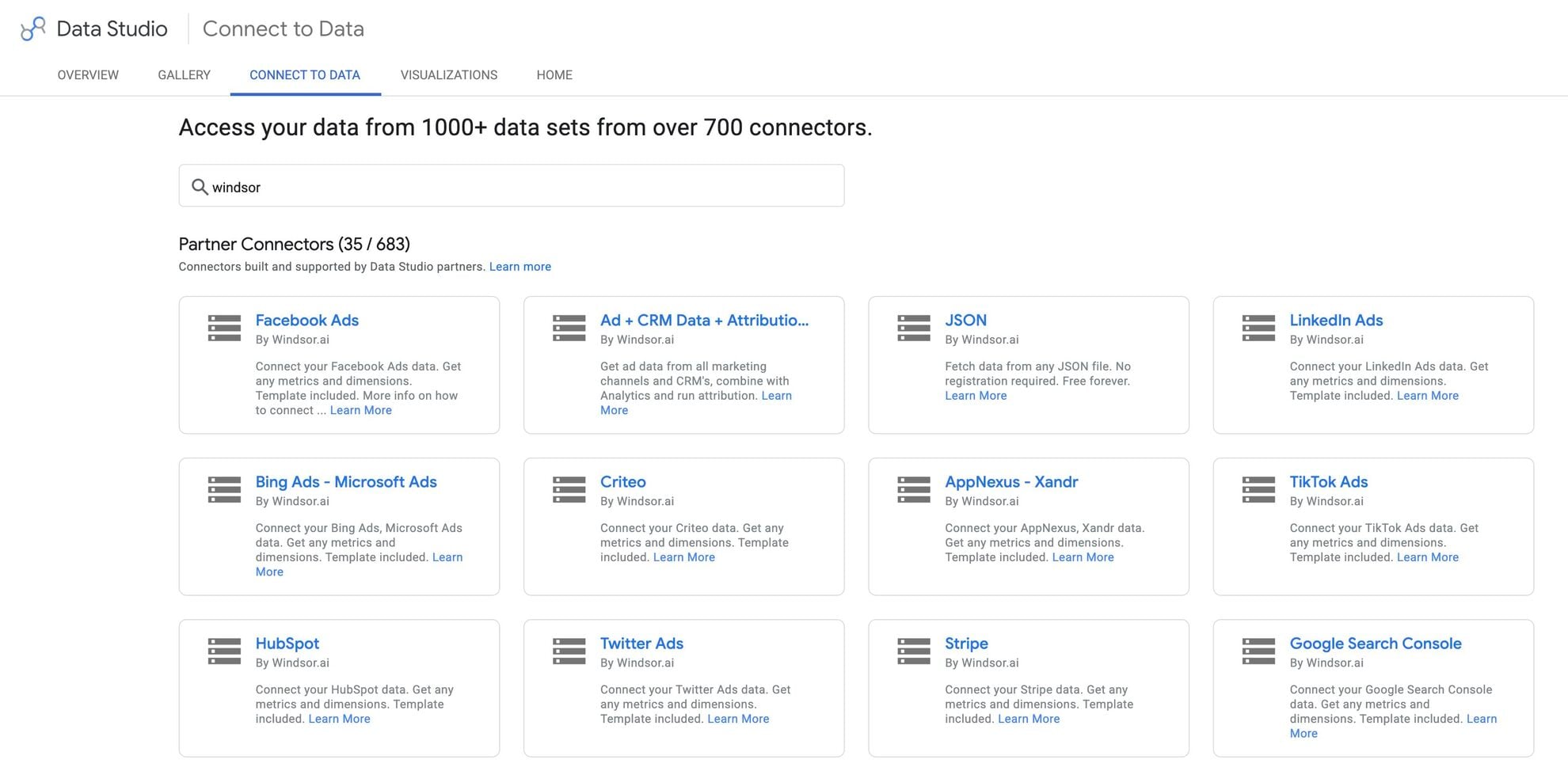














How to connect Contractors Cloud to Data Studio in Windsor.ai
To set up the connector, make sure you have the following things in place:
- Contractors Cloud account (Visit our privacy policy and terms of use)
- Google account for Data Studio integration
- Active Windsor.ai account
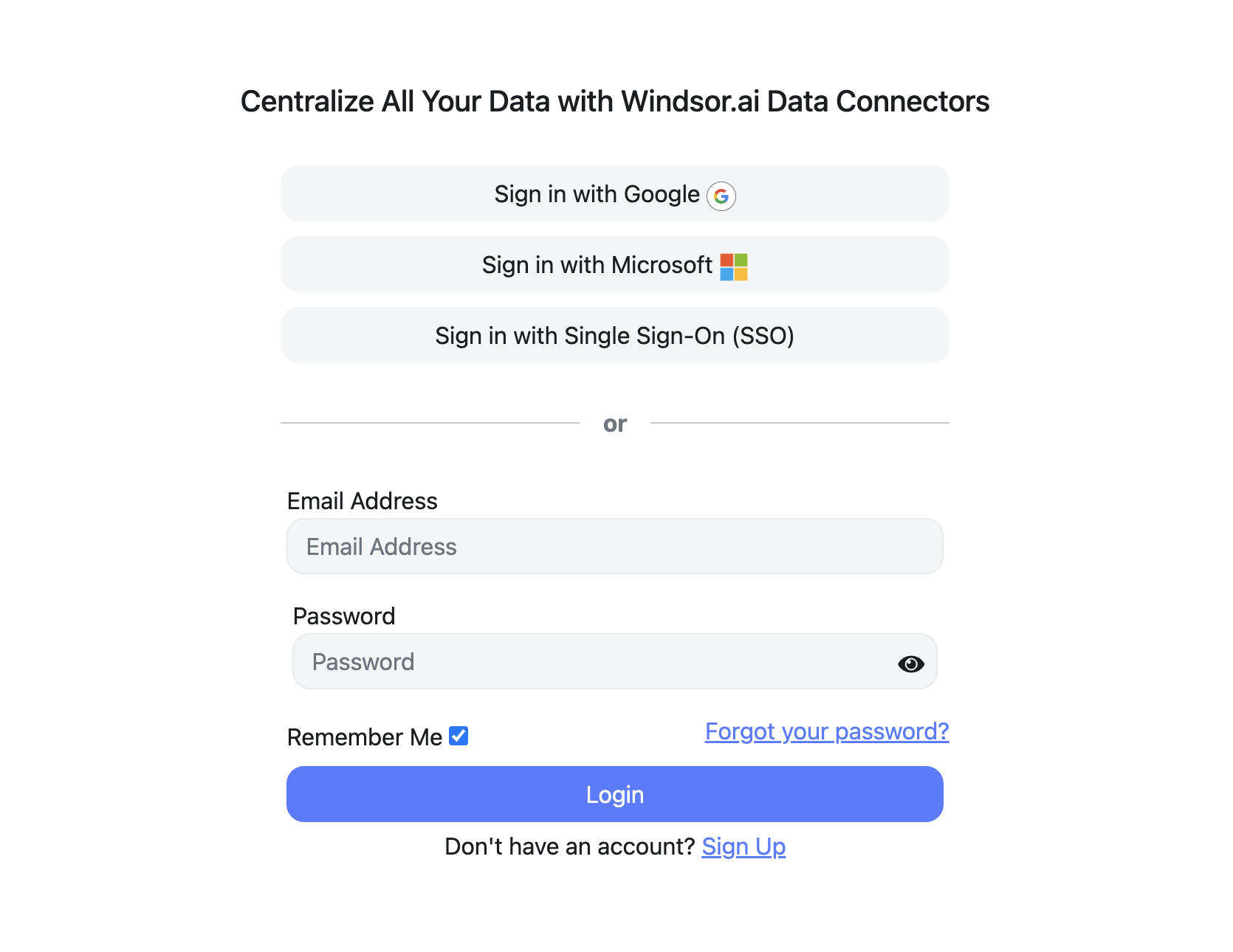
Register and log in to Windsor.ai
Create a new Windsor.ai account or log in if you already have one.
Select your data source
Choose Contractors Cloud as your data source and grant access to Windsor.ai.

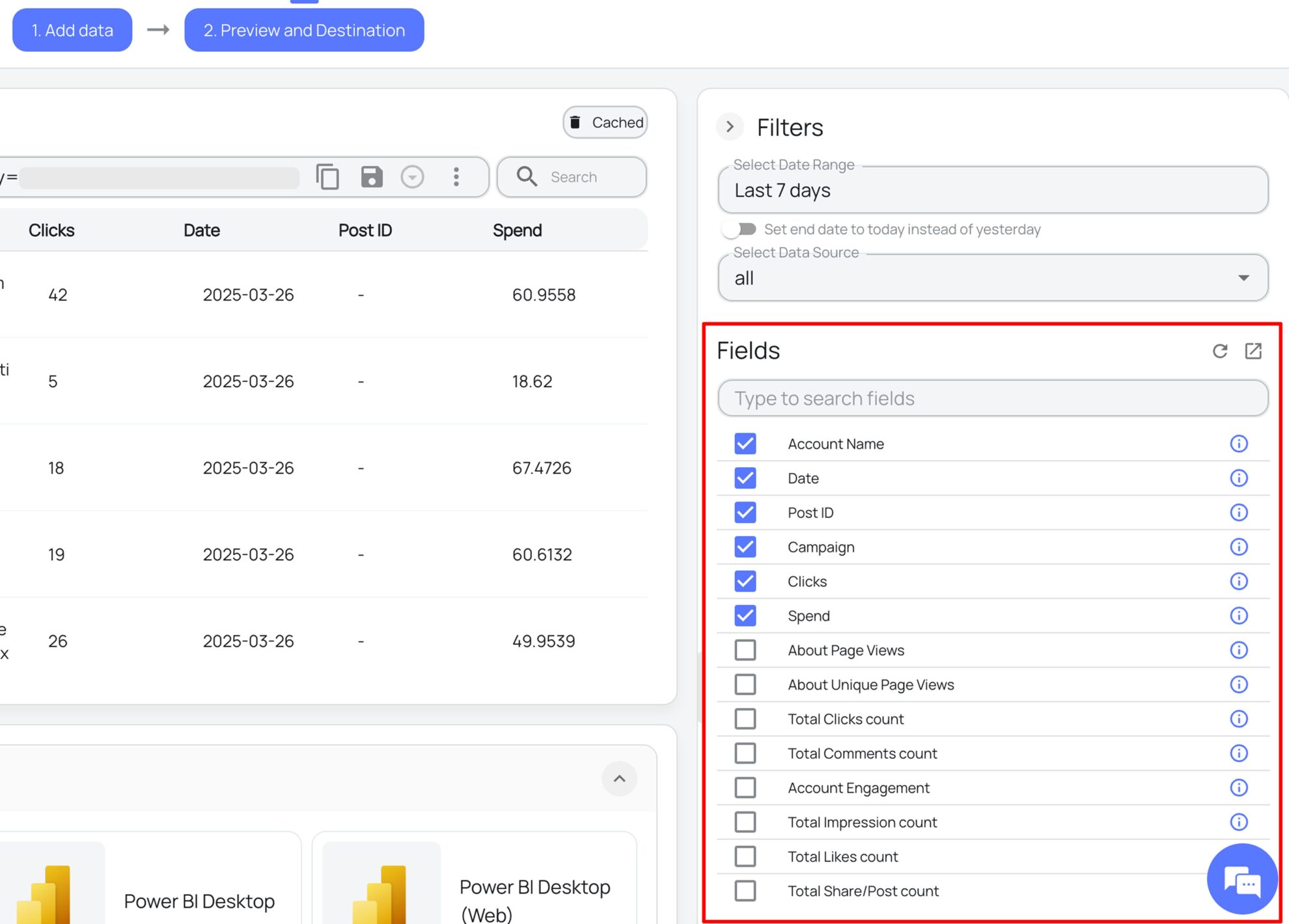
Select the reporting metrics and dimensions
Choose the Contractors Cloud fields you want to import into Data Studio on the right side.
Select Data Studio as your data destination
Scroll down to the list of data destinations and click Data Studio. Install the Windsor.ai connector by authorizing your account, selecting the required Contractors Cloud account(s), and clicking Connect → Create Report.

FAQs
What is Data Studio?
Data Studio is Google’s free data visualization and business intelligence platform. It lets you connect data from multiple sources, build interactive reports and dashboards, and share them across your team. With flexible chart types, custom branding, and deep integration with the Google ecosystem, Data Studio is one of the most popular reporting tools for marketing and analytics teams of all sizes.
Do you have helpful links to get started with integrating Contractors Cloud and Data Studio using Windsor.ai?
Yes, we have helpful resources to help you get started. You can explore our official documentation and ready-to-use templates for seamless Contractors Cloud to Data Studio integration with Windsor.ai:
How much time do I need to integrate Contractors Cloud with Data Studio?
The integration process takes just a few minutes. Once you’ve authorized your Contractors Cloud account, selected your fields, and chosen Data Studio as the destination, your data is ready to visualize.
How much does it cost to integrate Contractors Cloud into Data Studio with Windsor.ai?
Windsor.ai’s pricing for Contractors Cloud to Data Studio data integration varies depending on your use case and data volume. We offer transparent pricing plans tailored to diverse business needs and budgets.
Can I combine Contractors Cloud data with other data sources?
Yes. Windsor.ai supports 350+ data sources, so you can blend Contractors Cloud data with Google Ads, Meta, Bing Ads, GA4, QuickBooks, and many others. This unified view helps you analyze the full customer journey, from ad click to closed contract and actual revenue.
Tired of manual Contractors Cloud data exports? Get started with Windsor.ai today to automate your reporting


