Destinations
 Data sources
 AI insights
 About us
 Careers
 Security
 Customer reviews
 Contact us
 Affiliate program
 Solution partners
 Template gallery
 Looker Studio templates
 Power BI templates
 Excel templates
 Google Sheets templates
 Tableau templates
 Facebook Ads templates
 Google Ads templates
 Data fields & Metrics
 AI prompt library & Guides
 Product documentation
 API documentation
 Case studies
 Blog
 Data models
 Windsor vs Supermetrics
 Windsor vs Funnel.io
 Windsor vs Fivetran
 Windsor vs Rivery
 Windsor vs Portermetrics
 Windsor vs Coupler.io
Connect Convex to Looker Studio
Automatically sync Convex with Looker Studio using Windsor.ai, a no-code, maintenance-free data integration solution. Extract data from Convex and visualize it with ease with Looker Studio’s advanced analysis features. Windsor.ai dataflows tool transfers data in just five minutes.
Forget CSVs. Stop copy/paste. Connect data in 2 minutes. No code required.
 Sign up with Google
 Free forever plan
No credit card needed










Why do I need Convex and Looker Studio integration?
Convex is a back-end application developer solution. Its data integration with Looker Studio offers your business various benefits, as we explain below.

Build robust dashboards
Build robust dashboards to visualize application development changes on Convex.

Automate reporting
Automate reporting on key application development aspects to relevant teams.

Track the impact of feature changes
Track the impact of feature changes across various products over time.

Analyse your next product development
Import data on key aspects of your next product development for analysis and decision-making.
Using Windsor.ai connector to import data from Convex into Looker Studio
Automatically sync Convex with Looker Studio using Windsor.ai, a no-code, maintenance-free data integration solution. Extract data from Convex and visualize it with ease with Looker Studio’s advanced analysis features.
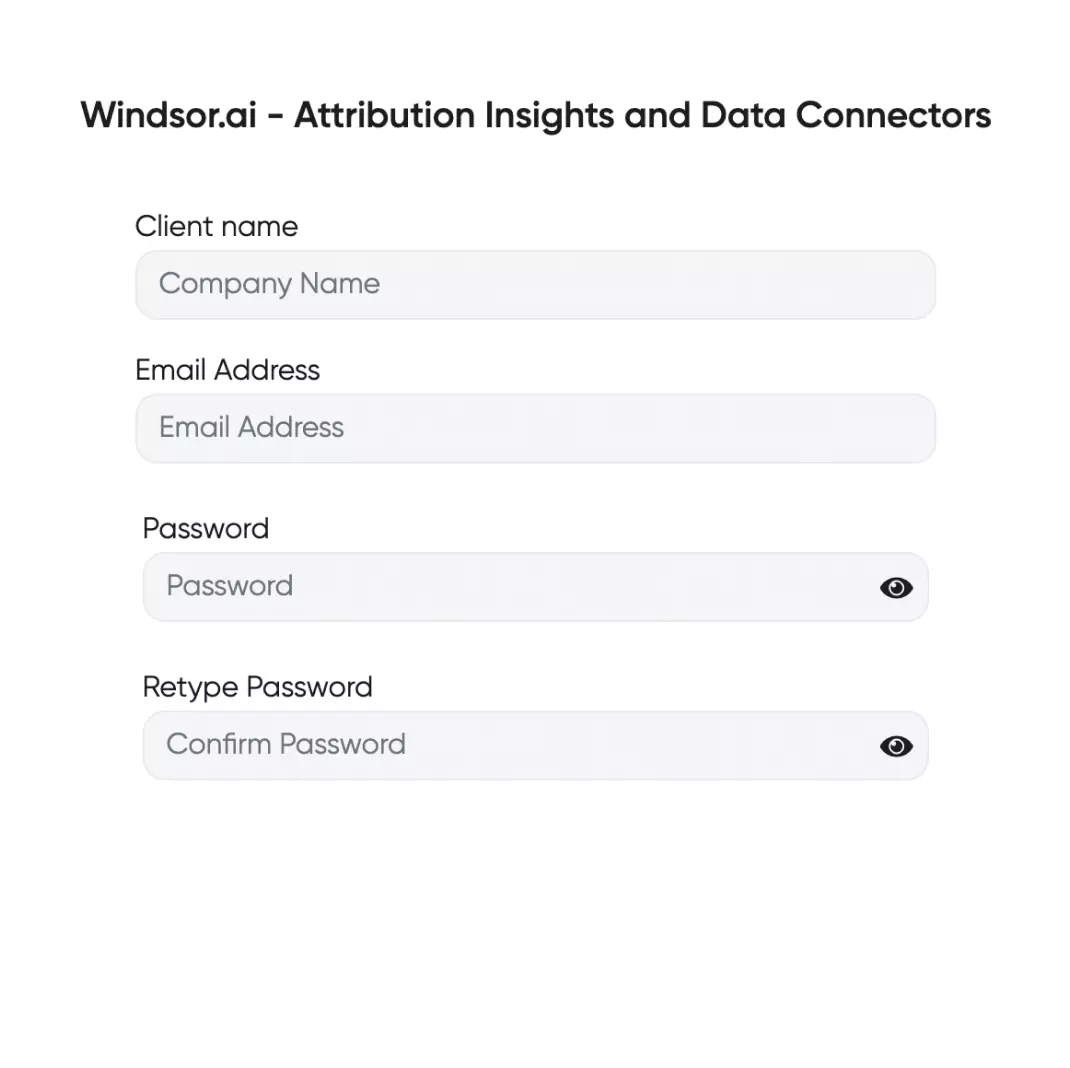
To set up the connector, the user should have a Convex account (visit our privacy policy and terms of use) and a Google account for the Looker Studio integration.







How to connect Convex to Looker Studio with Windsor.ai
Follow the steps below to connect Convex to Looker Studio with Windsor.ai.
For more detail on the destination side of the setup, see our Looker Studio integration documentation.
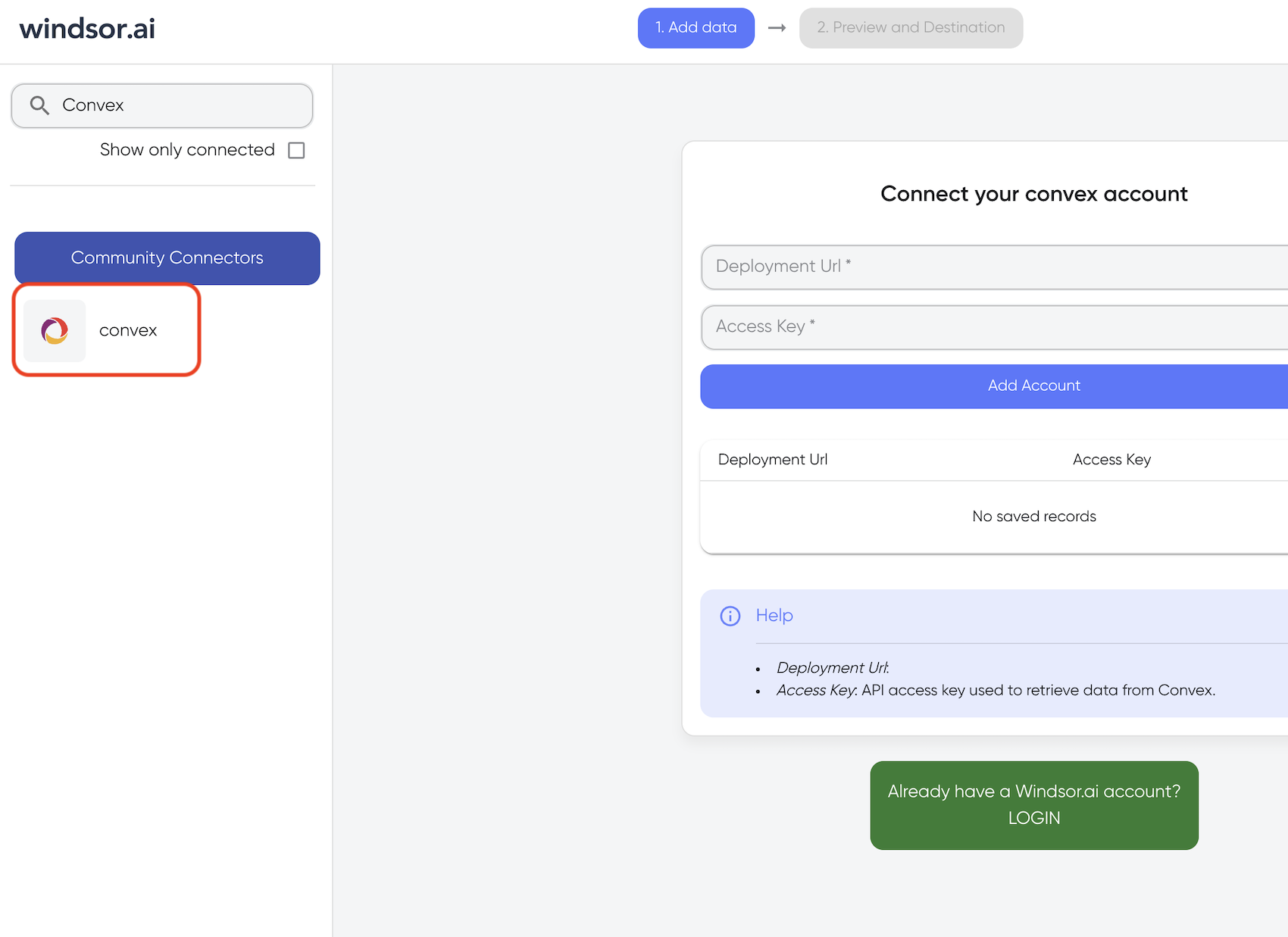
Select your source
You need to select Convex as a Data Source and Grant Access to Windsor.ai.
Select the fields on the right
Select the fields on the right to later use in your data source.
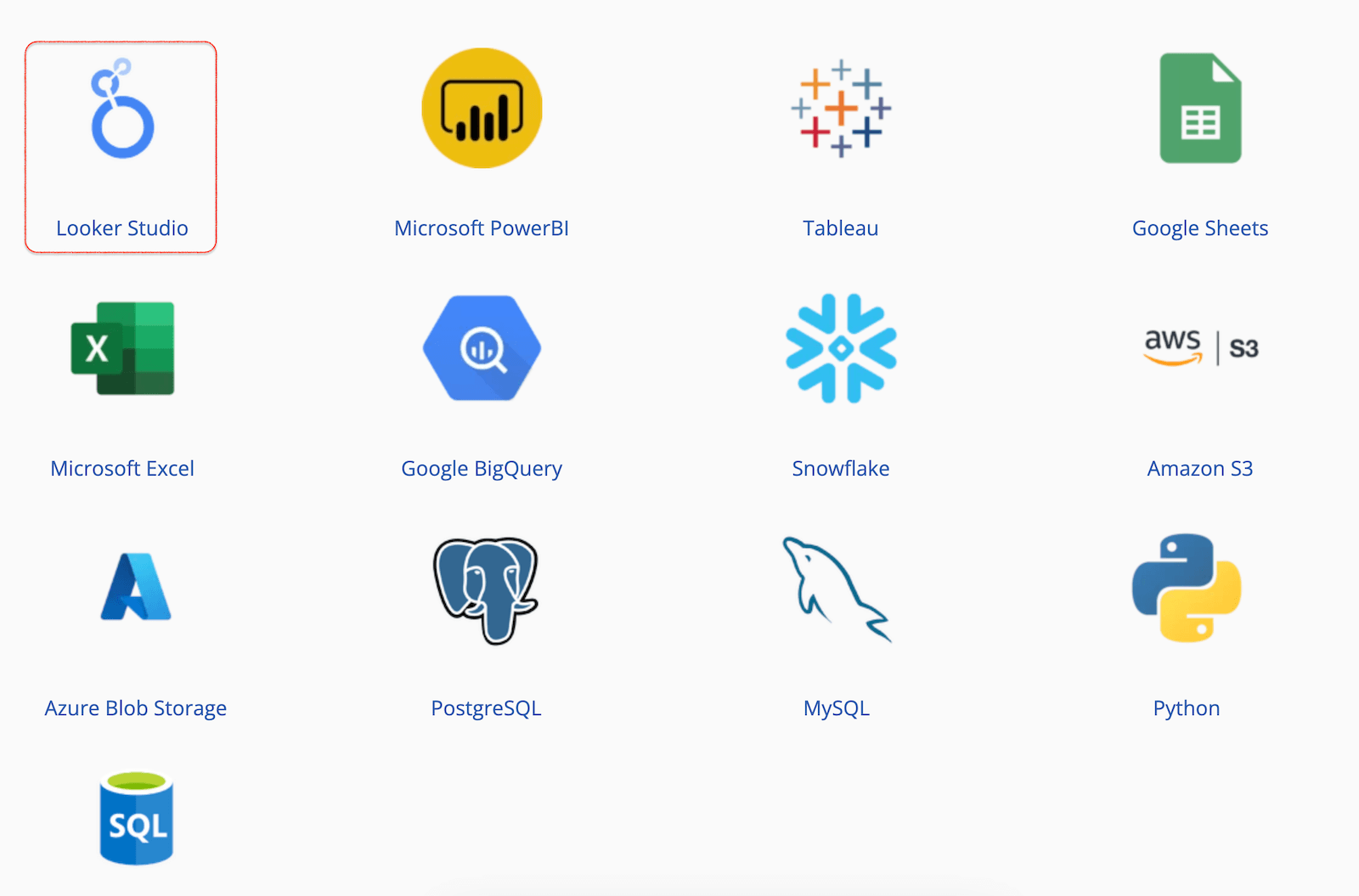
Select Destination
Go to “Select Destination” and Choose Looker Studio.
Sync and authorize data
Select “connect” and authorize access to your data source.
FAQs
What is Looker Studio?
Looker Studio is a freemium business intelligence tool from Google. It enables you to extract data from various sources, tabulate it, and visualize it to detect trends. The solution has several automation features, like reporting data analytics, and can connect to workplaces, multiple data sources, and analytics tools. You can configure tables, focus on specific aspects of your app development, and track changes in real-time using its powerful dashboards. This way, Looker Studio becomes an efficient tool for data insights and effective decision-making.
Tired of manual Convex data exports? Get started with Windsor.ai today to automate your reporting