 Destinations
 Data sources
 AI insights
 About us
 Careers
 Security
 Customer reviews
 Contact us
 Affiliate program
 Solution partners
 Template gallery
 Looker Studio templates
 Power BI templates
 Excel templates
 Google Sheets templates
 Tableau templates
 Facebook Ads templates
 Google Ads templates
 Data fields & Metrics
 AI prompt library & Guides
 Product documentation
 API documentation
 Case studies
 Blog
Blog Data models
 Windsor vs Supermetrics
 Windsor vs Funnel.io
 Windsor vs Fivetran
 Windsor vs Rivery
 Windsor vs Portermetrics
 Windsor vs Coupler.io
Connect Criteo to Azure
It is very simple to connect Criteo to Azure, it can be done in a fast and easy manner with Windsor.ai.
Forget CSVs. Stop copy/paste. Connect data in 2 minutes. No code required.
 Sign up with Google
 Free forever plan
No credit card needed
Free forever plan
No credit card needed










Using Windsor.ai connector to import data from Criteo into Azure
Analyze your metrics from Criteo in Azure and extract Criteo data to Azure with Windsor.ai.
See the value and return on every marketing touchpoint.















How to connect Criteo to Azure with Windsor.ai
Follow the steps below to stream your Criteo data into Azure Blob Storage.
1. Select your source
You need to select Criteo as a Data Source and Grant Access to Windsor.ai.
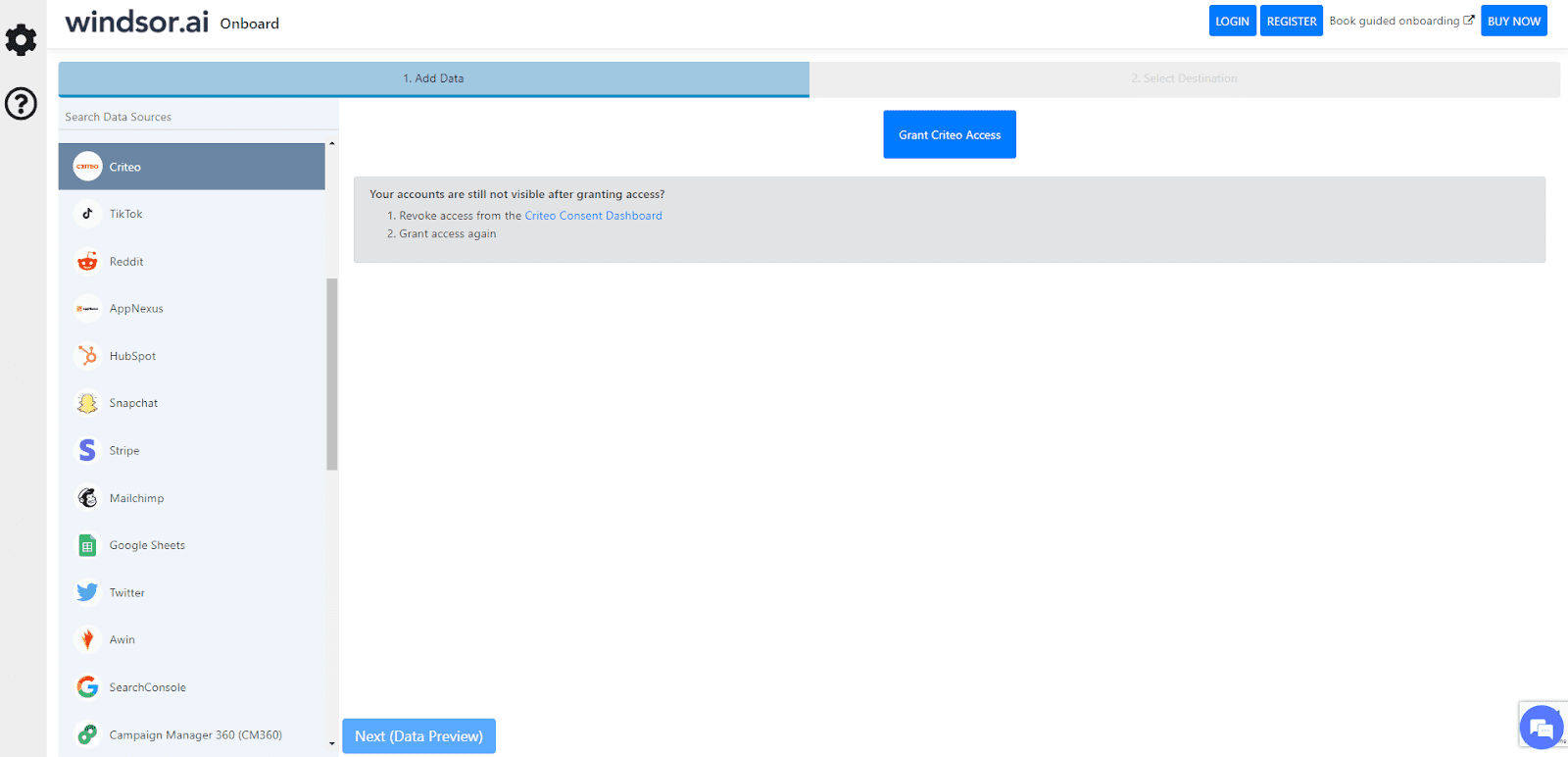
2. Select your destination
You will need to go to Select Destination and select Azure Blob Storage as a Data Destination.
3. Configure your Azure Blob Storage
Create an Azure Blob Storage (or an Azure Synapse Analytics) resource on your Azure Portal and provide a connection string for it. Also, you may choose different container and blob names.
Visit the Wiki page for details: https://wiki.windsor.ai/azure_blob_storage
Tired of manual Criteo data exports? Get started with Windsor.ai today to automate your reporting


