 Destinations
 Data sources
 AI insights
 About us
 Careers
 Security
 Customer reviews
 Contact us
 Affiliate program
 Solution partners
 Template gallery
 Looker Studio templates
 Power BI templates
 Excel templates
 Google Sheets templates
 Tableau templates
 Facebook Ads templates
 Google Ads templates
 Data fields & Metrics
 AI prompt library & Guides
 Product documentation
 API documentation
 Case studies
 Blog
Blog Data models
 Windsor vs Supermetrics
 Windsor vs Funnel.io
 Windsor vs Fivetran
 Windsor vs Rivery
 Windsor vs Portermetrics
 Windsor vs Coupler.io
Connect Gemius to Data Studio
Quickly integrate Gemius with Data Studio using the Windsor.ai ETL connectors.
Visualize essential Gemius metrics in dynamic Data Studio dashboards to identify and scale top-performing campaigns with zero manual effort.
Forget CSVs. Stop copy/paste. Connect data in 2 minutes. No code required.
 Sign up with Google
 Free forever plan
No credit card needed
Free forever plan
No credit card needed










Make smarter media decisions with Gemius to Data Studio integration
Syncing Gemius data into Data Studio via Windsor.ai gives you a market-wide view of audience behavior across websites, apps, and digital ads, unlocking the following key benefits:

Automate reporting
Instead of exporting files and updating dashboards manually, Windsor.ai continuously syncs your data into Data Studio on a set schedule. This means your campaign reach, frequency, and market benchmarks are always accurate and ready for analysis.

Identify top-performing placements
Break down your results by domains, environments, and placements to see where your campaigns actually perform. Compare impressions and clicks across placements to identify which platforms deliver stronger engagement, not just more exposure.

Blend marketing data
Combine Gemius with GA4, Google Ads, and Meta Ads to compare your impressions with actual traffic and conversions. See which campaigns turn visibility into results and which need optimization.
Using Windsor.ai connector to import data from Gemius into Data Studio
Bridging Gemius data into Data Studio often requires manual exports, API work, or technical expertise. Windsor.ai simplifies the process with a fast, affordable, fully no-code ELT connector.
With just a few clicks, you can sync Gemius with Data Studio and analyze campaign and ad performance through dynamic, auto-refreshing dashboards.
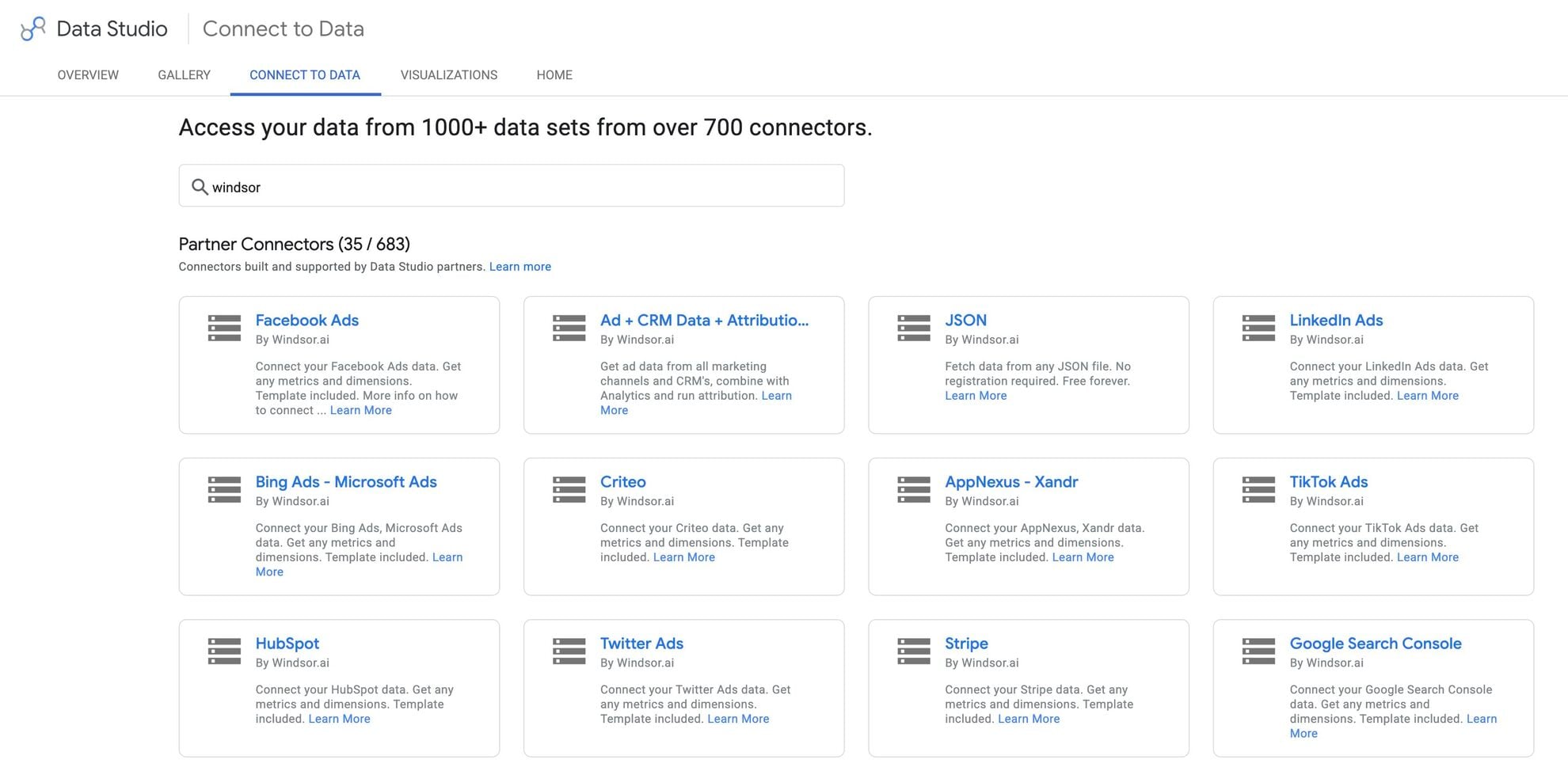














How to connect Gemius to Data Studio in Windsor.ai
Make sure you have the following prerequisites before setting up the connector:
- Gemius account (Visit our privacy policy and terms of use)
- Google account for Data Studio integration
- Active Windsor.ai account
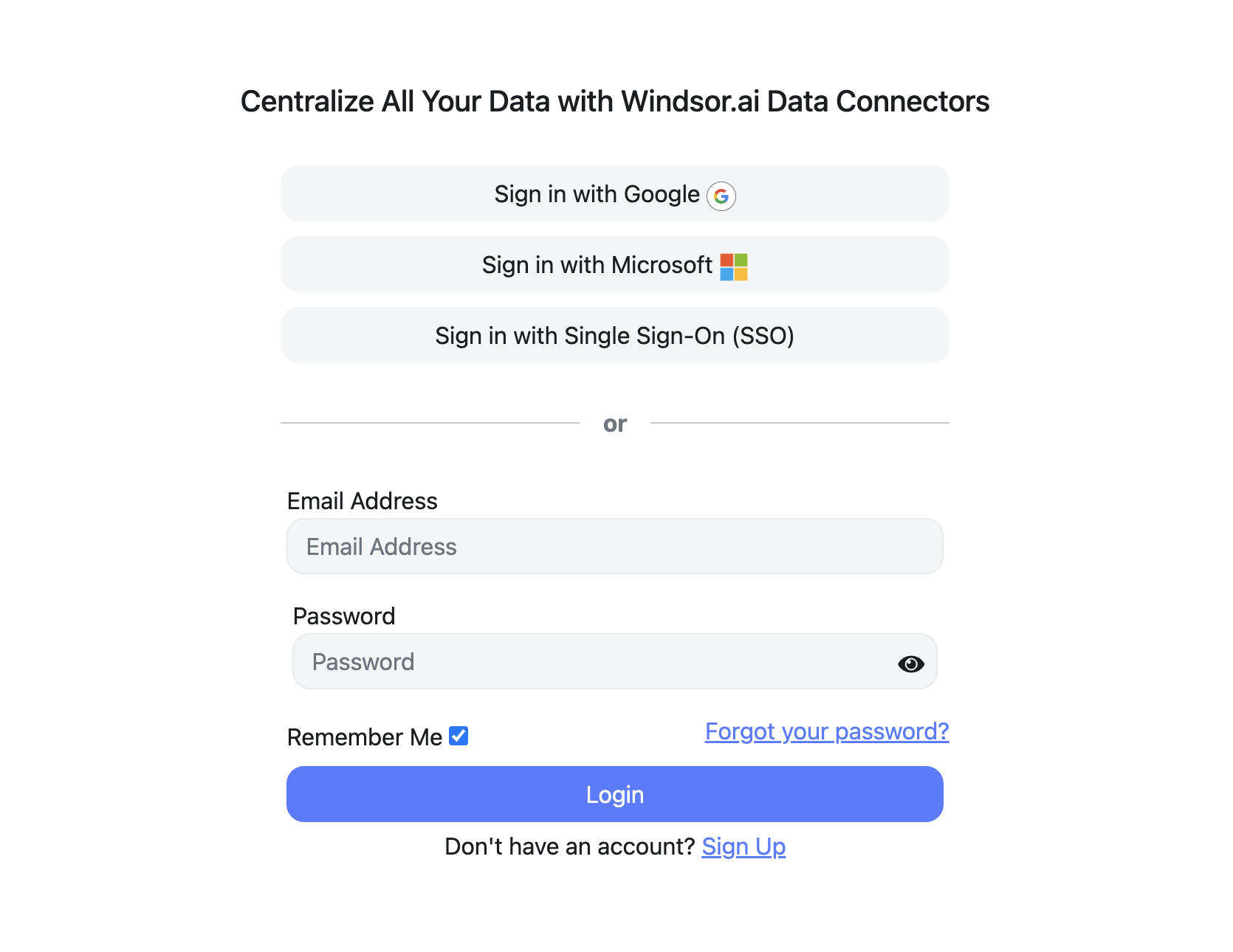
Register and log in to Windsor.ai
Create a new Windsor.ai account or log in if you already have one.
Select your data source
Choose Gemius as your data source and grant access to Windsor.ai.

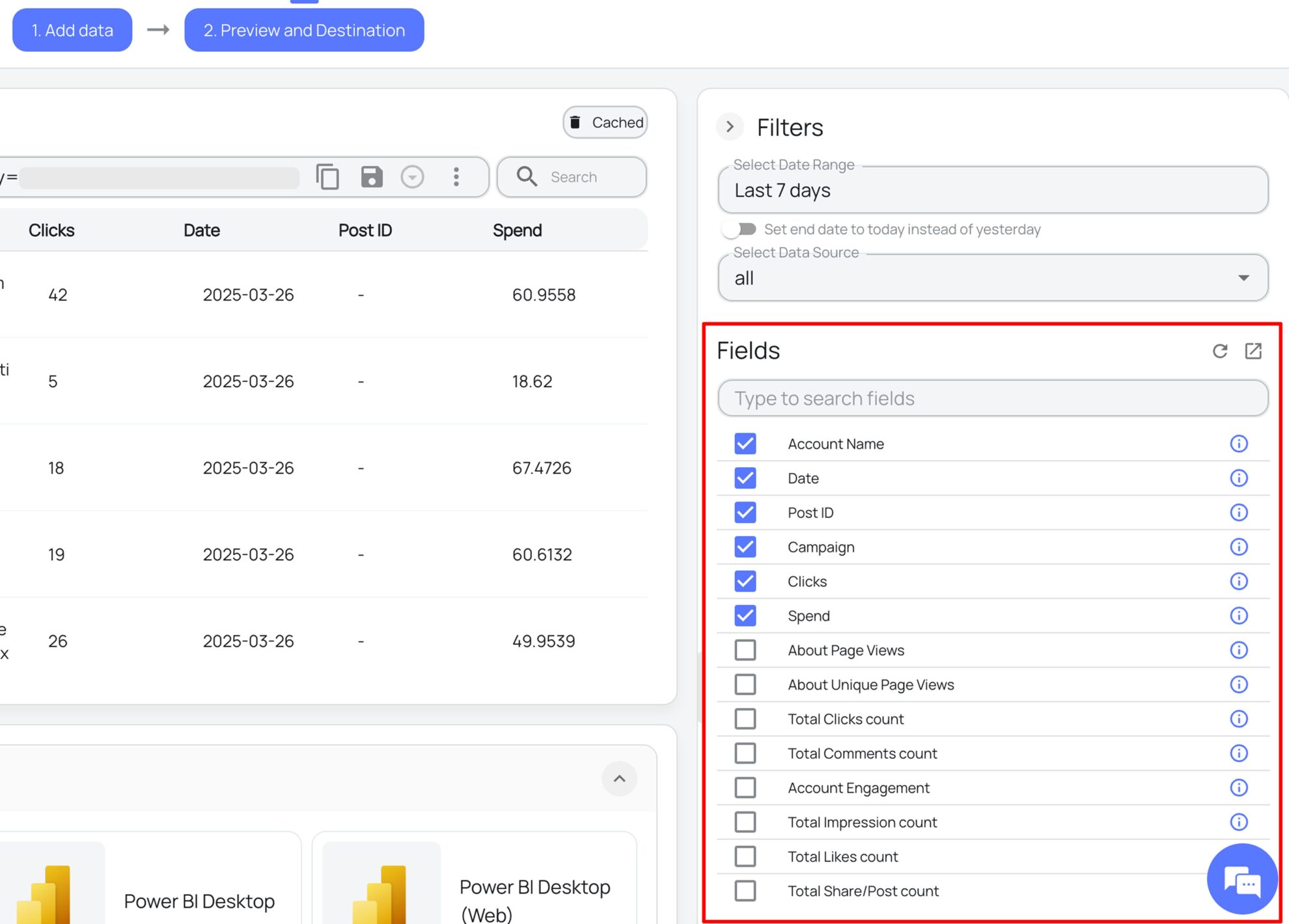
Select the reporting metrics and dimensions
Choose the Gemius fields you want to import into Data Studio on the right side and preview your data before export.
Select Data Studio as your data destination
Scroll down to the list of data destinations and click Data Studio. Install the Windsor.ai connector by authorizing your account, selecting the required Gemius account(s), and clicking Connect → Create Report.

FAQs
What is Data Studio?
Data Studio (Looker Studio) is a free Google data visualization and business intelligence tool, bringing together data from multiple sources like CRMs, Google Analytics, marketing platforms, and spreadsheets to turn raw data into dynamic charts, graphs, and tables for detailed analysis. With Data Studio and Windsor.ai integration, you can automate reporting, customize metrics to suit your business goals, track key performance indicators, and connect with other Google Cloud tools for enhanced analytical operations.
Do you have helpful links to get started with integrating Gemius and Data Studio using Windsor.ai?
Yes, we have helpful resources to help you get started. You can explore our official documentation and ready-to-use templates for seamless Gemius to Data Studio integration with Windsor.ai:
How much time do I need to create the Gemius and Data Studio integration?
Using Windsor.ai’s no-code ETL connector, you can integrate Gemius with Data Studio in a few minutes, benefiting from a quick and stress-free setup process.
How much does it cost to integrate Gemius into Data Studio with Windsor.ai?
Windsor.ai’s pricing for integrating Gemius with Data Studio depends on the number of data sources and accounts you manage. We offer transparent pricing plans tailored to diverse business needs and budgets.
Tired of manual Gemius data exports? Try Windsor.ai today to automate your reporting


