 Destinations
 Data sources
 AI insights
 About us
 Careers
 Security
 Customer reviews
 Contact us
 Affiliate program
 Solution partners
 Template gallery
 Looker Studio templates
 Power BI templates
 Excel templates
 Google Sheets templates
 Tableau templates
 Facebook Ads templates
 Google Ads templates
 Data fields & Metrics
 AI prompt library & Guides
 Product documentation
 API documentation
 Case studies
 Blog
Blog Data models
 Windsor vs Supermetrics
 Windsor vs Funnel.io
 Windsor vs Fivetran
 Windsor vs Rivery
 Windsor vs Portermetrics
 Windsor vs Coupler.io
Connect GitLab to BigQuery
Integrating GitLab data into BigQuery is easy when you use Windsor.ai. The connector helps you to automatically sync data without writing or maintaining code. Windsor.ai is fast and easy to use.
Forget CSVs. Stop copy/paste. Connect data in 2 minutes. No code required.
 Sign up with Google
 Free forever plan
No credit card needed
Free forever plan
No credit card needed









Why do I need GitLab and BigQuery integration?
Integration of GitLab and BigQuery helps you manage your Git resources. The integration has many benefits, which include the following:

Building automated reporting dashboards
The integration of GitLab and BigQuery transfers data to a cloud-based database for storage, backup, and analytics. Further, the storage powers your software development process by enabling the creation of live dashboards to monitor all your GitLab projects from a single dashboard. The dataflows and business intelligence features in BigQuery help automate reports.

Accelerate software development through data
You can build express dashboards to monitor and track issues in software development. With the express dashboards, you can respond to problems in real time and speed up the software delivery process. More importantly, you can use the dashboards to monitor performance across teams and implement control measures to ensure that your software development projects are delivered on time. If you are working on multiple projects at the same time, the integration of BigQuery and GitLab helps you to optimize productivity.

Monitor your code reviews for software feature insights
One of the critical functions of GitLab is helping you generate reviews about your software objects and features. That process can create a lot of data. As a result, you need advanced business intelligence tools to analyze the data from reviews. Integrating GitLab and BigQuery helps you with that analysis because the cloud storage has embedded business intelligence tools that you can use to analyze your data. Further, the destination also has machine learning and artificial intelligence capabilities to enhance your insights. The impact is a better software development process that considers all data insights from your reviews.
Using Windsor.ai connector to import data from GitLab into BigQuery
Integrating GitLab data into BigQuery is easy when you use Windsor.ai. The connector helps you to automatically sync data without writing or maintaining code.
Once you go through the setup steps, the data is automatically populated into your BigQuery account.















How to connect GitLab to BigQuery with Windsor.ai
Follow these steps to sync your GitLab data into BigQuery with Windsor.ai.
Note: as a connector URL, you can use any URL providing a JSON. Either from the connectors or, for example, a URL with cached and transformed data.
1. Register
Register or login if you already have an account.

2. Select your source
You need to select GitLab as a Data Source and Grant Access to Windsor.ai.

3. Select Destination
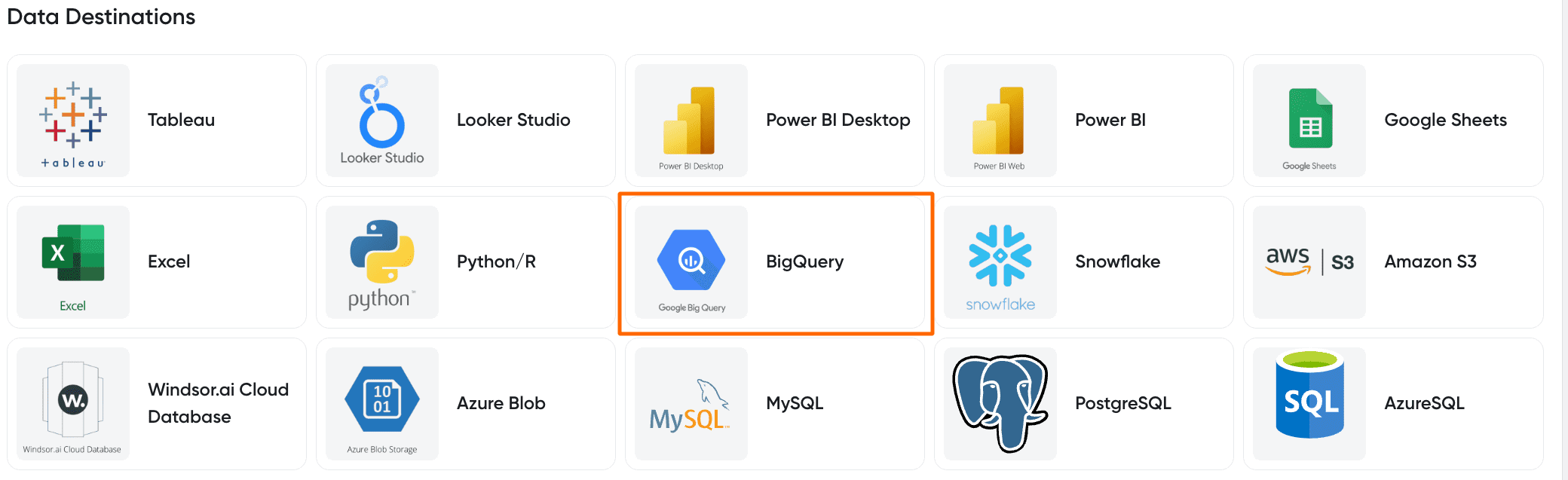
Choose BigQuery as the destination.
4. Create a destination task
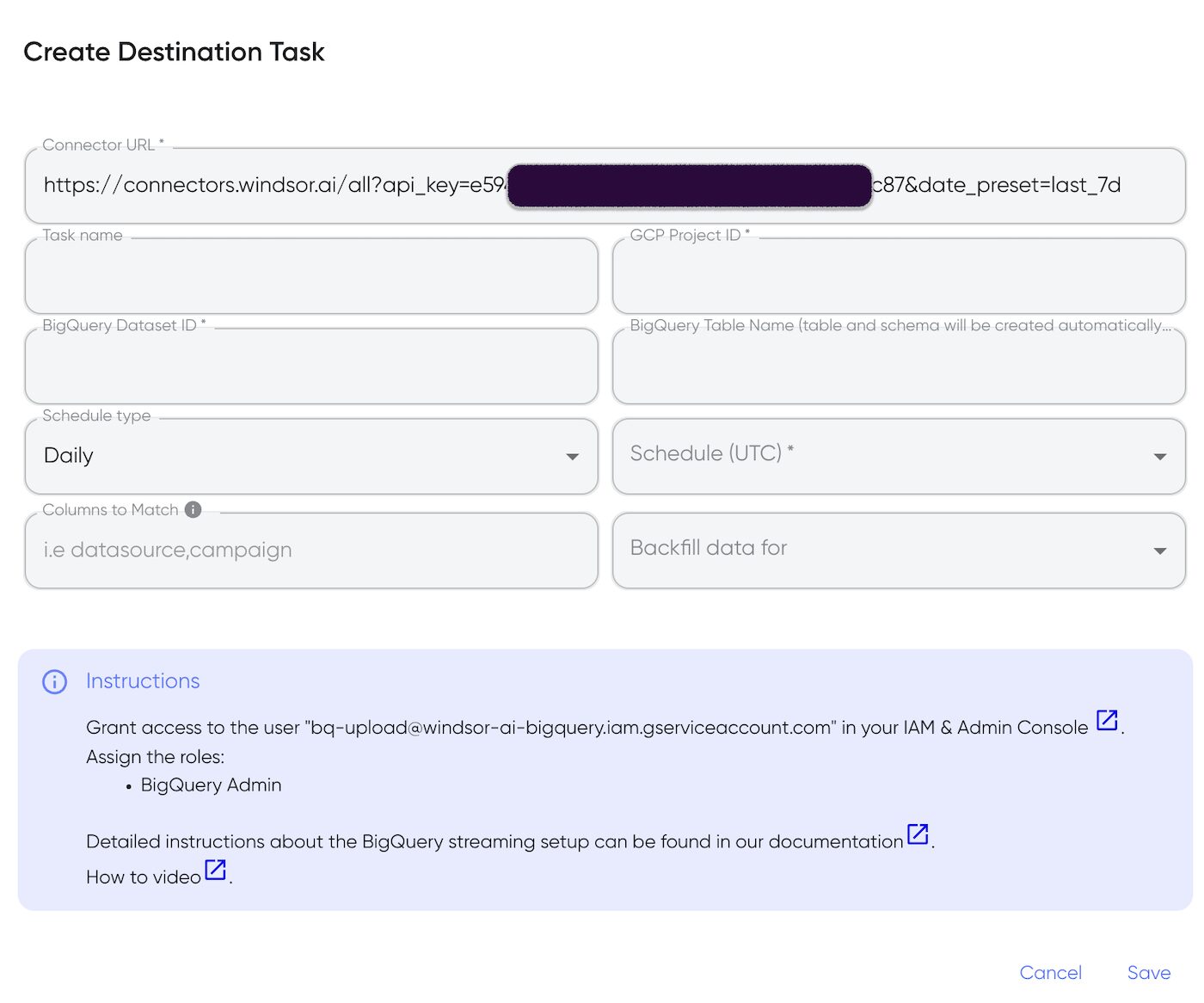
Click the Add Destination Task Button and fill out the necessary fields.
5. Sync your Data
In the final step, grant access to the user: [email protected]. That’s all!
Once you go through these steps, you will see that the data is automatically populated into your BigQuery account.
FAQs
What is BigQuery?
BigQuery is a cloud-based data storage platform created to help businesses in managing large datasets. Being a cloud-based service means it is highly scalable, and the company can subscribe to the resources that meet its data needs. BigQuery has built-in business intelligence tools and incorporates machine learning and artificial intelligence. Users of BigQuery don’t have to worry about infrastructure maintenance or system updates; the platform also guarantees 99.99% uptime.
Tired of manual GitLab data exports? Get started with Windsor.ai today to automate your reporting


