 Destinations
 Data sources
 AI insights
 About us
 Careers
 Security
 Customer reviews
 Contact us
 Affiliate program
 Solution partners
 Template gallery
 Looker Studio templates
 Power BI templates
 Excel templates
 Google Sheets templates
 Tableau templates
 Facebook Ads templates
 Google Ads templates
 Data fields & Metrics
 AI prompt library & Guides
 Product documentation
 API documentation
 Case studies
 Blog
Blog Data models
 Windsor vs Supermetrics
 Windsor vs Funnel.io
 Windsor vs Fivetran
 Windsor vs Rivery
 Windsor vs Portermetrics
 Windsor vs Coupler.io
Connect Google Ad Manager to Google Sheets
Easily import your Google Ad Manager data into Google Sheets with the Windsor.ai ETL connectors.
Our platform automates Google Ad Manager reporting, allowing publishers to track ad inventory and performance, and make smarter monetization decisions.
Forget CSVs. Stop copy/paste. Connect data in 2 minutes. No code required.
 Sign up with Google
 Free forever plan
No credit card needed
Free forever plan
No credit card needed










Make the most out of your data with Google Ad Manager to Google Sheets integration
Integrating Google Ad Manager with Google Sheets via Windsor.ai lets you analyze inventory, revenue, and delivery performance in a familiar, collaborative workspace with benefits like:

Automate reporting
Automatically sync Google Ad Manager data into Google Sheets, eliminating manual exports and repetitive reporting tasks. Keep impressions, clicks, revenue, and delivery metrics continuously updated and ready for analysis.

Forecast revenue
Analyze historical data, trends, and seasonal patterns in Google Sheets using charts, pivot tables, and formulas. Use these insights to build informed revenue forecasts and plan inventory with confidence.

Improve inventory yield visibility
Evaluate ad unit and line item performance across fill rate, eCPM, and revenue to see which inventory performs best. Identify underperforming placements and capitalize on yield opportunities to improve monetization efficiency.
Using Windsor.ai connector to import data from Google Ad Manager into Google Sheets
Integrating Google Ad Manager with Google Sheets often requires manual exports, fragile scripts, or costly tools. Windsor.ai removes this complexity with a no-code ELT connector that automates the entire data flow.
In just a few clicks, our platform syncs Google Ad Manager data into Google Sheets, providing publishers with a reliable, always-up-to-date foundation for analysis and monetization insights.















How to connect Google Ad Manager to Google Sheets in Windsor.ai
Make sure you have the following prerequisites before setting up the connector:
- Google Ad Manager account
- Google Sheets document
- Active Windsor.ai account
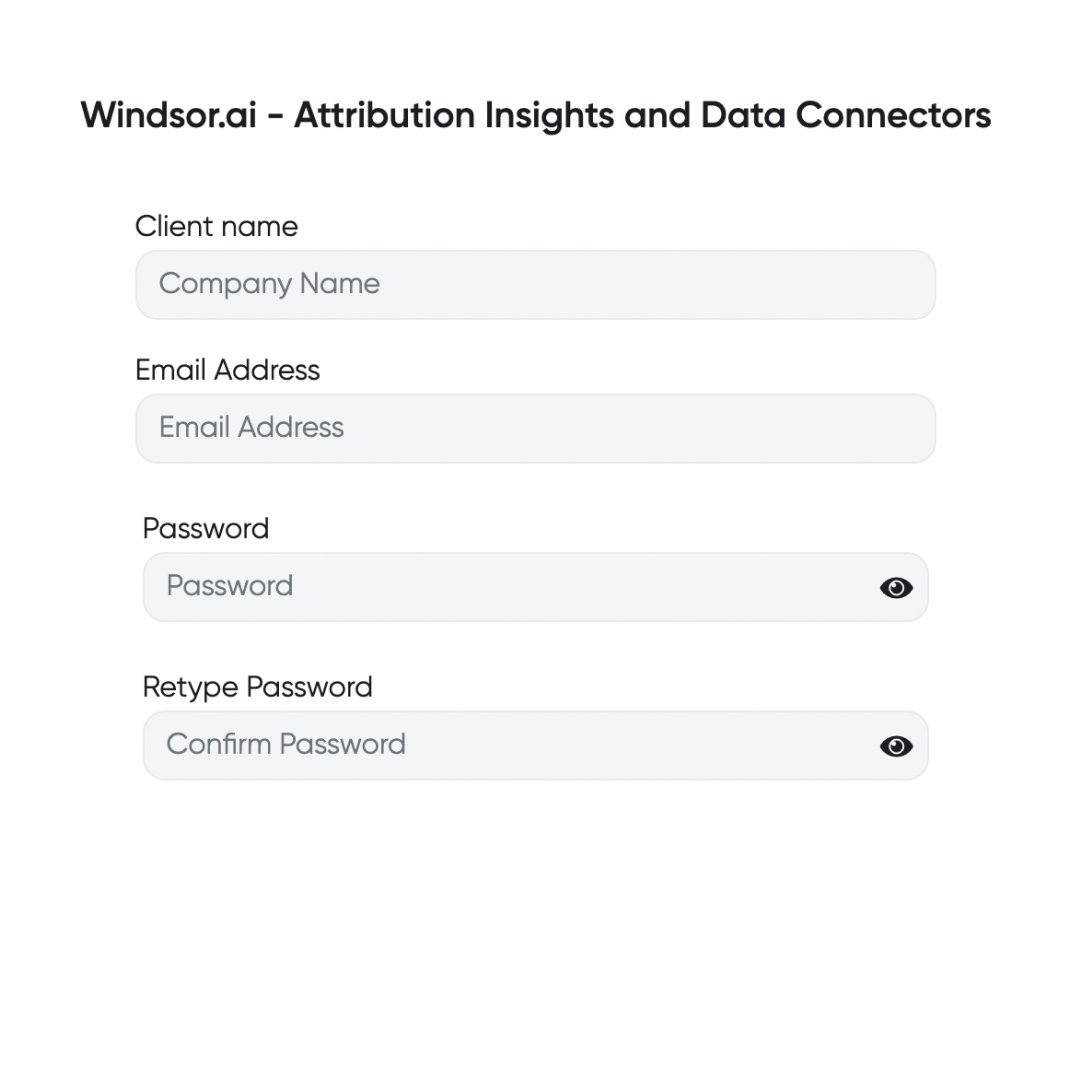
Register and log in to Windsor.ai
Create a new Windsor.ai account or log in if you already have one.
Select your data source
Choose Google Ad Manager as your data source and grant access to Windsor.ai.

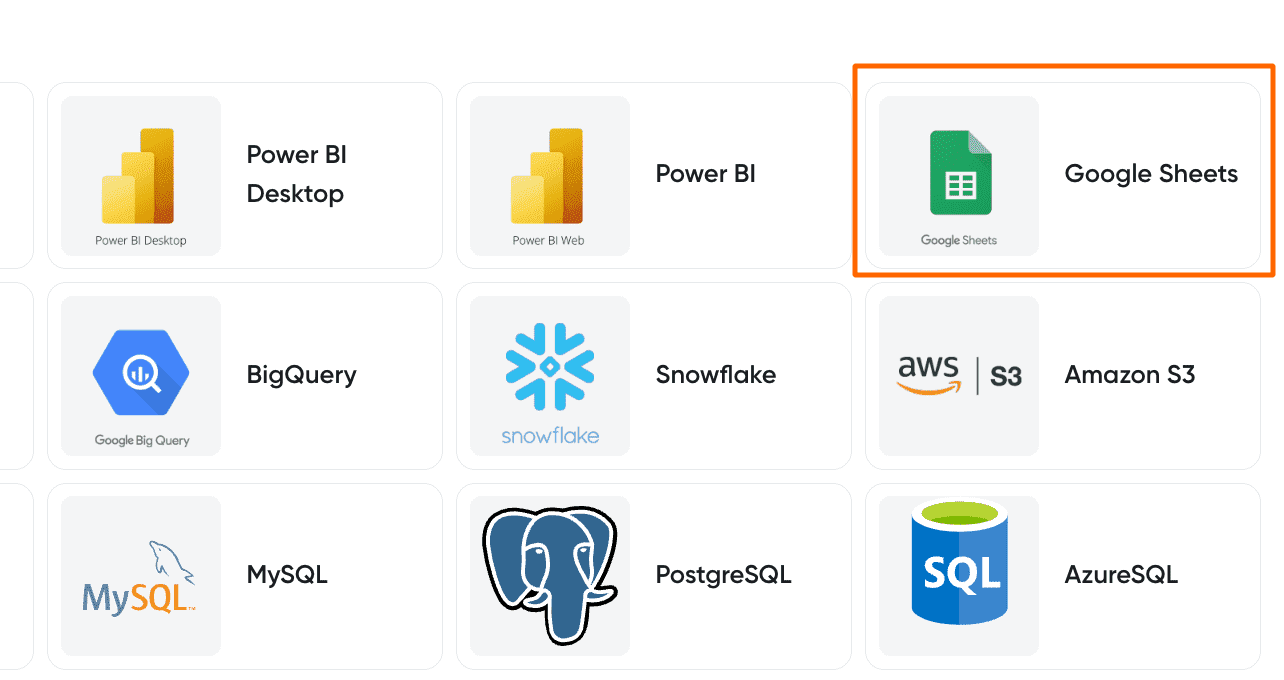
Select your destination
Set Google Sheets as the destination for your data.
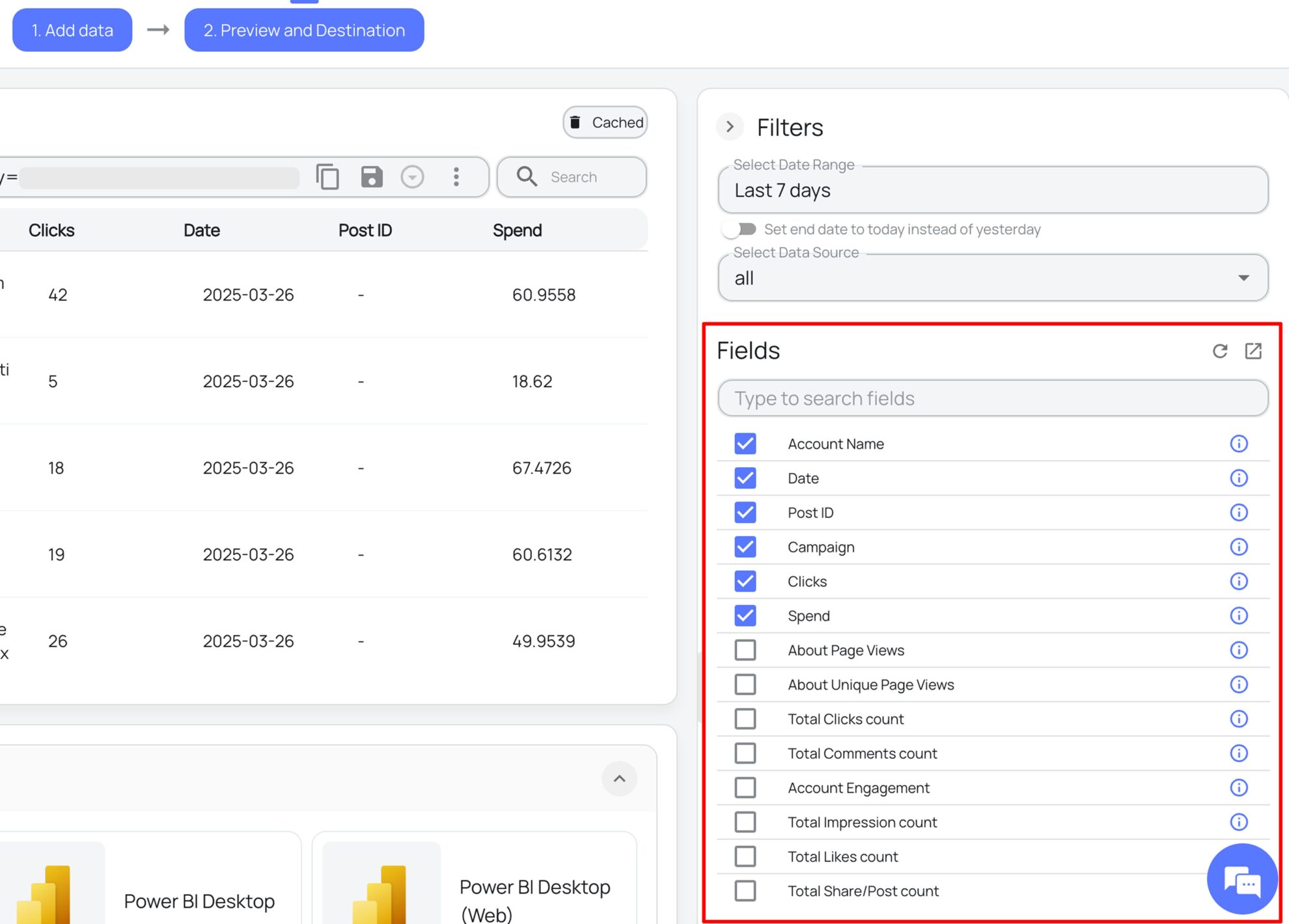
Select the reporting metrics and dimensions
Choose the data fields that you wish to show in your spreadsheet.
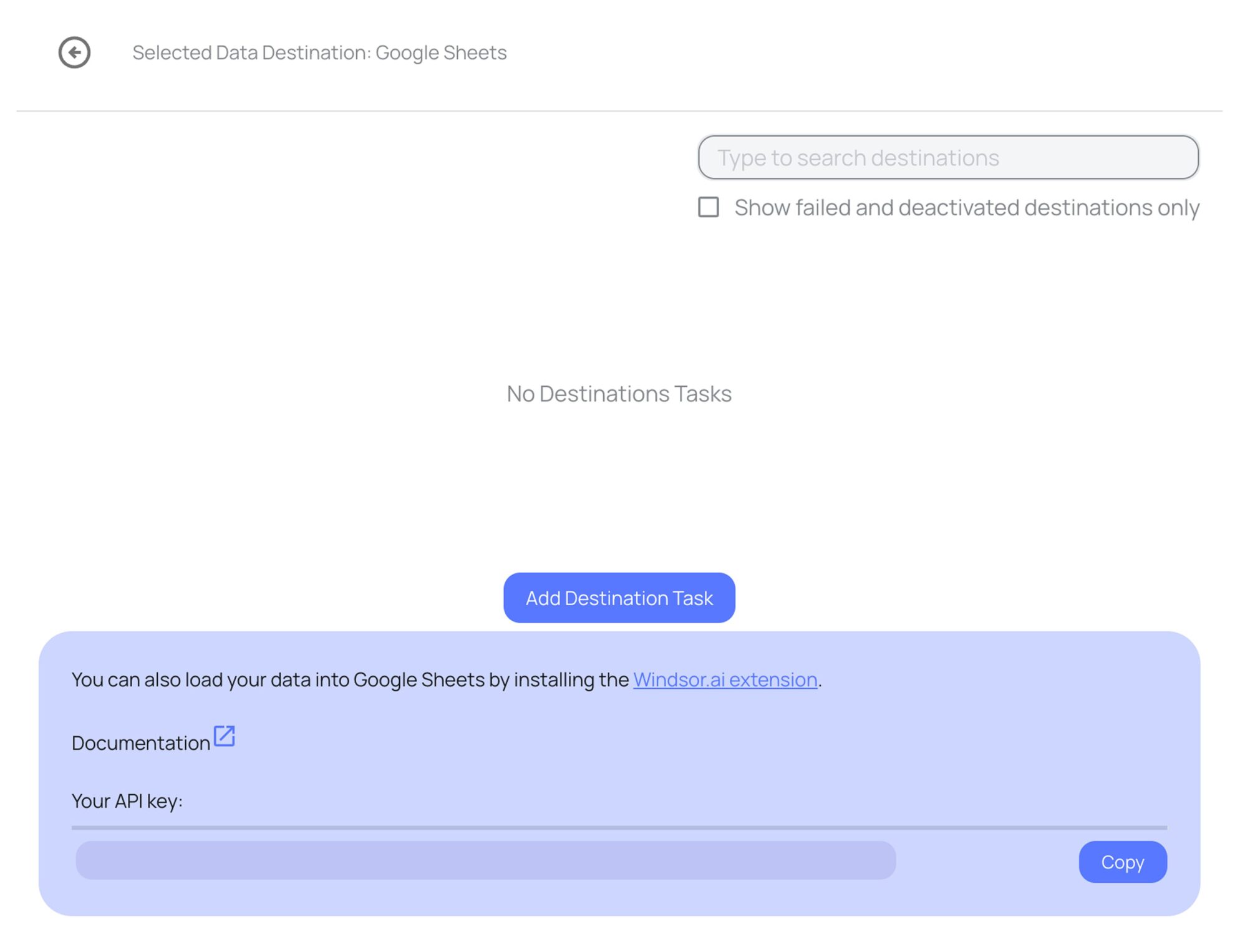
Follow the setup instructions to complete the integration
Depending on the integration method you choose, set up the connection by following the prescribed steps, whether through an extension or directly via an in-app destination task.
FAQs
What is Google Sheets?
Google Sheets is a free, cloud-based spreadsheet tool from Google that allows users to create, manage, and analyze data effortlessly. Known for its user-friendly interface, it offers robust collaboration features, enabling multiple users to work on the same sheet simultaneously and fostering teamwork. With its ability to handle large datasets, Google Sheets is an ideal solution for businesses managing large datasets.
Do you have helpful links to get started with integrating Google Ad Manager and Google Sheets using Windsor.ai?
Yes, we have helpful resources to help you get started. You can explore our official documentation and ready-to-use templates for seamless Google Ad Manager to Google Sheets integration with Windsor.ai:
How much time do I need to create the Google Ad Manager and Google Sheets integration?
Windsor.ai provides a user-friendly interface and a robust data connector that extracts, transforms, and loads Google Ad Manager data into Google Sheets in under 5 minutes, making the process quick and hassle-free.
How much does it cost to integrate Google Ad Manager into Google Sheets with Windsor.ai?
Windsor.ai’s pricing for Google Ad Manager to Google Sheets data integration can vary depending on your use case and data volume. We offer absolutely transparent, volume-based event pricing plans for diversified business needs and budgets.
Tired of manual Google Ad Manager data exports? Try Windsor.ai today to automate your reporting


