 Destinations
 Data sources
 AI insights
 About us
 Careers
 Security
 Customer reviews
 Contact us
 Affiliate program
 Solution partners
 Template gallery
 Looker Studio templates
 Power BI templates
 Excel templates
 Google Sheets templates
 Tableau templates
 Facebook Ads templates
 Google Ads templates
 Data fields & Metrics
 AI prompt library & Guides
 Product documentation
 API documentation
 Case studies
 Blog
Blog Data models
 Windsor vs Supermetrics
 Windsor vs Funnel.io
 Windsor vs Fivetran
 Windsor vs Rivery
 Windsor vs Portermetrics
 Windsor vs Coupler.io
Connect Google Business Profile to Lovable
Automatically sync your Google Business Profile data to Lovable using the Windsor.ai connector.
Build custom local search analytics apps in Lovable with a single prompt. Track impressions, reviews, and customer actions across all your locations to grow your local presence.
Forget CSVs. Stop copy/paste. Connect data in minutes. No code required.
 Sign up with Google
 Free forever plan
No credit card needed
Free forever plan
No credit card needed










Unlock deeper insights with Google Business Profile data in Lovable
Windsor MCP pulls your live GBP data straight into Lovable, so your analysis takes seconds, not hours. Explore key use cases below:

Identify peak visibility days
Compare daily impressions across Search and Maps to pinpoint which days of the week your profile gets the most exposure. Use this to time local posts and promotions when your audience is already looking.

Monitor review score trends
Pull average star rating by month for each location and surface any drops before they compound. Get the full text of low-rated reviews grouped by theme so you can respond systematically.

Find untapped search keywords
Combine Google Business Profile with Google Ads via Windsor.ai to extract the exact terms people searched to find your listing, ranked by monthly search volume. Spot high-volume keywords you’re not yet bidding on and turn free discovery intent into paid conversions.

Track booking and order volume
Measure business bookings and food orders flowing through your GBP profile week-over-week. Correlate spikes with specific posts or promotions to replicate what drove them.

Compare all your locations in one place
Analyze multiple Google Business Profile locations in custom Lovable dashboards. Get a side-by-side view of impressions, calls, direction requests, and review scores across all your locations, without manual data wrangling or jumping between tools.
Using Windsor.ai to connect data from Google Business Profile to Lovable
Connecting Google Business Profile data into Lovable usually requires manual exports, data cleanup, or expensive third-party tools. Windsor.ai removes this friction with an MCP connector that automatically pulls, normalizes, and streams your impressions, clicks, direction requests, search keywords, and review data into Lovable.
Ask questions in plain language and build live dashboards for your entire local presence in seconds.
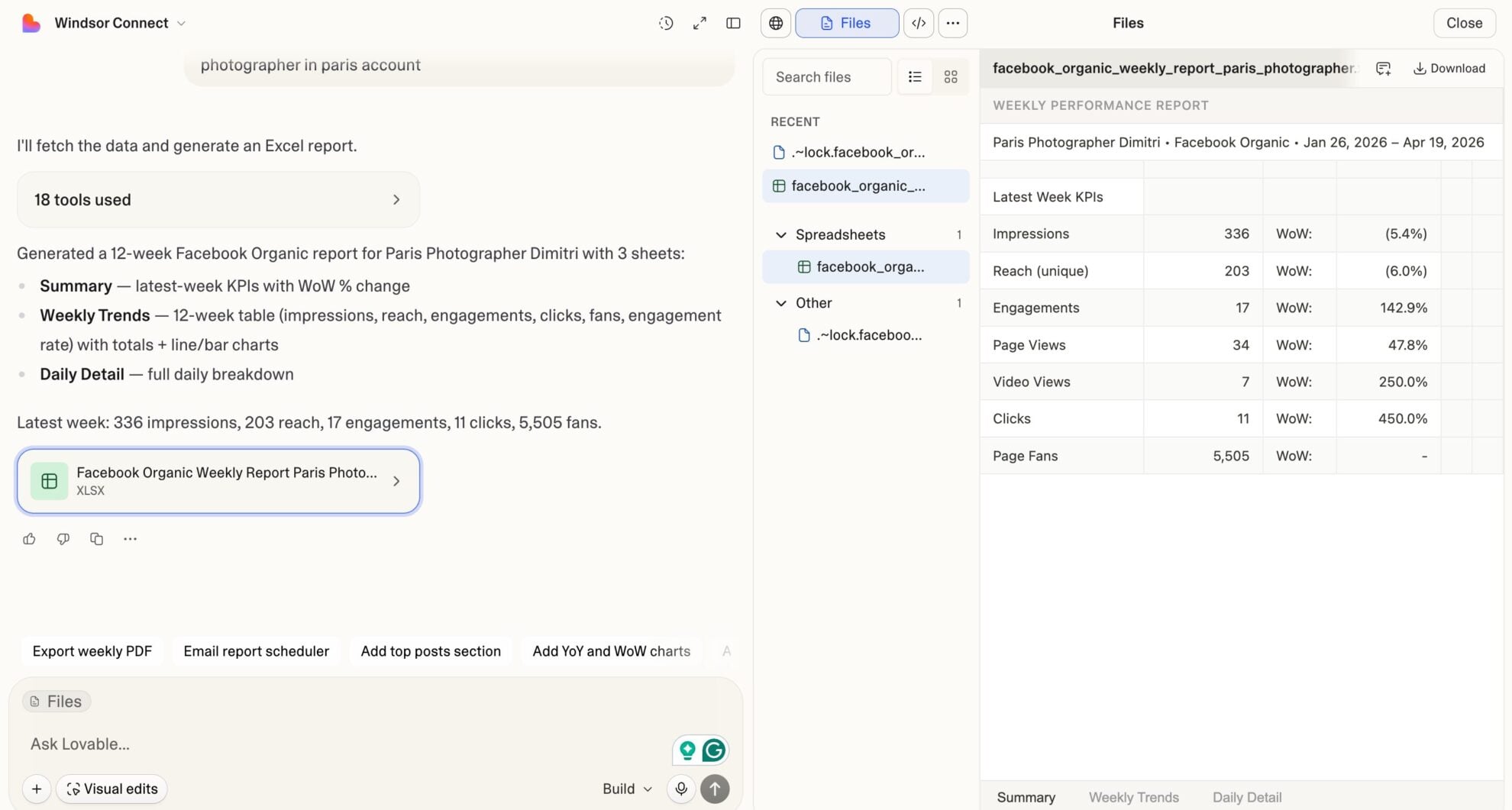














How to connect Google Business Profile to Lovable with Windsor.ai
Explore our video tutorial and a step-by-step guide to integrate your Google Business Profile data into Lovable with the Windsor.ai connector.
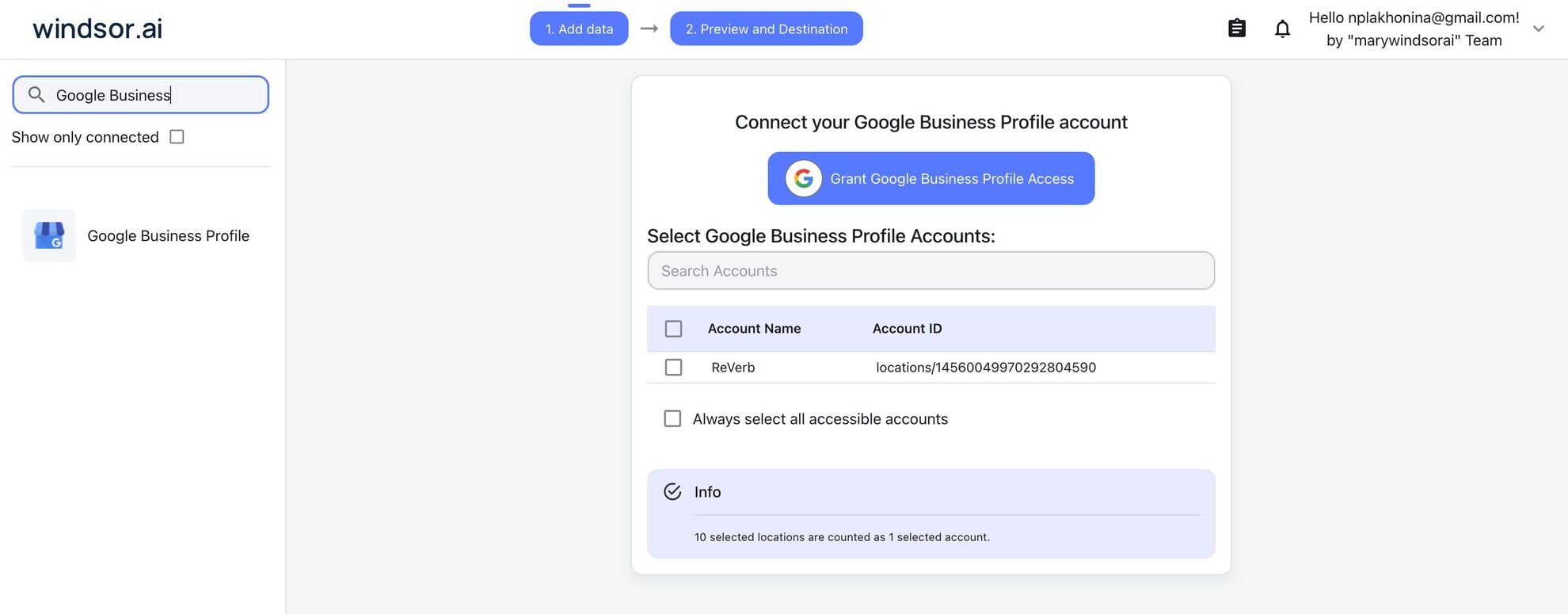
Select your data source
Choose Google Business Profile as your data source and grant access to Windsor.ai.
Select custom connector in Lovable
In Lovable, open Connectors and select Custom MCP.

Add MCP server
Enter the following details:
- Name: Windsor.ai
- URL: https://mcp.windsor.ai/
Click Add & Authorize to save the connector and authorize access to Windsor.ai.

Authorize and start querying your data
Once added, Windsor will appear in your list of connectors. Enable Always allow permissions for faster access.
Open a new chat and start querying your connected data.

FAQs
What can I do with Google Business Profile data in Lovable?
Once your Google Business Profile data is in Lovable, you can:
- Track local visibility: See how many people found your business on Google Search and Maps, broken down by desktop vs. mobile.
- Analyze customer actions: Measure call clicks, website clicks, and direction requests to understand what drives real-world intent.
- Monitor reviews: Pull star ratings, review counts, and individual review text to stay on top of your reputation.
- Identify search terms: See the exact keywords people used to find your listing and spot new content or ad opportunities.
- Evaluate local posts: Check which posts drove CTA clicks and compare performance across STANDARD, EVENT, OFFER, and ALERT post types.
- Compare locations: If you manage multiple locations, benchmark impressions and actions side by side across all of them.
Can I connect multiple Google Business Profile locations at once?
Yes. Windsor.ai pulls data across all locations in your account, with location_id, location_title, and location_address_* fields available per row, so you can filter, group, and compare any set of locations in Lovable.
Can I combine Google Business Profile data with other sources in Lovable?
Yes. Windsor MCP lets you blend GBP data with 350+ data sources like Google Ads, GA4, Facebook Ads, or TikTok in the same Lovable session. Ask questions like ‘Did my Google Ads spend lift direction requests at my NYC location this quarter?’ and get cross-channel insights instantly.
Can I analyze my Google Business Profile review sentiment in Lovable?
Yes. Windsor pulls the full review_comment text, star rating, reviewer name, create/update timestamps, and your reply text. In Lovable, you can ask the AI to summarize sentiment trends, flag negative reviews from a specific period, identify recurring complaint themes, or generate draft replies.
Can I build a Google Business Profile dashboard in Lovable with Windsor.ai?
Yes. Once your GBP data flows through Windsor MCP, just describe what you want in plain language, and Lovable builds the dashboard. You can refine it with follow-up prompts, then publish it as a shareable web app your whole team can access, no manual exports or dev work required.
What prompts can I use to analyze my Google Business Profile data in Lovable?
Beyond basic performance summaries, you can use more advanced, specific prompts to uncover deeper insights. For example:
-
For each of my locations over the past 90 days, build a funnel showing: total impressions, website clicks, call clicks, and direction requests. Calculate the drop-off rate at each stage and rank locations by overall conversion efficiency.
-
Compare mobile Search impressions vs. desktop Search impressions month-over-month for the past 6 months across all locations. Identify any locations where mobile share is declining; those may need mobile-specific profile optimizations.
-
Pull all search keywords from the last 3 months. For keywords with high search_keyword_value but low corresponding direction requests or website clicks, flag them as visibility-without-action terms. These are my biggest GBP conversion leakage points.
-
Analyze all review comments from the past 12 months. Identify the 5 most frequently mentioned positive themes and the 5 most frequently mentioned negative themes. Show how average star rating has trended month-by-month. Flag any months where rating dropped by more than 0.3 stars.
-
Analyze all local posts from the past 6 months. Correlate post topic type (STANDARD, EVENT, OFFER, ALERT) and CTA type (BOOK, ORDER, CALL, LEARN_MORE, SIGN_UP) with CTA click volume. Which combination of post type + CTA type drives the highest click rate, and at what day of week posts were published when performance peaked?
Do you have helpful links to get started with integrating Google Business Profile and Lovable using Windsor.ai?
Yes, we have helpful resources to help you get started. You can explore our official documentation and tutorials for seamless Google Business Profile to Lovable integration with Windsor.ai:
Tired of manual Google Business Profile data exports? Try Windsor.ai today to automate your reporting


