 Destinations
 Data sources
 AI insights
 About us
 Careers
 Security
 Customer reviews
 Contact us
 Affiliate program
 Solution partners
 Template gallery
 Looker Studio templates
 Power BI templates
 Excel templates
 Google Sheets templates
 Tableau templates
 Facebook Ads templates
 Google Ads templates
 Data fields & Metrics
 AI prompt library & Guides
 Product documentation
 API documentation
 Case studies
 Blog
 Data models
 Windsor vs Supermetrics
 Windsor vs Funnel.io
 Windsor vs Fivetran
 Windsor vs Rivery
 Windsor vs Portermetrics
 Windsor vs Coupler.io
Connect LineLeader to Data Studio
Bring your LineLeader data into Data Studio with Windsor.ai, so your reports read live lead records.
Pick the LineLeader fields you need, and Windsor.ai keeps them flowing without a CSV export in between.
Forget CSVs. Stop copy/paste. Connect in minutes. No code required.
 Sign up with Google
 Free forever plan
No credit card needed










Get your LineLeader data into Data Studio
LineLeader is connected once in Windsor.ai, and these are the use cases the fields support:

See the pipeline by center
Count families by Lead Status for each Center, so you can compare how enrollment is moving across locations instead of opening each center’s view in turn.

Find out which sources bring families in
Group leads by Lead Origin and Inquiry Type to see which routes, such as Self-Scheduled Tour, produce the most inquiries at each center.

Watch inquiry volume over time
Use Date, the day each lead was created, to count new inquiries by week or month and see how this period compares with the last one.
Using Windsor.ai to connect data from LineLeader to Data Studio
Windsor.ai moves your LineLeader fields into Data Studio on a connection you set up once, so the reports stay on live records rather than a CSV someone exported last week.
Pick the fields you need and Windsor.ai handles the rest.
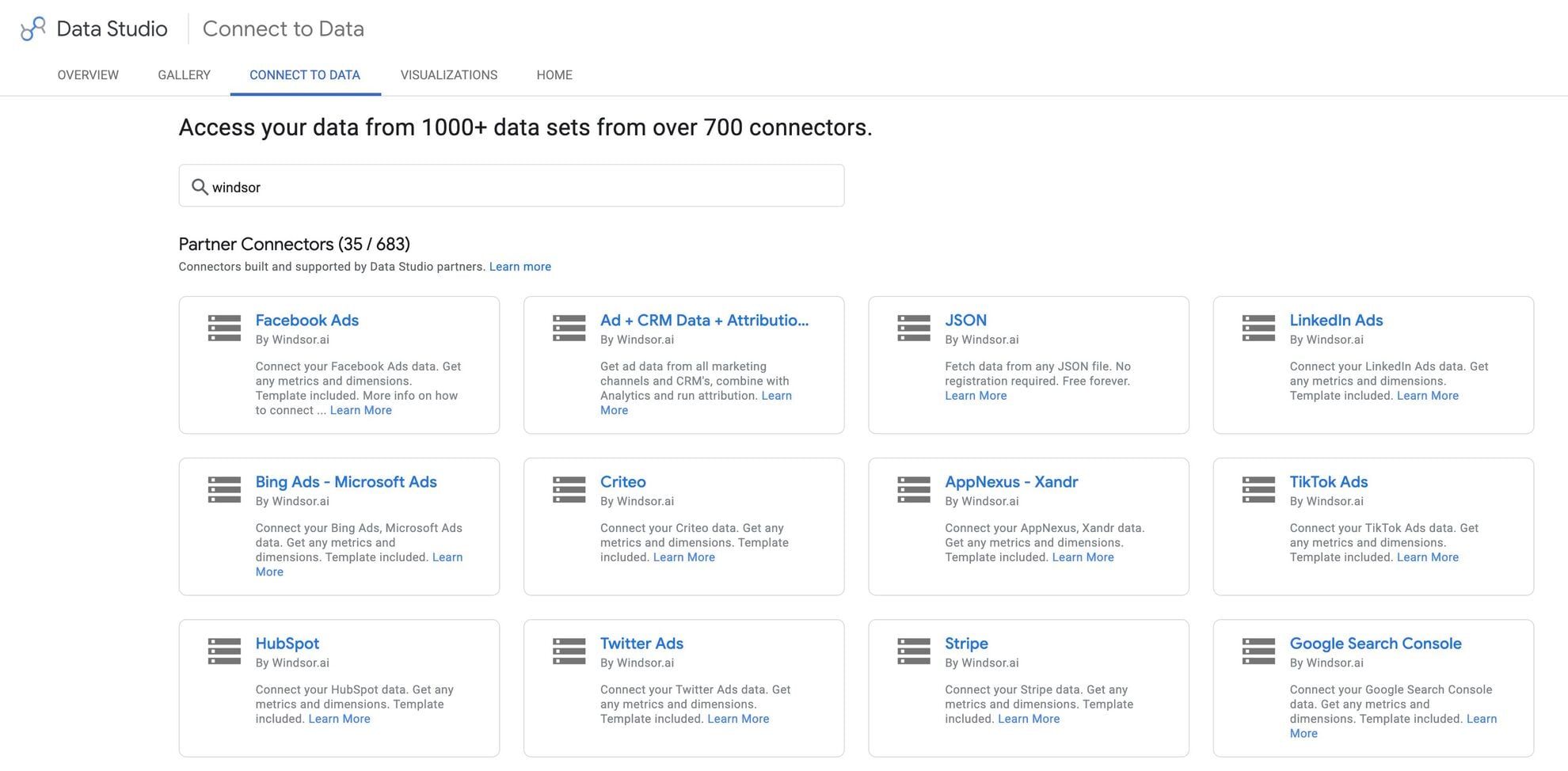


How to connect LineLeader to Data Studio with Windsor.ai
Explore a step-by-step guide to integrate your LineLeader data into Data Studio with the Windsor.ai connector.
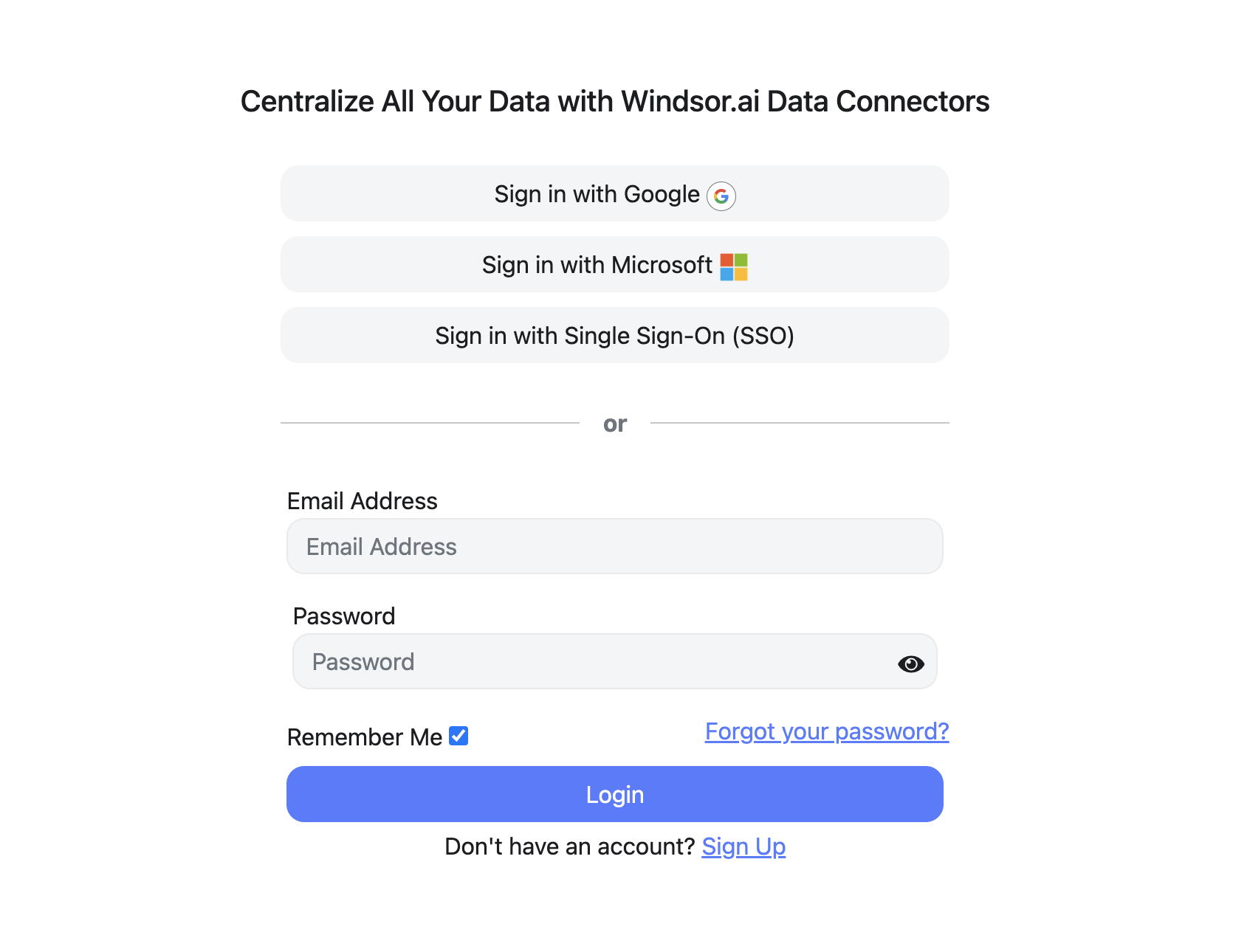
Register and log in to Windsor.ai
Create a new Windsor.ai account or log in if you already have one.
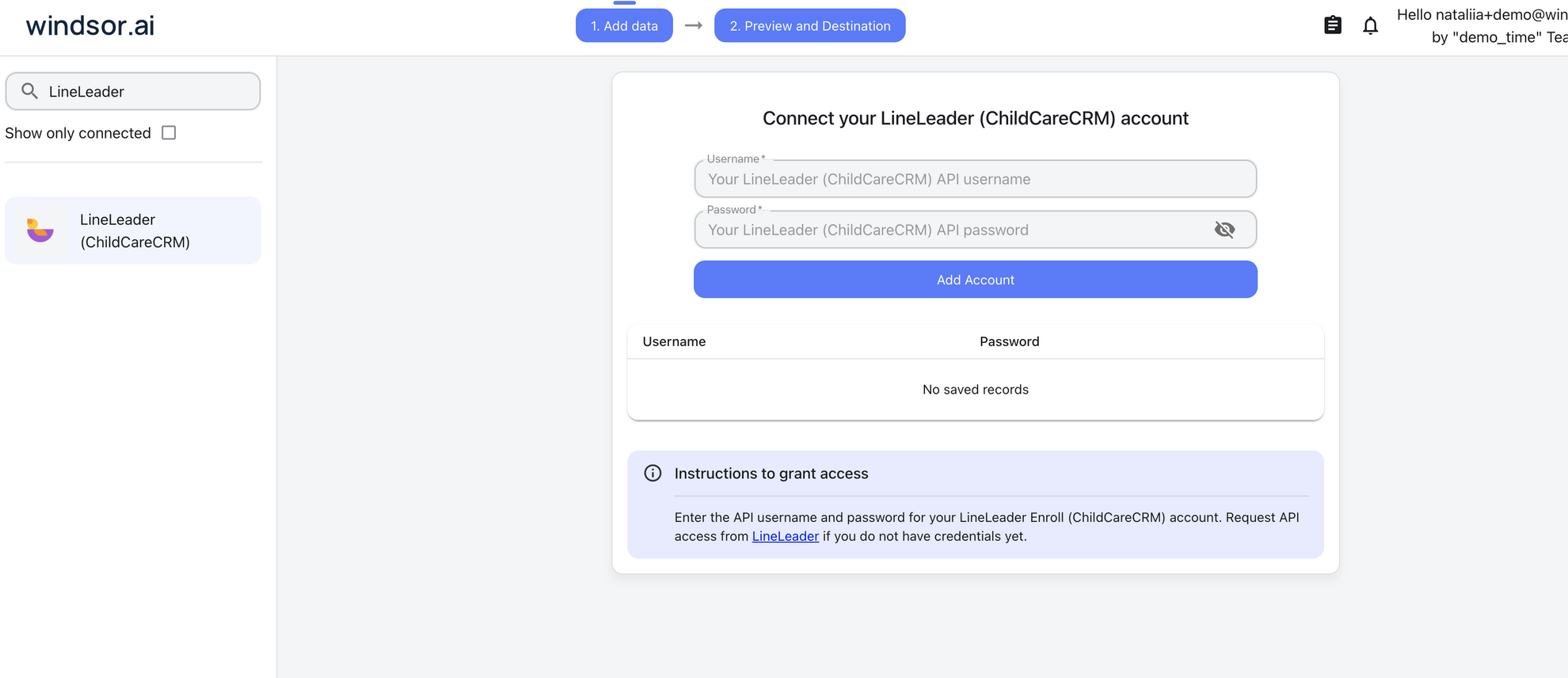
Select your data source
Choose LineLeader as your data source and sign in with your LineLeader username and password.
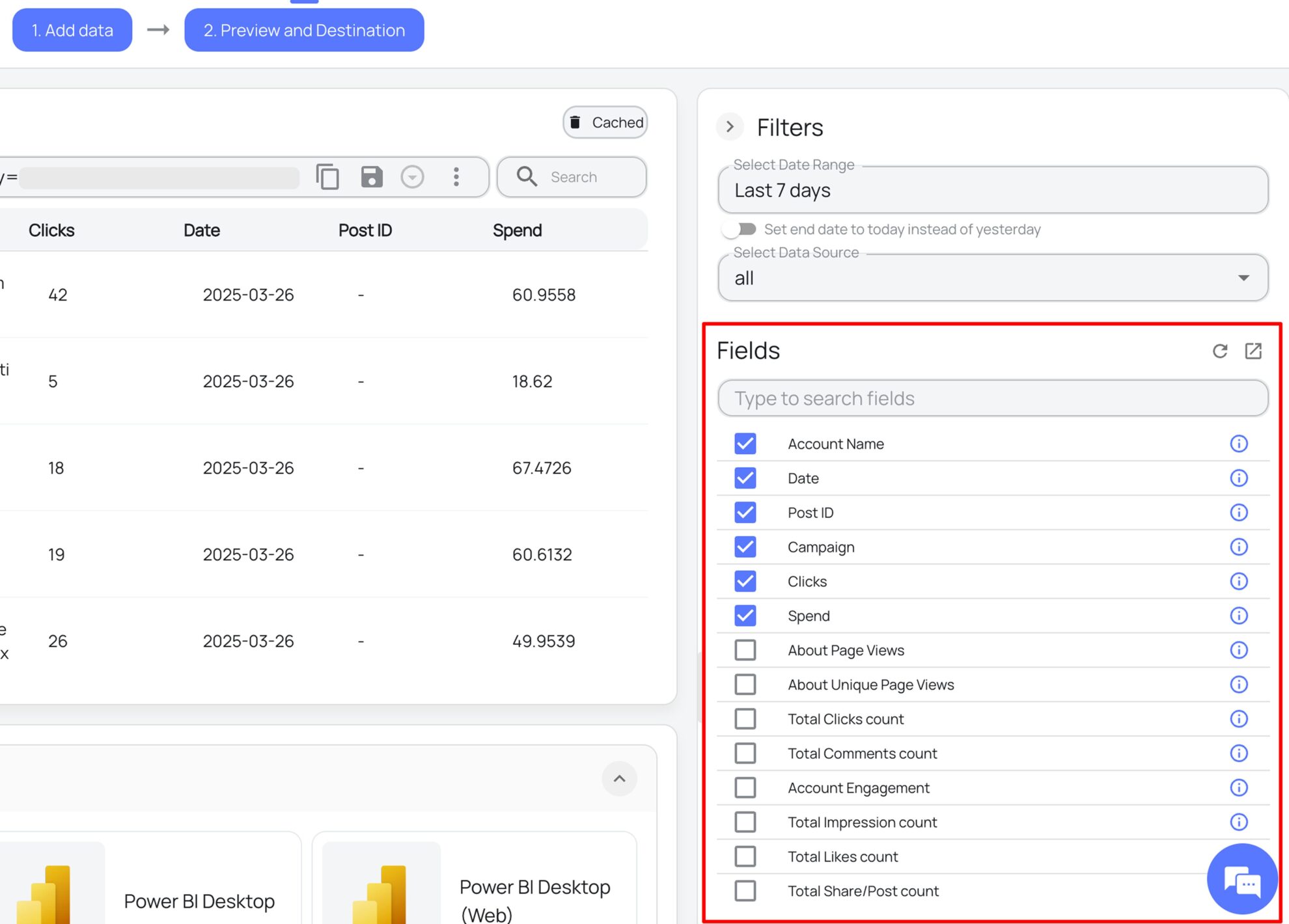
Select the reporting fields
Choose the LineLeader fields you want in Data Studio on the right side, and preview your data before export.
Select Data Studio as your data destination
Scroll down to the list of data destinations and click Data Studio. Install the Windsor.ai connector by authorizing your account, selecting the required LineLeader account(s), and clicking Connect, then Create Report.

FAQs
What LineLeader data can I load into Data Studio?
Windsor.ai gives access to 31 LineLeader fields. These are the groups; the LineLeader field reference lists all of them:
- Leads and families: Family ID, Contact Name, Contact Email, Contact Phone.
- Pipeline stage: Lead Status, for example Enrolled.
- Lead source: Lead Origin and Lead Origin ID, for example Self-Scheduled Tour.
- Inquiry detail: Inquiry Type.
- Location: Center and Center ID.
- Time and account: Date (the date the lead was created), Account ID, Account Name.
How does Windsor.ai load LineLeader data into Data Studio?
Windsor.ai provides a Data Studio connector. You authorize it once, select your LineLeader account and the fields you want, and build the report on live data.
Does the LineLeader connector include family contact details?
Yes. Contact Name, Contact Email and Contact Phone are available fields on the family record, alongside Family ID and Center. Pick only the fields a report needs, and leave the contact fields out of reports that are shared widely.
Can I combine LineLeader data with other sources in my reports?
Yes. Windsor.ai supports 350+ data sources, so LineLeader data can sit next to other connected sources in the same reports. For example, ask for Google Ads Cost by campaign next to the count of LineLeader leads by Lead Origin for the same weeks, so paid spend and inquiry volume sit in one table.
Do I need to code to connect LineLeader to Data Studio?
No. You connect LineLeader in the Windsor.ai dashboard, pick the fields you want, and Windsor.ai handles the transfer.
How much does it cost to integrate LineLeader with Data Studio using Windsor.ai?
The free forever plan covers 1 data source, so connecting LineLeader on its own costs nothing and needs no credit card. Combining LineLeader with other sources needs a paid plan: $19/month for 3 sources or $99/month for 7. See the pricing page.
Do you have helpful links to get started with LineLeader and Data Studio?
Yes. These are the resources to start with for the LineLeader to Data Studio integration:
Tired of manual LineLeader data exports? Try Windsor.ai today to work on live data


