 Destinations
 Data sources
 AI insights
 About us
 Careers
 Security
 Customer reviews
 Contact us
 Affiliate program
 Solution partners
 Template gallery
 Looker Studio templates
 Power BI templates
 Excel templates
 Google Sheets templates
 Tableau templates
 Facebook Ads templates
 Google Ads templates
 Data fields & Metrics
 AI prompt library & Guides
 Product documentation
 API documentation
 Case studies
 Blog
Blog Data models
 Windsor vs Supermetrics
 Windsor vs Funnel.io
 Windsor vs Fivetran
 Windsor vs Rivery
 Windsor vs Portermetrics
 Windsor vs Coupler.io
LinkedIn Pages MCP for AI Insights
Send your LinkedIn Pages data to leading LLMs with Windsor MCP.
Connect LinkedIn Pages to ChatGPT, Claude, Copilot, Gemini, and more to track performance, audience growth, and engagement trends with AI-driven insights.
Forget CSVs. Stop copy/paste. Connect data in 2 minutes. No code required.
 Sign up with Google
 Free forever plan
No credit card needed
Free forever plan
No credit card needed










Streamline AI analysis of LinkedIn Pages data with Windsor MCP
Windsor MCP enables fast, conversational analysis of your LinkedIn Pages content and offers these powerful benefits:

Access instant answers in AI chat
Windsor MCP makes your LinkedIn data instantly available inside your AI workspace, without complex queries or multiple dashboards. Get quick, decision-ready answers to track growth and performance effortlessly.

Analyze data in natural language
Use simple prompts to identify what drives impressions, clicks, and engagement. Get AI summaries, clear explanations, and recommendations to optimize your posting strategy.

Increase reach and engagement
Identify the content themes, posting times, and formats that drive the strongest response. Ask questions like “Which posts attract the most reactions?” or “What type of content performs best with decision-makers?” and use these insights to grow audience engagement.

Unify data across channels
Combine LinkedIn data with other platforms like Google Analytics, Meta, or HubSpot to evaluate how LinkedIn content supports broader marketing and lead-generation goals. See your full marketing mix in one view.
Using Windsor.ai MCP to connect data from LinkedIn Pages to LLMs
Instead of exporting CSVs and using expensive tools, leverage Windsor MCP to collect, organize, and deliver your LinkedIn Pages data to your chosen LLM platform.
Connect your organic data in minutes and query it in natural language to gain fast, AI-powered insights.
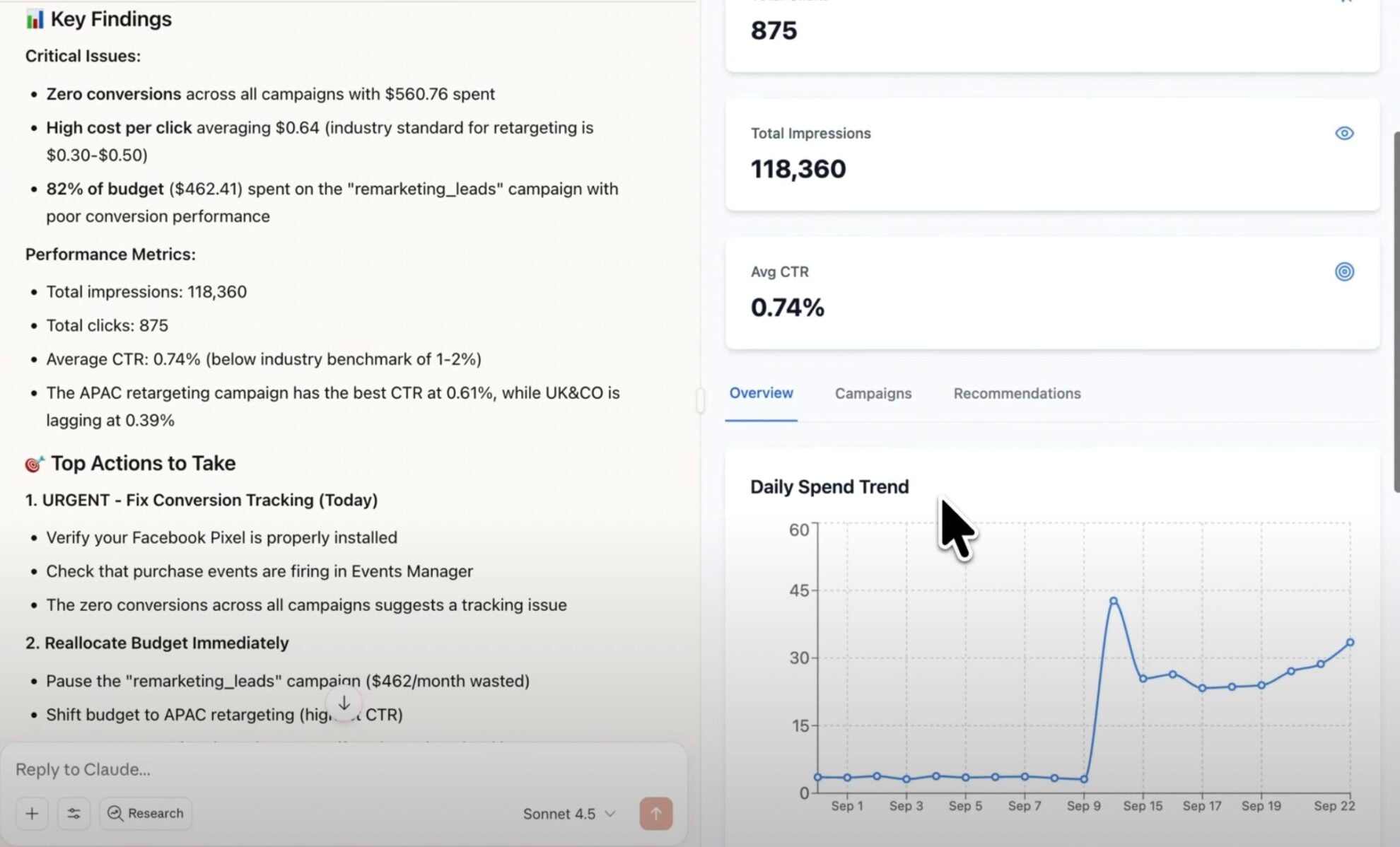














How to connect LinkedIn Pages MCP by Windsor.ai
Follow this quick setup guide to connect your LinkedIn Pages data to your preferred AI chat.
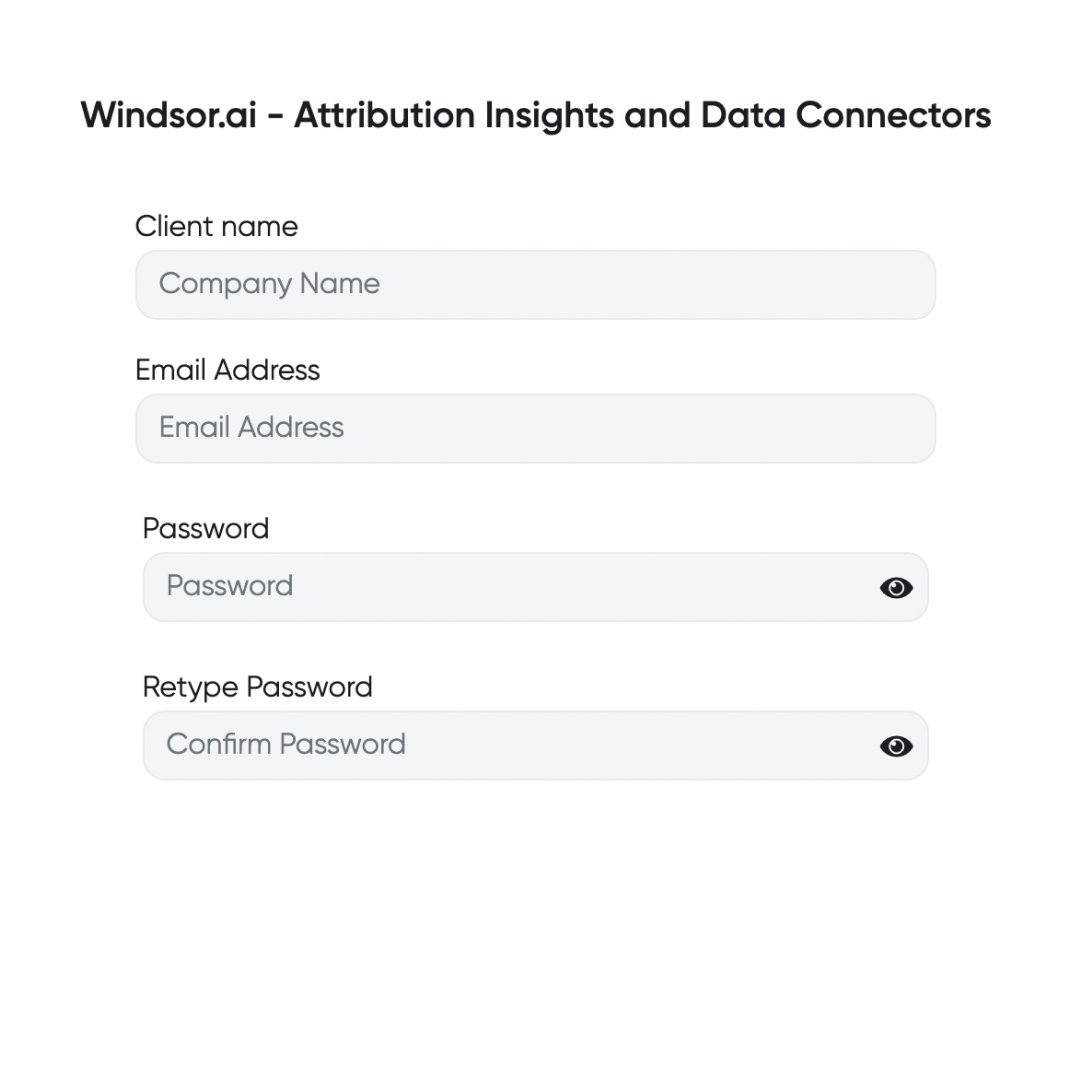
Register and log in to Windsor.ai
Create a new Windsor.ai account or log in if you already have one.
Select your data source
Choose LinkedIn Pages as your data source and grant access to Windsor.ai.

Connect Windsor MCP to your favorite LLM
If a native connector is available for your platform, connect in one click. Otherwise, visit this guide and follow the instructions for your platform of choice.

Start analyzing your data in the LLM
Now, you are good to go with any questions related to your data.
FAQs
What is Windsor MCP?
Windsor MCP (Model Context Protocol) is an AI-powered tool that connects your integrated Windsor.ai data with LLM platforms like Claude, Cursor, Gemini, and others. It allows you to ask natural language questions about your data and receive actionable insights without writing SQL or building dashboards from scratch.
What can I do with Windsor MCP?
Windsor MCP lets you interact with your business data directly in your favorite LLM tools. Instead of writing SQL queries, you can ask questions like “Which posts generated the highest engagement this month?” or “How does our page performance compare to previous months?”.
MCP automatically collects and normalizes data from all sources connected to your Windsor account, generating instant summaries, deep insights, and optimization recommendations.
Is Windsor MCP free to use?
Yes, you can use Windsor MCP at every Windsor’s plan, even during a free trial. But keep in mind that Claude Desktop and ChatGPT allows you to add external connectors only on the paid plans.
What agents does it work with?
You can connect Windsor MCP to any AI agent compatible with MCP, including Claude Desktop, ChatGPT, Perplexity, Cursor, Gemini, etc.
Tired of manual LinkedIn Pages data exports? Try Windsor.ai today to automate your reporting


