 Destinations
 Data sources
 AI insights
 About us
 Careers
 Security
 Customer reviews
 Contact us
 Affiliate program
 Solution partners
 Template gallery
 Looker Studio templates
 Power BI templates
 Excel templates
 Google Sheets templates
 Tableau templates
 Facebook Ads templates
 Google Ads templates
 Data fields & Metrics
 AI prompt library & Guides
 Product documentation
 API documentation
 Case studies
 Blog
Blog Data models
 Windsor vs Supermetrics
 Windsor vs Funnel.io
 Windsor vs Fivetran
 Windsor vs Rivery
 Windsor vs Portermetrics
 Windsor vs Coupler.io
Connect Magento to Azure Blob Storage
Quickly integrate your Magento data into Azure Blob Storage with Windsor.ai’s ETL connector.
Our platform automates the streaming of Magento orders, customers, and product data into Azure Blob Storage, centralizing e-commerce insights for secure, scalable storage and integration with downstream analytics and ML tools.
Forget CSVs. Stop copy/paste. Connect your data in 2 minutes. No code required.
 Sign up with Google
 Free forever plan
No credit card needed
Free forever plan
No credit card needed










Streamline e-commerce data management with Magento to Azure Blob Storage integration
Windsor.ai streams your Magento data into Azure Blob Storage, creating a secure, scalable data lake for orders, customers, and products. Store structured e-commerce data efficiently and unlock these powerful benefits:

Automated data transfer
Windsor.ai automatically streams Magento data into Azure Blob Storage, eliminating manual exports or custom scripts. Teams can work with structured, accurate datasets, refreshed on a schedule and ready for use in downstream tools.

High-performance, scalable storage
Azure Blob Storage provides elastic, cost-efficient capacity for storing high volumes of Magento data, with built-in durability and low-latency access. Confidently store detailed transactional records and run granular analyses at scale.

Unified view across channels
Blend Magento data with marketing, web analytics, and revenue insights from 350+ other sources, unified in Azure Blob Storage. Map customer journeys, improve attribution, and unlock actionable insights to fuel better business decisions.

Integration with Azure analytics tools
Once in Blob Storage, your Magento data connects seamlessly to Azure Synapse, Data Factory, and Databricks, accelerating report building, data modeling, and advanced analytics across your Azure stack.
Using Windsor.ai connector to import data from Magento into Azure Blob Storage
Syncing Magento data with Azure Blob Storage can be complex, expensive, and resource-intensive. Windsor.ai simplifies the entire process with a fast, fully no-code solution.
Our ETL connector streams your Magento metrics into Azure Blob Storage in minutes, enabling centralized and scalable data storage without engineering overhead.
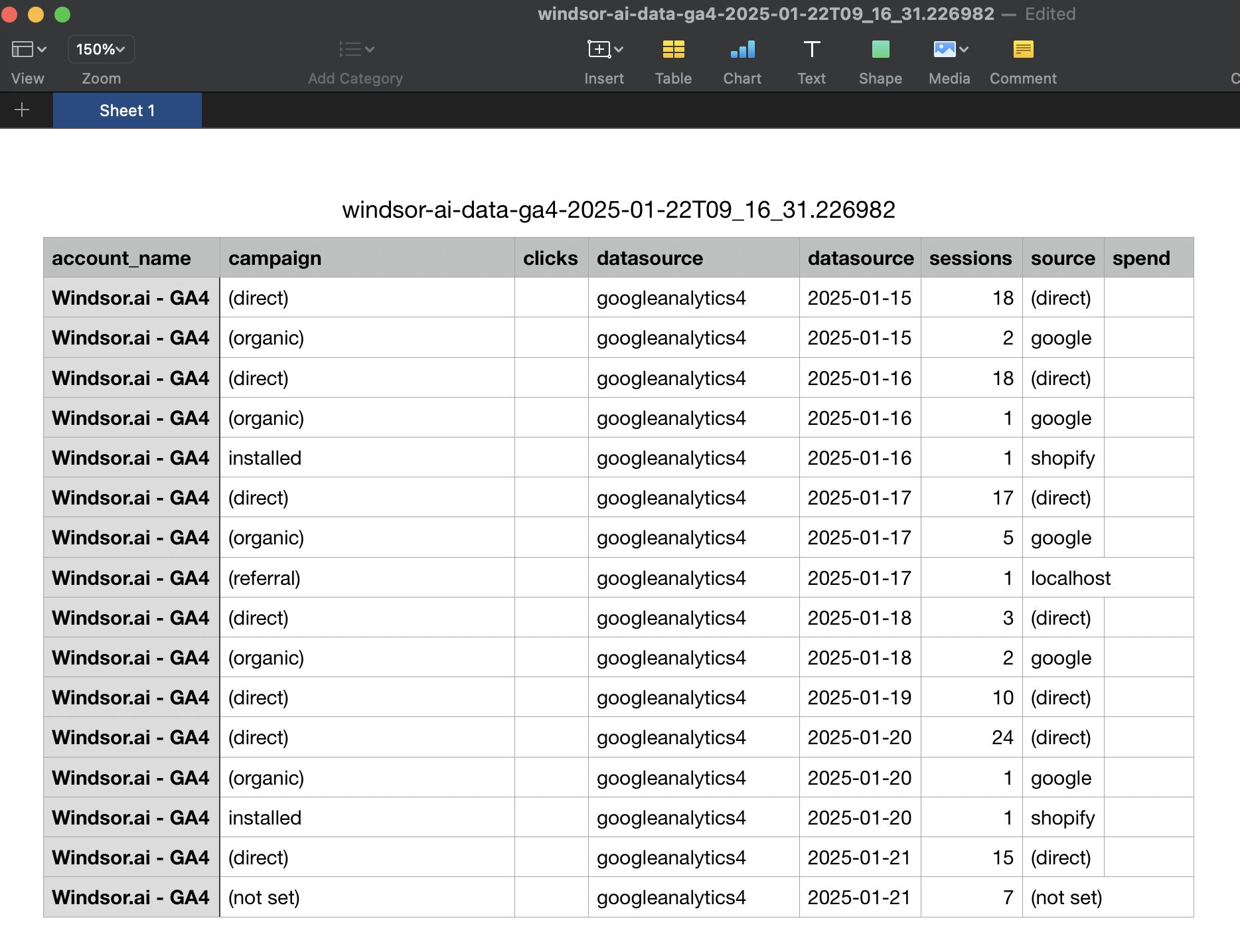















How to connect Magento to Azure Blob Storage in Windsor.ai
To set up the connector, make sure you have the following things in place:
- Magento account
- Configured Azure Blob Storage environment
- Active Windsor.ai account
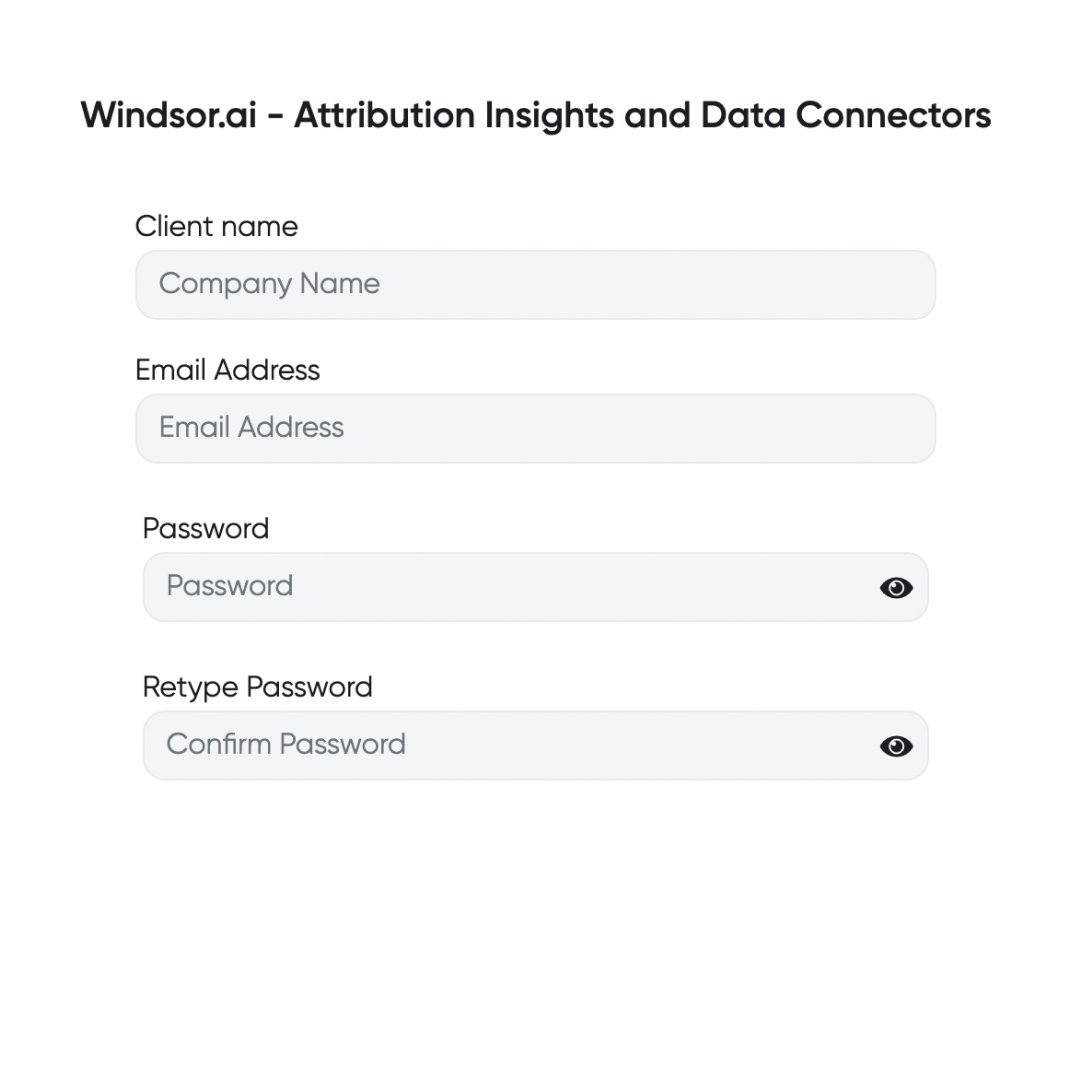
Register and log in to Windsor.ai
Create a new Windsor.ai account or log in if you already have one.
Connect a data source
In your Windsor.ai dashboard, connect Magento to Windsor.ai. Select the necessary account(s) you want to pull data from and click “Next.”

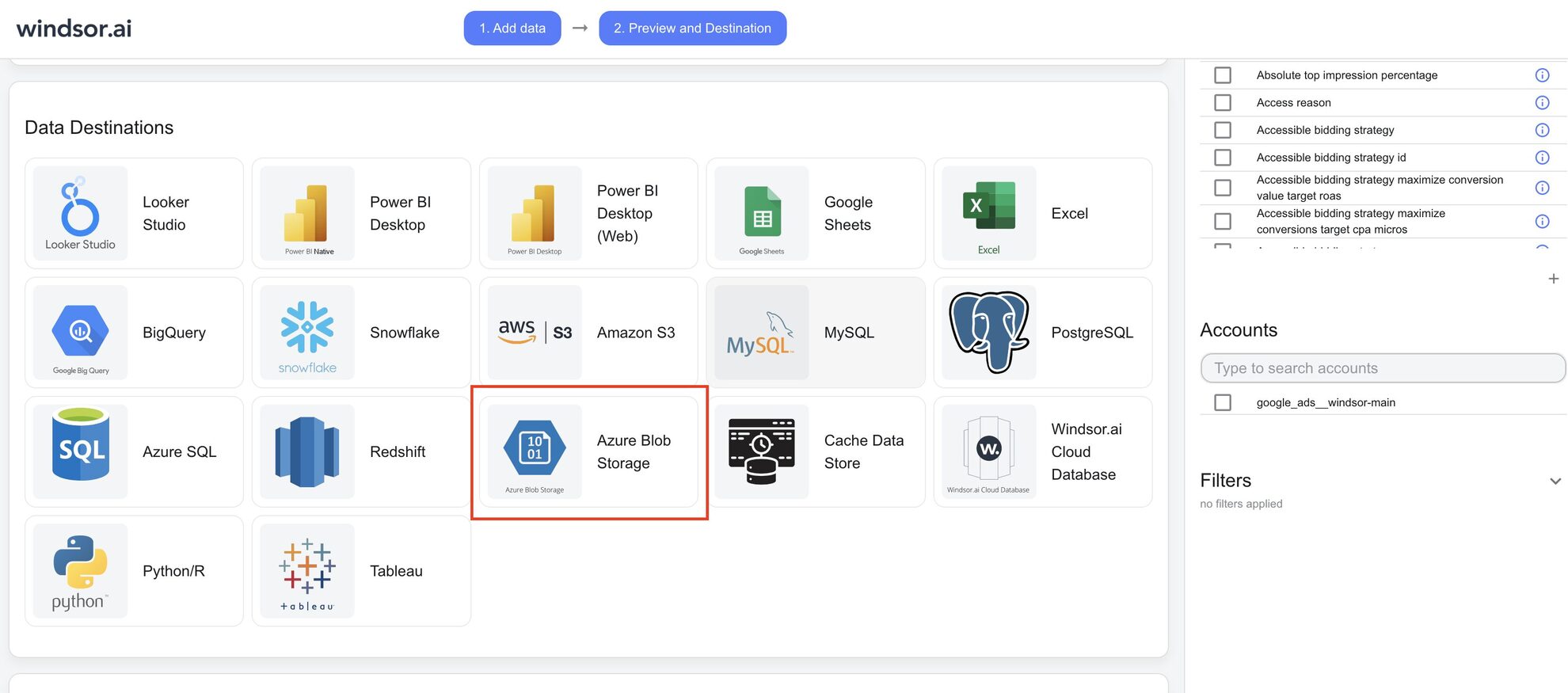
Select Azure Blob Storage as your data destination
Complete the integration of Azure Blob Storage with the Windsor.ai connector and create a destination task.
Complete and run the destination task
Enter all the essential details in the destination task table and click “Save.”

See the integrated data in Azure Blob Storage
Verify that your data is being added to the Azure Blob Storage by previewing the CSV files in your storage account container.
FAQs
What is Azure Blog Storage?
Azure Blob Storage is a cloud-based solution designed to store large amounts of unstructured data. The platform provides organizations with a cost-effective and reliable way to store and manage data like documents, images, videos, and backups.
Do you have helpful links to get started with integrating Magento and Azure Blob Storage using Windsor.ai?
Yes, we have helpful resources to help you get started. You can explore our official documentation and tutorials for seamless Magento to Azure Blob Storage integration with Windsor.ai:
How much time do I need to create the Magento and Azure Blob Storage integration?
Windsor.ai provides a user-friendly interface and a powerful data connector that enables you to integrate Magento with Azure Blob Storage in under 5 minutes, making the process quick and hassle-free.
How much does it cost to integrate Magento into Azure Blob Storage with Windsor.ai?
Windsor.ai’s pricing for Magento into Azure Blob Storage integration can vary depending on your use case. We offer absolutely transparent, fixed pricing plans for diversified business needs and budgets, starting at just $19/month, with a free forever plan available and no credit card required.
Tired of manual Magento data exports? Get started with Windsor.ai today to automate your reporting


