 Destinations
 Data sources
 AI insights
 About us
 Careers
 Security
 Customer reviews
 Contact us
 Affiliate program
 Solution partners
 Template gallery
 Looker Studio templates
 Power BI templates
 Excel templates
 Google Sheets templates
 Tableau templates
 Facebook Ads templates
 Google Ads templates
 Data fields & Metrics
 AI prompt library & Guides
 Product documentation
 API documentation
 Case studies
 Blog
Blog Data models
 Windsor vs Supermetrics
 Windsor vs Funnel.io
 Windsor vs Fivetran
 Windsor vs Rivery
 Windsor vs Portermetrics
 Windsor vs Coupler.io
Connect Magento to Microsoft Copilot
Automatically sync your Magento data to Microsoft Copilot using the Windsor.ai connector.
Chat with your Magento data in Copilot Agent to uncover top-performing products, measure the true cost of promotions, and keep fulfilment running smoothly with AI-driven insights.
Forget CSVs. Stop copy/paste. Connect in minutes. No code required.
 Sign up with Google
 Free forever plan
No credit card needed
Free forever plan
No credit card needed










Improve your store performance with Magento to Copilot Agent integration
Stop navigating complex dashboards or manually interpreting Magento data. Use Copilot Agent as your personal store analyst and get the answers you need in seconds. Here’s what you can do:

Find your real best-sellers
Ask Copilot to rank products by revenue, refund rate, and discount usage side by side. It helps you identify the complete winners: products that not only drive high sales volume but also protect your margins.

Connect Magento revenue to ad spend
Combine Magento with your ad platforms (Google Ads, Meta, TikTok Ads) through Windsor.ai to connect revenue to ad spend. Find out which paid channels deliver the highest average order value and which bring in customers who refund at a higher rate.

Catch fulfilment issues early
Copilot helps you flag orders stuck in processing, products with growing backorder quantities, and spikes in cancellations, so you can act before they turn into customer complaints and lost revenue.

Share store insights inside Microsoft 365
With Copilot Agent embedded across Microsoft 365, your team can discuss order performance in Teams, build a refund summary in Excel, or brief leadership with monthly store results in PowerPoint, all without switching platforms.
Using Windsor.ai to connect data from Magento to Copilot
Your Magento store generates a huge amount of order data. The problem is getting to it quickly for analysis. Windsor MCP streamlines this process by automatically pulling, cleaning, and streaming your Magento order data into your Copilot workspace.
Connect once and generate AI-powered insights into product performance, refund patterns, and the real cost of discounts.
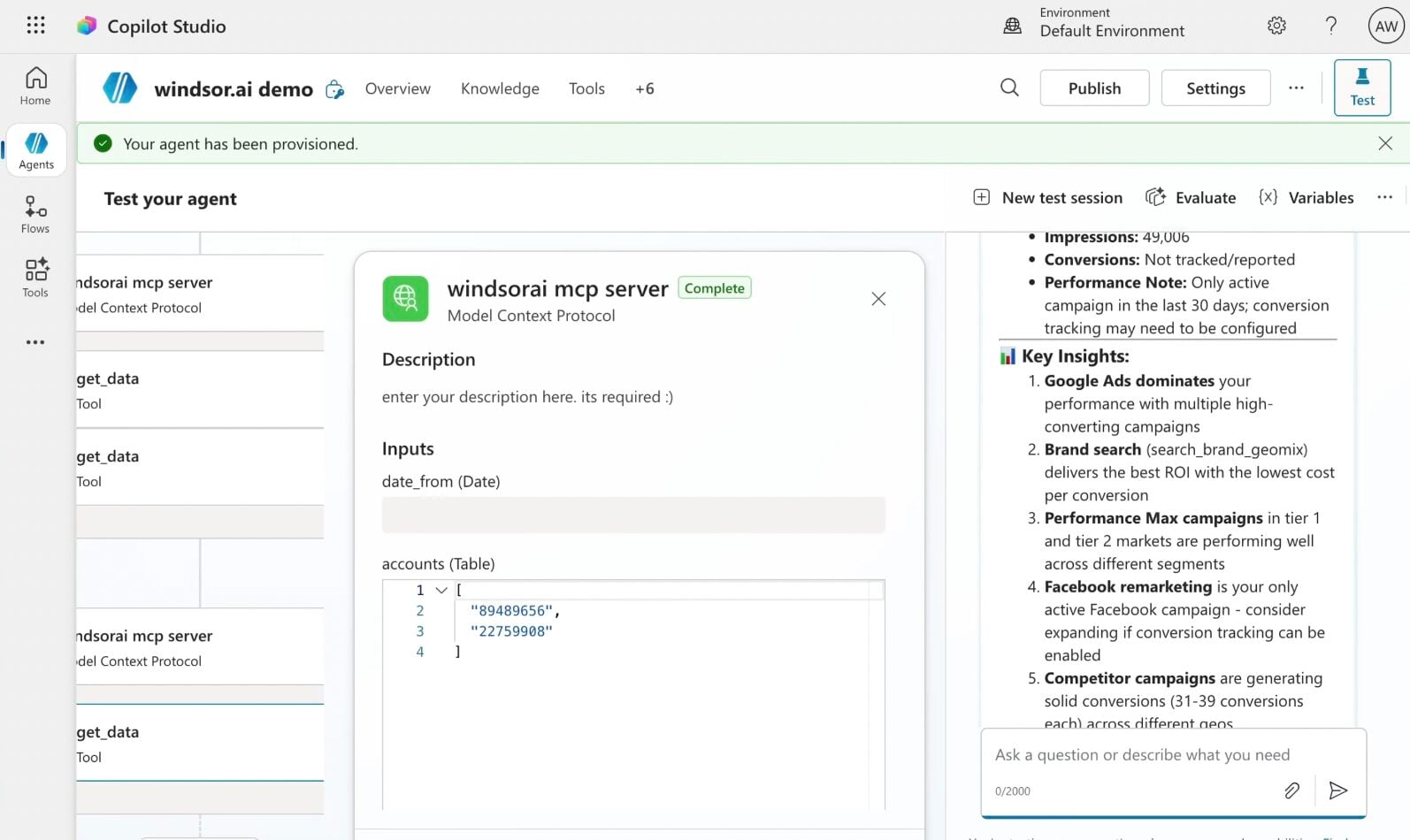














How to connect Magento to Copilot Agent with Windsor.ai
Explore our step-by-step guide to integrate your Magento data into Copilot with the Windsor.ai connector.
Connect data source in Windsor.ai dashboard
Connect your Magento to Windsor.ai. Select the necessary account(s) you want to pull data from and click “Next.”

Create a new agent (Windsor MCP) in Copilot
In Microsoft Copilot Studio, create a new agent.
Click + Add tool and select + New tool -> Model Context Protocol.
- Server Name: Windsor MCP
- Server URL: https://mcp.windsor.ai
- Authentication: API Key
- Header name: Authorization

Create a new connection
On the next screen, click the dropdown under ‘Not connected’ and select Create new connection.
⚠️ Important: Enter your Windsor API key with the Bearer prefix.

Confirm credentials and start querying
Start a new chat. Copilot will prompt you to connect to Windsor MCP via the Connections manager. Click Connect -> Submit.
Return to the chat and click Retry in your agent prompt.
You can now ask questions about your integrated Windsor.ai data.
FAQs
What Magento data is available for analysis with Windsor.ai?
Windsor.ai makes 107 metrics and 61 dimensions from Magento available in Copilot Agent, all centred around order and order item data, including:
- Order financial: grand total, subtotal, tax, shipping costs, discounts, total paid, and total due across all orders and stores.
- Refund and cancellation data: refunded amounts at both order and item level, including shipping refunds, tax refunds, and subtotal refunds, so you can track exactly where money is leaving your store.
- Product and SKU performance: order item details including product name, SKU, quantity ordered, quantity shipped, quantity refunded, item price, row total, and discount per item.
- Order operations: order status, order state, store name, coupon codes applied, customer details, and timestamps for when orders were created and last updated.
Can I analyse Magento performance across multiple stores in Copilot?
Yes. The integration includes store name and store ID dimensions, so you can ask Copilot to compare revenue, order volume, average order value, and refund rates across all your Magento stores in a single query, without switching between store views or building separate reports for each.
Can Copilot Agent help me track and reduce refunds in my Magento store?
Yes. With refund data available at both order and item level, including refunded subtotals, shipping refunds, tax refunds, and quantity refunded per SKU, Copilot can identify exactly where refunds are concentrated. Ask it to rank products by refund rate, compare refund trends month over month, or flag orders where the refunded amount exceeds a defined threshold.
Can I connect Magento data with my marketing channels in Copilot?
Yes. With Windsor.ai, you can combine Magento order data with Google Ads, Meta, email platforms, or your CRM in a single Copilot conversation. Ask your AI assistant to correlate revenue spikes with specific campaign periods, or identify whether customers acquired through paid channels have a higher or lower refund rate than those from organic sources.
What prompts can I use when analyzing Magento data in Copilot Agent?
Here are examples of more specific prompts you can use to dive deep into your Magento data:
-
Analyse order revenue by store over the last 90 days. Is performance consistent across stores, or are specific ones significantly over or underperforming? Does the gap widen on specific days of the week?
-
Look at all refunded orders over the last 60 days. Which SKUs have the highest refund rate relative to quantity ordered? Is the issue concentrated in a specific product type or price range?
-
Break down discount usage over the last 90 days by coupon code. Which codes generate the highest order volume but the lowest average order value? Are any being applied to orders that would likely have converted without a discount?
-
Analyse shipping costs as a percentage of order grand total over the last 60 days. Are there specific order sizes where shipping costs are disproportionately high relative to order value?
Can Copilot help me catch order fulfilment problems before they escalate?
Yes. Copilot can monitor order status and flag orders that have been sitting unprocessed longer than expected, surface products with high backordered quantities, and highlight patterns in cancelled orders so your team can act before the issue compounds.
How much does it cost to integrate Magento into Copilot using Windsor.ai?
Windsor.ai is free to start, no credit card required. Paid plans start at $19/month and scale by the number of sources and accounts. See the pricing page.
How long does it take to connect Magento to Copilot?
With Windsor MCP, the integration process takes a few minutes. No technical expertise or coding is required; connecting data to Copilot is simple, straightforward, and accessible to everyone.
Do you have helpful links to get started with integrating Magento and Copilot Agent using Windsor.ai?
Yes, we have helpful resources to help you get started. You can explore our official documentation and tutorials for seamless Magento to Copilot Agent integration with Windsor.ai:
Tired of manual Magento data exports? Try Windsor.ai today to automate your reporting


