 Destinations
 Data sources
 AI insights
 About us
 Careers
 Security
 Customer reviews
 Contact us
 Affiliate program
 Solution partners
 Template gallery
 Looker Studio templates
 Power BI templates
 Excel templates
 Google Sheets templates
 Tableau templates
 Facebook Ads templates
 Google Ads templates
 Data fields & Metrics
 AI prompt library & Guides
 Product documentation
 API documentation
 Case studies
 Blog
Blog Data models
 Windsor vs Supermetrics
 Windsor vs Funnel.io
 Windsor vs Fivetran
 Windsor vs Rivery
 Windsor vs Portermetrics
 Windsor vs Coupler.io
Connect Magento to Lovable
Automatically sync your Magento data to Lovable using the Windsor.ai connector.
Turn your Magento store data into live Lovable apps and instant AI insights. Spot revenue gaps, cut dead stock, and fix fulfillment issues before they cost you.
Forget CSVs. Stop copy/paste. Connect data in minutes. No code required.
 Sign up with Google
 Free forever plan
No credit card needed
Free forever plan
No credit card needed










Turn raw Magento data Into instant insights with Lovable
Windsor.ai connects Magento to Lovable with just a few clicks, so instead of building reports, you ask questions and get answers from your live store data. Here’s what you can do:

Rank products by revenue
Pick your top and worst-performing SKUs by actual revenue, not just units sold. Lovable pulls item-level order data and surfaces which products to scale and which to cut, without touching a spreadsheet.

Monitor fulfillment bottlenecks
See exactly how many orders are stuck in ‘pending’ or ‘processing’ at any moment. Set a threshold and ask Lovable to flag any order that hasn’t moved status in more than 48 hours.

Calculate true discount cost
Ask Lovable to analyze orders where discount_amount > 0 and compare their AOV and total revenue against full-price orders. Quantify exactly how much each promo campaign cost, and whether it lifted volume enough to justify it.

Unify data across channels
Connect Magento orders with GA4 sessions, Facebook Ads spend, and email revenue from Klaviyo, then ask Lovable which channels drive the highest AOV, lowest CPA, and most repeat purchases in a single view.

Build custom live apps
Describe what you need in plain language, and Lovable generates a fully interactive, shareable app from your live Magento data in seconds, not a static PDF or a locked template.
Using Windsor.ai to connect data from Magento to Lovable
Most methods for sending Magento data to Lovable involve manual exports, API work, or costly tools. Windsor MCP removes that complexity by pulling your e-commerce data and delivering it directly into Lovable in analysis-ready formats.
Ask questions in plain language and get real-time insights in seconds.
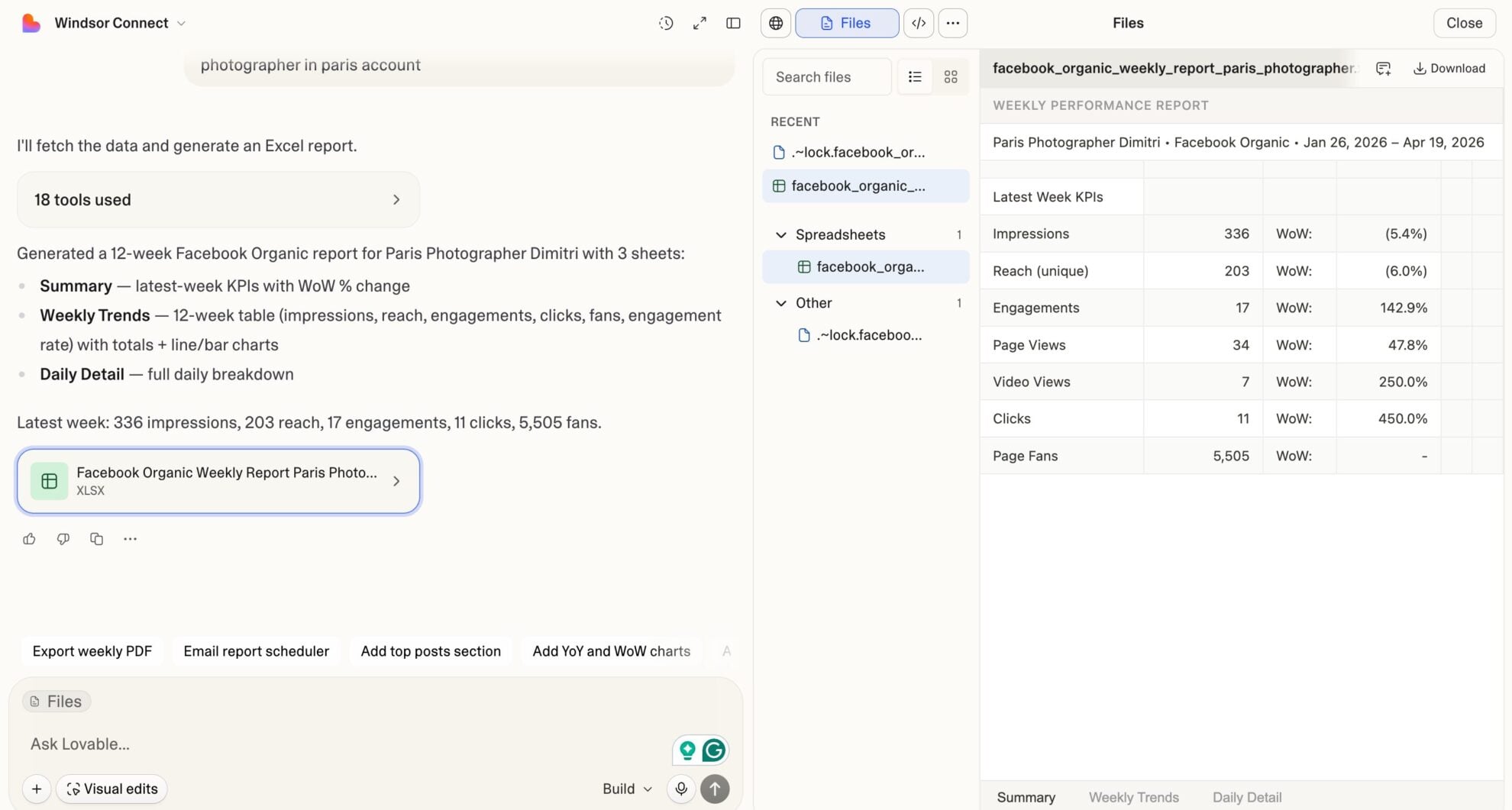














How to connect Magento to Lovable with Windsor.ai
Explore our video tutorial and a step-by-step guide to integrate your Magento data into Lovable with the Windsor.ai connector.
Select your data source
Choose Magento as your data source and grant access to Windsor.ai.

Select custom connector in Lovable
In Lovable, open Connectors and select Custom MCP.

Add MCP server
Enter the following details:
- Name: Windsor.ai
- URL: https://mcp.windsor.ai/
Click Add & Authorize to save the connector and authorize access to Windsor.ai.

Authorize and start querying your data
Once added, Windsor will appear in your list of connectors. Enable Always allow permissions for faster access.
Open a new chat and start querying your connected data.

FAQs
What can I do with Magento data in Lovable?
Once your Magento data is in Lovable, you can:
- Track revenue in real time: Pull grand totals, subtotals, discounts, and taxes per order into a live dashboard that updates without manual exports.
- Rank product performance: Sort SKUs by units sold, original price, and quantity to identify bestsellers and dead stock in seconds.
- Monitor order statuses: Filter orders by pending, processing, complete, or canceled, and spot fulfillment bottlenecks at a glance.
- Segment customers instantly: Separate guest checkouts from registered customers, track repeat buyers, and surface high-value accounts by billing region.
- Analyze refunds by SKU: Track total refunded amounts, item-level refund quantities, and tax refunded to pinpoint which products drive the most returns.
- Compare multi-store performance: Ask Lovable to compare revenue, order volume, and AOV across stores using order_store_id and account_name fields.
- Connect revenue to marketing: Blend Magento order data with Facebook Ads, Google Ads, or TikTok spend to see which campaigns actually drove purchases, not just clicks.
Can I build a live Magento revenue dashboard in Lovable?
Yes. Prompt Lovable to generate a custom revenue app using your live order_grand_total, orders_count, order_subtotal, and date fields. Unlike a template dashboard, Lovable builds a deployable app with your actual store data wired in: UI, logic, and layout in one go. No BI tool, no developer, no static export.
Can I combine Magento data with other sources in Lovable?
Yes. Windsor supports 350+ data sources, so you can blend Magento with Facebook Ads, Google Ads, or GA4 inside Lovable. Ask questions like ‘Which ad campaign drove the most completed Magento orders last week?’ and get instant answers without switching tools.
Can I analyze Magento product performance by SKU in Lovable?
Yes. Windsor pulls order_item_sku, order_item_name, order_item_qty_ordered, order_item_price, and order_item_row_total at the line-item level. Ask Lovable to rank your top 10 SKUs by revenue, identify which products have the highest cancellation rates, or compare average item price over time.
What prompts can I use to analyze my Magento data in Lovable?
Beyond basic performance summaries, you can use more advanced, specific prompts to uncover deeper insights. For example:
-
Compare gross revenue vs. net revenue (after discounts and refunds) by week for the last 90 days. Calculate the discount impact rate and refund rate separately for each week, and flag weeks where either metric deteriorated by more than 2 percentage points.
-
Rank your top 20 SKUs by total revenue for the last 60 days. For each, show units ordered, average item price, and row total. Flag any SKU where average price dropped more than 10% compared to the previous 60-day period.
-
Segment all orders from the last 30 days into guest checkout vs. registered customers. For each segment, show total orders, average grand total, average discount applied, and refund rate. Identify which segment has a higher order value and which has a higher return rate.
-
Analyze shipping cost as a percentage of order subtotal across all shipping methods used in the last 90 days. Identify which shipping methods have the worst margin profile (highest shipping cost relative to subtotal) and calculate the revenue exposure if those methods were repriced.
-
Break down orders by status (complete, processing, canceled) for each week over the last 90 days. Calculate the cancellation rate per week and identify whether spikes in canceled orders correlate with specific stores, shipping methods, or discount codes.
How much does it cost to integrate Magento with Lovable through Windsor.ai?
Windsor.ai offers a Free forever plan that includes 1 source, 1 account, and 1 user. If you need more data sources alongside Magento, paid plans start at $19/month.
Do you have helpful links to get started with integrating Magento and Lovable using Windsor.ai?
Yes, we have helpful resources to help you get started. You can explore our official documentation and tutorials for seamless Magento to Lovable integration with Windsor.ai:
Tired of manual Magento data exports? Try Windsor.ai today to automate your reporting


