 Destinations
 Data sources
 AI insights
 About us
 Careers
 Security
 Customer reviews
 Contact us
 Affiliate program
 Solution partners
 Template gallery
 Looker Studio templates
 Power BI templates
 Excel templates
 Google Sheets templates
 Tableau templates
 Facebook Ads templates
 Google Ads templates
 Data fields & Metrics
 AI prompt library & Guides
 Product documentation
 API documentation
 Case studies
 Blog
 Data models
 Windsor vs Supermetrics
 Windsor vs Funnel.io
 Windsor vs Fivetran
 Windsor vs Rivery
 Windsor vs Portermetrics
 Windsor vs Coupler.io
Connect Piwik PRO to Google Sheets
Easily integrate your Piwik PRO data into Google Sheets with Windsor.ai for web analytics and conversion reporting.
Windsor.ai loads Piwik PRO sessions, visitors, page views, traffic sources, and goal conversions into Google Sheets in a structured format, ready for formulas, pivot tables, and charts.
Forget CSVs. Stop copy/paste. Connect data in 2 minutes. No code required.
 Sign up with Google
 Free forever plan
No credit card needed









Get more from your Piwik PRO data with Google Sheets
Connecting Piwik PRO to Google Sheets with Windsor.ai lets marketing and analytics teams analyze traffic, pages, and conversions in a tool they already use. Here are the key benefits of this integration:

Spreadsheets you already know
Work with your Piwik PRO data using formulas, pivot tables, and charts, with no new tool to learn.

Easy to share
Share a sheet with colleagues who do not have a Piwik PRO or Windsor.ai login, and keep everyone looking at the same numbers.

Combine Piwik PRO with other channels
Add Google Ads, Facebook Ads, or HubSpot data to the same workbook to compare traffic and campaign results side by side.
Using Windsor.ai connector to import data from Piwik PRO into Google Sheets
Without Windsor.ai, getting Piwik PRO data into Google Sheets means exporting reports from Piwik PRO and importing each file by hand. Windsor.ai’s connector loads your Piwik PRO sessions, visitors, page views, traffic sources, and goal conversions into Google Sheets with no code.
Connect in minutes and start working with your Piwik PRO data in a spreadsheet.



How to connect Piwik PRO to Google Sheets in Windsor.ai
Make sure you have the following prerequisites before setting up the connector:
- Piwik PRO account with API client credentials
- Google Sheets document
- Active Windsor.ai account
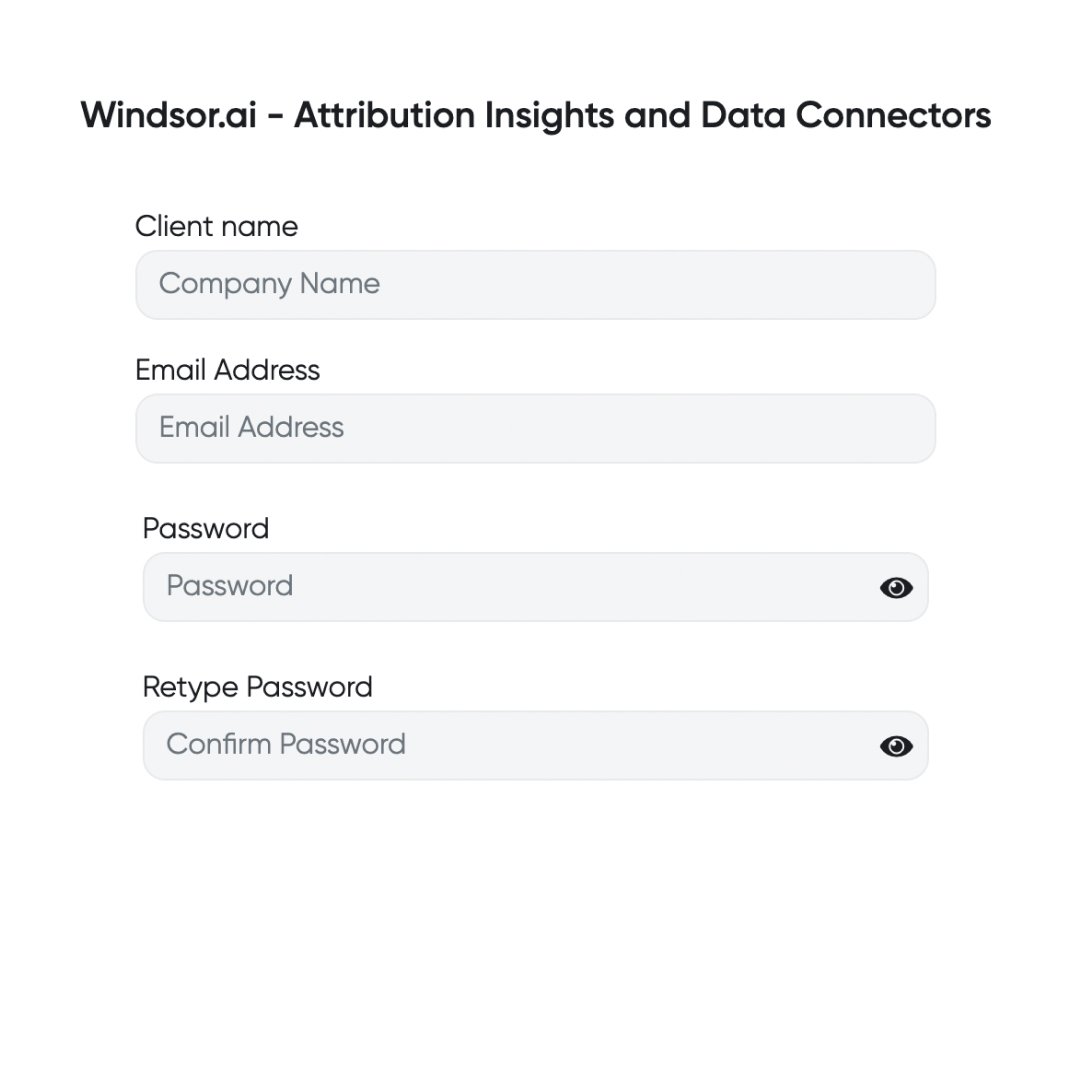
Register and log in to Windsor.ai
Create a new Windsor.ai account or log in if you already have one.
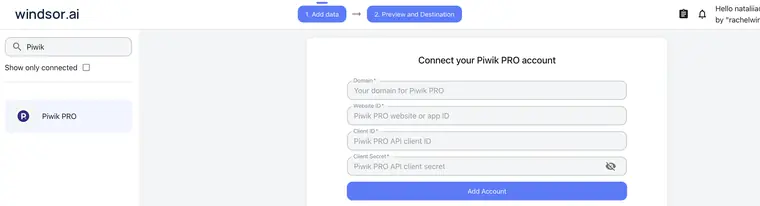
Select your data source
Choose Piwik PRO as your data source, enter your Piwik PRO domain (without http:// or https://), website ID, client ID, and client secret, then click Add Account.
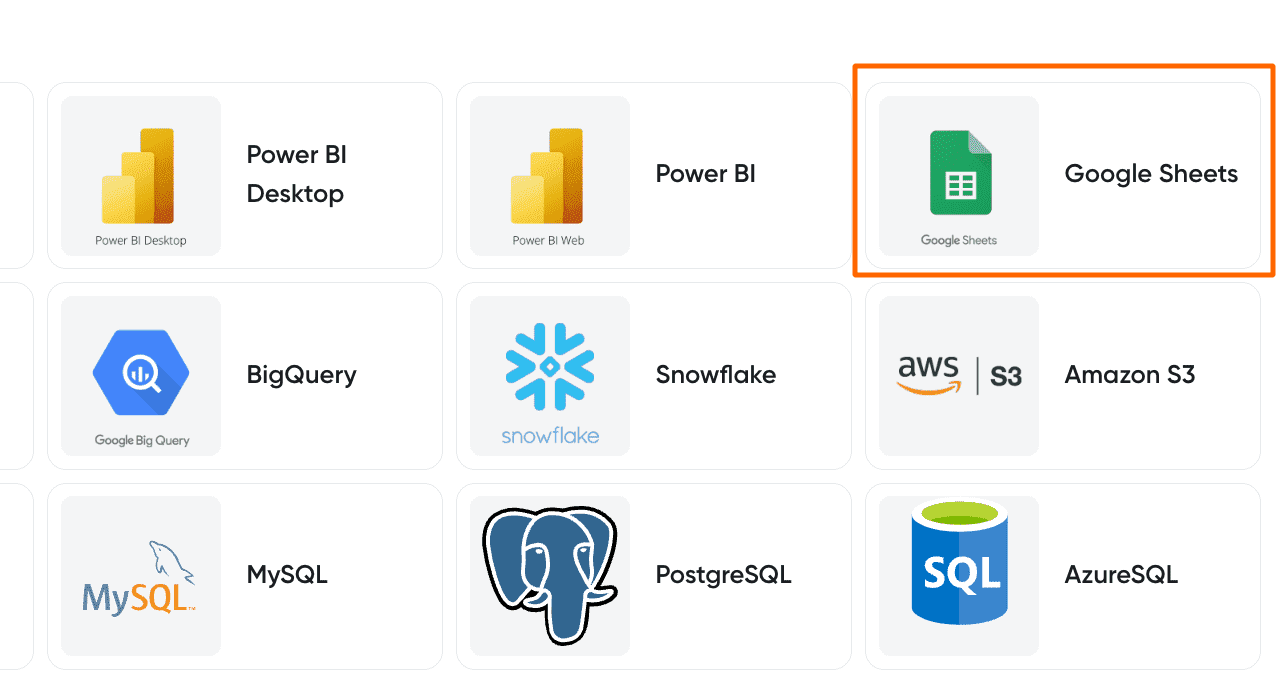
Select your destination
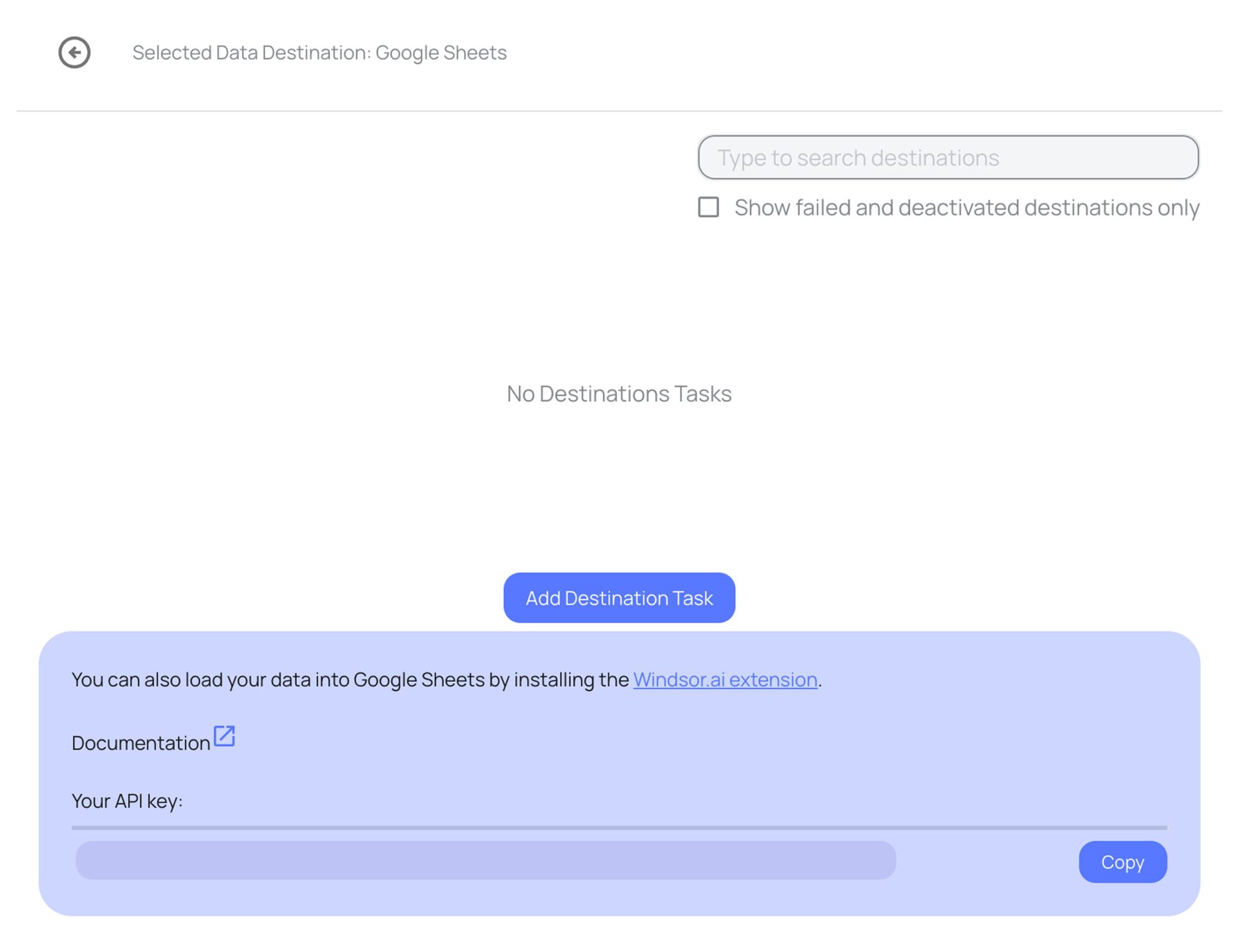
Set Google Sheets as the destination for your data.
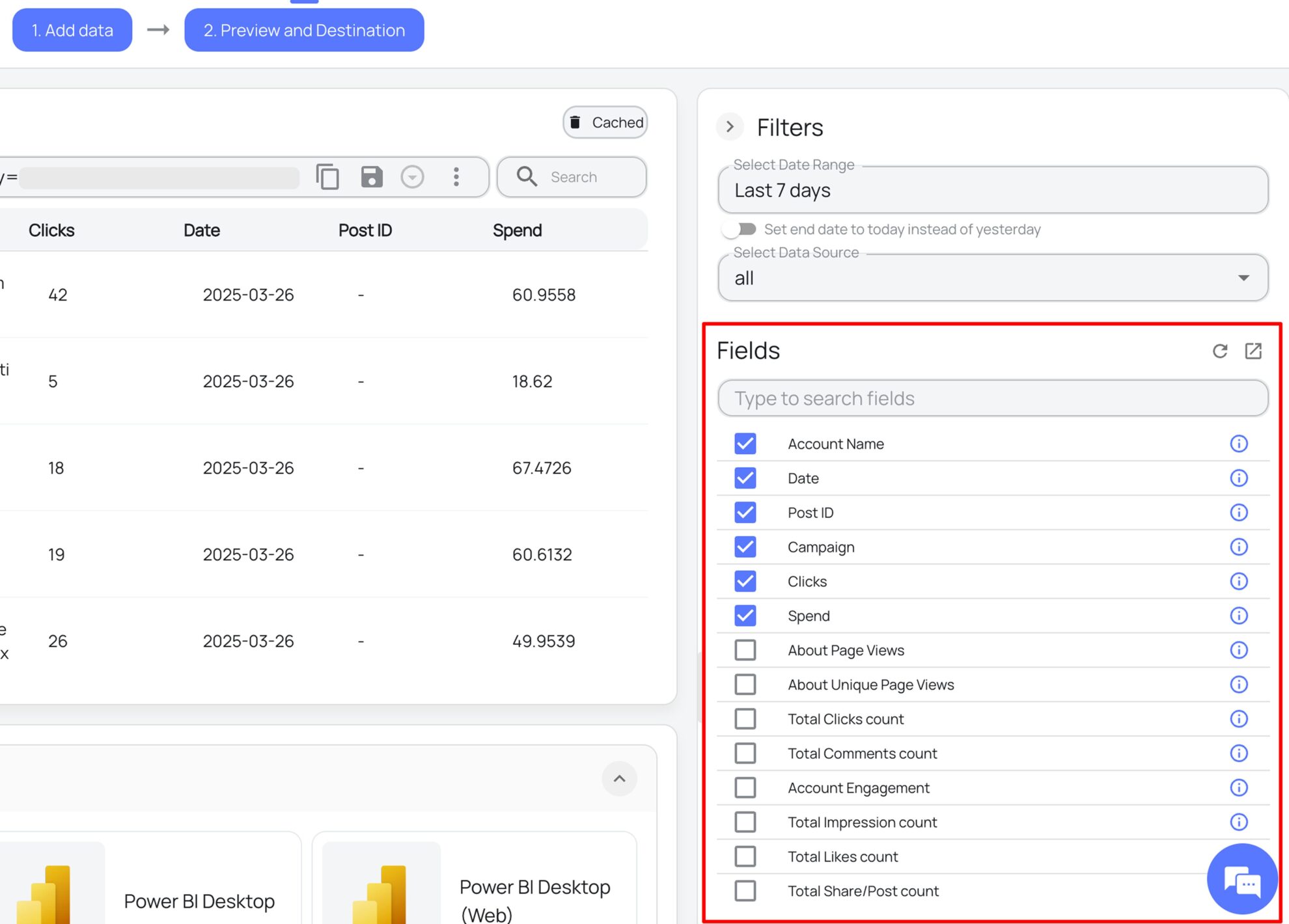
Select the reporting metrics and dimensions
Choose the Piwik PRO fields that you wish to show in your spreadsheet.
Follow the setup instructions to complete the integration
Depending on the integration method you choose, set up the connection by following the prescribed steps, whether through an extension or directly via an in-app destination task.
FAQs
What is Google Sheets?
Google Sheets is Google’s cloud-based spreadsheet tool for creating, managing, and analyzing data, with sharing features that let several people work in the same sheet.
What Piwik PRO data can I load into Google Sheets?
Windsor.ai loads your Piwik PRO data into Google Sheets in six groups. These are some of the fields in each; the Piwik PRO field reference lists all of them:
- Traffic: Sessions, Visitors, Bounce Rate, Entries, Exits.
- Pages: Page URL, Page Title, Page Views, Unique Page Views, Average Time On Page, Session Entry URL.
- Traffic sources: Source, Medium, Source / Medium, Channel, Campaign Name, Referrer URL.
- Goals and events: Goal Conversions, Goal Conversion Rate (Sessions), Custom Event Category, Custom Event Action, Custom Event Name.
- Location: Country, City.
- Date and account fields: Date, Week, Month, Year, Account ID, Account Name.
How does Windsor.ai load Piwik PRO data into Google Sheets?
There are two methods: the Windsor.ai extension for Google Sheets, or a destination task in the Windsor.ai app that sends your Piwik PRO data to a spreadsheet. Both are no-code. Step 5 above links to the instructions for each.
Can I combine Piwik PRO with other data sources in one Google Sheet?
Yes. Windsor.ai supports 350+ data sources, so you can connect Piwik PRO alongside tools such as Google Ads, Facebook Ads, or HubSpot and work with them in the same workbook. For example, you can compare ad spend with Piwik PRO goal conversions by campaign name, or compare Piwik PRO sessions with leads in your CRM.
How much does it cost to integrate Piwik PRO with Google Sheets using Windsor.ai?
The free forever plan covers 1 data source, so connecting Piwik PRO on its own costs nothing and needs no credit card. Combining Piwik PRO with other sources, such as Google Ads or HubSpot, needs a paid plan: $19/month for 3 sources or $99/month for 7. See the pricing page.
Do you have helpful links to get started with integrating Piwik PRO and Google Sheets using Windsor.ai?
Yes, we have helpful resources to help you get started. You can explore our official documentation for Piwik PRO to Google Sheets integration with Windsor.ai:
Tired of manual Piwik PRO data exports? Get started with Windsor.ai today to automate your reporting


