 Destinations
 Data sources
 AI insights
 About us
 Careers
 Security
 Customer reviews
 Contact us
 Affiliate program
 Solution partners
 Template gallery
 Looker Studio templates
 Power BI templates
 Excel templates
 Google Sheets templates
 Tableau templates
 Facebook Ads templates
 Google Ads templates
 Data fields & Metrics
 AI prompt library & Guides
 Product documentation
 API documentation
 Case studies
 Blog
Blog Data models
 Windsor vs Supermetrics
 Windsor vs Funnel.io
 Windsor vs Fivetran
 Windsor vs Rivery
 Windsor vs Portermetrics
 Windsor vs Coupler.io
Connect PostHog to Data Studio
Quickly integrate PostHog with Data Studio using the Windsor.ai ETL connector.
Bring PostHog product analytics into dynamic Data Studio dashboards, uncovering user journeys, feature adoption, and growth opportunities, all with zero manual effort.
Forget CSVs. Stop copy/paste. Connect data in 2 minutes. No code required.
 Sign up with Google
 Free forever plan
No credit card needed
Free forever plan
No credit card needed










Streamline product analytics with PostHog to Data Studio integration
Syncing PostHog with Data Studio via Windsor.ai lets you capture and analyze real-time product usage data through advanced reporting and visualization, unlocking the following key benefits:

Enhance product strategy
Visualize A/B test results, retention cohorts, and usage patterns inside Data Studio dashboards. With these insights, product teams can validate new features, refine the user experience, and make faster, evidence-based decisions.

Leverage cross-channel analysis
Combine PostHog event data with 350+ other sources, such as CRM, marketing, and revenue, inside Data Studio to get a complete view of the customer journey. This unified perspective shows how product adoption influences acquisition, retention, and business growth.

Automate data sync
Windsor.ai automatically streams PostHog data into Data Studio, so teams always work with the latest insights. From feature clicks to funnel drop-offs, product usage metrics flow in real time without manual exports or complex pipelines.
Using Windsor.ai connector to import data from PostHog to Data Studio
Most methods to sync PostHog with Data Studio are complex, costly, and require technical expertise. Windsor.ai simplifies this with a fast, affordable, no-code solution.
Our ELT connector automatically imports PostHog data into Data Studio in minutes, enabling real-time product analytics and smarter decision-making.
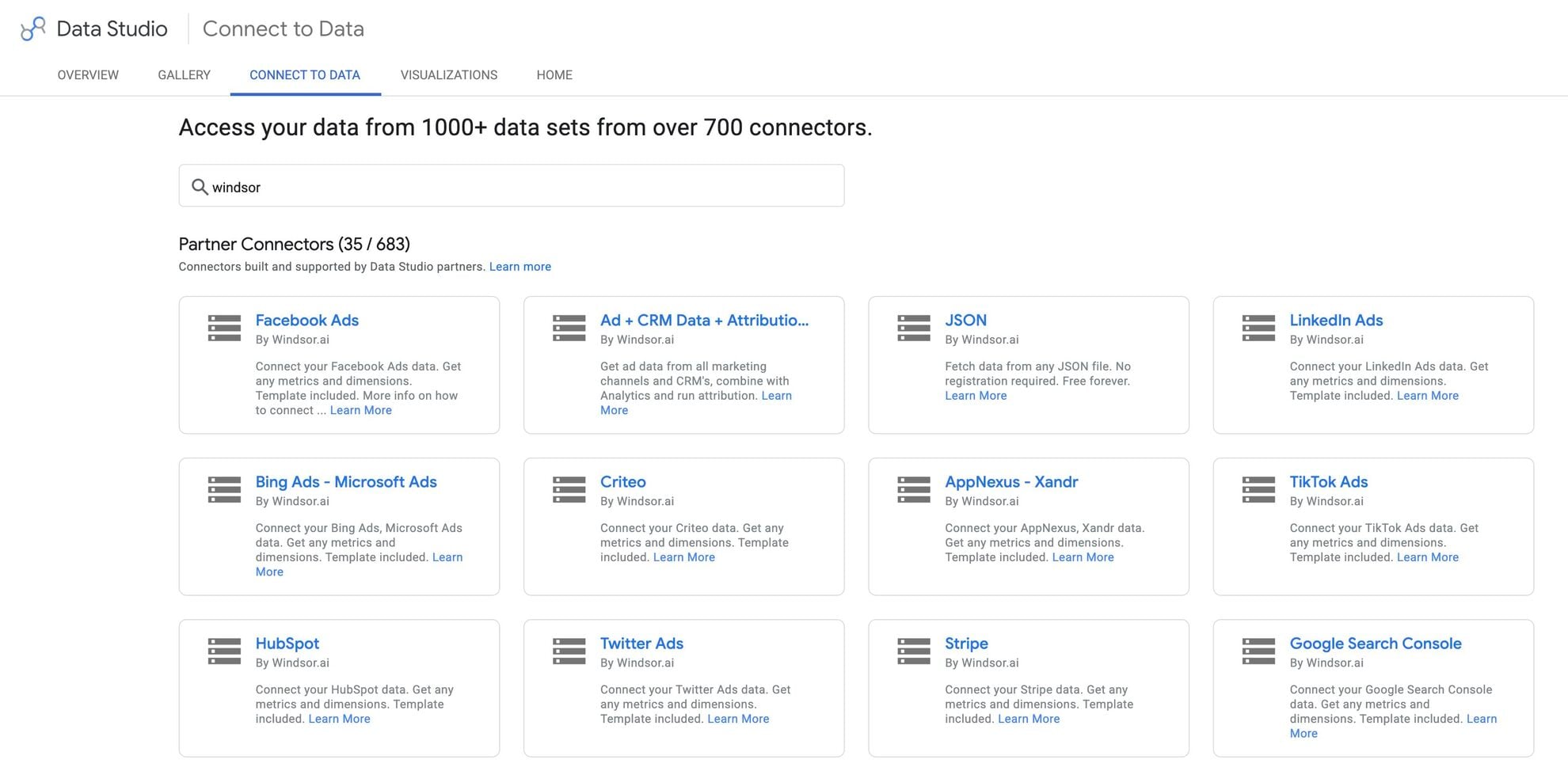














How to connect PostHog to Data Studio in Windsor.ai
Make sure you have the following prerequisites before setting up the connector:
- PostHog account (Visit our privacy policy and terms of use)
- Google account for Data Studio integration
- Active Windsor.ai account
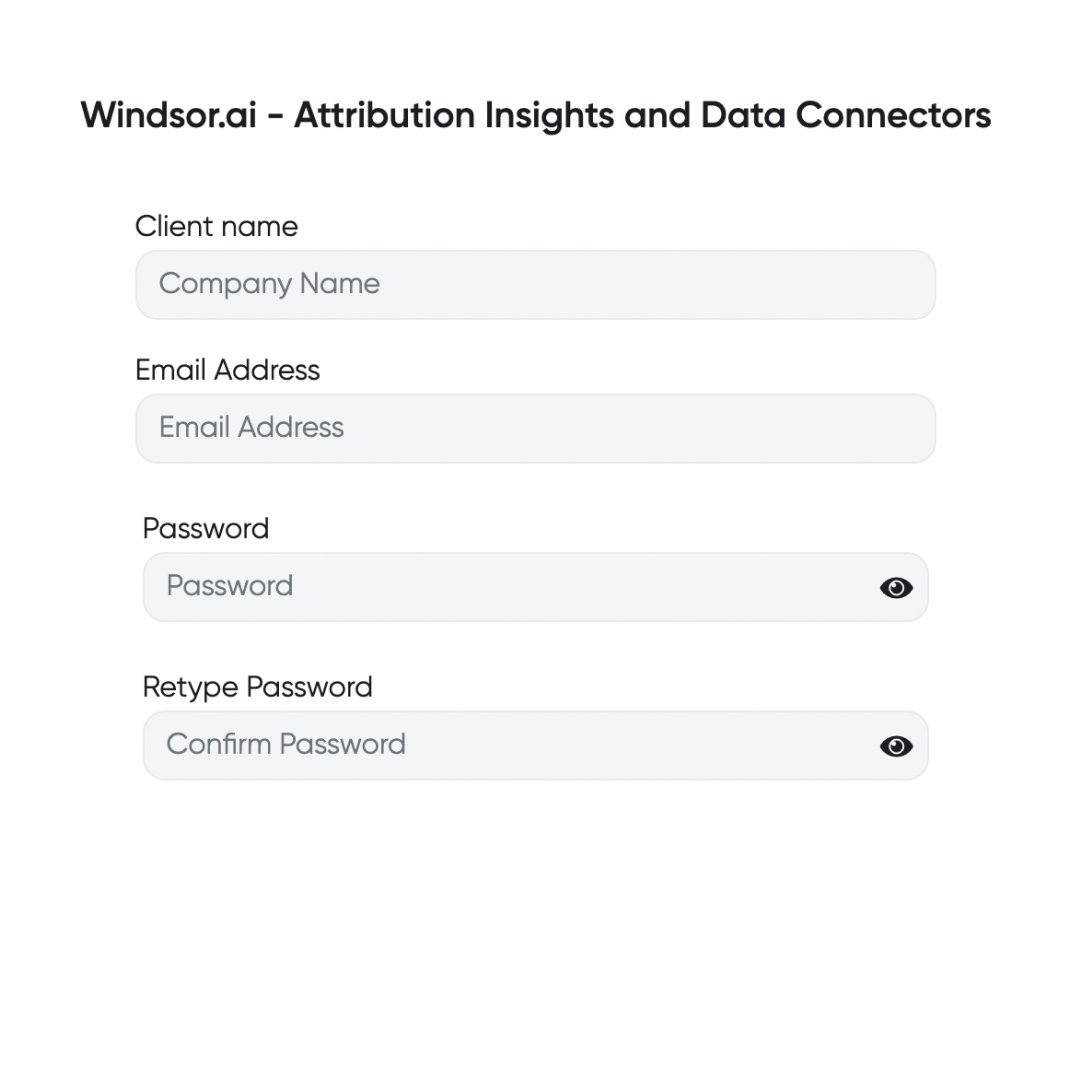
Register and log in to Windsor.ai
Create a new Windsor.ai account or log in if you already have one.
Select your data source
Choose PostHog as your data source and grant access to Windsor.ai.

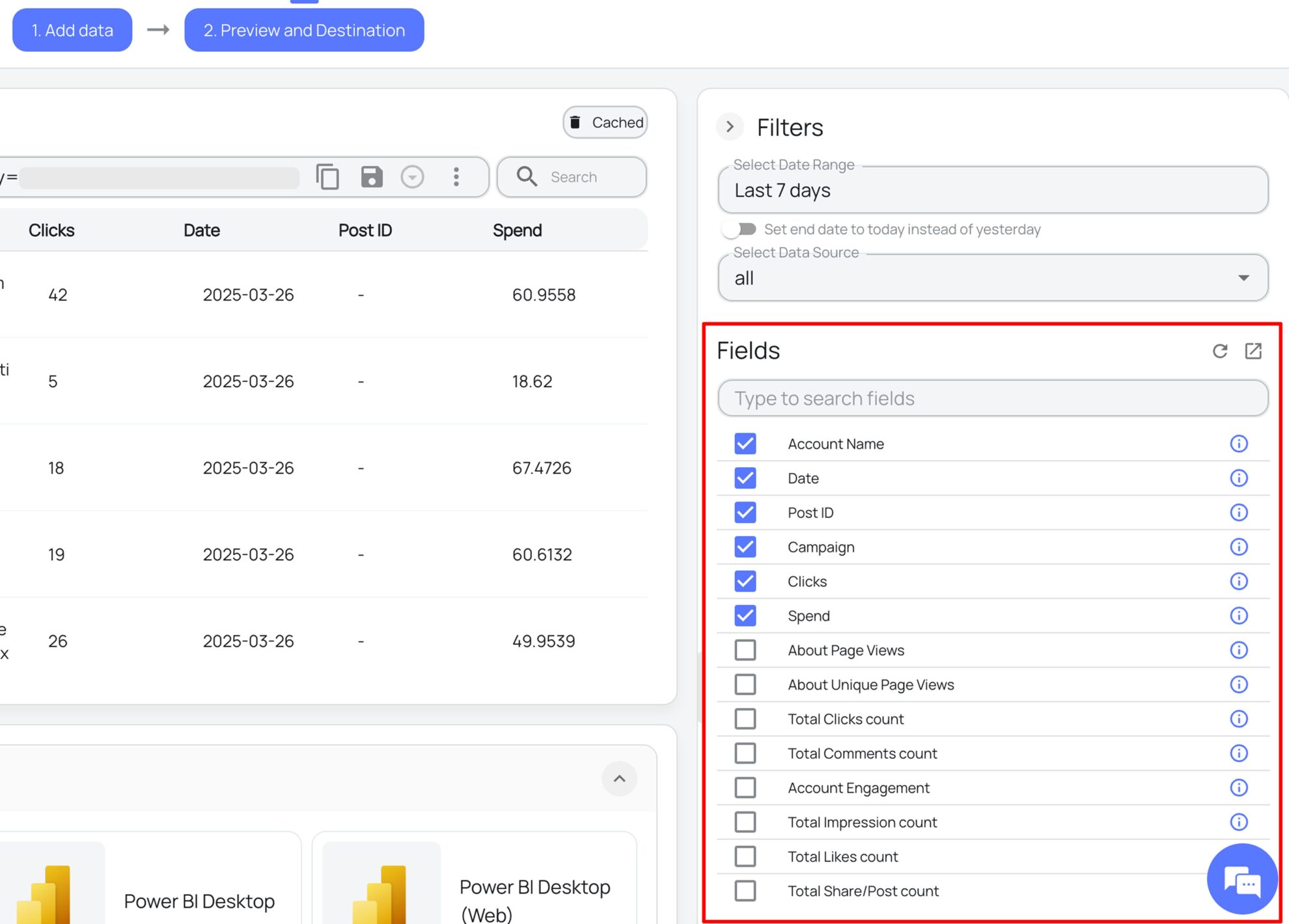
Select the reporting metrics and dimensions
Choose the PostHog fields you want to import into Data Studio on the right side and preview your data before export.
Select Data Studio as your data destination
Scroll down to the list of data destinations and click Data Studio. Install the Windsor.ai connector by authorizing your account, selecting the required PostHog account(s), and clicking Connect → Create Report.

FAQs
What is Data Studio?
Data Studio is Google’s premier data visualization and reporting platform that enables you to connect multiple data sources, create interactive visualizations, and share reports with your team to support data-driven decisions. With customizable dashboards, you can present data through graphs and charts. Data Studio also integrates with other Google Cloud tools, such as Workspace and AI, enabling advanced data processing and seamless team collaboration.
Do you have helpful links to get started with integrating PostHog and Data Studio using Windsor.ai?
Yes, we have helpful resources to help you get started. You can explore our official documentation and ready-to-use templates for seamless PostHog to Data Studio integration with Windsor.ai:
How much does it cost to integrate PostHog into Data Studio with Windsor.ai?
Windsor.ai’s pricing for PostHog to Data Studio data integration can vary depending on your use case and data volume. We offer transparent pricing plans tailored to diverse business needs and budgets.
How much time do I need to create the PostHog and Data Studio integration?
Windsor.ai provides a user-friendly interface and a robust data connector that extracts, transforms, and loads PostHog data into Data Studio in under 5 minutes, making the process quick and hassle-free.
Tired of manual PostHog data exports? Try Windsor.ai today to automate your reporting


