 Destinations
 Data sources
 AI insights
 About us
 Careers
 Security
 Customer reviews
 Contact us
 Affiliate program
 Solution partners
 Template gallery
 Looker Studio templates
 Power BI templates
 Excel templates
 Google Sheets templates
 Tableau templates
 Facebook Ads templates
 Google Ads templates
 Data fields & Metrics
 AI prompt library & Guides
 Product documentation
 API documentation
 Case studies
 Blog
Blog Data models
 Windsor vs Supermetrics
 Windsor vs Funnel.io
 Windsor vs Fivetran
 Windsor vs Rivery
 Windsor vs Portermetrics
 Windsor vs Coupler.io
Connect RSS to Data Studio
Easily integrate RSS with Data Studio using Windsor.ai’s ETL connectors.
Our platform automates RSS reporting, enabling you to measure content impact, share results in real-time, and optimize editorial strategy with measurable insights.
Forget CSVs. Stop copy/paste. Connect data in 2 minutes. No code required.
 Sign up with Google
 Free forever plan
No credit card needed
Free forever plan
No credit card needed










Track and optimize content output with RSS to Data Studio integration
Syncing RSS into Data Studio with Windsor.ai converts content streams into structured datasets your team can quickly analyze, unlocking the following benefits:

Centralize multi-feed content
Unify blogs, newsrooms, product updates, and third-party feeds into a single, structured view. Windsor.ai standardizes and de-duplicates data so you can analyze publishing activity consistently across all channels.

Enhance publishing and content strategy
Visualize cadence, backlog vs. output, and topic distribution to make data-driven editorial decisions. Spot content decay, highlight evergreen pieces, and track competitor feeds to refine your publishing priorities and long-term strategy.

Automate reporting
With Windsor.ai, RSS data flows into Data Studio automatically, eliminating manual exports and repetitive tasks. Dashboards update in real time, enabling your team to focus on insights and decision-making instead of data preparation.
Using Windsor.ai connector to import data from RSS into Data Studio
Most existing ways to bring RSS feeds into Data Studio are manual, expensive, or require technical expertise. Windsor.ai makes it effortless with a fast, affordable, and no-code solution.
Our ETL connector automatically streams RSS feed data into Data Studio in minutes, transforming raw content updates into dynamic, auto-refreshing dashboards for real-time insights.
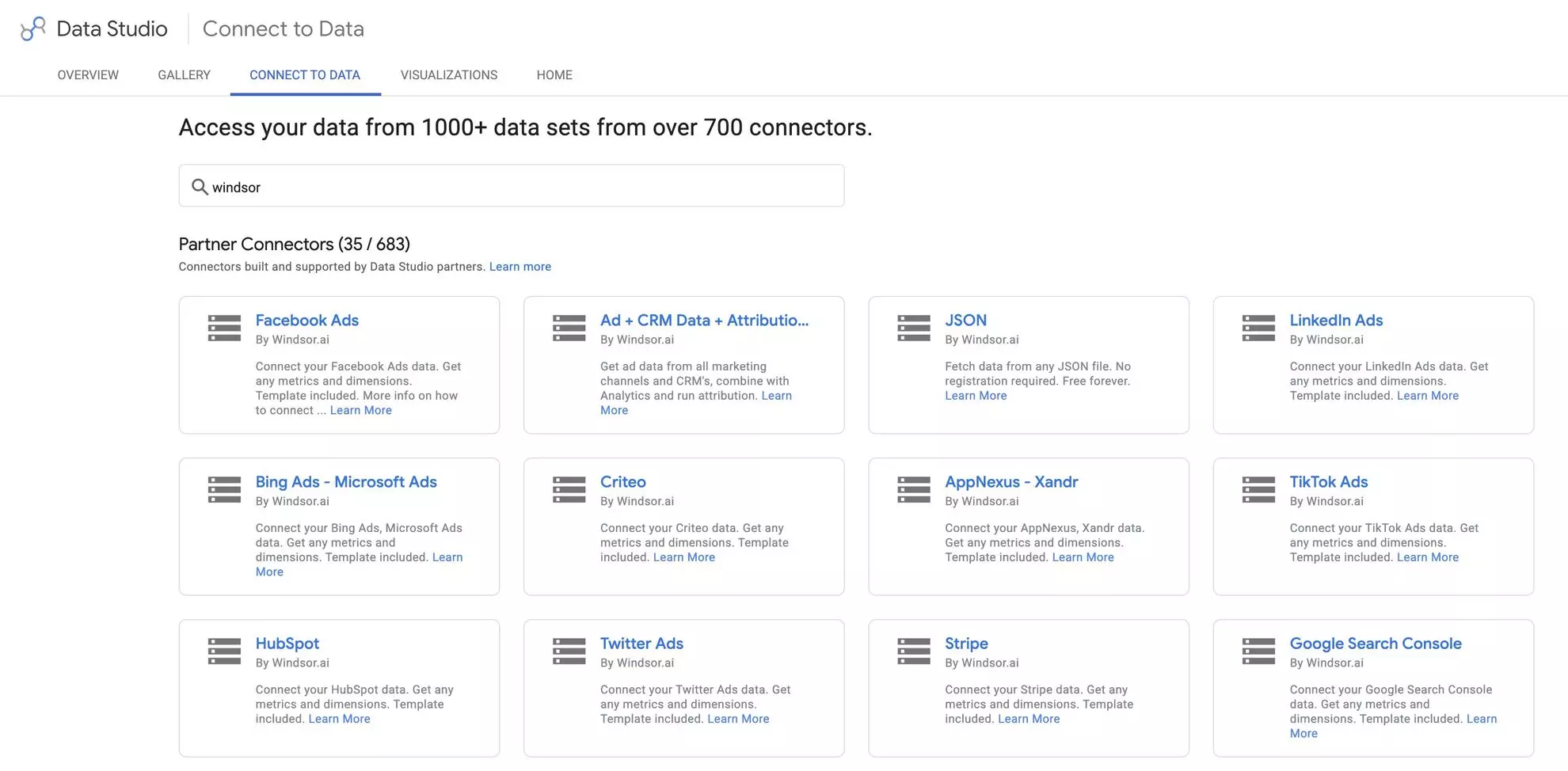














How to connect RSS to Data Studio in Windsor.ai
To set up the connector, make sure you have the following things in place:
- RSS account (Visit our privacy policy and terms of use)
- Google account for Data Studio integration
- Active Windsor.ai account
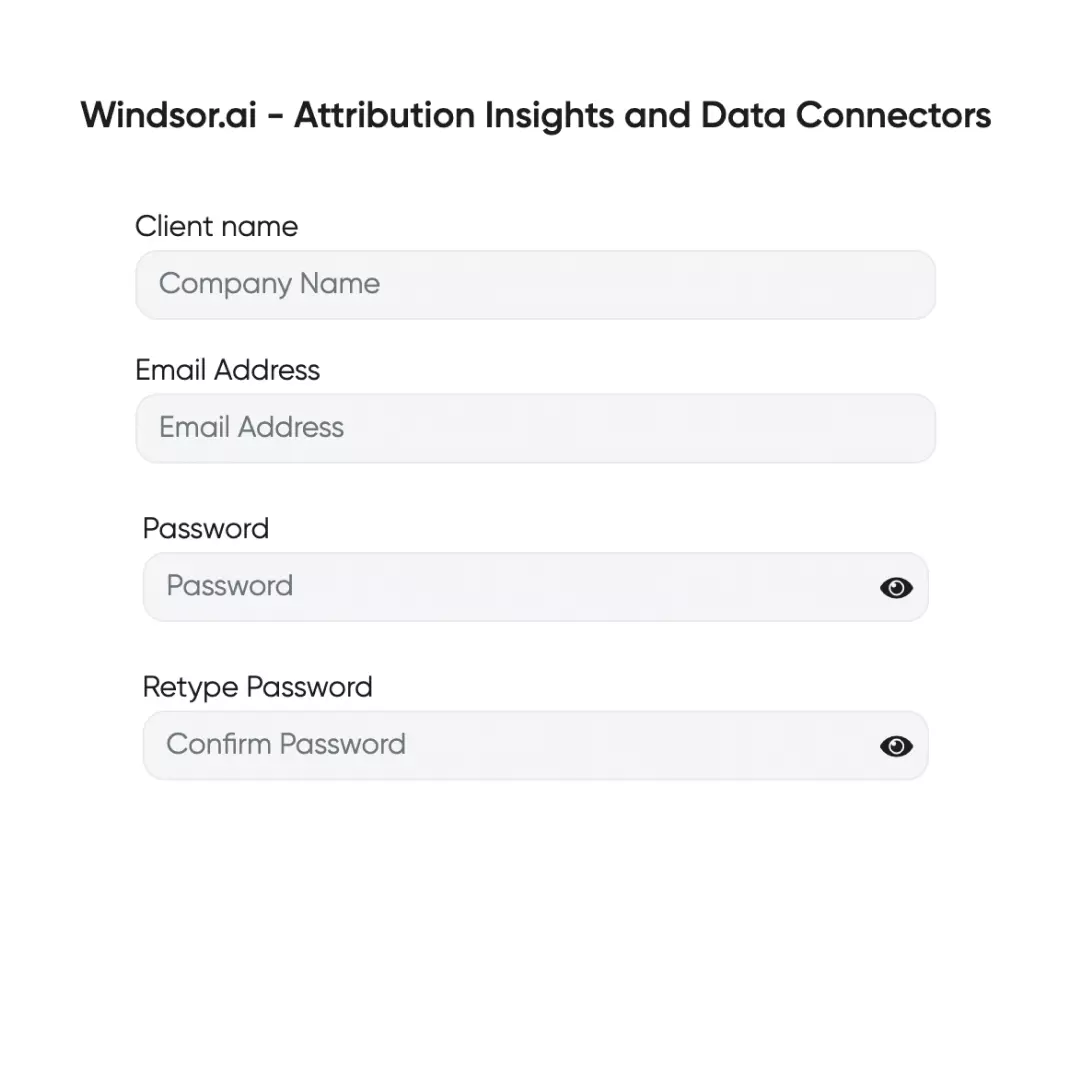
Register and log in to Windsor.ai
Create a new Windsor.ai account or log in if you already have one.
Select your data source
Choose RSS as your data source and grant access to Windsor.ai.

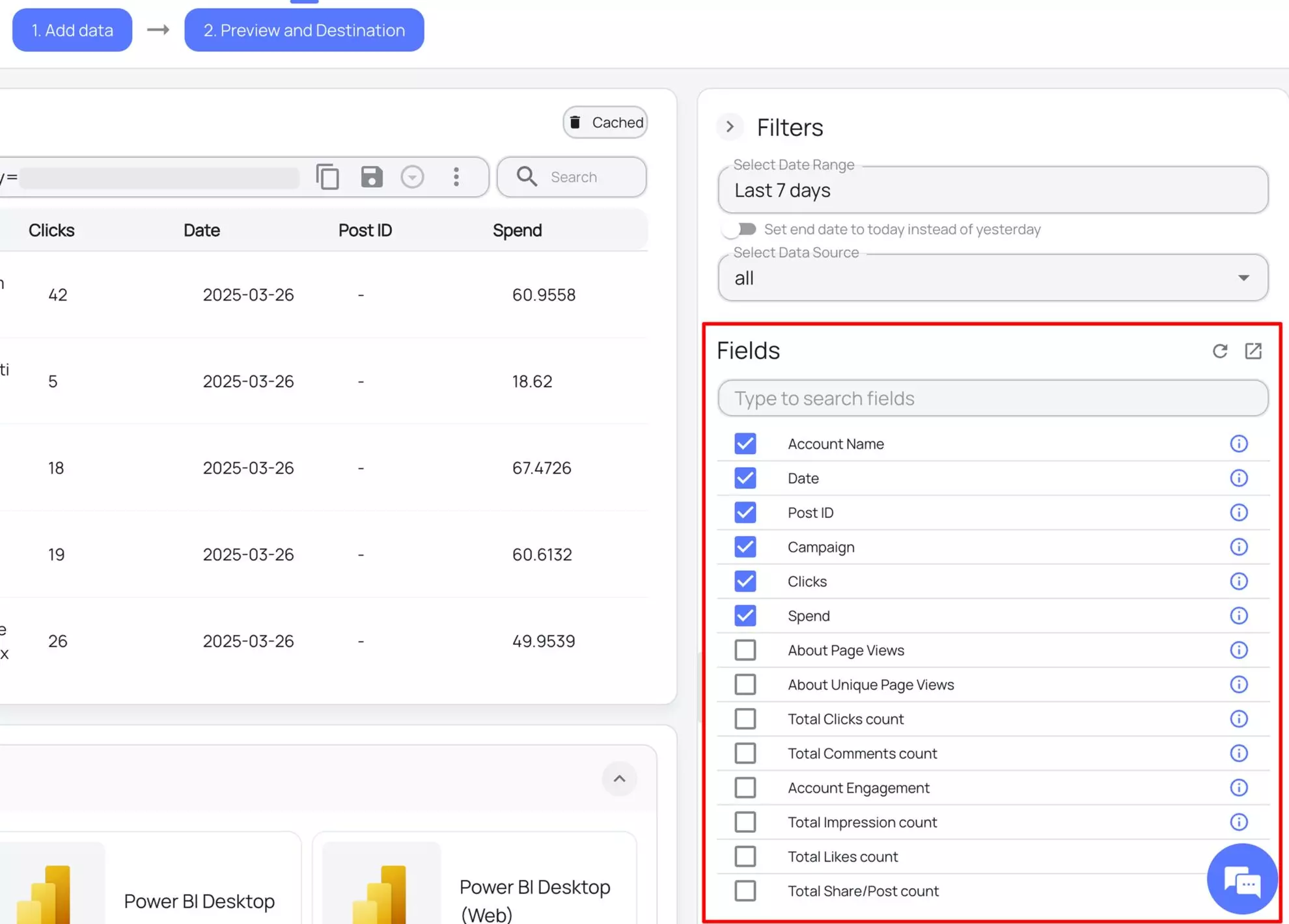
Select the reporting metrics and dimensions
Choose the RSS fields you want to import into Data Studio on the right side and preview your data before export.
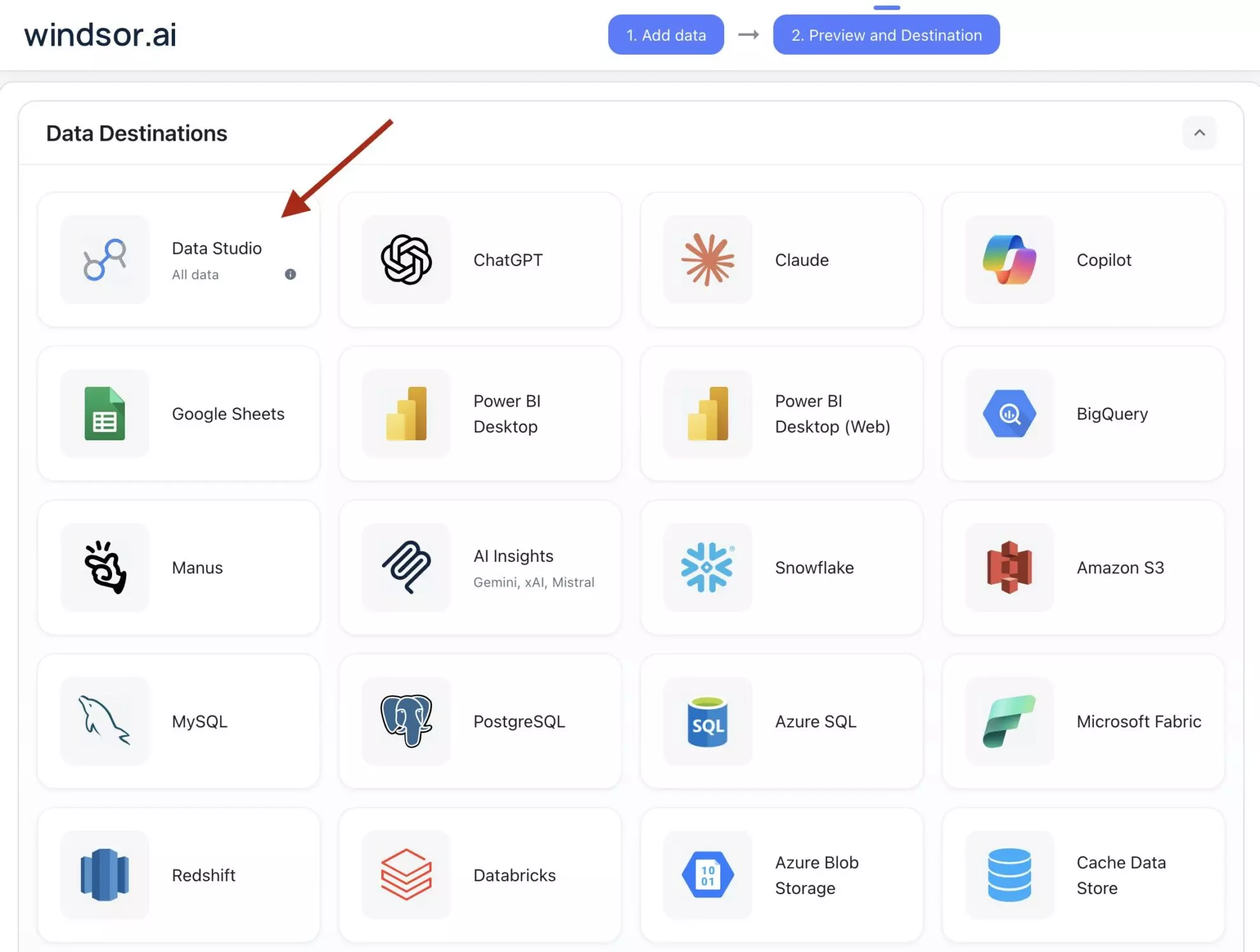
Select Data Studio as your data destination
Scroll down to the list of data destinations and click Data Studio. Install the Windsor.ai connector by authorizing your account, selecting the required RSS account(s), and clicking Connect → Create Report.
FAQs
What is Data Studio?
Data Studio (formerly Looker Studio) is a leading data visualization platform designed by Google to help users organize, visualize, and analyze their data for actionable insights.
With Data Studio, you can build data models, compare data from multiple sources, and create customized dashboards to track specific metrics. The platform also allows for automated reporting and seamless integration with other tools, such as Google Cloud Workspace, enhancing its functionality and usability.
Do you have helpful links to get started with integrating RSS and Data Studio using Windsor.ai?
Yes, we have helpful resources to help you get started. You can explore our official documentation and ready-to-use templates for seamless RSS to Data Studio integration with Windsor.ai:
How much time do I need to create the RSS and Data Studio integration?
Windsor.ai provides a user-friendly interface and a robust data connector that extracts, transforms, and loads RSS data into Data Studio in under 5 minutes, making the process quick and hassle-free.
How much does it cost to integrate RSS into Data Studio with Windsor.ai?
Windsor.ai’s pricing for RSS to Data Studio data integration can vary depending on your use case and data volume. We offer absolutely transparent pricing plans for diversified business needs and budgets.
Tired of manual RSS data exports? Try Windsor.ai today to automate your reporting


