 Destinations
 Data sources
 AI insights
 About us
 Careers
 Security
 Customer reviews
 Contact us
 Affiliate program
 Solution partners
 Template gallery
 Looker Studio templates
 Power BI templates
 Excel templates
 Google Sheets templates
 Tableau templates
 Facebook Ads templates
 Google Ads templates
 Data fields & Metrics
 AI prompt library & Guides
 Product documentation
 API documentation
 Case studies
 Blog
Blog Data models
 Windsor vs Supermetrics
 Windsor vs Funnel.io
 Windsor vs Fivetran
 Windsor vs Rivery
 Windsor vs Portermetrics
 Windsor vs Coupler.io
Connect Shopee Ads to BigQuery
Easily integrate your Shopee Ads data into BigQuery with Windsor.ai for scalable analysis.
Windsor.ai loads Shopee Ads impressions, clicks, expense, GMV, orders, and ROAS into BigQuery tables in a structured format, ready for SQL queries and reporting.
Forget CSVs. Stop copy/paste. Connect data in 2 minutes. No code required.
 Sign up with Google
 Free forever plan
No credit card needed
Free forever plan
No credit card needed









Get more from your Shopee Ads data with BigQuery
Connecting Shopee Ads to BigQuery with Windsor.ai gives sellers and marketing teams one warehouse table set for ad performance data. Here are the key benefits of this integration:

Query your Shopee Ads data with SQL
BigQuery handles large tables, so you can analyze large volumes of daily and hourly ad data with SQL.

Automated loading
Windsor.ai writes new Shopee Ads data to your BigQuery table on the schedule you set, so you do not maintain loading scripts.

One warehouse for every channel
Join Shopee Ads with store, analytics, and ad data in BigQuery to compare channels in one place.
Using Windsor.ai connector to import data from Shopee Ads into BigQuery
Without Windsor.ai, getting Shopee Ads data into BigQuery means downloading reports from Seller Centre and loading the files, or building a pipeline against the Shopee Ads APIs. Windsor.ai’s no-code connector collects your Shopee Ads impressions, clicks, expense, GMV, orders, and ROAS and loads the data into BigQuery on a schedule.
In minutes, you can have Shopee Ads tables ready for SQL analysis.
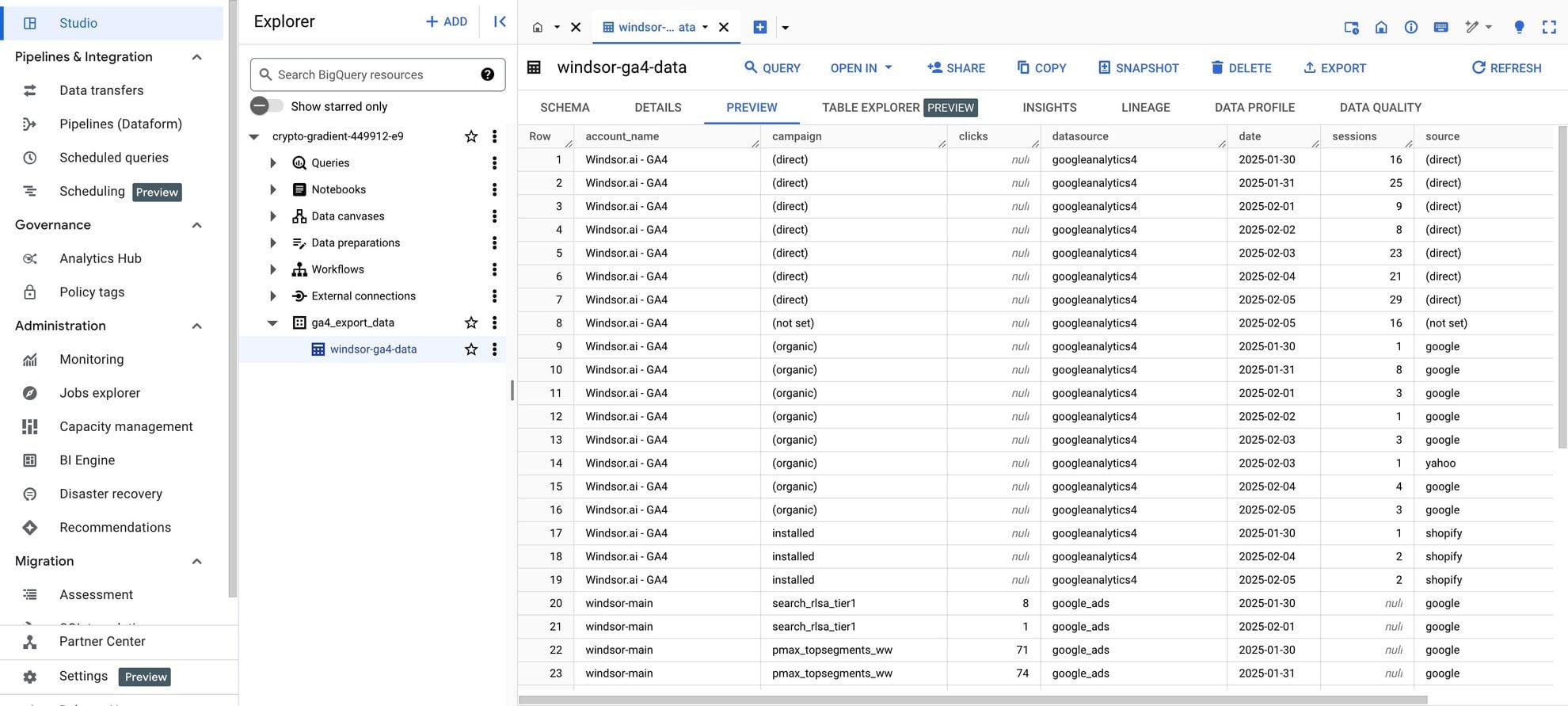














How to connect Shopee Ads to BigQuery in Windsor.ai
Make sure you have the following prerequisites before setting up the connector:
- Shopee seller account with Shopee Ads
- Google Cloud Platform (GCP) account with BigQuery enabled
- Active Windsor.ai account
Register and log in to Windsor.ai
Create a new Windsor.ai account or log in if you already have one.

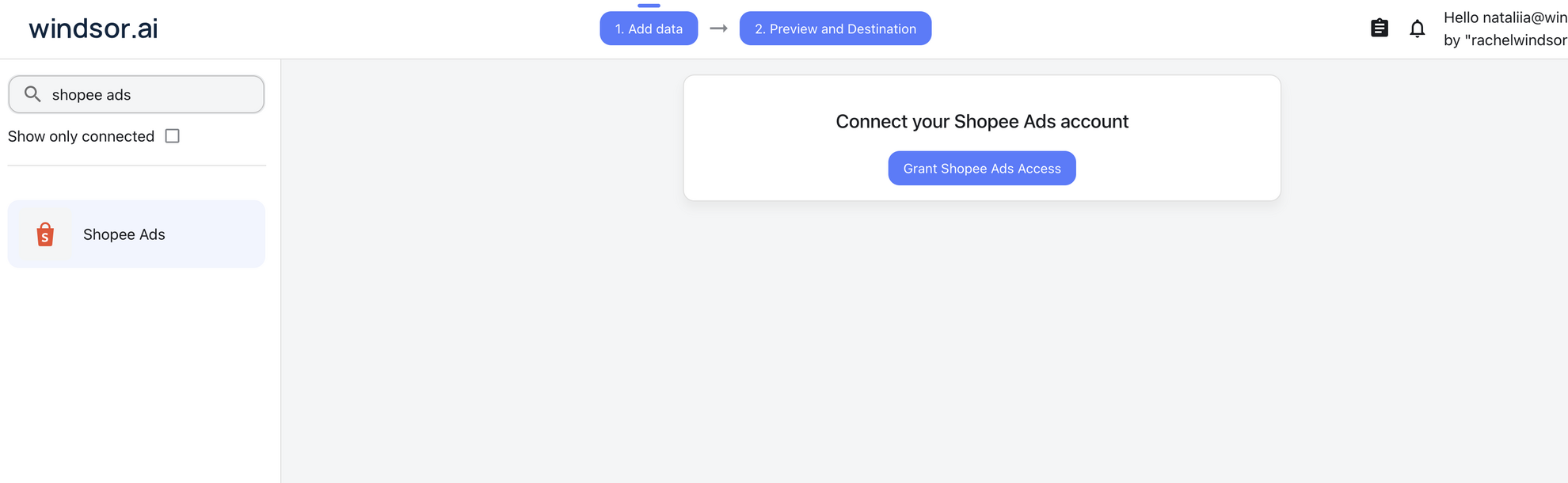
Select your data source
Choose Shopee Ads as your data source and authorize Windsor.ai to access your Shopee account when prompted.
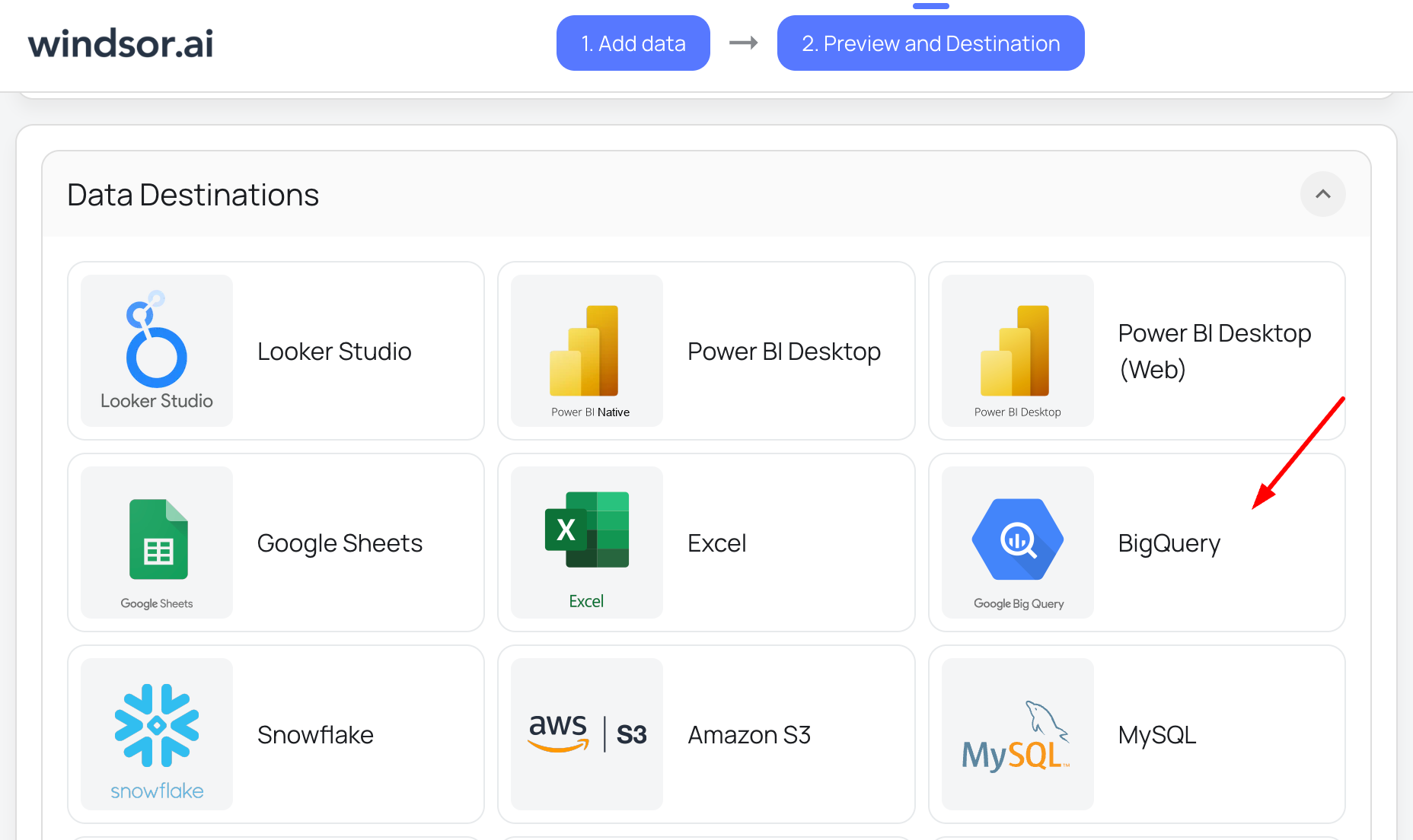
Select your destination
Set BigQuery as the destination for your data.
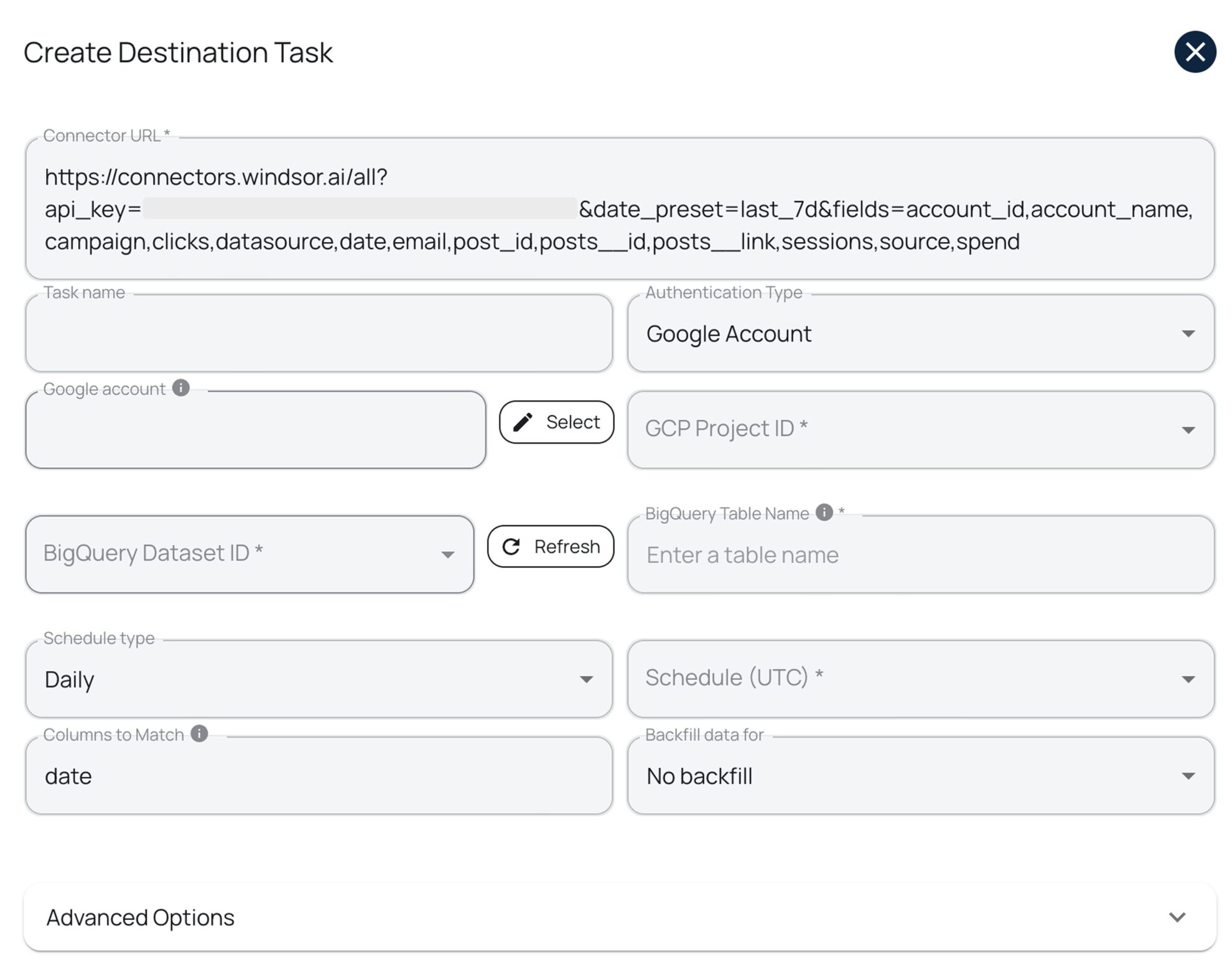
Create a destination task
Click on the “Add Destination Task” button and fill out the required fields along with the advanced settings (optional). Save and run the task.
FAQs
What is BigQuery?
BigQuery, also known as Google Cloud BigQuery, is Google Cloud’s data warehouse for storing and querying large datasets with SQL.
What Shopee Ads data can I load into BigQuery?
Windsor.ai loads your Shopee Ads data into BigQuery in six groups. These are some of the fields in each; the Shopee Ads field reference lists all of them:
- Ad performance: Impressions, Clicks, CTR, Expense, Cost Per Conversion, by day or by Hour.
- Direct results: Direct Orders, Direct Items Sold, Direct GMV, Direct ROAS, Direct Conversion Rate.
- Broad results: Broad Orders, Broad Items Sold, Broad GMV, Broad ROAS, Broad Conversion Rate.
- Balance: Total Balance, Balance Timestamp.
- Campaigns and items: Campaign ID, Campaign Ad Type, Region, Item ID, Item Status List, Ongoing Ad Type List, SKU Tag List.
- Date and account fields: Date, Account ID, Account Name.
How does Shopee Ads data get into BigQuery?
You create a destination task in Windsor.ai with your Google Cloud project, dataset, and table name, then choose a schedule and, optionally, a backfill of earlier data. Windsor.ai writes your Shopee Ads data to that table on the schedule you set.
Can I combine Shopee Ads with other data sources in BigQuery?
Yes. Windsor.ai supports 350+ data sources, so you can load Shopee Ads alongside tools such as Shopee, Google Ads, or Facebook Ads into the same dataset and join them in SQL. For example, you can compare Shopee Ads expense and GMV with orders from the Shopee connector, or compare Shopee Ads expense with Google Ads spend.
How much time do I need to create the Shopee Ads and BigQuery integration?
Connecting Shopee Ads in Windsor.ai and creating a BigQuery destination task takes a few minutes, with no code.
How much does it cost to integrate Shopee Ads with BigQuery using Windsor.ai?
Testing is free for the first 30 days. After that, scheduled syncs to BigQuery run on the paid plans: $19/month for 3 data sources and up to 5 destination tasks, or $99/month for 7 data sources and unlimited destination tasks. See the pricing page.
Do you have helpful links to get started with integrating Shopee Ads and BigQuery using Windsor.ai?
Yes, we have helpful resources to help you get started. You can explore our official documentation for Shopee Ads to BigQuery integration with Windsor.ai:
Tired of manual Shopee Ads data exports? Get started with Windsor.ai today to automate your reporting


