 Destinations
 Data sources
 AI insights
 About us
 Careers
 Security
 Customer reviews
 Contact us
 Affiliate program
 Solution partners
 Template gallery
 Looker Studio templates
 Power BI templates
 Excel templates
 Google Sheets templates
 Tableau templates
 Facebook Ads templates
 Google Ads templates
 Data fields & Metrics
 AI prompt library & Guides
 Product documentation
 API documentation
 Case studies
 Blog
Blog Data models
 Windsor vs Supermetrics
 Windsor vs Funnel.io
 Windsor vs Fivetran
 Windsor vs Rivery
 Windsor vs Portermetrics
 Windsor vs Coupler.io
Connect Teads to Power BI
Quickly integrate Teads with Power BI using Windsor.ai’s ETL connectors.
Our platform automates Teads reporting, helping you evaluate ad performance across creatives, devices, and channels, optimize campaigns, and enhance your overall marketing strategy.
Forget CSVs. Stop copy/paste. Connect data in 2 minutes. No code required.
 Sign up with Google
 Free forever plan
No credit card needed
Free forever plan
No credit card needed










Enhance your video ad analytics with the Teads to Power BI integration
Integrating Teads with Power BI through Windsor.ai centralizes your campaign data into a single analytics environment, unlocking the following advantages:

Automate reporting
Windsor.ai automatically syncs Teads data into Power BI, removing manual exports and custom scripts. This gives your team accurate, ready-to-use insights for daily analysis and faster decision-making.

Unify data across channels
Blend Teads with 350+ ad, analytics, and marketing sources such as Google Ads, TikTok Ads, or Meta Ads to evaluate performance across your entire media mix. This helps you compare channels, measure ROI, and optimize budget allocation.

Optimize campaigns
Use Power BI to analyze Teads campaigns by creative, format, placement, device, and audience segment. Refine targeting, improve video completion rates, and scale the most effective campaigns.

Expand audience reach
Teads gives access to premium publisher environments and unique audiences across top websites. Adding this data to Power BI helps you understand which audiences drive the strongest engagement and which placements deliver the highest marketing impact.
Using Windsor.ai connector to import data from Teads into Power BI
Most ways of connecting Teads with Power BI involve complex setups, custom scripts, or repetitive manual work. Windsor.ai simplifies this with a fast, affordable, no-code solution designed for performance marketing teams.
In just a few clicks, our ELT connector syncs Teads with Power BI, enabling accurate reporting and advanced analysis of your native and video advertising performance.
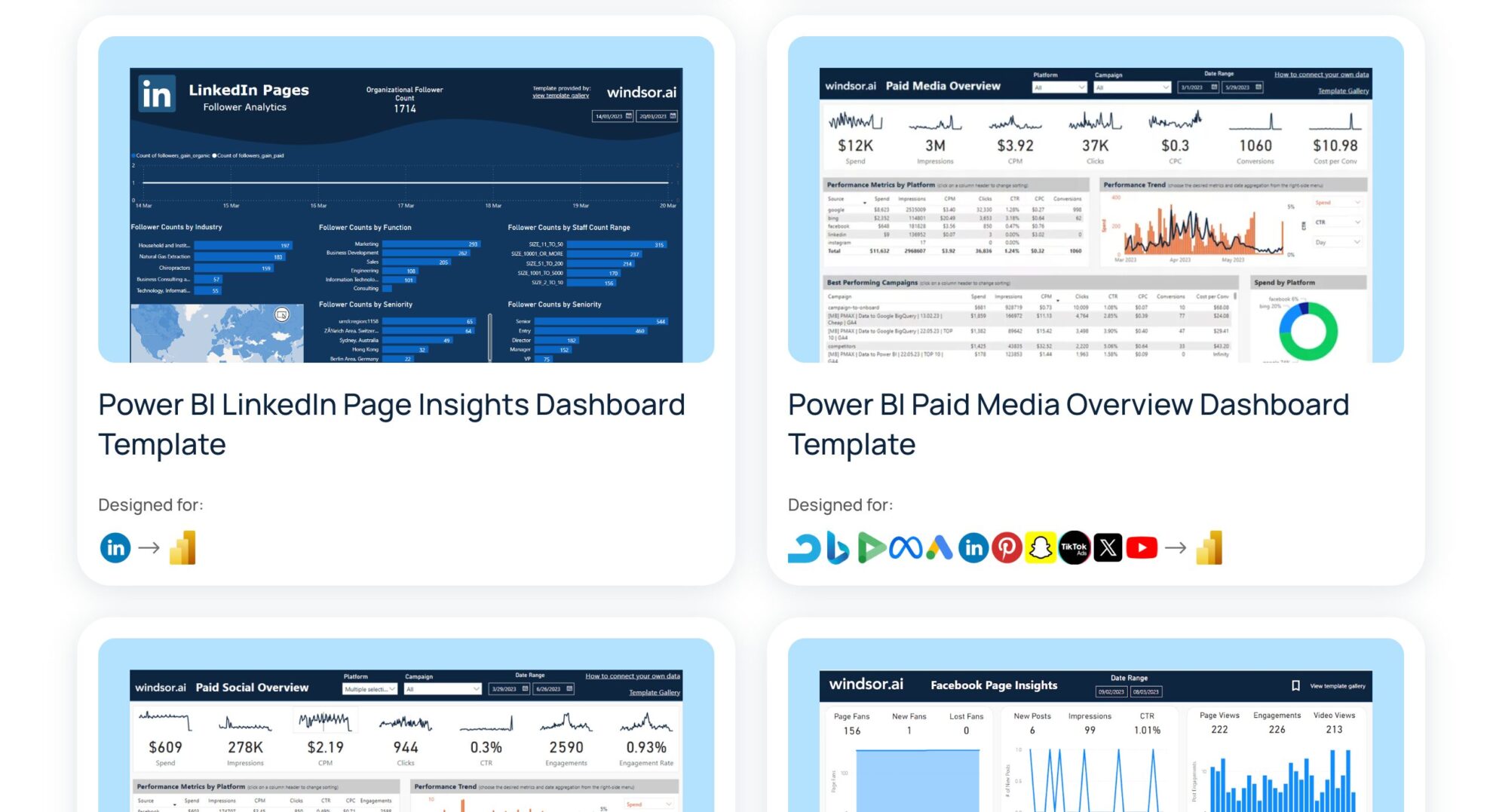














How to connect Teads to Power BI in Windsor.ai
Windsor.ai supports two Power BI integration methods: Desktop and Web.
Follow our step-by-step guide and video tutorials to get started quickly.
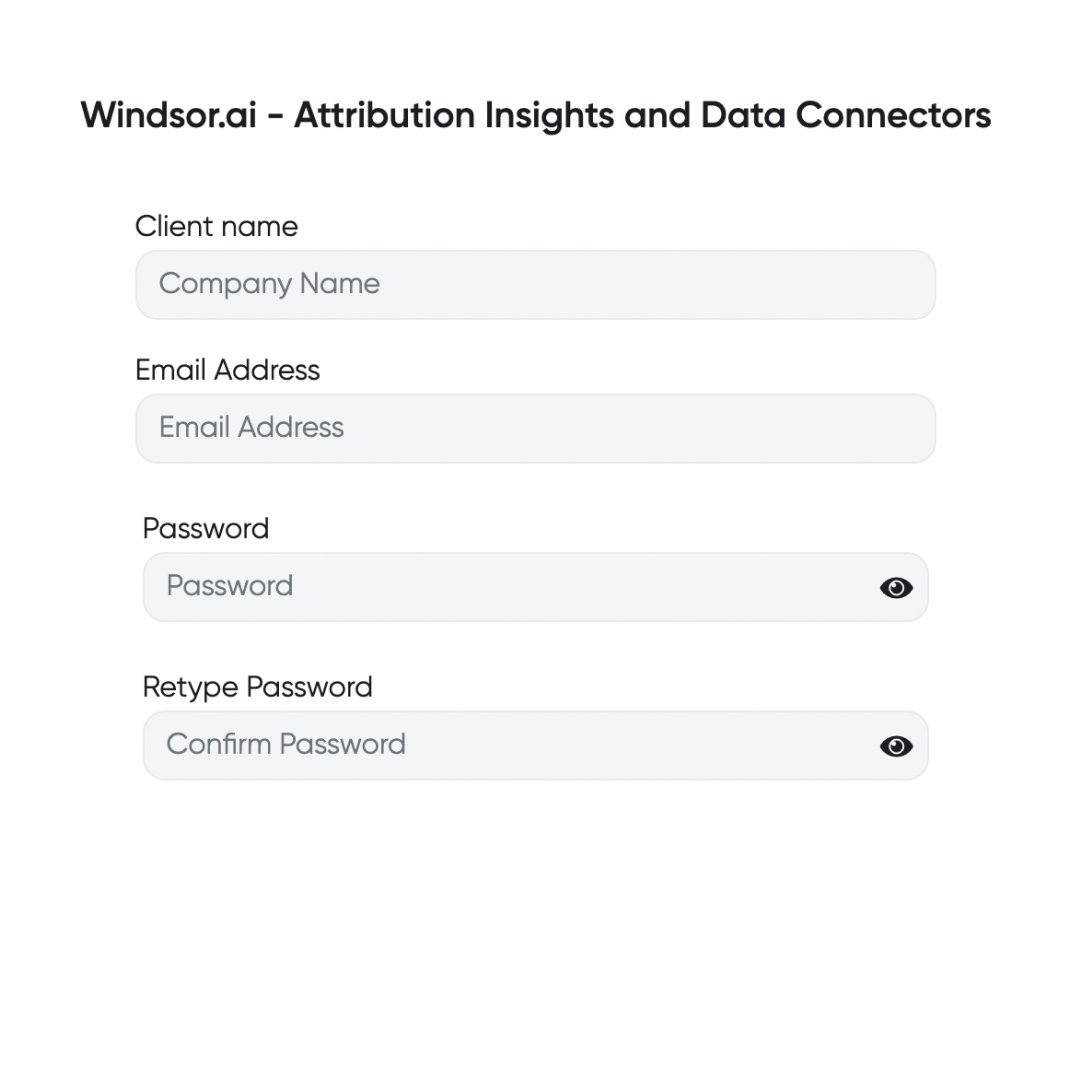
Register and log in to Windsor.ai
Create a new Windsor.ai account or log in if you already have one.
Select your data source
Choose Teads as your data source and go to the Preview screen.

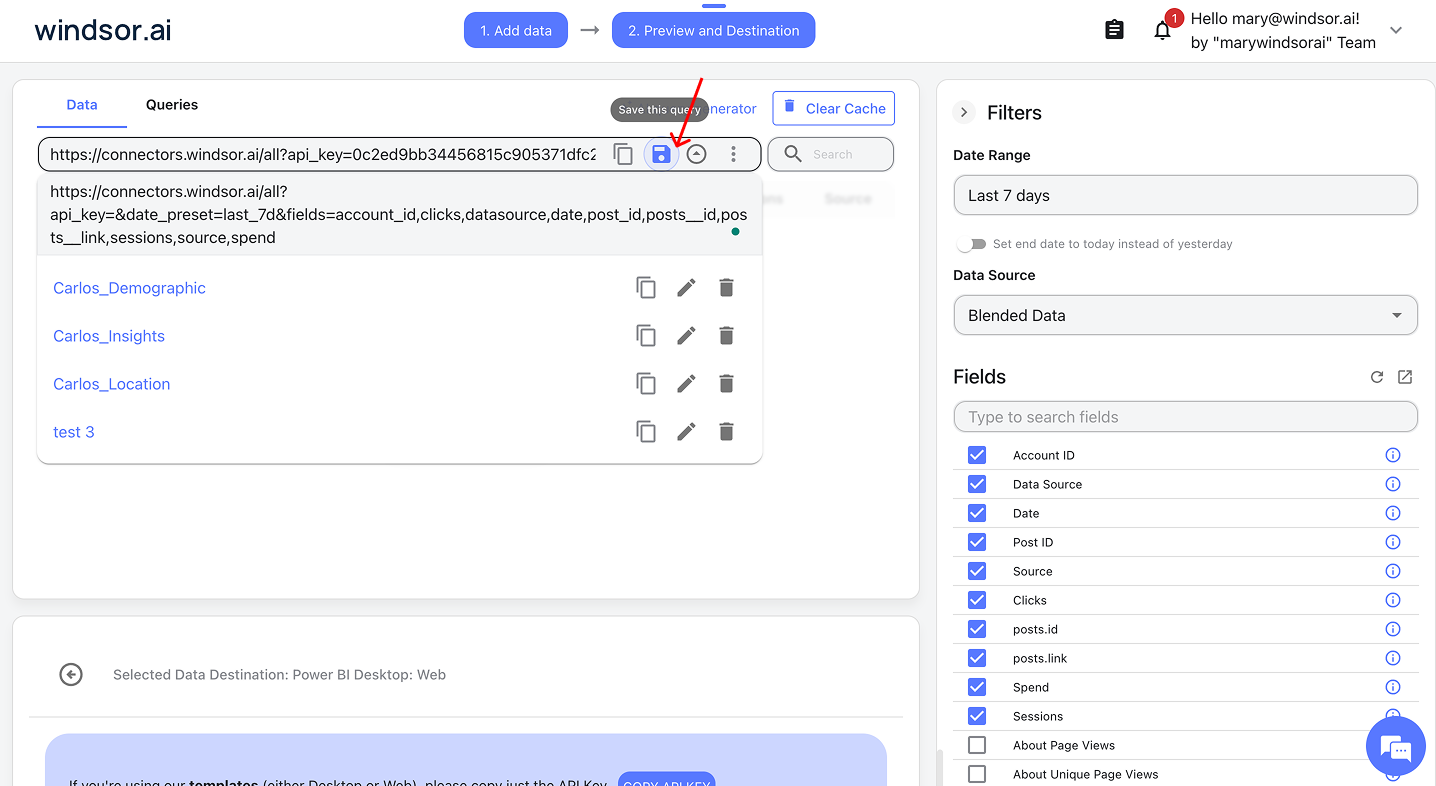
For Power BI Desktop: Save your query and select it in the app
- Save a query if you’re building a custom report in Power BI Desktop
- In Power BI Desktop, go to Get Data → Windsor → Sign in
- Select your saved query from Windsor and click Load
Video instructions: https://www.youtube.com/watch?v=Zf-3JYC1d1Q.
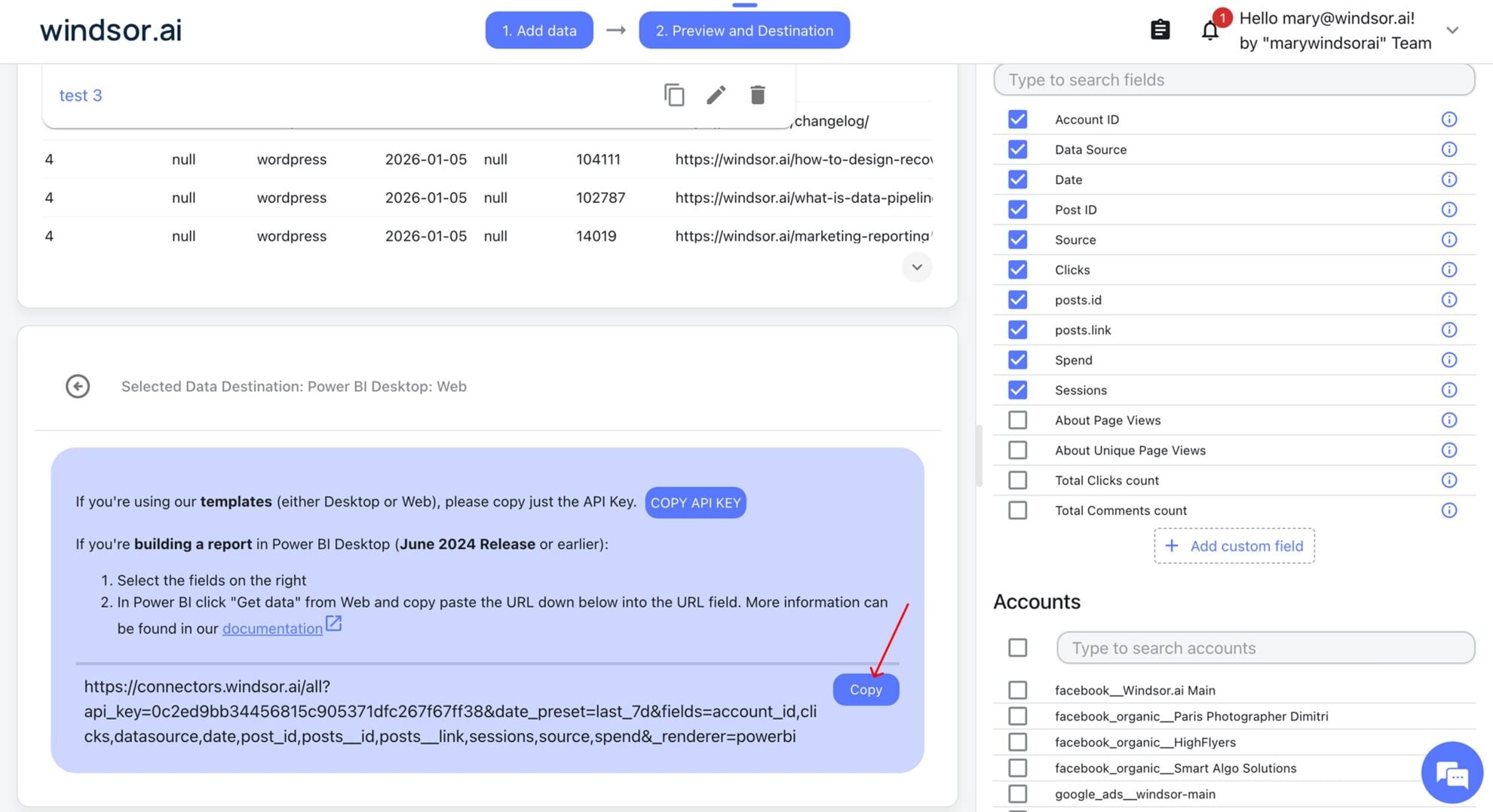
For Power BI Web: Copy your Windsor query URL
- Copy your query URL if you’re using Power BI Web
- In Power BI, go to Get Data → Web, paste your copied query URL, and click Ok
- Let the dashboard auto-load data
Video instructions: https://www.youtube.com/watch?v=L1NeAKUwqXk.
Build and refresh your report
Congratulations, you’ve connected your Teads data to Power BI via Windsor.ai. Now, you can visualize it in the preferred way.

FAQs
What is Power BI?
Power BI is a popular analytics tool developed by Microsoft for small and large businesses alike. It provides software services, connectors, and apps that work collectively to convert data into easy-to-interpret reports and dashboards. The insights gained can then be used to enhance an organization’s decision-making processes. Power BI also allows users to connect to hundreds of data sources, visualize, and share reports with the relevant people.
Do you have helpful links to get started with integrating Teads and using Windsor.ai?
Yes, we have helpful resources to help you get started. You can explore our official documentation and ready-to-use templates for seamless Teads to Power BI integration with Windsor.ai:
How much time do I need to create the Teads and Power BI integration?
Windsor.ai provides a user-friendly interface and a powerful data connector that enables you to integrate Teads with Power BI in under 5 minutes, making the process quick and hassle-free.
How much does it cost to integrate Teads into Power BI with Windsor.ai?
Windsor.ai’s pricing for Teads into Power BI data integration can vary depending on your use case. We offer transparent pricing plans tailored to diverse business needs and budgets.
Tired of manual Teads data exports? Try Windsor.ai today to automate your reporting


