 Destinations
 Data sources
 AI insights
 About us
 Careers
 Security
 Customer reviews
 Contact us
 Affiliate program
 Solution partners
 Template gallery
 Looker Studio templates
 Power BI templates
 Excel templates
 Google Sheets templates
 Tableau templates
 Facebook Ads templates
 Google Ads templates
 Data fields & Metrics
 AI prompt library & Guides
 Product documentation
 API documentation
 Case studies
 Blog
Blog Data models
 Windsor vs Supermetrics
 Windsor vs Funnel.io
 Windsor vs Fivetran
 Windsor vs Rivery
 Windsor vs Portermetrics
 Windsor vs Coupler.io
Connect Threads to Claude
Sync your Threads data to Claude with the Windsor.ai connector. Spot viral content, refine your strategy, and take action right from the chat.
Forget CSVs. Stop copy/paste. Connect data in minutes. No code required.
 Sign up with Google
 Free forever plan









Elevate your Threads performance with advanced AI analysis in Claude
Stream your Threads data into Claude to instantly analyze your social media performance and scale top-performing content. Explore the key benefits and use cases:

Identify viral triggers
Analyze which specific post themes lead to high quote and repost counts to replicate viral success. This helps you understand what content motivates your audience to share your message with their own followers.

Optimize content format
Ask Claude to compare the engagement rates of videos, images, and text-only posts to determine your most effective media strategy. You can then shift resources toward the formats that yield the highest views per post.

Track profile growth drivers
Link specific high-performing posts to spikes in profile views and follower growth. Claude can highlight exactly which types of content are turning casual viewers into long-term followers.

Synchronize organic messaging
Claude can analyze top-performing post text across Threads and Instagram to identify which hooks and messaging drive the most engagement. Use these insights to refine a consistent brand voice across your social channels.
Using Windsor.ai to connect data from Threads to Claude
Bringing Threads data to Claude usually requires manual exports, technical setup, or expensive tools. Windsor.ai simplifies this with a connector that automatically collects, cleans, and delivers Threads metrics directly into Claude.
Connect in minutes and start analyzing your social media data via human language.
The connection runs both ways. Alongside your metrics, Claude gets Windsor.ai’s Threads write actions, so it can publish and reply on your behalf. The list below is pulled live and always shows what Claude can currently do with your account.
Available actions
Create Image Post Publish a single image post to the connected Threads account. Provide a publicly accessible image URL (JPEG or PNG) and an optional text caption (at most 500 characters). For a text-only post use create_text_post; to reply to an existing post use create_reply.
Publish a single image post to the connected Threads account. Provide a publicly accessible image URL (JPEG or PNG) and an optional text caption (at most 500 characters). For a text-only post use create_text_post; to reply to an existing post use create_reply.
Create Reply Publish a text reply to a Threads post or reply on the connected account. reply_to_id is the media id of the post or reply being replied to, as returned by the post_id or reply_id read fields. Provide the reply text (at most 500 characters). The reply is public and attributed to the account.
Publish a text reply to a Threads post or reply on the connected account. reply_to_id is the media id of the post or reply being replied to, as returned by the post_id or reply_id read fields. Provide the reply text (at most 500 characters). The reply is public and attributed to the account.
Create Text Post Publish a text-only post to the connected Threads account. Provide the post text (at most 500 characters). To attach an image use create_image_post; to reply to an existing post use create_reply.
Publish a text-only post to the connected Threads account. Provide the post text (at most 500 characters). To attach an image use create_image_post; to reply to an existing post use create_reply.














How to connect Threads to Claude with Windsor.ai
Explore our video tutorial and a step-by-step guide to integrate your data from any source into Claude with the Windsor.ai connector.
Select your data source
Choose Threads as your data source and grant access to Windsor.ai.

Install the Windsor.ai connector in Claude
In Claude, open Customize, then Connectors, search for Windsor and click Add. Sign in to your Windsor.ai account when prompted, and the connector appears in your Connectors list. You can also open the Windsor.ai listing in the Claude directory and click Connect.

Query your data in Claude
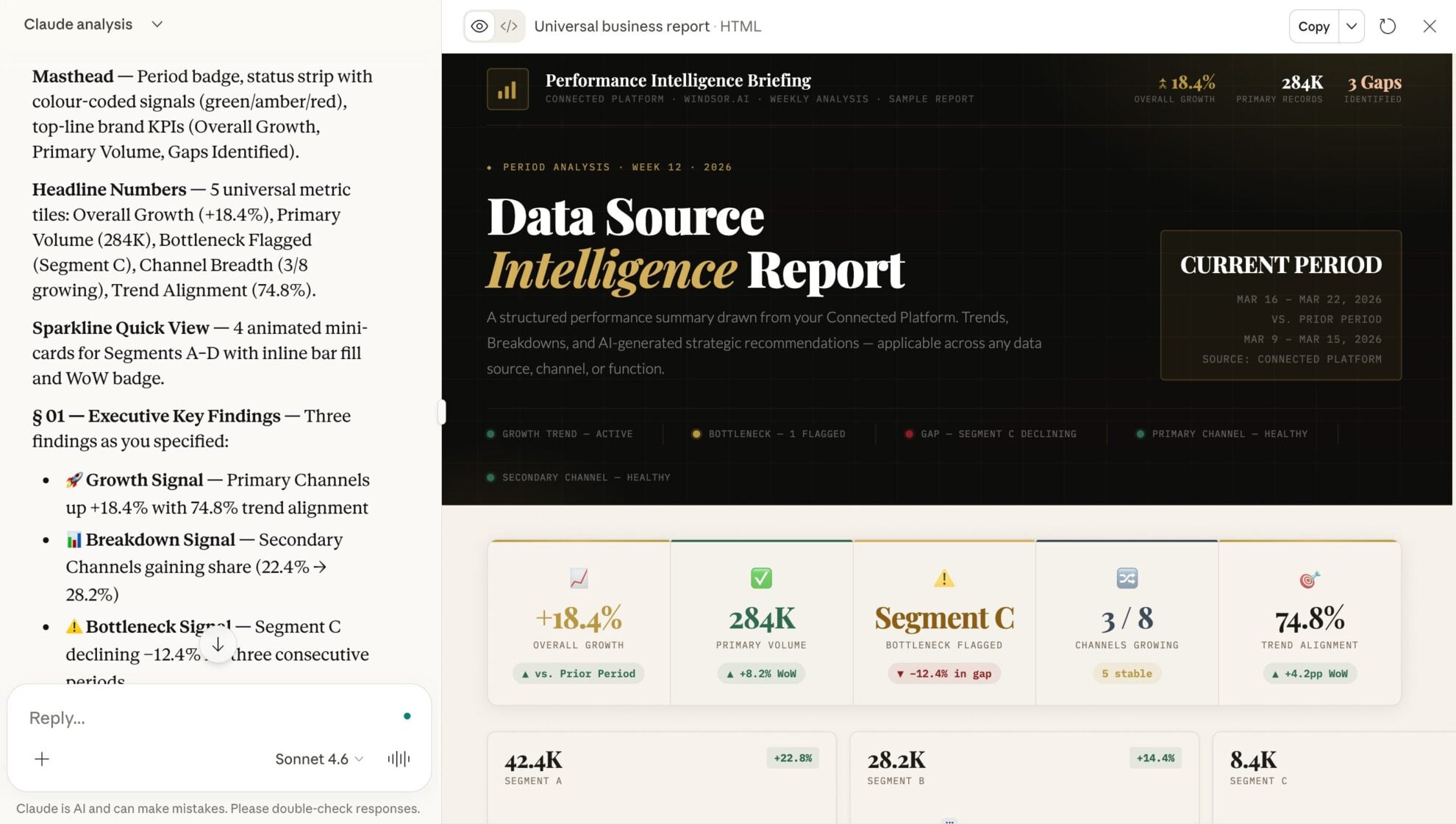
Start a new chat and ask Claude questions about your connected data: summarize KPIs, create client reporting dashboards, or run advanced analyses.
FAQs
What can I do with Threads data in Claude?
Once your Threads data is in Claude, you can:
- Evaluate post-performance. Measure results using views, likes, replies, reposts, shares, and quotes metrics to identify your top-performing posts.
- Find top-performing content formats. Compare results by post_media_type (text, image, video, carousel) to see which formats drive the most engagement.
- Understand what drives engagement. Analyze post_text and content themes alongside engagement metrics to uncover patterns behind high-performing posts.
- Track trends over time. Use post_timestamp, date, week, and month to spot trends, spikes, or performance drops.
- Measure reach vs. interaction. Compare post views vs. engagement metrics to identify posts that attract attention but fail to convert into interaction.
- Monitor audience growth and impact. Track profile_followers_count, profile_views, and profile engagement metrics to understand how content influences account growth.
Find more details about Windsor MCP for Claude use cases in this guide: https://windsor.ai/how-to-use-windsor-mcp-examples-use-cases/.
Can Claude post to Threads, or does it only read my data?
Both. Windsor.ai gives Claude write access to your Threads account, so it can publish a text post, publish an image post (pass a public JPEG or PNG URL with an optional caption), and reply to an existing post or reply. Text is capped at 500 characters, the Threads limit.
Claude shows you the exact post before it goes live, so nothing publishes without your confirmation. The Available actions list on this page is pulled live from the Windsor.ai API, so it always reflects what Claude can currently do with your Threads account.
How often does the Threads data refresh in Claude?
When you prompt your data in Claude, Windsor.ai pulls the latest available data from the Threads API, ensuring you get up-to-date insights.
Can I compare Threads performance with other social channels in Claude?
Yes, if you connect other sources like Instagram or LinkedIn via Windsor.ai, Claude can perform cross-channel analysis to see where your brand is gaining the most traction.
What prompts can I use when analyzing Threads data in Claude?
Use more specific prompts to extract deeper insights from your Threads data. For example:
-
Analyze my posts with the highest 'Quotes' and 'Reposts.' Identify the linguistic patterns, sentence structures, or specific 'hooks' used in the post text that triggered people to share rather than just like.
-
Cross-reference my follower demographic data (Age and City) with my top-performing content. Create a detailed 'Audience Persona' report and suggest 5 content topics that would specifically appeal to this dominant demographic.
-
Review my last 30 days of Threads data. Based on the topics that drove the most profile views and quotes, draft a content calendar for the next 14 days designed to maximize 'Quotes' and viral discovery.
-
Calculate an engagement efficiency score for my recent posts (Total Interactions / Views). Identify 'high-efficiency' outliers, posts that had low views but extremely high engagement, and explain what made them so compelling to the small group that saw them.
How much does it cost to integrate Threads into Claude using Windsor.ai?
Windsor.ai’s pricing for Claude data integration varies depending on the number of connected accounts and data sources. We offer absolutely transparent pricing plans for diversified business needs and budgets.
How long does it take to connect Threads to Claude?
With Windsor.ai’s easy-to-use connector, the integration process takes just a few minutes. No technical expertise is needed; syncing Threads to Claude is simple, straightforward, and completely code-free.
Do you have helpful links to get started with integrating Threads and Claude using Windsor.ai?
Yes, we have helpful resources to help you get started. You can explore our official documentation and tutorials for seamless Threads to Claude integration with Windsor.ai:
Tired of manual Threads data exports? Try Windsor.ai today to automate your reporting


