 Destinations
 Data sources
 AI insights
 About us
 Careers
 Security
 Customer reviews
 Contact us
 Affiliate program
 Solution partners
 Template gallery
 Looker Studio templates
 Power BI templates
 Excel templates
 Google Sheets templates
 Tableau templates
 Facebook Ads templates
 Google Ads templates
 Data fields & Metrics
 AI prompt library & Guides
 Product documentation
 API documentation
 Case studies
 Blog
Blog Data models
 Windsor vs Supermetrics
 Windsor vs Funnel.io
 Windsor vs Fivetran
 Windsor vs Rivery
 Windsor vs Portermetrics
 Windsor vs Coupler.io
Connect WooCommerce to Azure Blob Storage
Quickly integrate your WooCommerce data into Azure Blob Storage with Windsor.ai’s ETL connector.
Our platform automatically extracts WooCommerce data and loads it into Azure Blob Storage, enabling centralized storage, fast data access, and seamless integration with analytics and ML tools.
Forget CSVs. Stop copy/paste. Connect your data in 2 minutes. No code required.
 Sign up with Google
 Free forever plan
No credit card needed
Free forever plan
No credit card needed










Manage growing e-commerce data efficiently with WooCommerce to Azure Blob integration
With Windsor.ai, you can seamlessly connect WooCommerce to Azure Blob Storage, simplifying data management through these powerful capabilities:

Automated data pipelines
Your WooCommerce data is pulled, processed, and delivered to Azure Blob Storage on a scheduled basis, no scripts, no manual updates. Order details, customer info, and product changes are captured automatically to ensure your reporting is always based on the latest data.

High-performing environment
Azure Blob Storage provides a scalable, cost-efficient platform for storing large WooCommerce datasets in formats like Parquet, JSON, or CSV. This flexibility allows you to handle spikes in transaction volume and access data quickly for analytics, machine learning, or reporting.

Unified view across channels
Windsor.ai allows you to connect WooCommerce data with over 350+ sources, including advertising platforms, CRMs, and web analytics tools, into a centralized data lake. This unified architecture simplifies building holistic performance reports and analytics pipelines.
Using Windsor.ai connector to import data from WooCommerce into Azure Blob Storage
Syncing WooCommerce data with Azure Blob Storage can be complex, expensive, and resource-heavy. Windsor.ai simplifies the entire process with a fast and affordable solution.
Our ETL connector streams WooCommerce data into Azure Blob Storage in minutes, eliminating the need for manual exports or custom scripts.
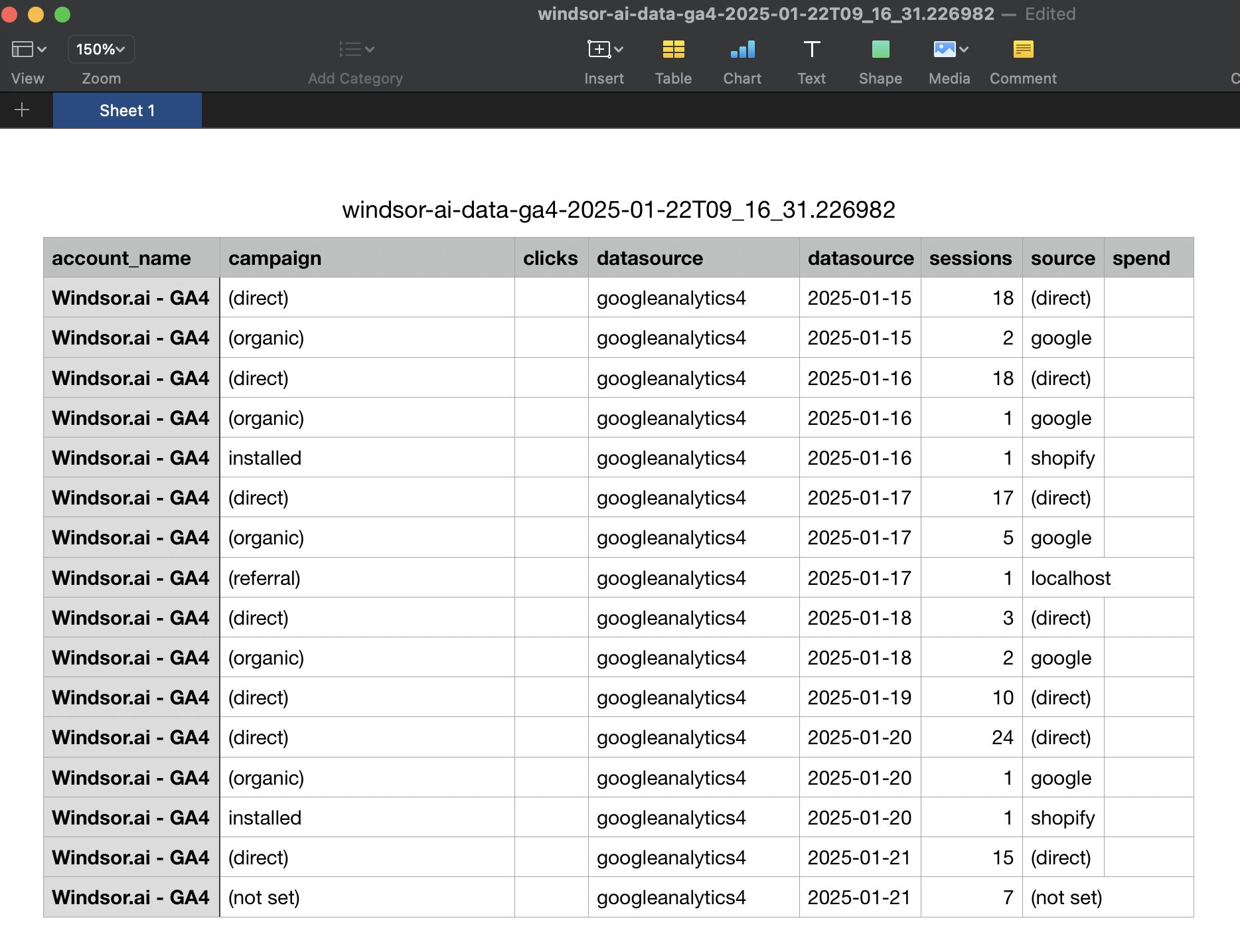














How to connect WooCommerce to Azure Blob Storage in Windsor.ai
To set up the connector, make sure you have the following things in place:
- WooCommerce account
- Configured Azure Blob Storage environment
- Active Windsor.ai account
Register and log in to Windsor.ai
Create a new Windsor.ai account or log in if you already have one.

Connect a data source
In your Windsor.ai dashboard, connect WooCommerce to Windsor.ai. Select the necessary account(s) you want to pull data from and click “Next.”

Select Azure Blob Storage as your data destination
Complete the integration of Azure Blob Storage with the Windsor.ai connector and create a destination task.
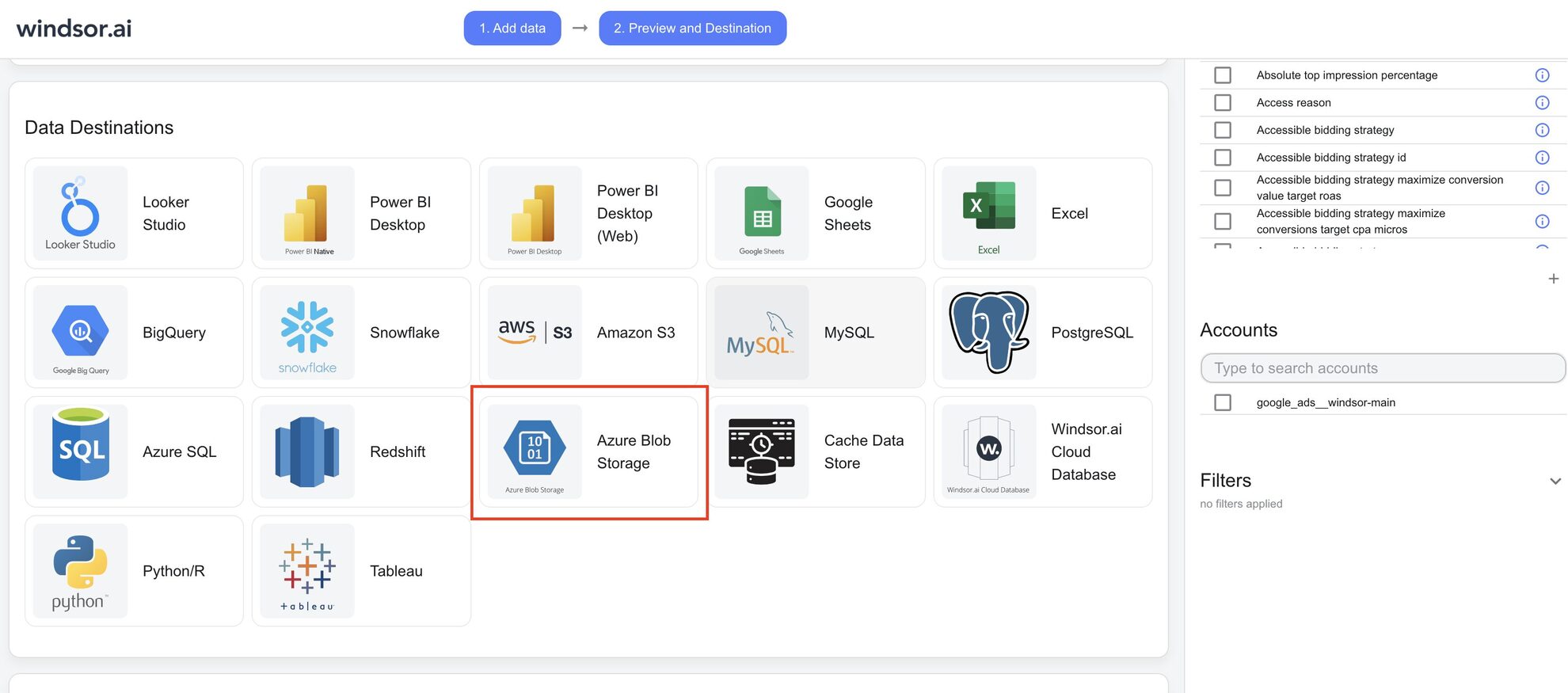
Complete and run the destination task
Enter all the essential details in the destination task table and click “Save.”

See the integrated data in Azure Blob Storage
Verify that your data is being added to the Azure Blob Storage by previewing the CSV files in your storage account container.
FAQs
What is Azure Blog Storage?
Azure Blob Storage is a cloud-based solution designed to store large amounts of unstructured data. The platform provides organizations with a cost-effective and reliable way to store and manage data like documents, images, videos, and backups.
Do you have helpful links to get started with integrating WooCommerce and Azure Blob Storage using Windsor.ai?
Yes, we have helpful resources to help you get started. You can explore our official documentation and tutorials for seamless WooCommerce to Azure Blob Storage integration with Windsor.ai:
How much time do I need to create the WooCommerce and Azure Blob Storage integration?
Windsor.ai provides a user-friendly interface and a powerful data connector that enables you to integrate WooCommerce with Azure Blob Storage in under 5 minutes, making the process quick and hassle-free.
How much does it cost to integrate WooCommerce into Azure Blob Storage with Windsor.ai?
Windsor.ai’s pricing for WooCommerce into Azure Blob Storage integration can vary depending on your use case. We offer absolutely transparent, fixed pricing plans for diversified business needs and budgets, starting at just $19/month, with a free forever plan available and no credit card required.
Tired of manual WooCommerce data exports? Get started with Windsor.ai today to automate your reporting


