 Destinations
 Data sources
 AI insights
 About us
 Careers
 Security
 Customer reviews
 Contact us
 Affiliate program
 Solution partners
 Template gallery
 Looker Studio templates
 Power BI templates
 Excel templates
 Google Sheets templates
 Tableau templates
 Facebook Ads templates
 Google Ads templates
 Data fields & Metrics
 AI prompt library & Guides
 Product documentation
 API documentation
 Case studies
 Blog
Blog Data models
 Windsor vs Supermetrics
 Windsor vs Funnel.io
 Windsor vs Fivetran
 Windsor vs Rivery
 Windsor vs Portermetrics
 Windsor vs Coupler.io
Connect YouTube to Lovable
Automatically sync your YouTube data to Lovable using the Windsor.ai connector.
Analyze video performance, monitor subscriber growth, and turn your channel insights into live Lovable dashboards, all with natural language prompts.
Forget CSVs. Stop copy/paste. Connect data in minutes. No code required.
 Sign up with Google
 Free forever plan
No credit card needed
Free forever plan
No credit card needed










Turn your YouTube data into real-time insights in Lovable
Stream your YouTube data into Lovable with Windsor MCP to spend less time exporting and more time optimizing your video content performance. Here’s what you can do:

Find subscriber-driving videos
Use subscribers_gained and subscribers_lost per video to find which content converts viewers into subscribers. Double down on the format, topic, and length that consistently grow your channel.

Fix low watch time
Let Lovable analyze average_view_percentage and average_view_duration to identify videos that attract clicks but lose viewers in the first 30 seconds. Fix the hook, restructure the intro, or stop making that content format entirely.

Optimize in-video CTAs
Cross-reference card_click_rate and card_teaser_click_rate with average_view_duration to find the optimal moment to place cards. Lovable highlights which videos and content types make viewers most likely to click, allowing you to replicate that placement across future uploads.

Map YouTube to revenue
Connect YouTube data alongside Google Ads or WooCommerce with Windsor MCP to analyze the entire customer journey, from first video view to completed order, and prove the real business impact of your content.
Using Windsor.ai to connect data from YouTube to Lovable
Getting YouTube data into Lovable means exports, formatting, and a complex technical setup. Windsor MCP removes that friction entirely by collecting, normalizing, and streaming your video performance data directly into Lovable.
Ask plain‑language questions and get real‑time insights in seconds.














How to connect YouTube to Lovable with Windsor.ai
Explore our video tutorial and a step-by-step guide to integrate your YouTube data into Lovable with the Windsor.ai connector.
Select your data source
Choose YouTube as your data source and grant access to Windsor.ai.

Select custom connector in Lovable
In Lovable, open Connectors and select Custom MCP.

Add MCP server
Enter the following details:
- Name: Windsor.ai
- URL: https://mcp.windsor.ai/
Click Add & Authorize to save the connector and authorize access to Windsor.ai.

Authorize and start querying your data
Once added, Windsor will appear in your list of connectors. Enable Always allow permissions for faster access.
Open a new chat and start querying your connected data.

FAQs
Can I combine YouTube data with other marketing data in Lovable?
Yes. Windsor.ai connects 350+ sources, so you can blend YouTube alongside Google Ads, TikTok, Instagram, or Shopify into one Lovable workspace, and map the full content-to-conversion journey from a YouTube view to a completed order.
How fresh is my YouTube data in Lovable?
Data refreshes with every query. Each time you prompt Lovable, Windsor.ai pulls the latest YouTube Analytics data, ensuring your insights are always up-to-date without manual exports or scheduled syncs.
Can I analyze watch time trends in Lovable?
Yes. estimated_minutes_watched and average_view_duration are available per video per day. Ask Lovable to show total watch time by week, identify which videos contribute most to overall minutes watched, or flag videos where average view duration has dropped compared to the previous month.
What prompts can I use to analyze my YouTube data in Lovable?
Beyond basic performance summaries, you can use more advanced, specific prompts to uncover deeper insights. For example:
-
Compare Shorts vs. long-form video performance over the last 90 days (average view percentage, engaged views, and subscribers gained per video). Which format drives more channel growth per upload?
-
Analyze card click rate across all videos published in the last 6 months. At what average view duration do card clicks peak, and which video categories generate the highest card CTR?
-
Show me videos where subscribers lost exceeds subscribers gained in the last 30 days. What do those videos have in common in terms of content type, length, and category?
-
Compare estimated minutes watched vs. view count per video over the last 90 days. Identify videos with high views but low total watch time; these are attracting clicks but losing viewers fast. What patterns do you see?
Do you have helpful links to get started with integrating YouTube and Lovable using Windsor.ai?
Yes, we have helpful resources to help you get started. You can explore our official documentation and tutorials for seamless YouTube to Lovable integration with Windsor.ai:
Can I build a video performance dashboard in Lovable?
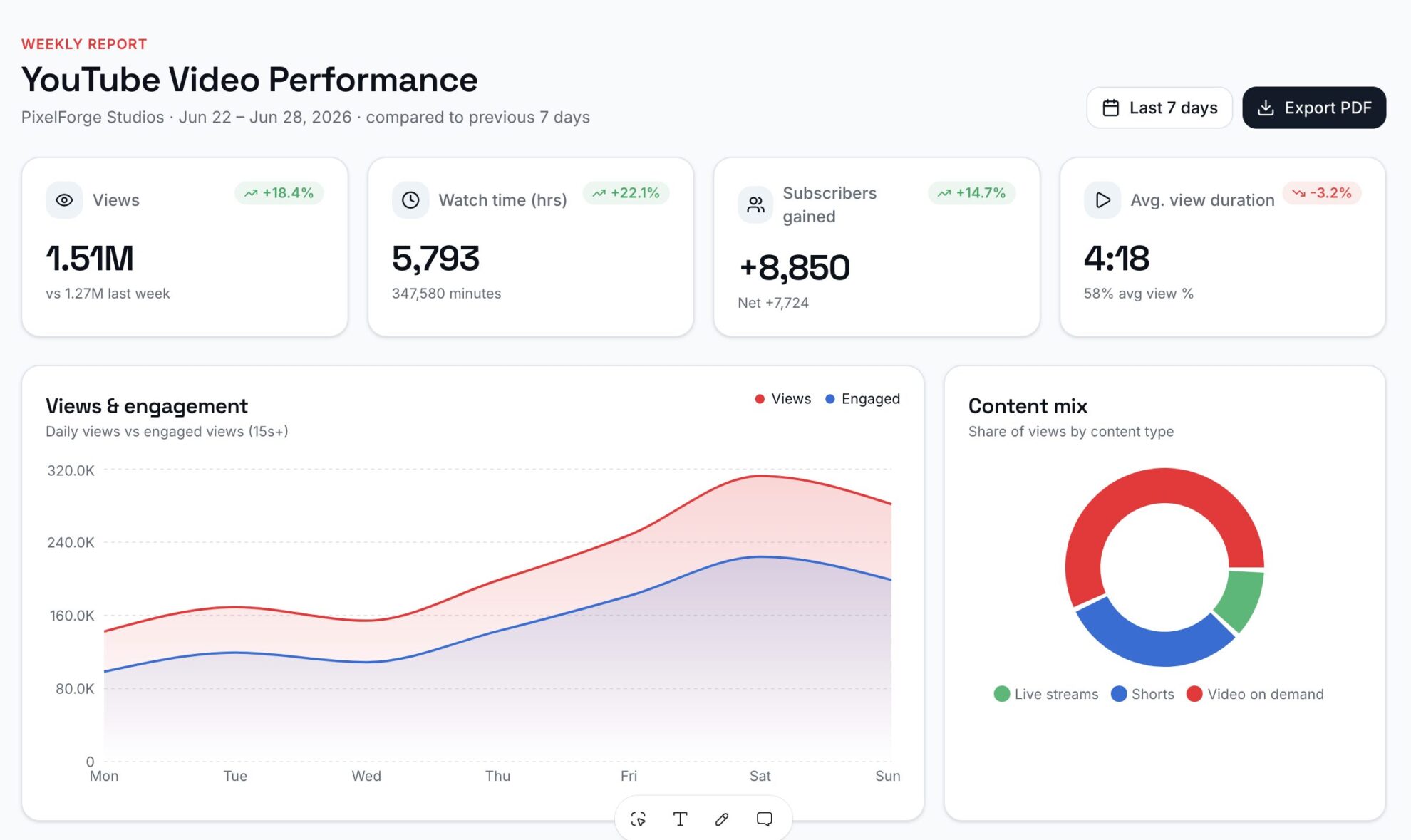
Yes. Tell Lovable which KPIs you want to track and it generates a live, interactive app in seconds, no code or design skills required. One-click publishing deploys your dashboard to a shareable URL on a Lovable subdomain, so you can send it to your team or clients instantly.
Tired of manual YouTube data exports? Try Windsor.ai today to automate your reporting


